How can I add a playlist from my history, including Spotify tracks, to my library playlists?
I’m on Mac.
Thx
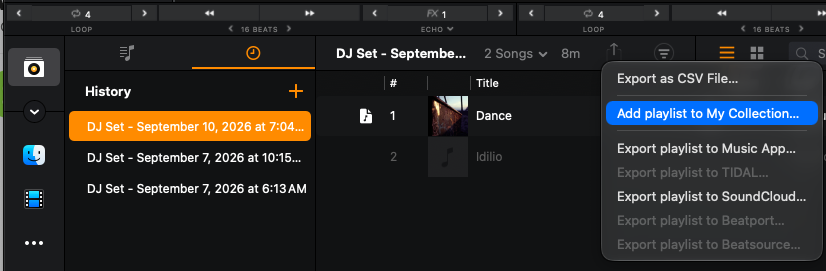
In My Collection | History there is a drop-down menu ↑ for exporting DJ Sets → My Collection and other music sources.
NOTES:
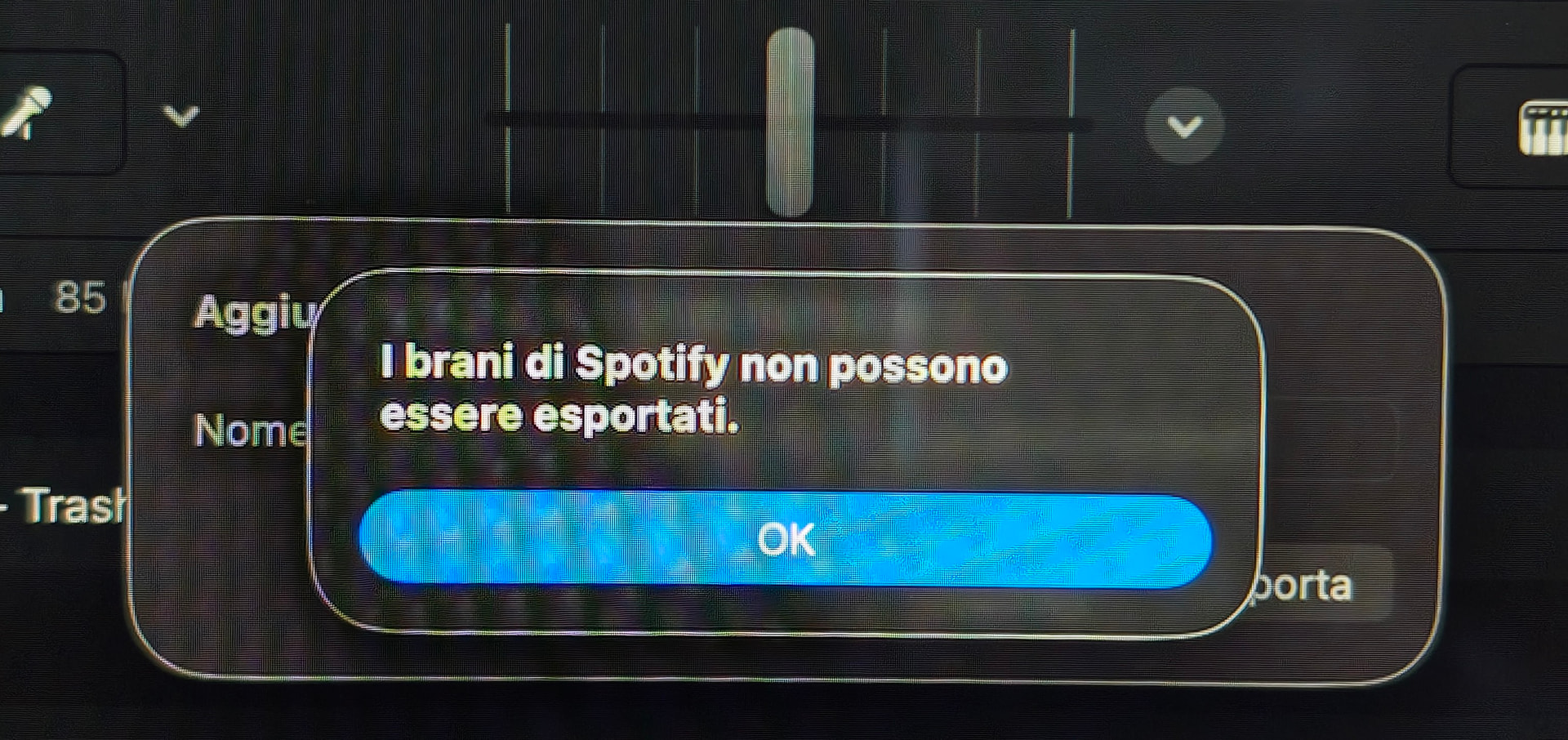
Thanks for the reply. Unfortunately, if Spotify tracks are included, this option doesn’t work.
I was wondering if there was an alternative way to do it; I don’t understand why it isn’t possible, given that copyright shouldn’t be an issue.
I just want to save the list itself, or have it save the list without the Spotify tracks…
Hi @Scoop, this is not currently supported with playlists that contain Spotify songs.
I thinks same
No type of export allowed…