NOTE: Please use the search function above before posting to avoid creating duplicate topics.
- Device model (e.g. 2020 iPad Air 4th Gen): Pixel 9 Pro XL
- Version of operating system (e.g. macOS 14.4.1): Android 17
- Version of djay (e.g. 5.1.2): 5.6.9
- Hardware/controllers used (e.g. Loop Mixon 8 Pro): None
- Hardware firmware version (e.g. 1.0.1):
- Please consider sharing a short video or screenshots to help clarify your question
YOUR QUESTION:
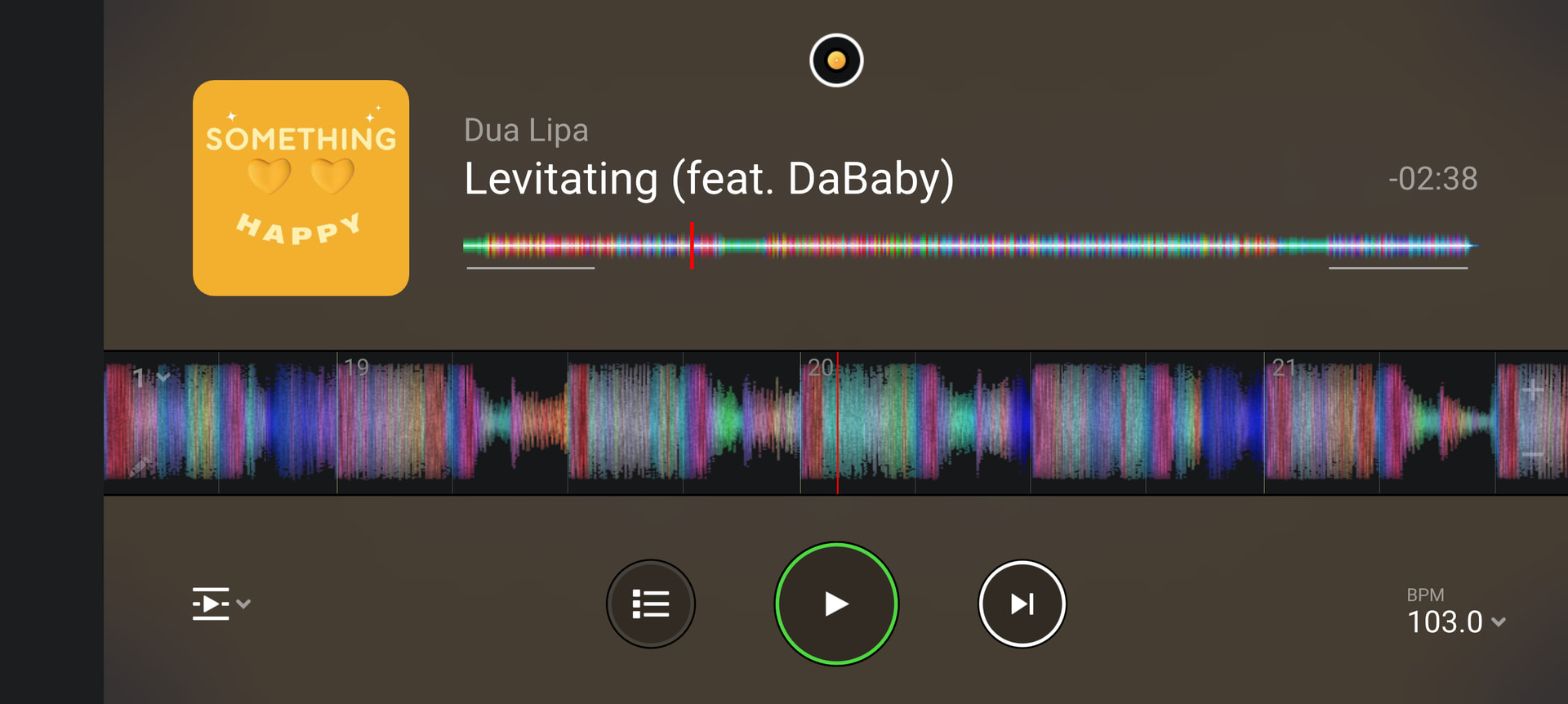
- Where the Queue list for auto mix when selecting a playlist? I don’t even know what song is gonna play next.
Hi @GhostLegacy, welcome to the Community!
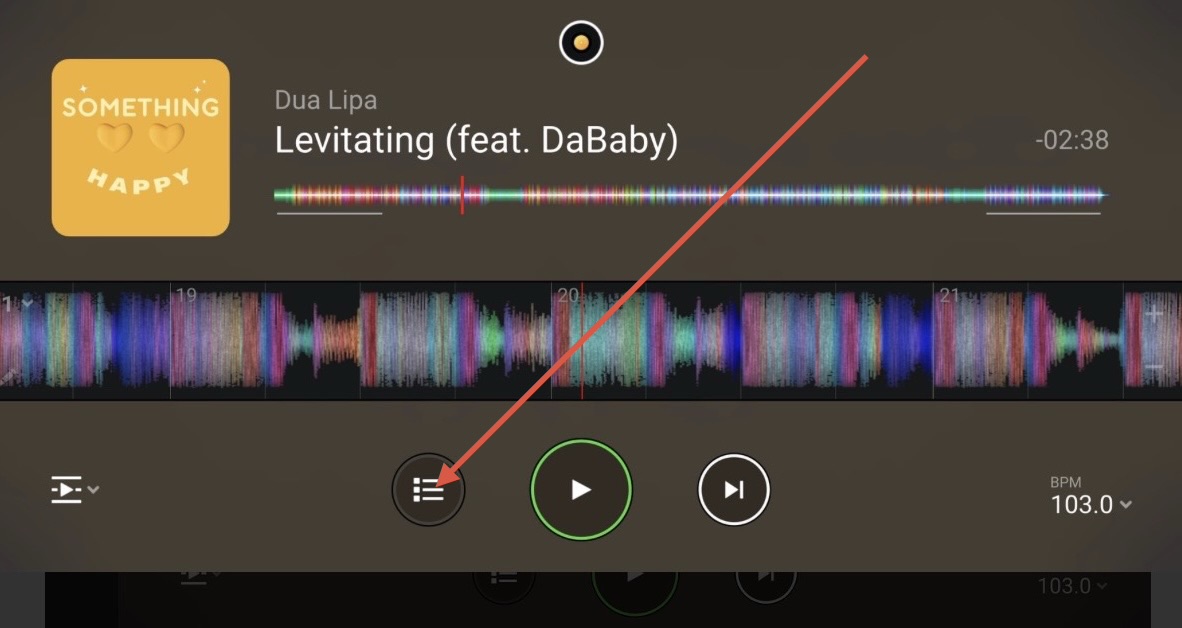
Good news, it’s right there on your screen. The list button just left of Play is the Automix playlist. Tap it to see what’s coming up next, and to add or remove tracks.
The skip button on the other side of Play mixes straight into the next track in that list.
If you tap it and the list comes up empty while your Apple Music playlist is playing, send a screenshot of what you see and we’ll dig in.
I hope that helps!
Hello, that is not what happens on the Android version.
I’m not sure of you guys have anyone testing the Android version at all.
Because I have an iPhone as well and I know when you press that button it shows you that you can select the playlist and then it tells you the queue of what song is next.
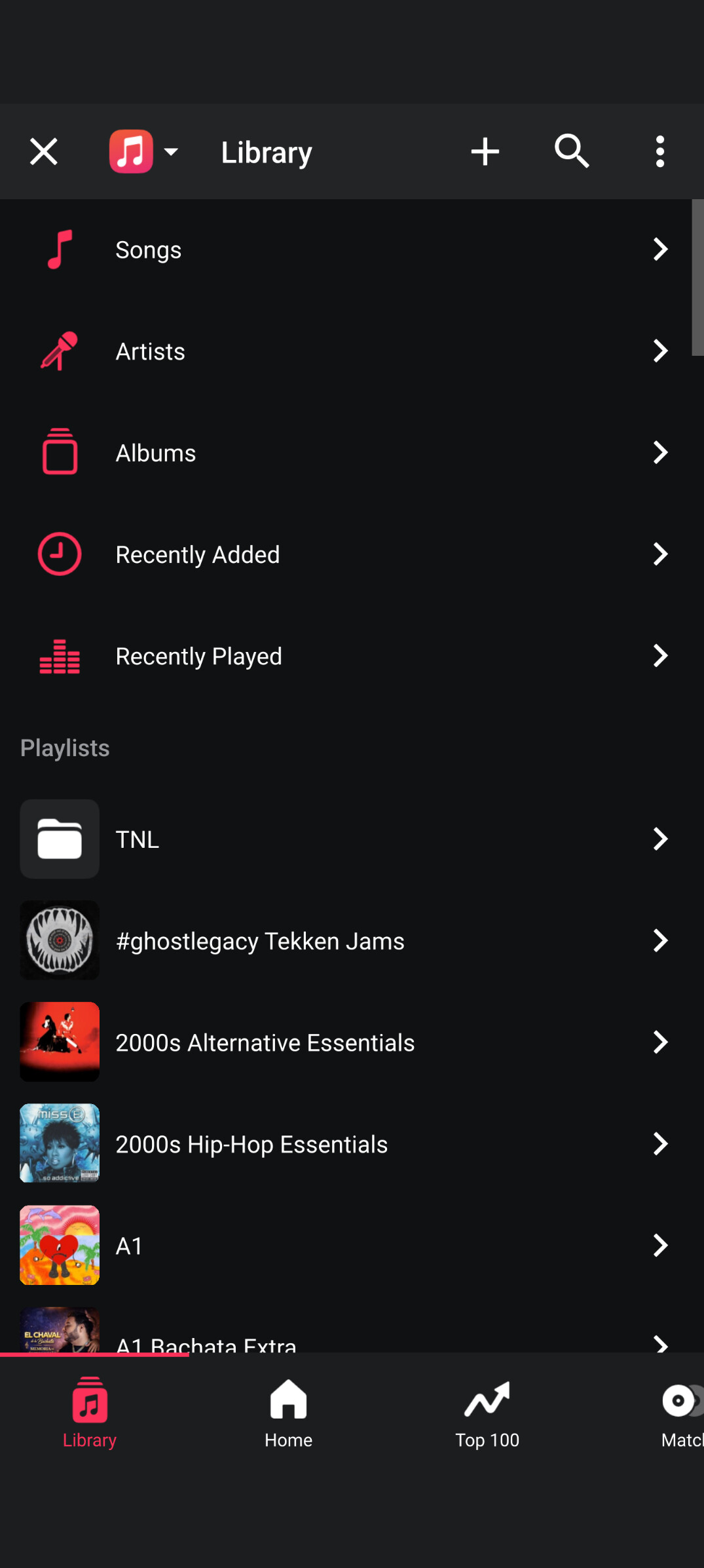
On the Android When you press that button it shows you the Apple music playlist but it doesn’t show you the queue at all at any point.
I’m very disappointed in this app and the quality of release for Android.
I understand as many variations of Android but maybe you can limit it to like the Samsung Galaxy devices and the Google pixel devices
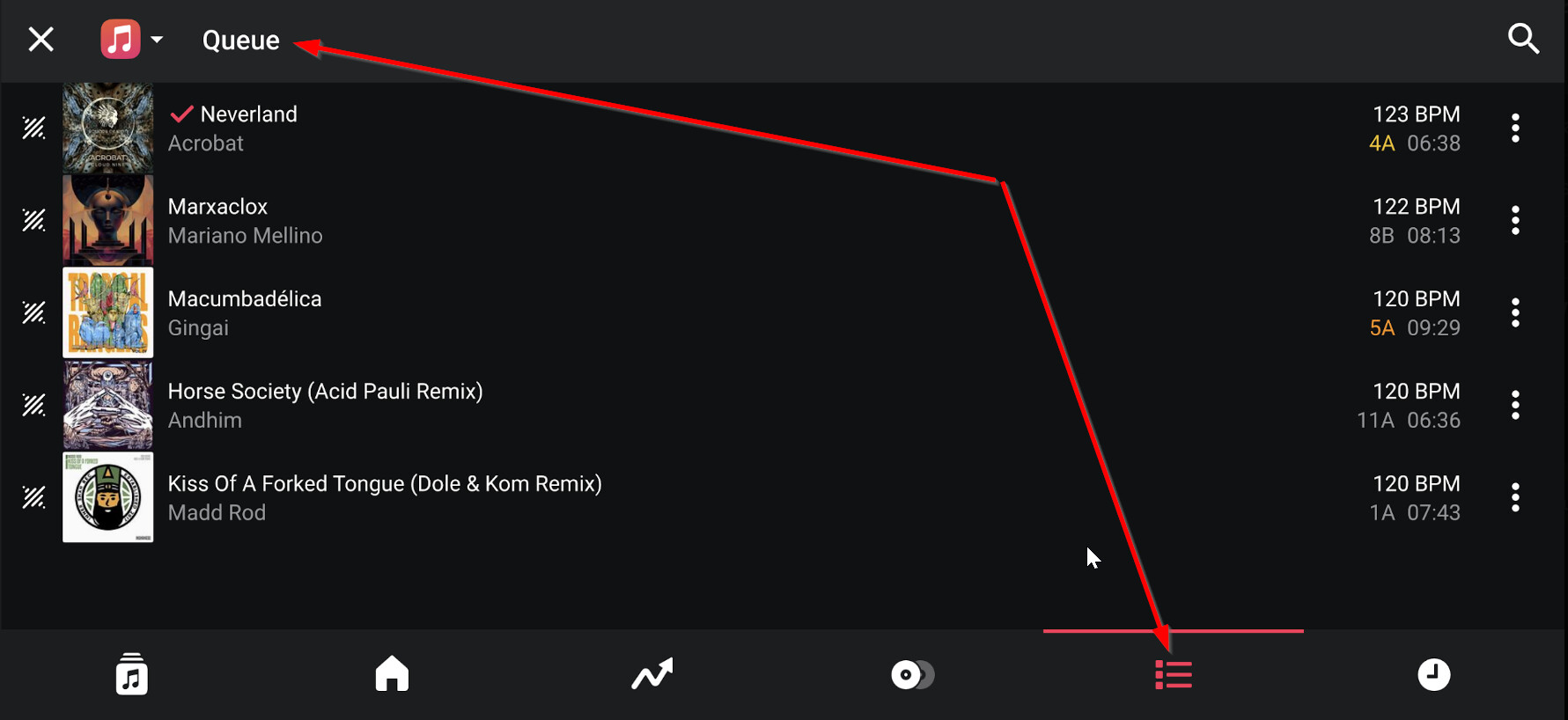
Hi again @GhostLegacy thanks for coming back with the screenshot, and sorry for pointing you the wrong way. You’re right: on Android that button opens the library so you can pick what Automix plays. It doesn’t show an up-next list.
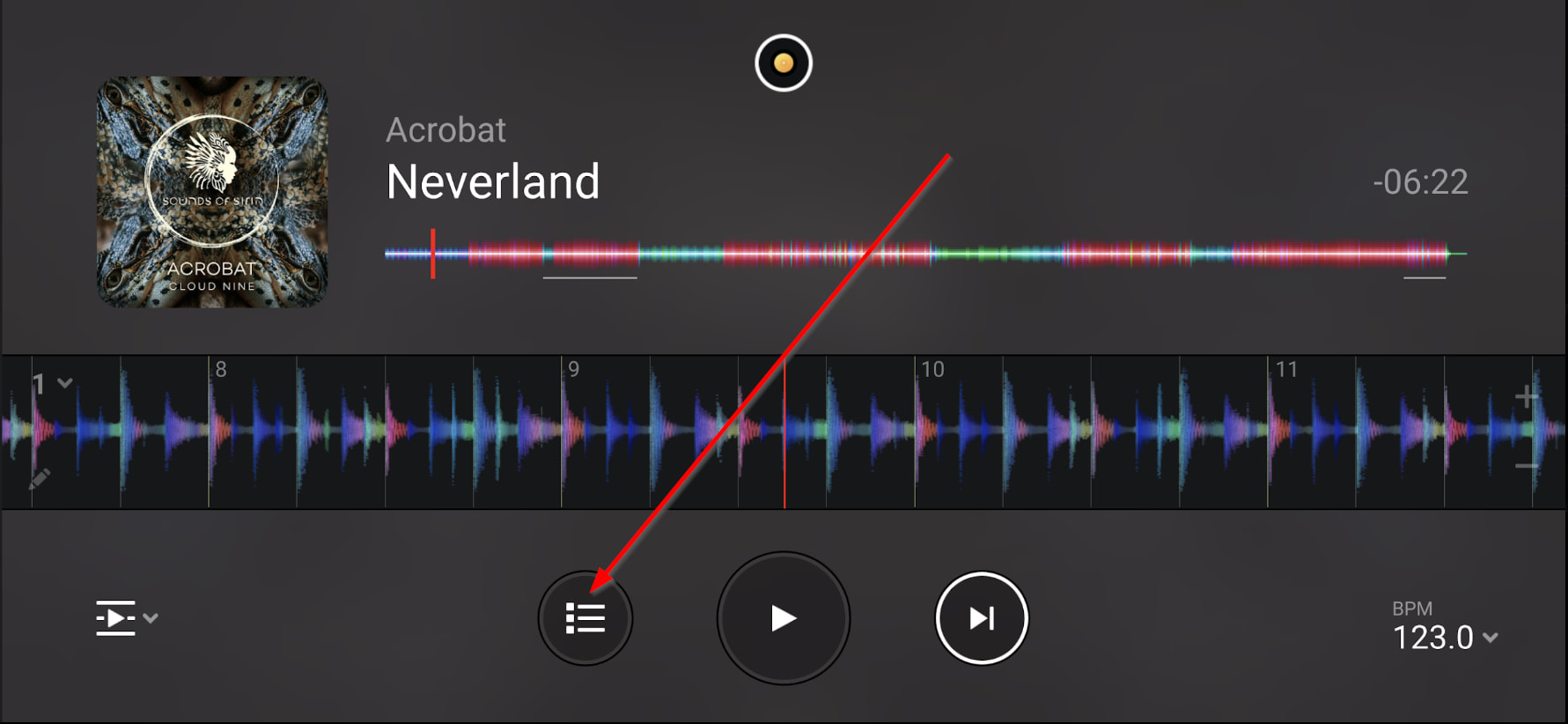
There’s one thing I’d like you to check. The Android manual lists a Queue tab along the bottom of the library screen, and in your screenshot that bar looks cut off right after Match. Can you swipe it to the left and tell me whether a Queue tab shows up, and whether it shows what’s playing next while Automix runs? Also, maybe try turning your phone into landscape orientation to reveal the Queue list. Here are screenshots from my Android device with the app in landscape orientation.