NOTE: Please use the search function above before posting to avoid creating duplicate topics.
- Device model (e.g. 2020 iPad Air 4th Gen): iPad Pro 12.9 5th gen
- Version of operating system (e.g. macOS 14.4.1): OS 26.0
- Version of djay (e.g. 5.1.2): 5.5
- Hardware/controllers used (e.g. Reloop Mixon 8 Pro): non
Summary of the issue:
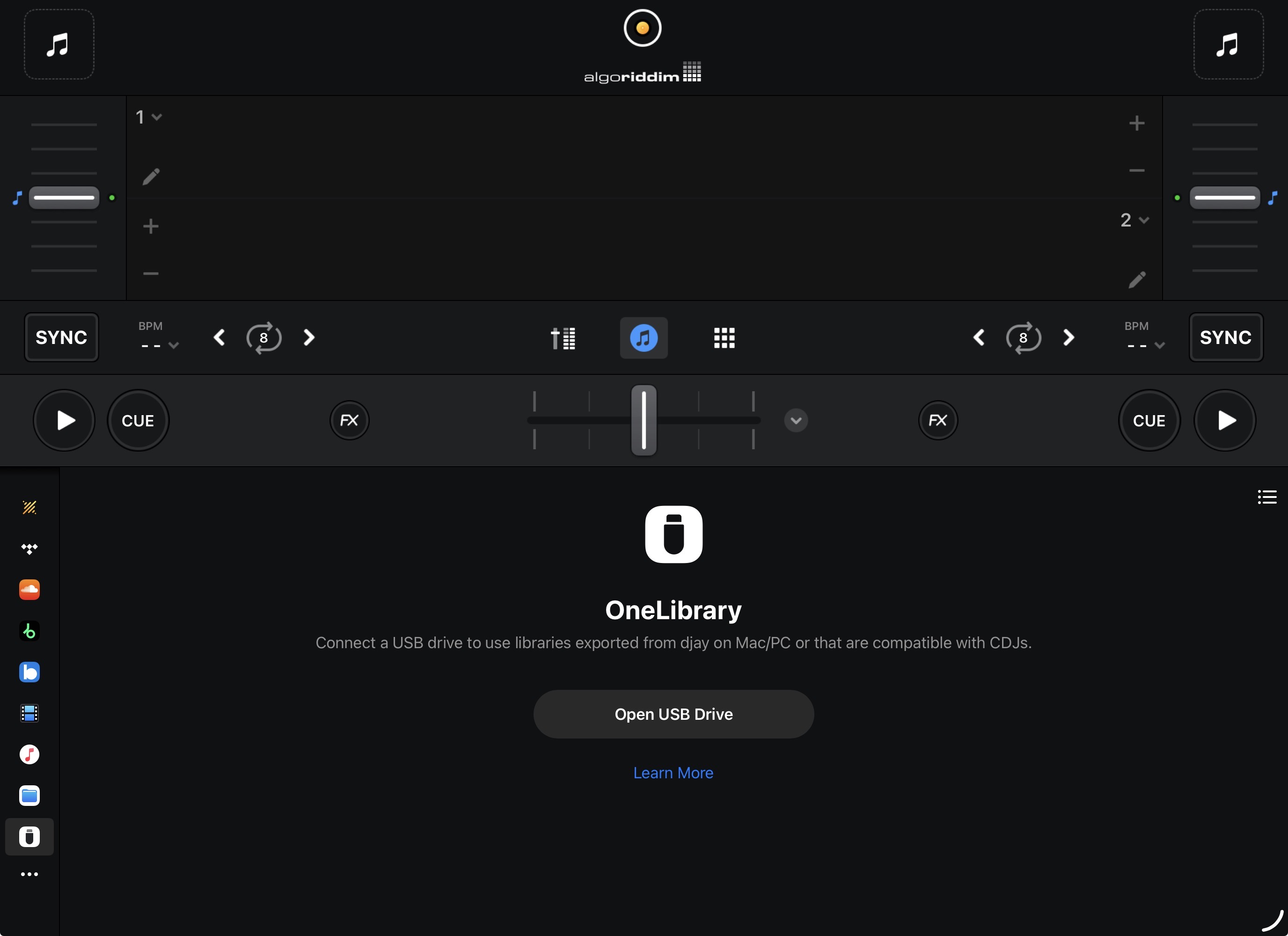
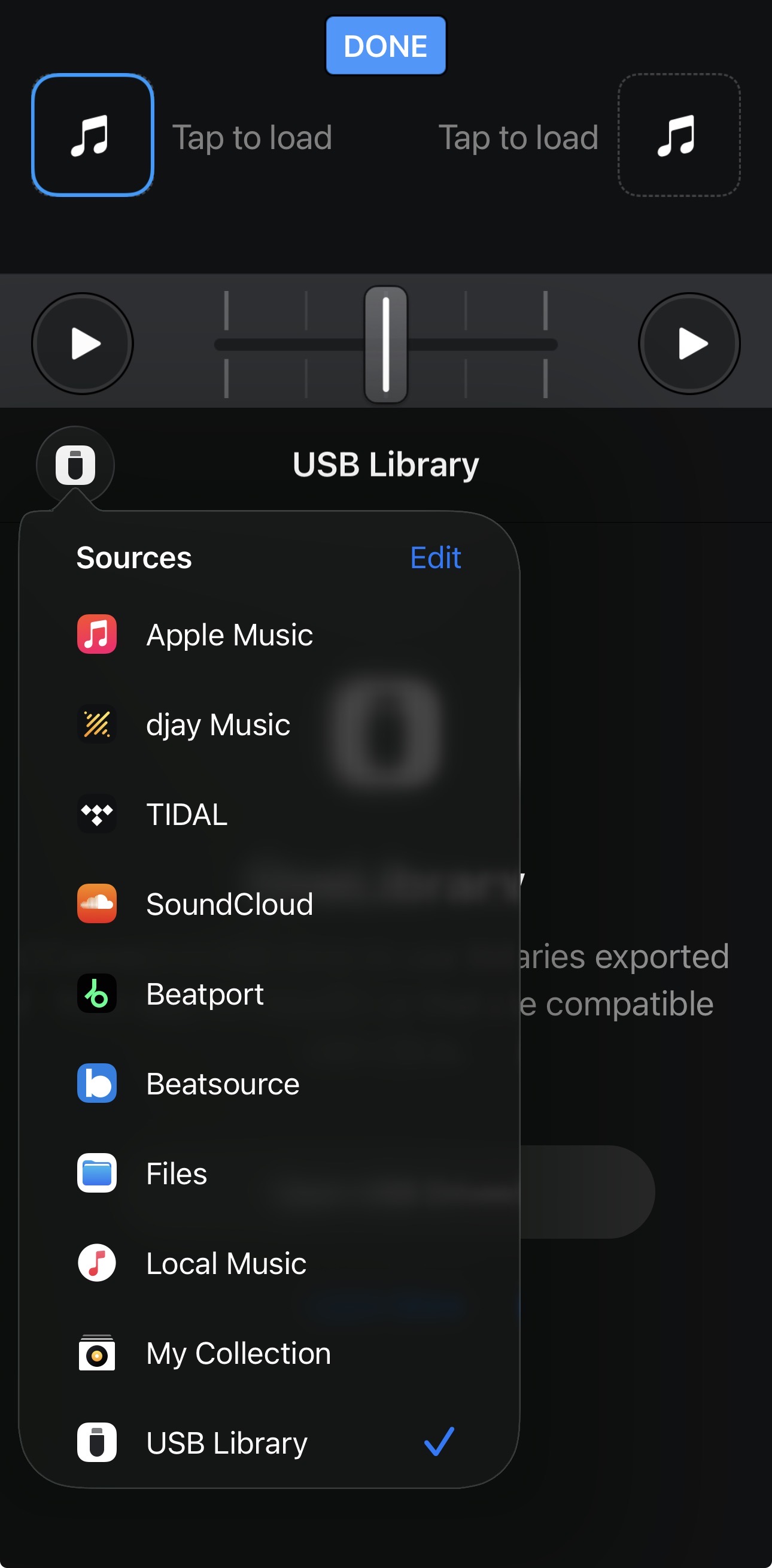
Go to sources and USB not there at all. I’ve reset my iPad to see if that worked.
How to reproduce the issue:
Open djay 5.5 and go to sources.
Hey mate are you sure you know what I mean. With iPhone I can see usb icon but not iPad. Is that intentional?
Hi @Dysfunk_DJ, sorry about that. I was in a rush and made an assumption before watching your video. The USB Library is showing up for me on both iPad and iPhone.
- Are you running the latest official, non-beta, iOS version on both devices?
- Have you tried a Forced Restart on your iPad?
- If the issue persists, I suggest that you backup your djay Media Library database and any custom MIDI mappings, then uninstall djay, reboot your device, and reinstall the latest version of djay. You can find the files above in the following locations:
A. iOS: using the Files App, navigate to Locations->On My iPhone/iPad->djay->User Data
B. Copy the files to a new location or external drive before uninstalling djay. After reinstallation, you can simply copy these files back to their original locations to maintain your Hot Cues, Saved Loops, My Collection Playlists, History and Queue.
Thanks mate. I had to delete djay pro from iPad and start again.
You’re welcome @Dysfunk_DJ