NOTE: I have searched the forum and didn’t find a duplicate topic.
Device model: Desktop PC (Intel i5-12400F, NVIDIA RTX 4060 Ti)
Version of operating system: Windows 10 64-bit
Version of djay: 5.6.9
Hardware/controllers used: Numark Party Mix 3
Hardware firmware version: Unknown
A) SUMMARY OF ISSUE:
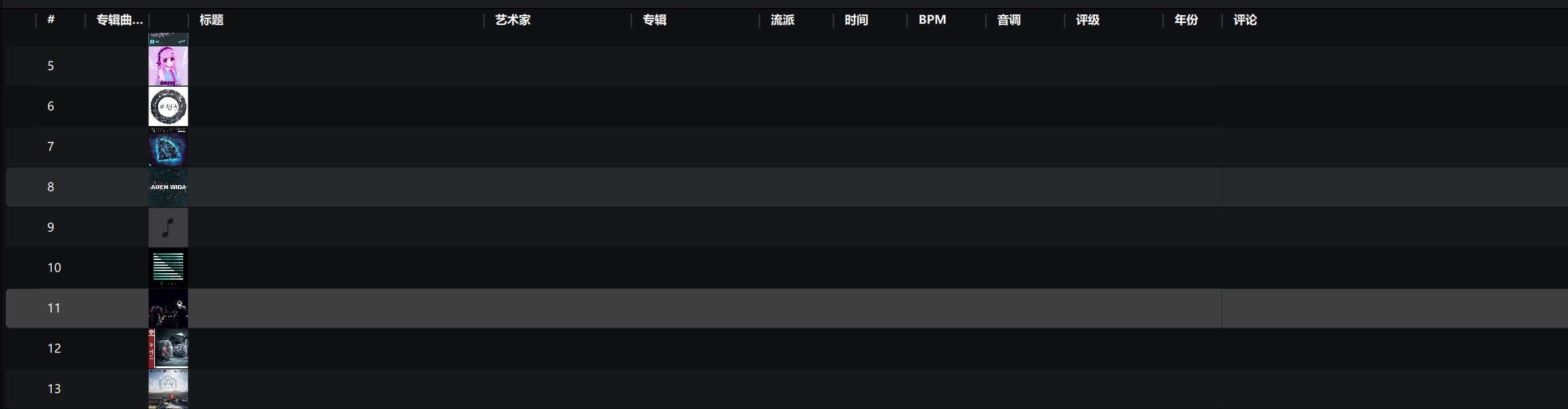
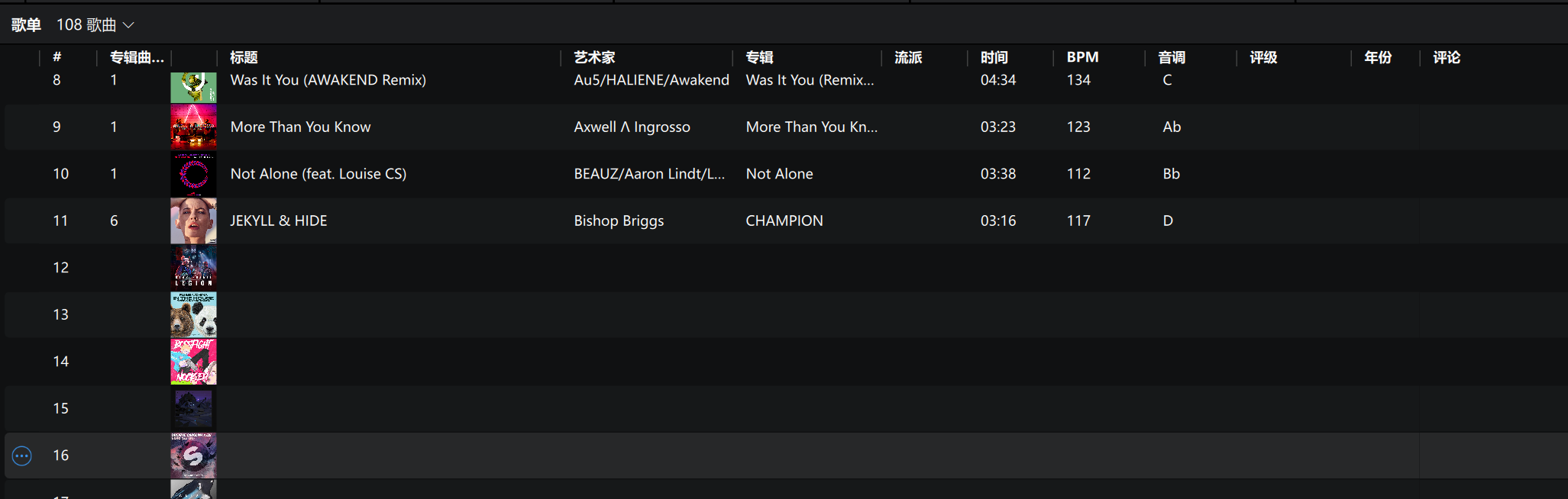
When loading local music folders in djay on Windows 10, the app becomes extremely laggy. Artwork appears first, but tracks take a very long time to load — sometimes they never appear at all. The app freezes for a long time before responding.
B) DETAILED STEPS TO REPRODUCE:
- Open djay on Windows 10.
- Load a local music folder stored on my 1TB SSD (ZHITAI TiPlus7100).
- Artwork begins to load, then the app hangs and becomes unresponsive.
- Tracks take a very long time to appear, or don’t appear at all.
C) EXPECTED RESULTS:
Tracks and artwork should load quickly and smoothly, without the app freezing.
D) ACTUAL RESULTS:
Artwork shows up first, but tracks take a very long time to load or never load. djay freezes for a long time.
CRITICAL DETAIL: This happens even with a folder containing ONLY 15 tracks. My music is on a fast 1TB SSD. This should not be happening.
Hi @star_pie, welcome to the Community! Thanks for the detailed report and the screenshots - they really help.
From your screenshots, djay is showing the artwork first, then filling in title, artist, BPM and key a few rows at a time. It shouldn’t take anywhere near this long on a fast SSD, and certainly not with only 15 tracks.
A few quick questions so we can narrow this down:
- Are these screenshots from the Explorer tab, or from a playlist in My Collection? The second one shows 108 songs, so I want to make sure we’re looking at the 15-track folder.
- What file formats are in that folder (MP3, FLAC, WAV, M4A)?
- Did this start after updating to 5.6.9, or did you see it on earlier versions too?
- If you leave the folder and come back to it, does it load faster the second time?
- Did you install djay from the Microsoft Store or from our website?
In the meantime, try dragging that folder from a Windows File Explorer window straight into My Collection and browsing it from there instead of the Explorer tab. Let me know if that behaves any differently. Thanks!
Hello! It’s been a week since my last reply. I’m going to consider this topic completed for now so I can focus on others. However, please feel free to respond and we can definitely revisit this. Thanks!