Hi @Mijay-Dee.com, thanks for the question, and for sharing your workaround. That’ll help the next person who searches for this.
You’re right: djay for iOS doesn’t have an M3U export right now. The built-in option is Export as CSV file, which works on playlists and saved sessions. Converting that CSV to M3U, the way you did, is the best route for now.
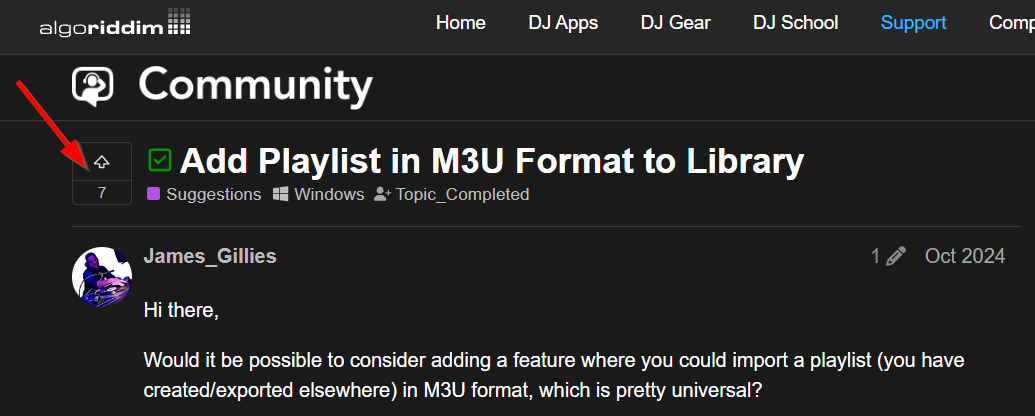
There’s already a feature request for M3U support. It started out about importing, but M3U export has come up there too. If you add your vote and a quick note about exporting gig sessions, the team can see there’s demand for both:
Sorry about that @Mijay-Dee.com. It looks like that topic was one of the victims of our automated system that accidentally moved some Suggestion topics to Implemented Suggestions. I’ve moved it back so voting should be possible again at the top left of the page.