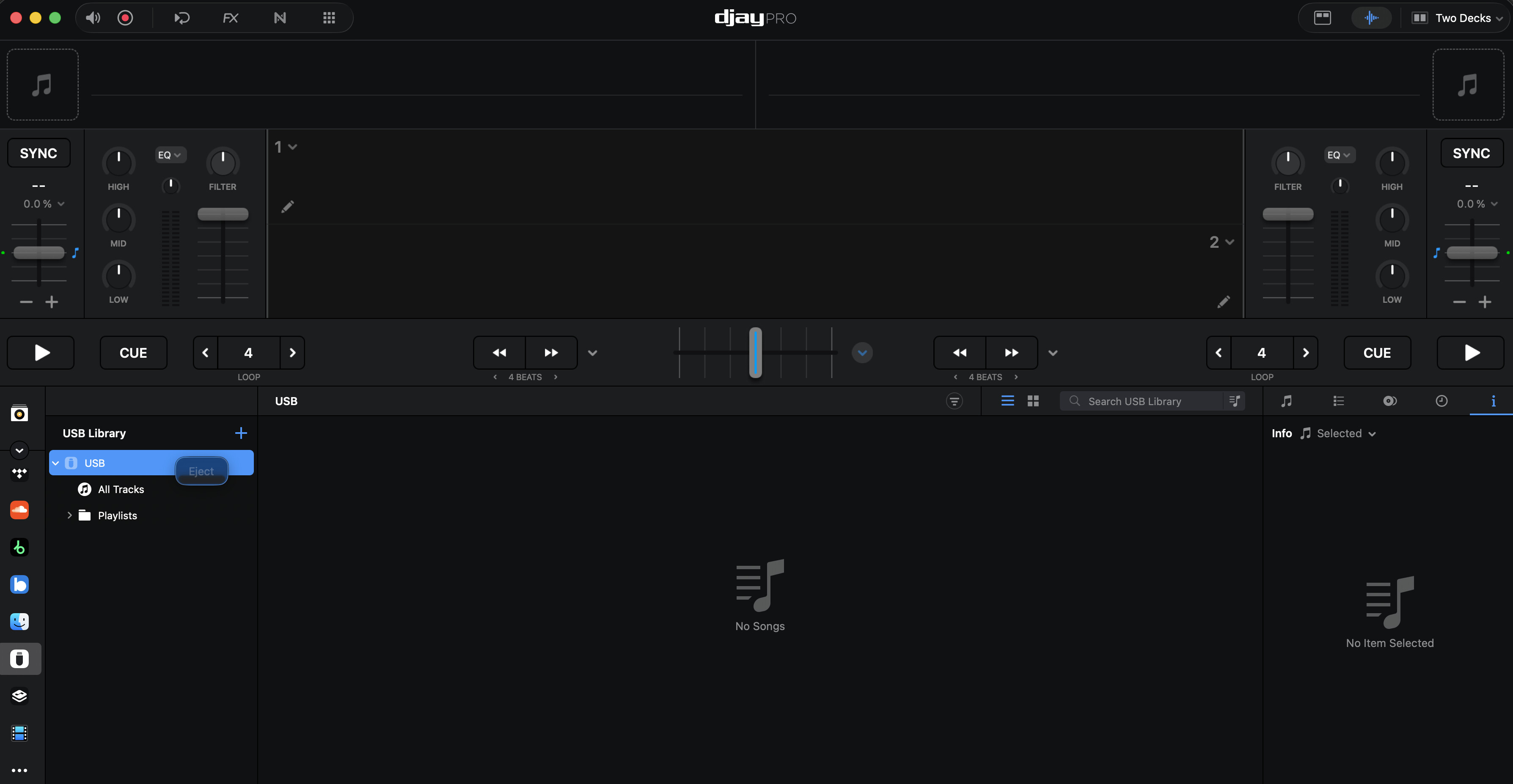
I’m having an issue using the new one library feature. I do everything as demonstrated in the new update video. I’m on macOS. I export my DJ playlist to the USB drive after I have authorized access to it and I have activated the new one library, but then I have two issues :
With one USB key which is actually the recordbox Sandisk USB key, I just don’t have the eject button appearing, which is weird because I have it on two other keys and all are brand new and empty.
The other issue I have is that I have tried with all three different usb keys, but when I plugged them into Rekordbox the One Library playlist looks empty. In the “All tracks” section I can see the tracklist, but then none of them can be used by Rekordbox.
What am I missing ?
By the way when I plug the usb key in my iOS devices with djay pro installed, it doesn’t see the playlist content either, just the name of it. And when I try to load the tracks from the all tracks section, it says that it can’t do it and the file could be corrupted. I’m lost.
Hi @charley, welcome to the Community! Sorry to hear you’re experiencing this issue. For starters, please refer to our OneLibrary FAQ and let me know if this helps.
What formatting system are you using on the RB USB Drive? I suspect it is different from your other drives.
Since this sounds repeatable, can you please capture and share a short video of the issue to help clarify what’s happening? Thanks!
Hello! It’s been a week since my last reply. I’m going to consider this topic completed for now so I can focus on others. However, please feel free to respond and we can definitely revisit this. Thanks!
Im actually a first time Djay Pro user. And also have the Sandisk Rekordbox USB Stick. For me there is no eject button option. I have to quit the Djay app to be able to eject. I’ve tried formatting FAT32 and Exfat but that is no different. See attached my screenshot.
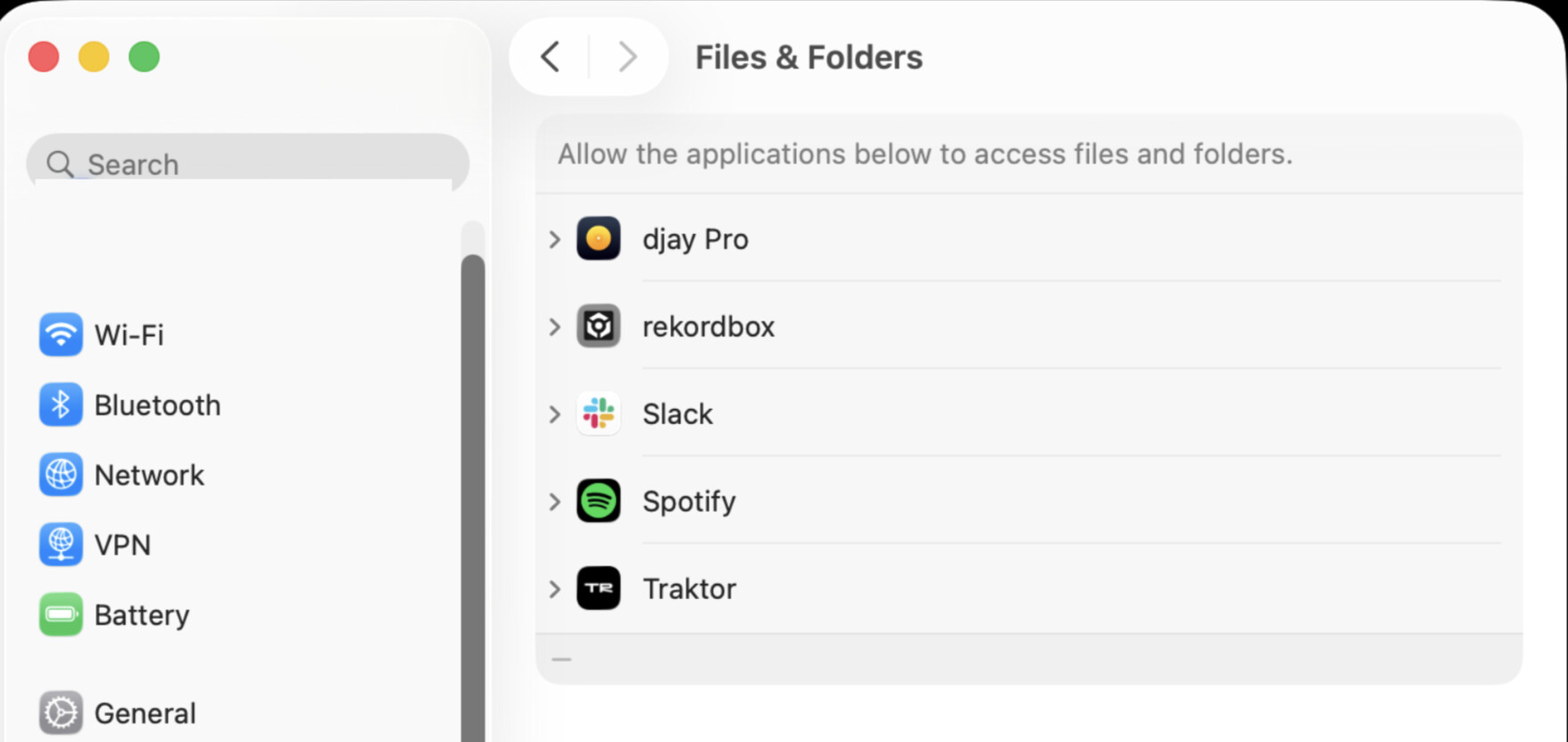
Also I have to accept Djay to read the usb stick every time. Is that expected?
Edit: Just noticed an update was released today that lets me eject the drive! It keeps asking for access but that might be a a macos limitation.
Welcome to the community @kingja3. Thanks for the update - I’m glad that 5.5.1 solved your eject issue.
Regarding the drive access, please make sure you give djay full access to the drive via the macOS settings. Can you please check to see if djay Pro is added to the Files & Folders access within Privacy & Security on your Mac?