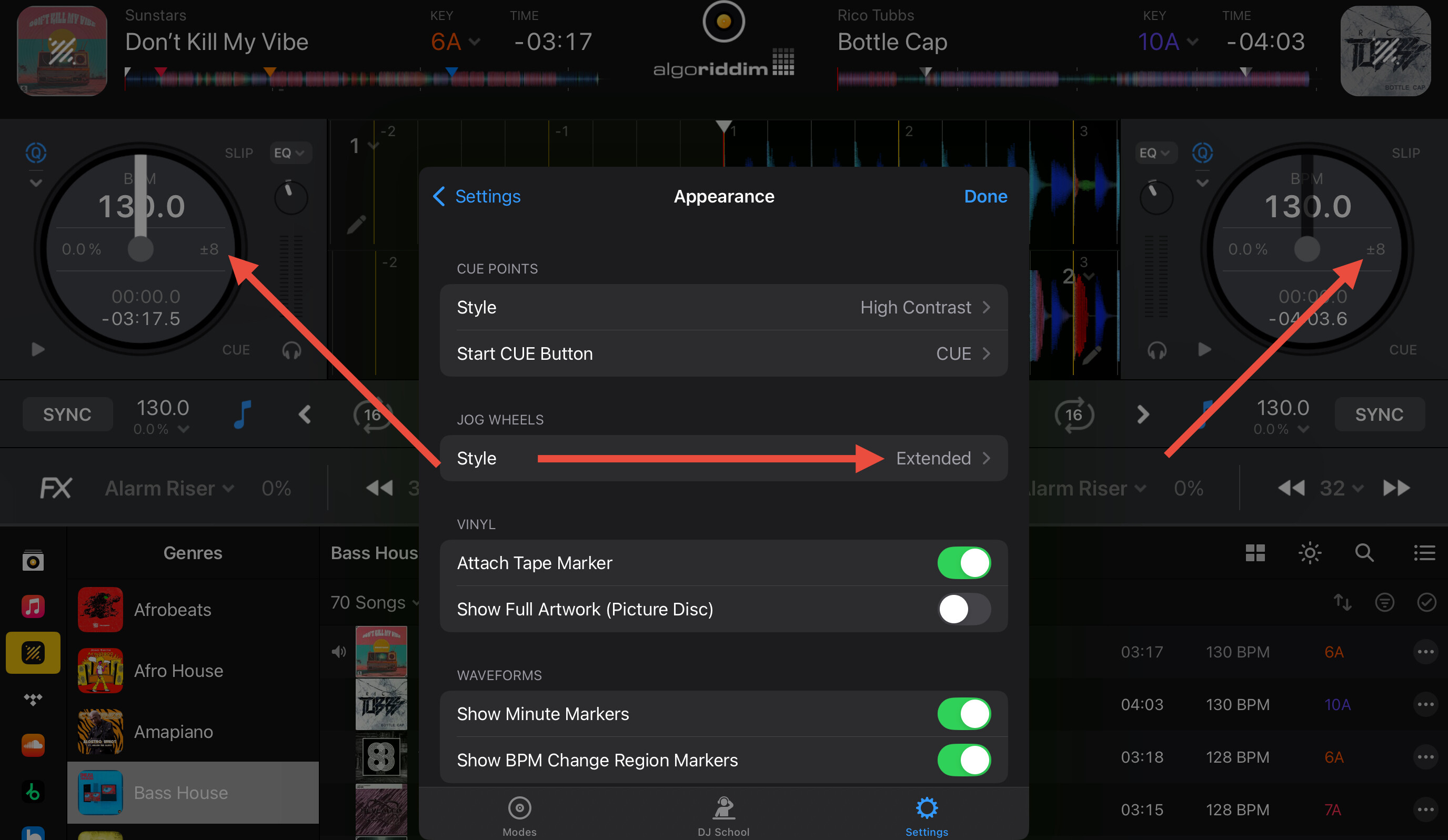
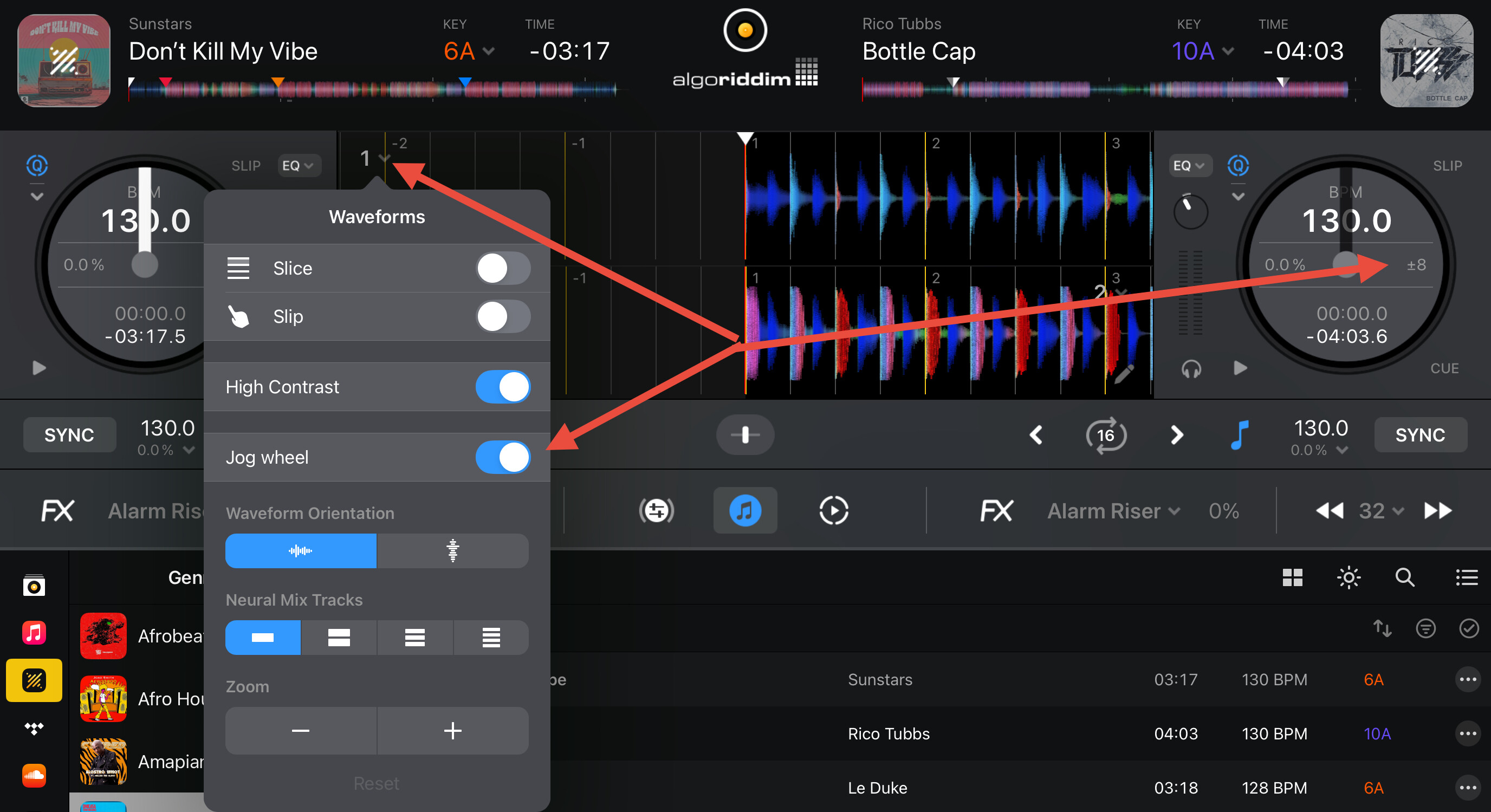
Would it please be possible to show the tempo-range, at least for a few seconds after it was changed?
In hardware mode on iPad you can see the current BPM and the % it was shifted.
However you can‘t see the actual tempo range. There is a button on the flx-4 to change the tempo range however without seeing what you do the button is rather useless. Once I click the BPM on the screen in order to see the selected range I can change the range there and don‘t need a button anymore.
- iPad Air 4th Gen
- iPad OS 26 beta 3
- Version of djay: latest
- Hardware/controllers used: FLX-4