There are really only 2 types of transitions: a cut or a fade. All other FX are just icing on the cake. Practice both (cut and fade) till you can naturally mix with both.
Back in the day, I would go one week only mixing with cuts, and then switched to only mixing with fades. After that, I’d mix by rotating cuts and then a fade back-to-back.
After all that the transition curve, just becomes a fun effect to play with.
Notes:
For cuts, there are obvious places in songs to mix into with a cut. But it is also worth it to intentionally cut to the “wrong” places in a song, you can learn a lot about what really works and does not work that way.
For fades, fading slowly with the beat is a good way to start. Fade by slowing pulsing the fader to the beat - a good trick is to pulse it as slowly as possible and then do the reverse, pulse the fade as quickly as you can. That will give you a good sense of how fades work musically.
Also try finding cool places to hang out in the middle of a fade. For the crossfader, it can be fun to sit right in the middle and just hang out in the middle, pulsing back and forth slowly or quickly without ever reaching either side.
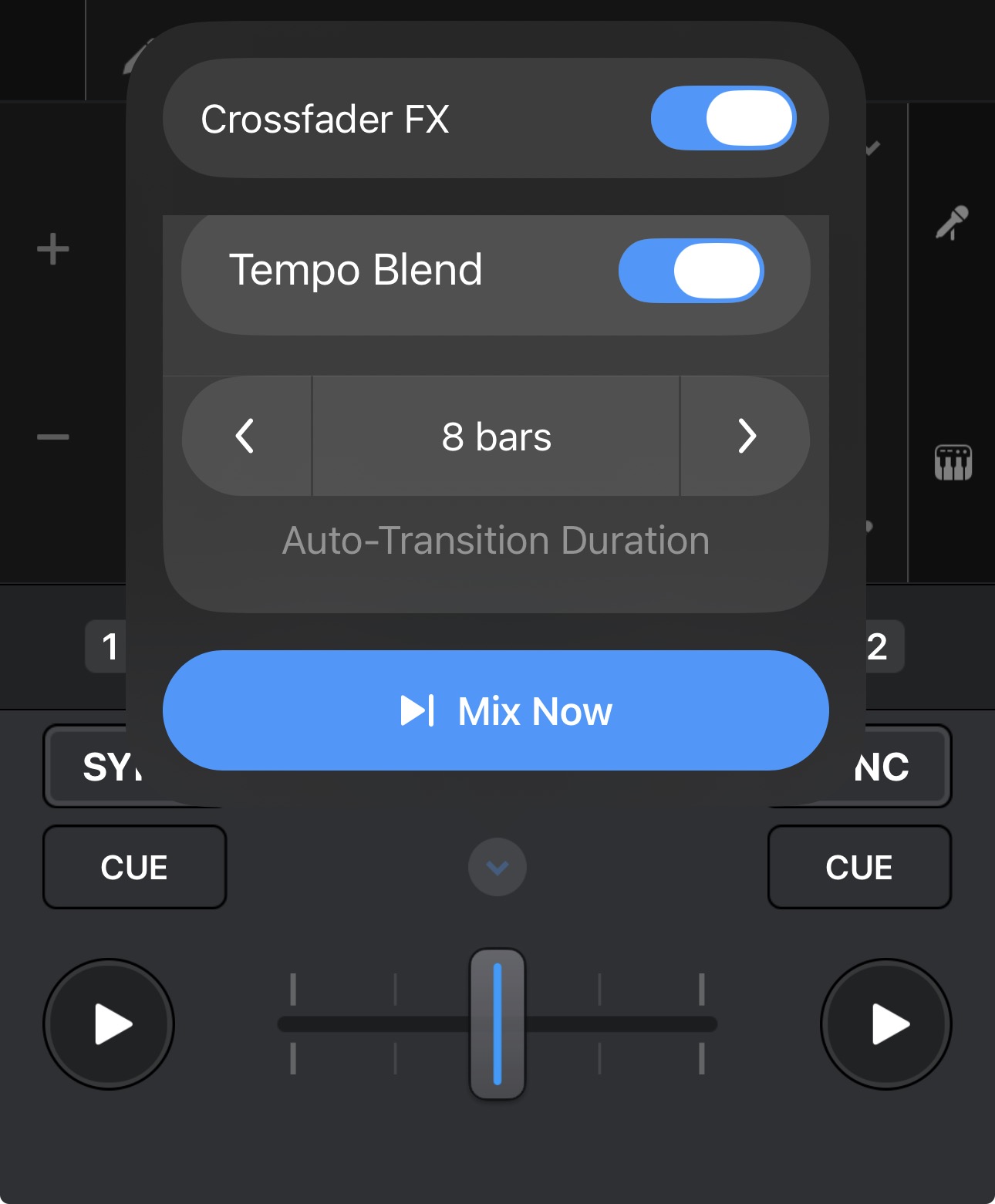
Personally, I use the Default Crossfader Curve when using CFX. I find that a constant slow crossfade from one deck to the other achieves the best results. Pausing in the middle causes some FX to be half on. As such, I often simply use the Mix Now button instead and use an Auto-Transition Duration of 8 Bars.
For me personally. I really like the idea of the CFX l, but after playing around with it for a while, I have ended up switching it off and doing it manually.
I’ll try it out again tomorrow and see if I can use the settings of @Slak_Jaw and see if I get any better results.