I’m starting my journey with a hybrid setup where I have Algoriddim running, Ableton Link enabled, an instance of Ableton Live running, in order to receive Link, and from there sending MIDI out to external gear (Roland MC 707 and a BOSS RC 505 Mk2).
It mostly works well, but I’m getting time and time again into a problem:
I’m running a track in Algoriddim, let’s say at 110 bpm.
I’m enabling Link, and moving over to Ableton Live where I turn on Link, and hit play.
Now my groovebox is receiving 110 bpm.
I’m messing around for a while, enabling a loop in Algoriddim and create a beat on my groovebox.
After I’m done, I turn off play in Ableton Live and head back to Algoriddim. I’m transiting to a different track that has a bpm of 90 with sync turned off.
At some point I want to start building new layers for the 90 bpm track on external gear, but the moment I’m tunring on SYNC the track jumps straight to 110 bpm.
How can I prevent that from happening?
I’ve noticed initially, that it would happen if I forgot to stop Ableton Live.
Which makes sense, given how Ableton Link works.
But even without that, I get into the same situation, and don’t understand why.
At my last gig I had to resort to quickly moving the tempo fader to catch up, and then bringing it back to normal tempo. Really bad experience.
Hi @Bogdanoctav, I suspect this has something to do with how djay determines tempo master deck.
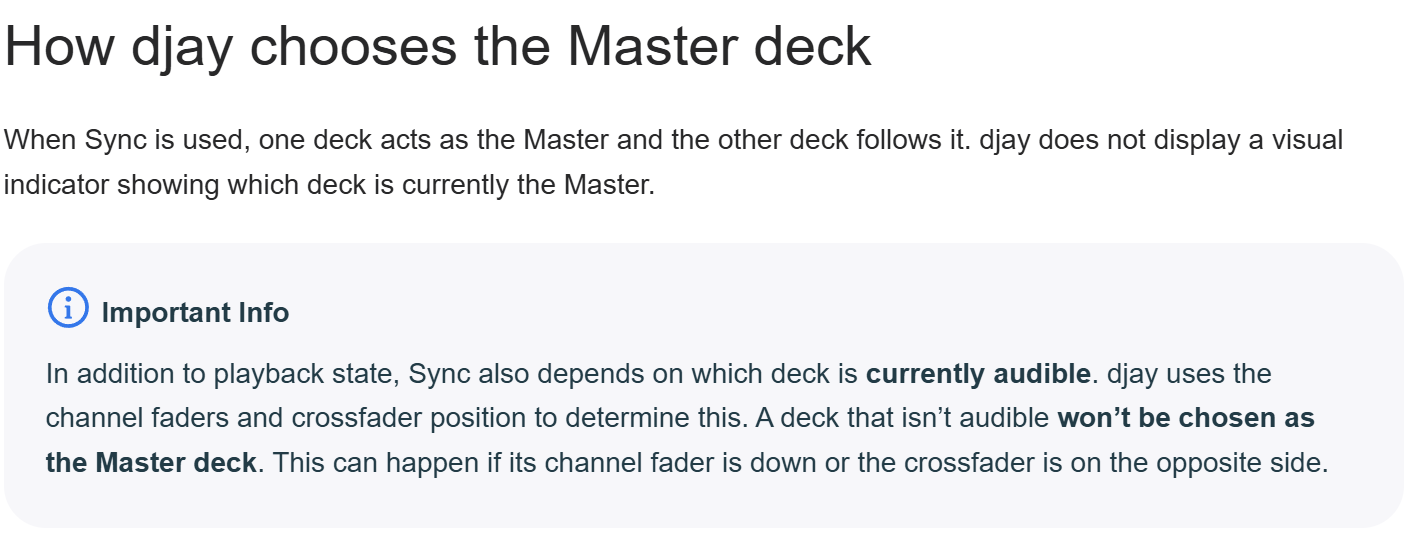
First of all, please refer to our recently updated help topic explaining how sync works in djay. In particular please pay close attention the section “How djay chooses the Master deck”:
We also have a new help topic for Ableton Link:
After viewing both of these, please let me know it that helps or not.
Also, note that for sync to work properly with DJ hardware, djay needs to know the positions of your hardware channel faders and crossfader. If you are using an external mixer mode device that doesn’t also send MIDI for these controls, djay will have a hard time syncing properly.
a couple of suggestions when syncing via ableton link…
often times it is best to leave the ableton link always on… and turn down the master volumes for each application and hardware, so a midi controller that can talk to each master volume for each application or hardware device, so you can immediately zero the volumes if you run into issues
alternatively route them to your headphones before going to your main-outs(preview purposes)
in order to prevent jumps… manually set the bpm to the active live bpm, before pressing play
if using hardware midi syncing, naturally you would have that set to receive( to always follow the master which is ableton link)
OK, I’ve read the two entries, and they were helpful.
But I still don’t get it, exactly.
In the Link article, it says, SYNC has to be enabled in order to send the tempo to Link.
But enabling SYNC on the active deck makes it the following track, doesn’t it, and thus makes it tempo-jump, no?
So how do I switch SYNC on in order that Link receives the tempo, if I have only one deck active?
I’ll play around with that and try out a little. But I’m still a little confused.
its possible you are thinking of the sync master…and which is acting as the master inside Djay.
there is a function for setting sync master in djay pro… having a led to keep track of which is the master deck means 4 LED buttons become used for that very purpose… what the master defaults to when the master deck stops is anyones guess *shrugs
if deck 2 was playing and its set as the master sync deck…. all your other decks will automatically jump to the tempo set on the master deck once sync is enabled on the other decks….
transitioning to different deck tempos is a case of bringing tempo’s +/- percentages within the same range and then ramping them up again nudging the tempo to suit…
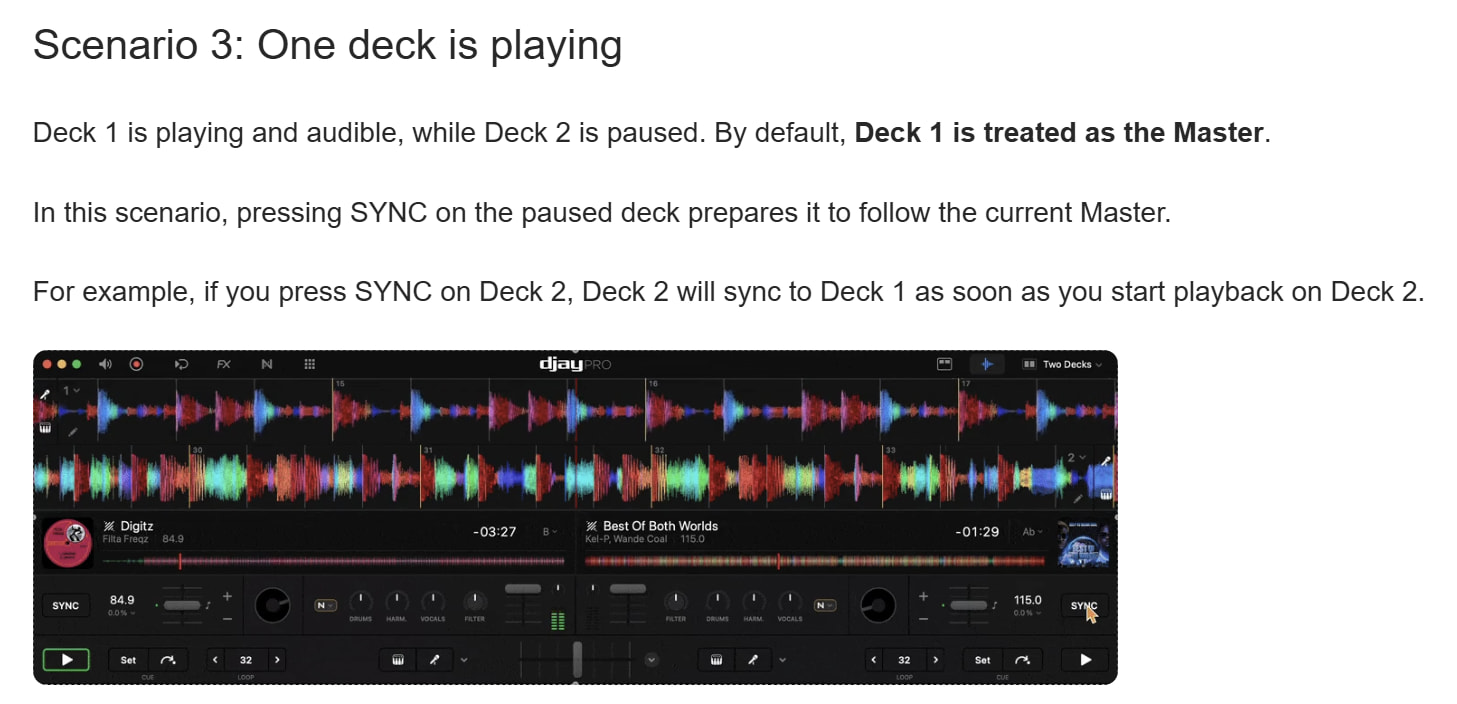
@Bogdanoctav, please note that a non-audible deck cannot be the Tempo Master. In the case where you have only one song playing and audible on the Main Output, only that song can be the Tempo Master - regardless of which deck you press Sync on. In other words. With only one deck playing and audible you can essentially press sync on any deck and audible deck will remain the Tempo Master.
I highly recommend you experiment with the 3 different scenarios outlined in the Sync Help Topic to familiarize yourself with the behaviour. The thing that trips up most users, however, is that a non-audible deck cannot become the Tempo Master.
Hello! It’s been a week since my last reply. I’m going to consider this topic completed for now so I can focus on others. However, please feel free to respond and we can definitely revisit this. Thanks!