When I use ‘hardware’ mode with my FLX4, I often like to use 4 channels (even though FLX4 only has 2). Is it possible to add a volume slider on hardware mode so that it is possible to control the volume on channels 3 and 4 from the app without having to switch back to ‘pro’ mode to do this.
I was mixing something last night, and was having to use the high low and mid eqs simultaneously to try and fade out a track on channel 3 (because I can’t do it from my 2 channel hardware). As a separate note, there is no way to see the ‘samples’ on the 4 channel pro either.
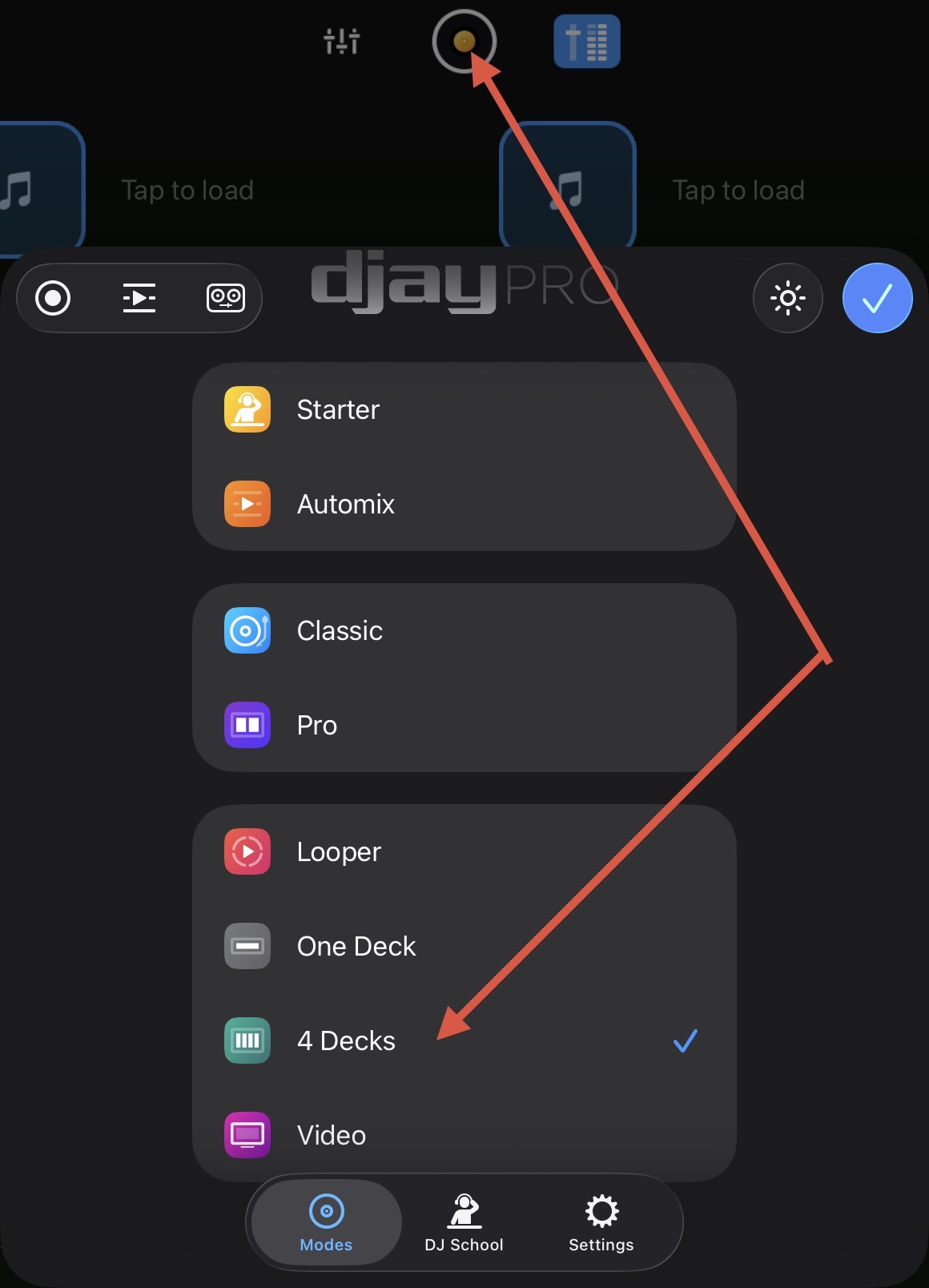
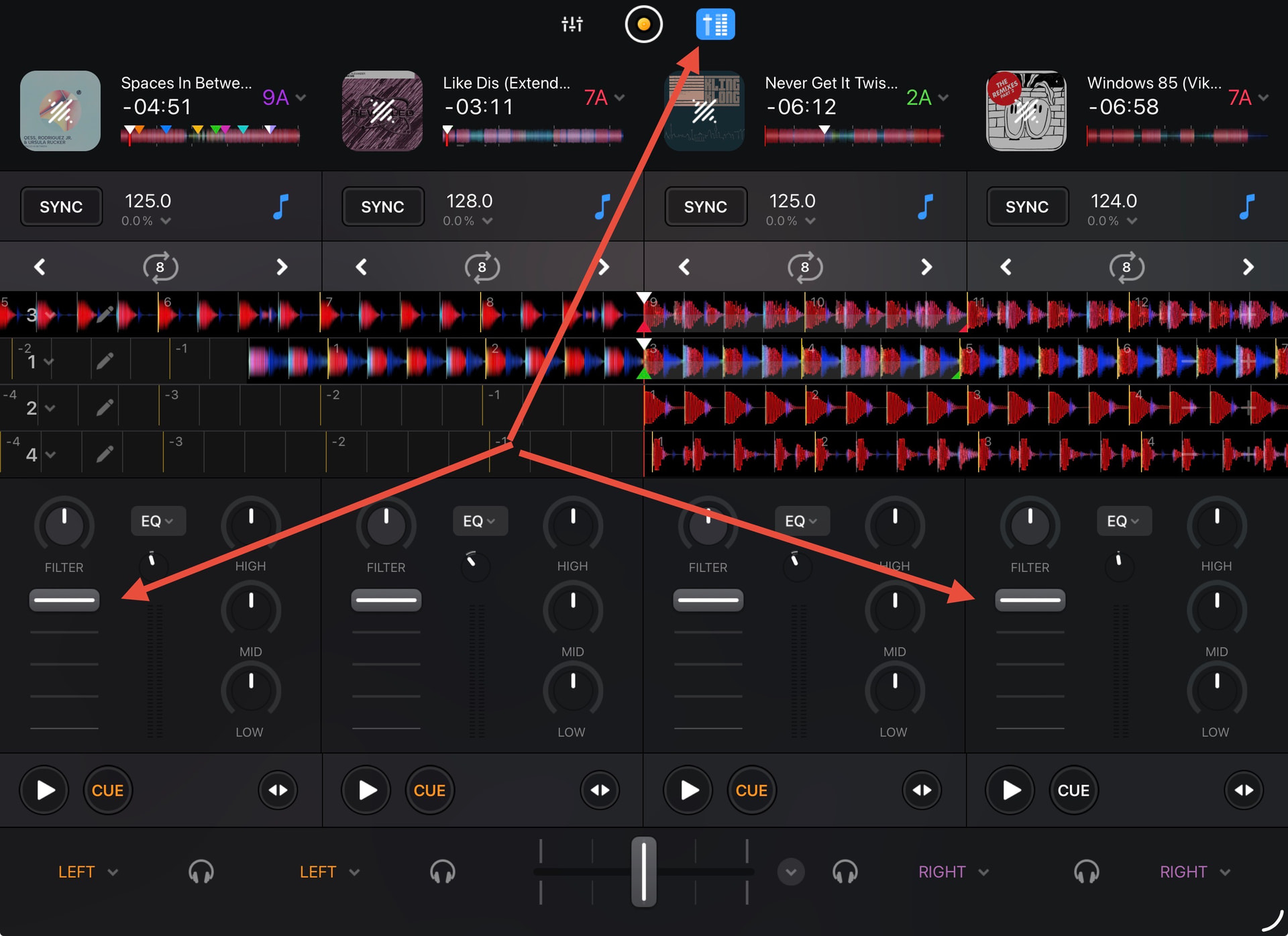
Hi @timhc22, thanks for the suggestion. However, the main point of Hardware Mode is to remove unnecessary onscreen controls when a DJ controller is connected. In your use case, I recommend that you switch to regular 4 Decks view mode instead of Hardware Mode-4 Decks. In regular 4 Decks mode you can then enable the Mixer controls so you can access the Channel Faders for Deck 3 and 4.
I thought that might be the case. I guess I can switch to the sampler manually that way too. I’m curious though about whether ‘hardware mode’ is different for every device that is plugged in..