Hi Djay team,
I’d like to request improvements to the layout proportions in Djay Pro.
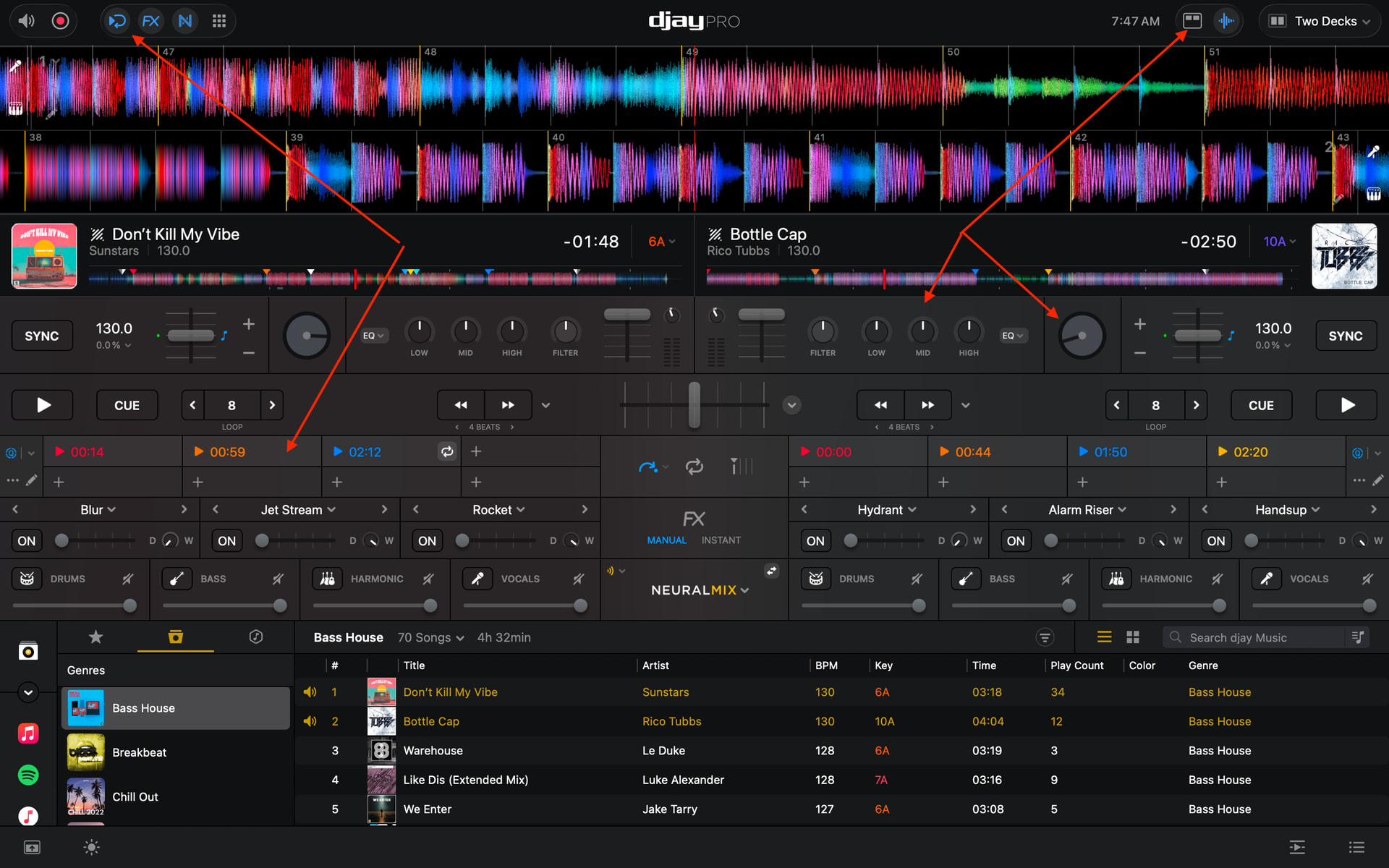
Right now, if I enable the waveform, performance pads, mixer, jog wheels, effects, stems, beat jump, and loops, there’s no room left for the library browser. I’ve tried all available layout settings, but it’s frustrating that every adjustment requires sacrificing another essential feature.
All of these features are important and are commonly available together in other professional DJ software without taking up the entire screen. Having to constantly switch between views slows down performance and makes the software less efficient during live sets.
Better layout proportions and more efficient use of screen space would greatly improve the experience. Some elements feel larger than necessary, while other important areas, such as the library browser, become difficult or impossible to keep visible when all essential performance tools are enabled
I love Djay Pro and its feature set, but improving the overall layout efficiency would significantly enhance usability, especially for power users and live performers.
Thanks for considering this feature request.
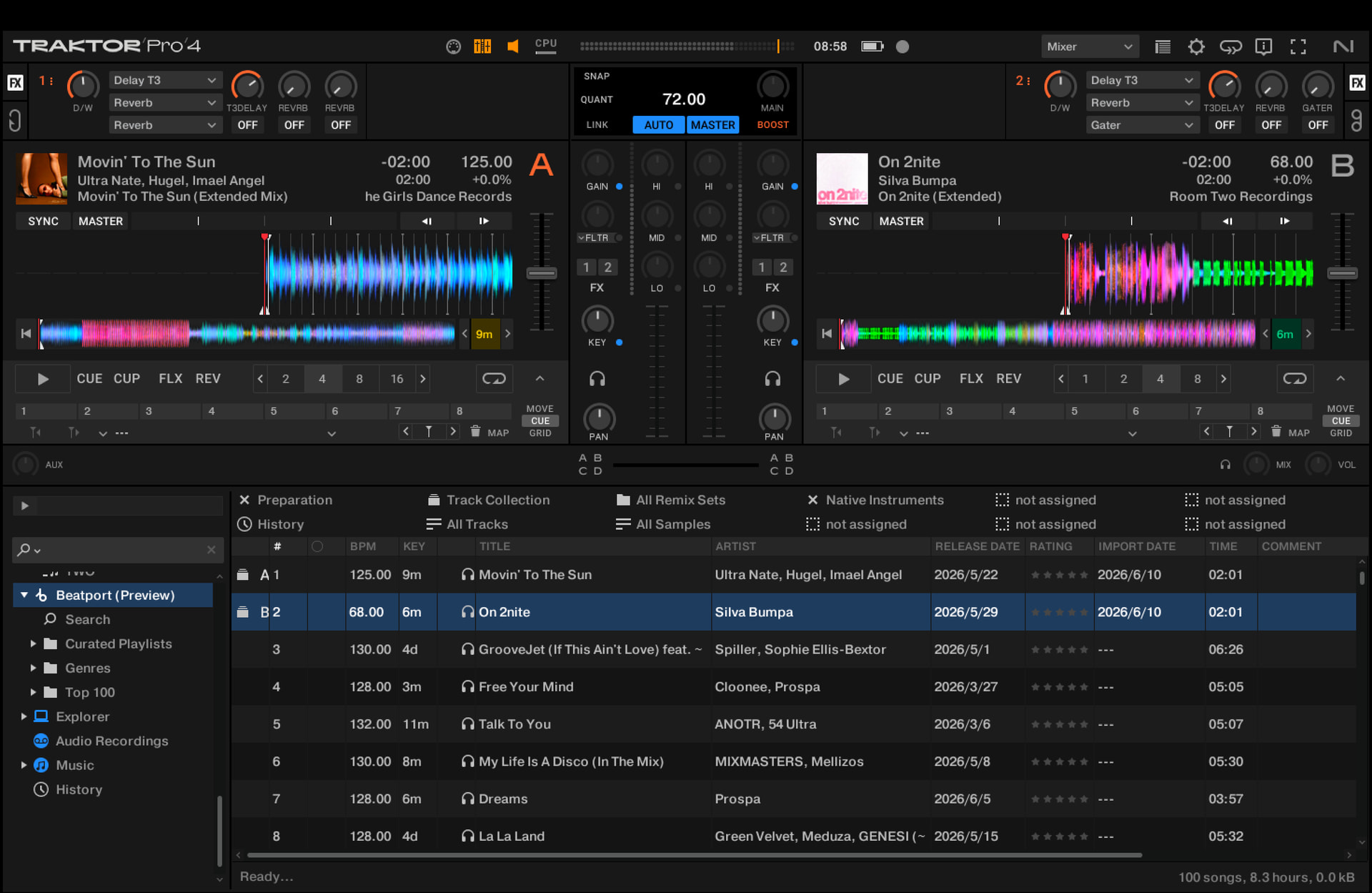
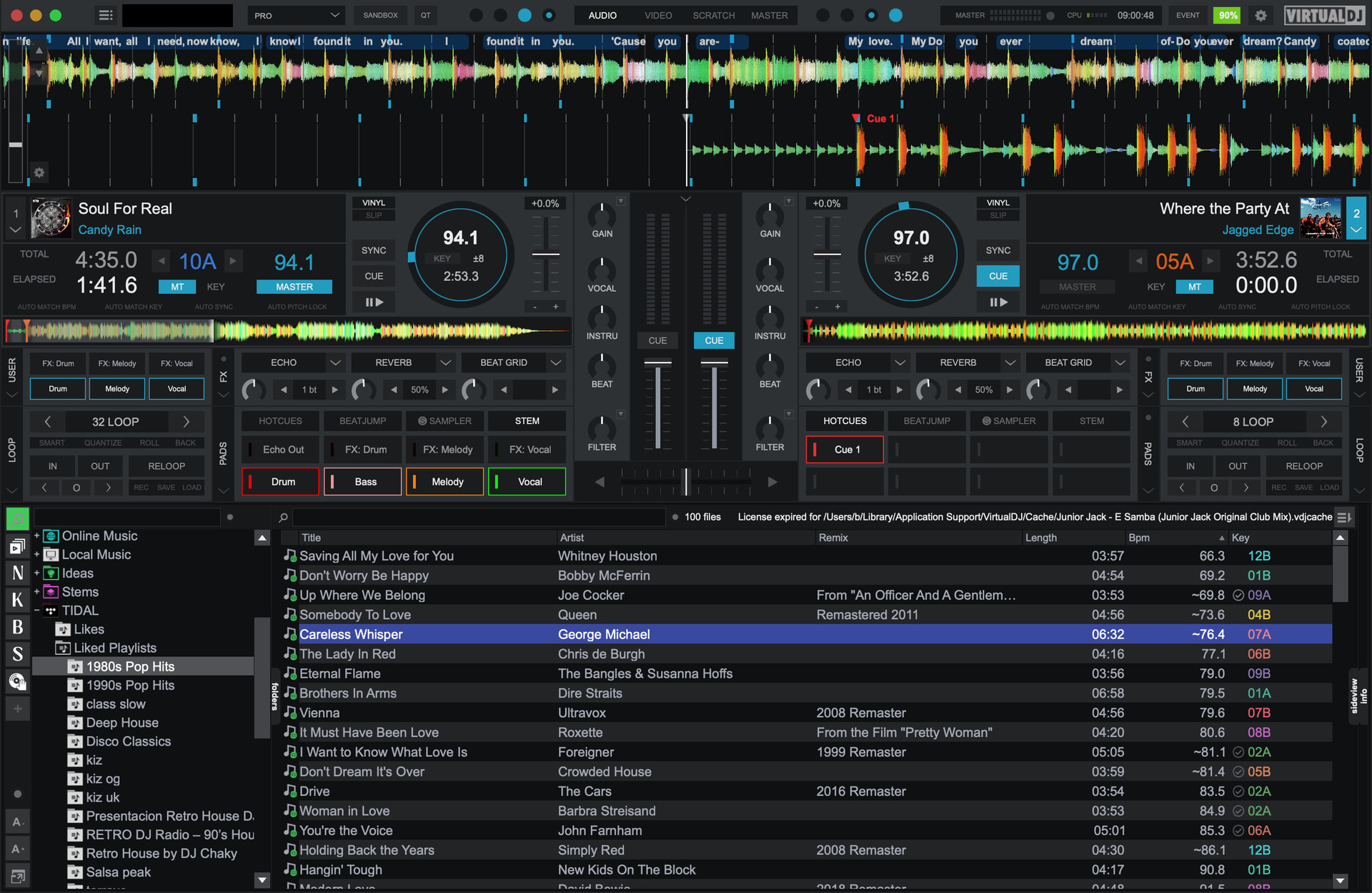
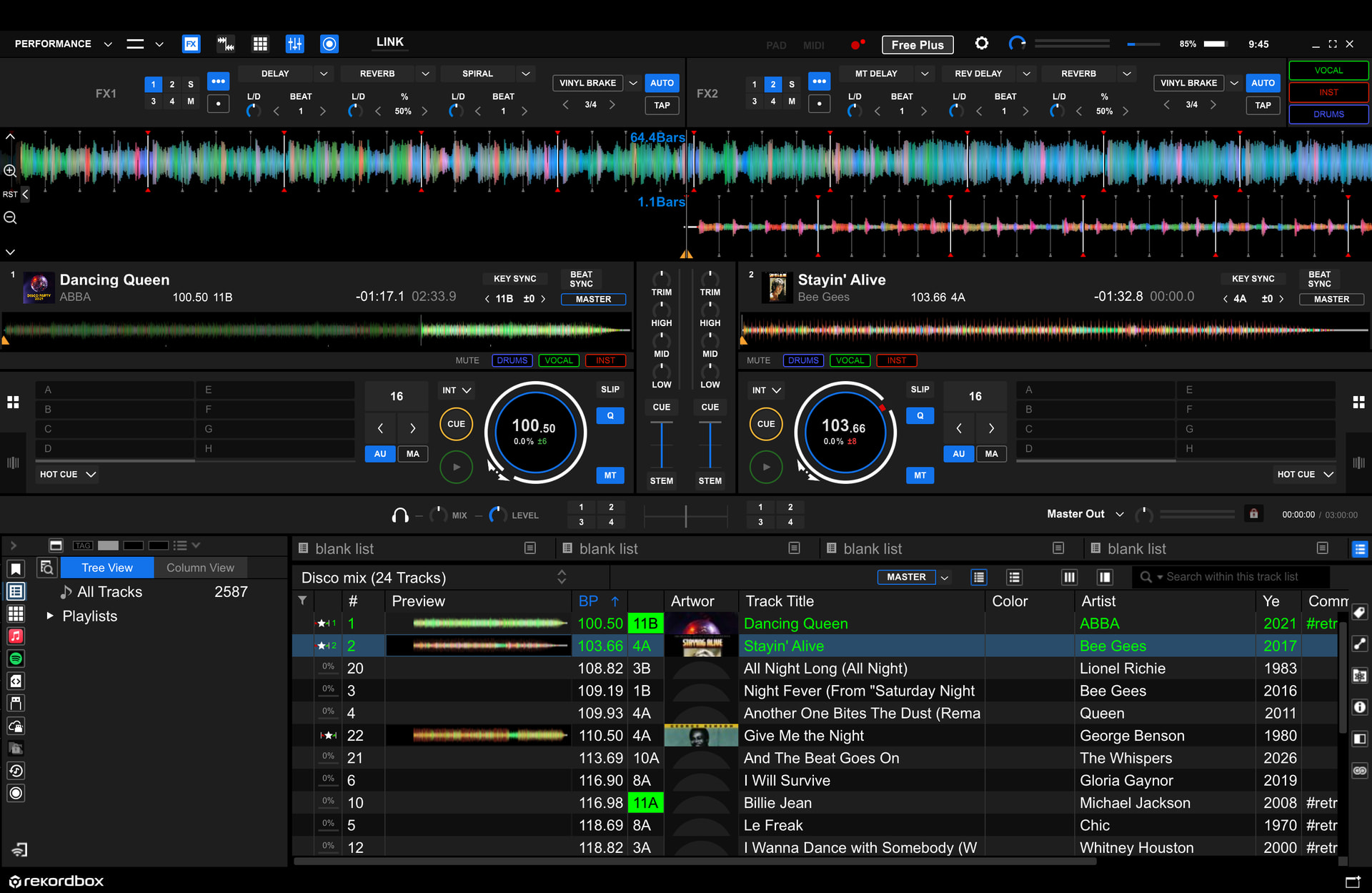
Here is some screenshots:
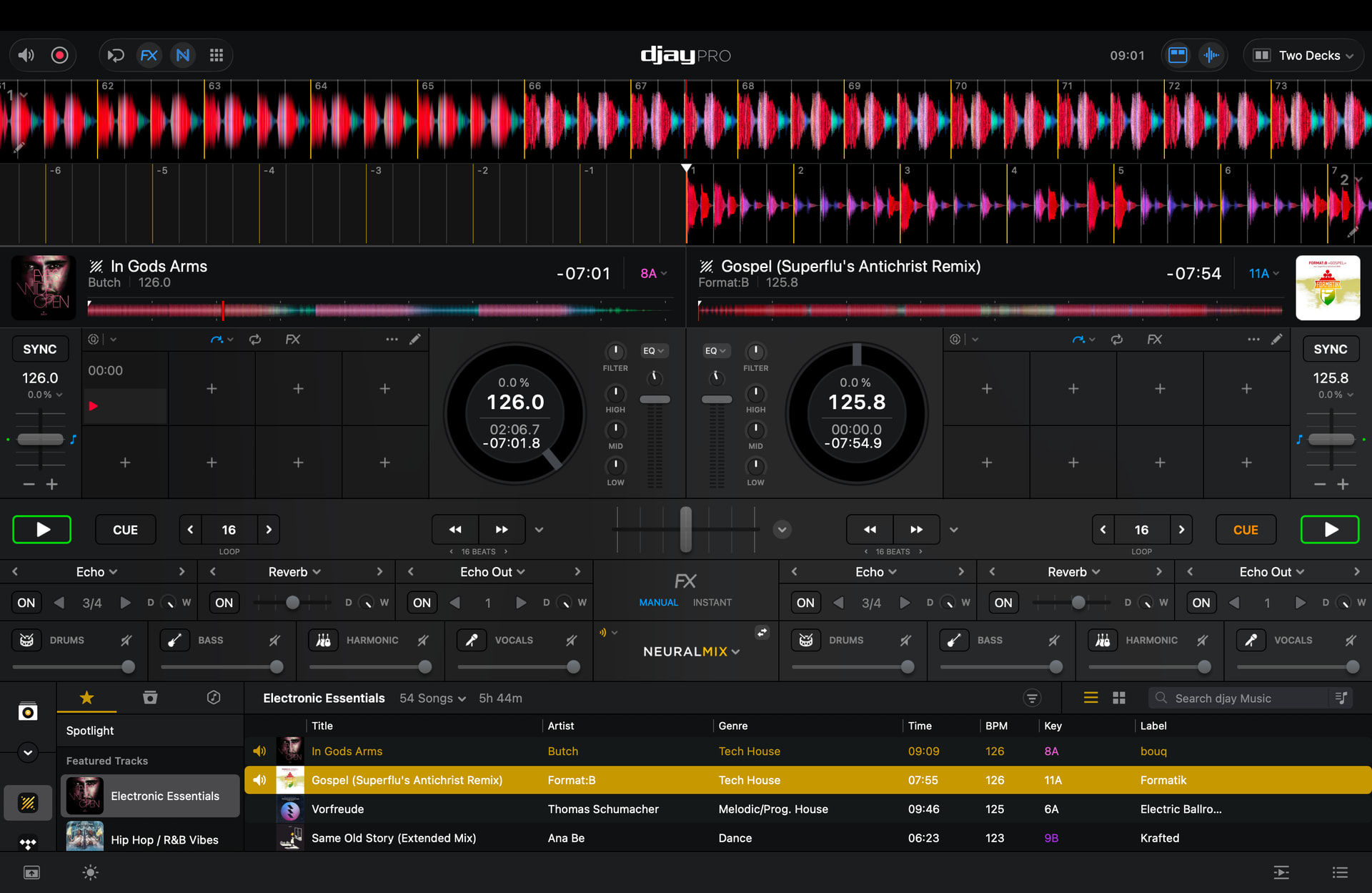
Prefer this layout proportion down below (of course would prefer larger texts):
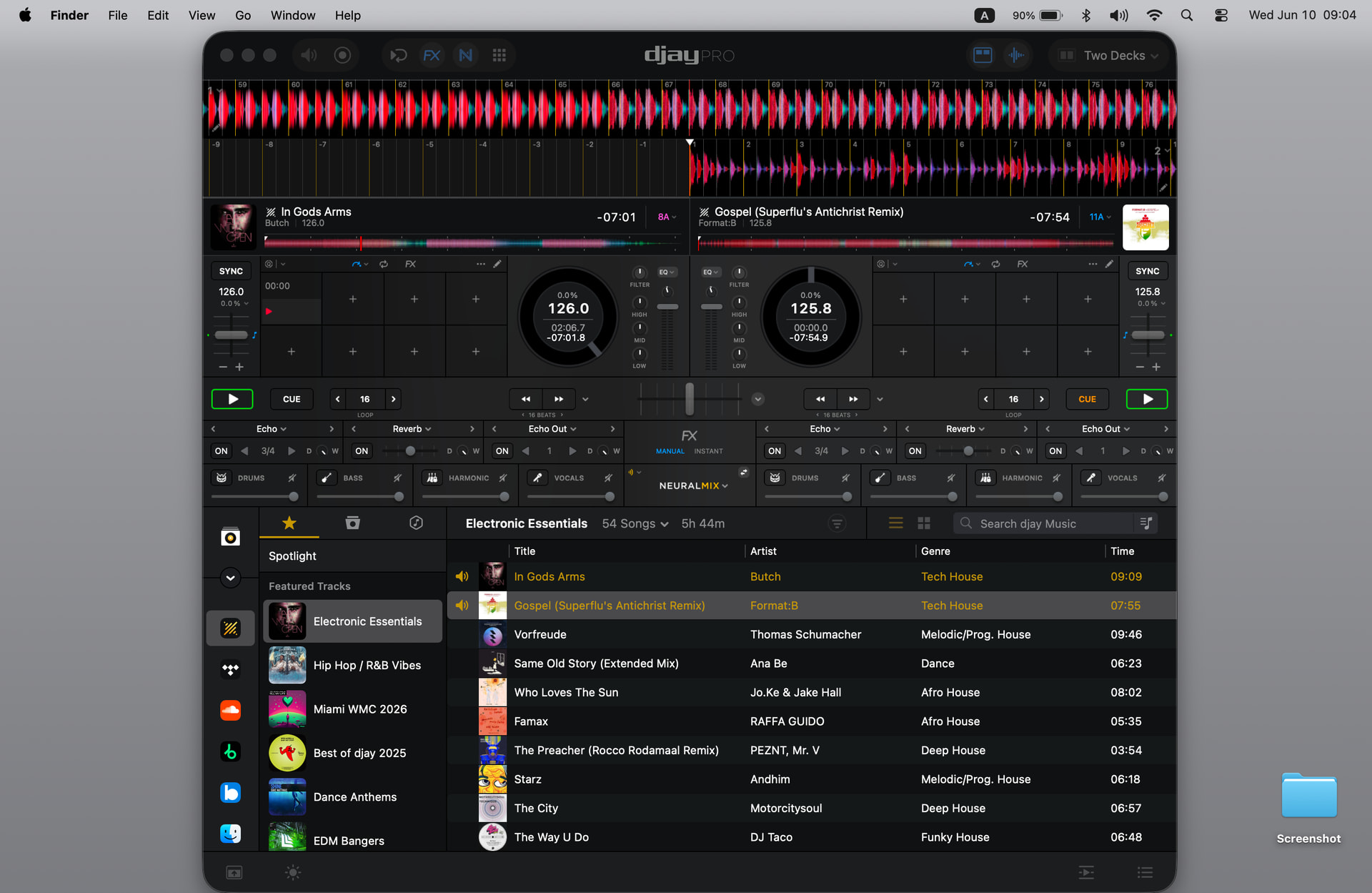
Other software: