Hi @ZENGIN, welcome to the Community! When creating new topics, please do not forget to answer the questions in our template with specific details about your setup not just “iPad” or “Latest Version”. This helps all of our community moderators to provide the most effective support to users with the utmost efficiency. Thanks!
Device Model: Version of operating system: Version of djay: Hardware/controllers used: Hardware Firmware Version:
Have you recently updated to Windows 11 25H2?
Can you please share some photos of how exactly you have everything connected including and USB adapters or hubs?
Please also share screenshots of your djay Settings>Audio Devices and Settings>MIDI Devices.
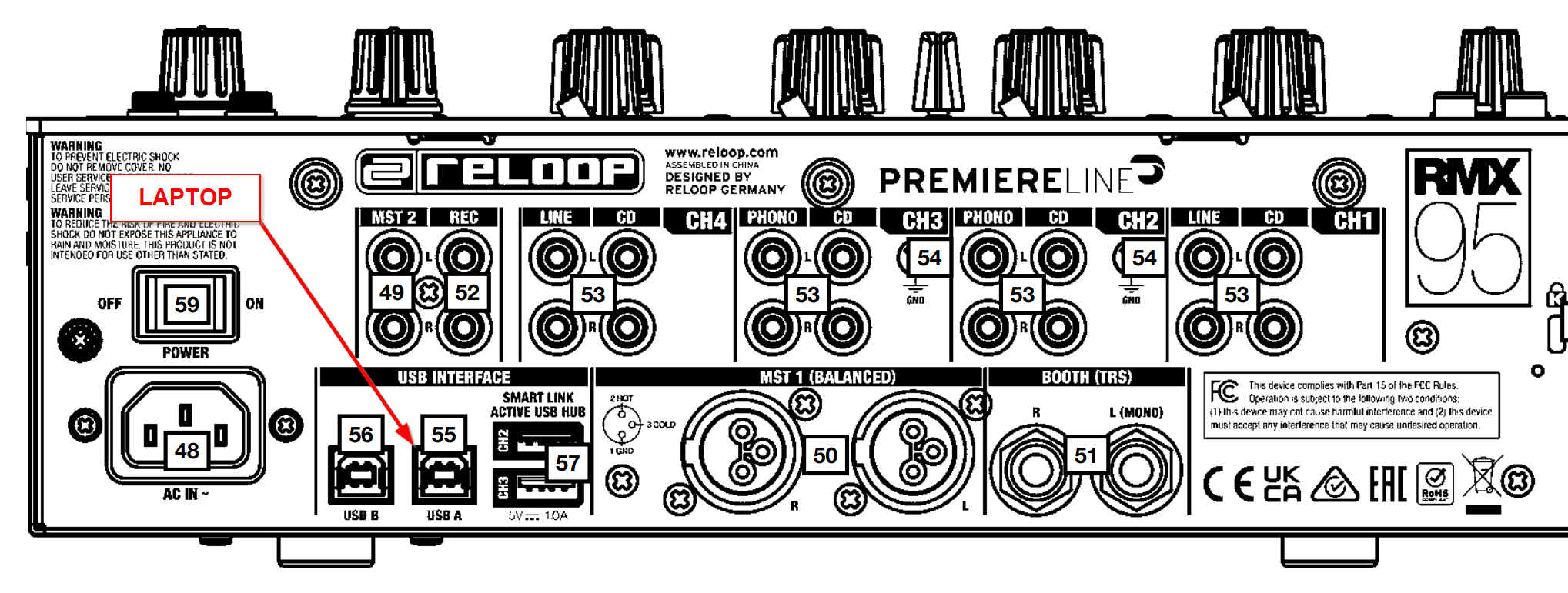
I kinda saw those information came automatically and thought all went thre. But seems like you are not able to see it.. I am using windows 11 home but I believe this is not the main issue. Main issue is, there is no clear instruction how to connect the controllers to each other. I mean controller, mixer and computer triangle.
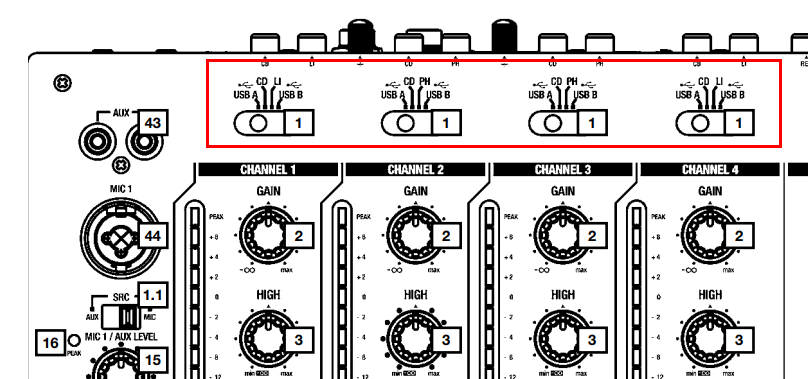
According to RMX95, turntable controllers connects to mixer with usb. I did that but software doesnt recognize controllers or maybe does…I dont know.
Basically, I wanna start from beginning; correct cabling & connection first then work on the software.
Can you help me from beginning?
Meanwhile, here is the computer configuration in case
Edition Windows 11 Home
Version 25H2
Installed on 10/27/2024
OS build 26200.8246
Experience Windows Feature Experience Pack 1000.26100.297.0
Processor Intel(R) Core™ i9-14900 (2.00 GHz)
Installed RAM 16.0 GB (13.7 GB usable)
Graphics card NVIDIA GeForce RTX 4060 (8 GB)
Intel(R) UHD Graphics 770 (2 GB)
Storage 304 GB of 954 GB used
Device ID 5C451452-F932-44FB-B599-181170E89672
Product ID 00342-21326-04633-AAOEM
System type 64-bit operating system, x64-based processor
CONTROLLERS
Reloop RP-8000 MK2 Hybrid Turntable & Controller
Native Instrument X1 Controller
Reloop RMX95 Digital Club mixer
Please let me know if you need more information to support my case. Waiting for yoyr next comments & instructions to fill you with more info about the situation.
Hello! It’s been a week since my last reply. I’m going to consider this topic completed for now so I can focus on others. However, please feel free to respond and we can definitely revisit this. Thanks!