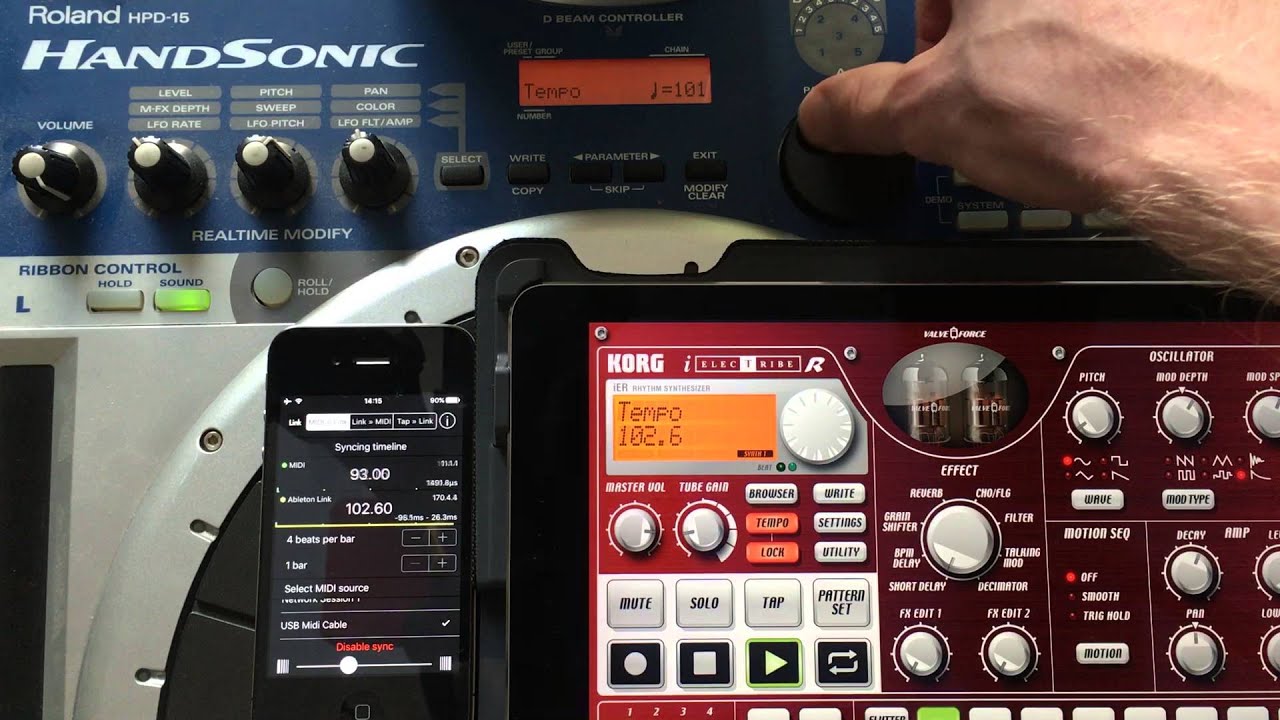
djay Pro outputs Ableton Link but not MIDI clock, so syncing a hardware groovebox or synth has always been a pain. I built a tiny free macOS app to bridge that gap and I am sharing it in case it is useful to others.
VolcaClock is a small menu bar app that joins the Link session, follows djay Pro’s tempo, and sends a standard MIDI clock (24 ppqn) to the MIDI output of your choice. You can map a controller button: one press starts your machine on the next downbeat, another press stops it. There is an adjustable latency offset in 5 ms steps, and CPU load is negligible.
I tested it with djay Pro, a Novation Launch Control and a Korg Volca, but it should work with any Link app on one side and any MIDI gear on the other.
It is free and open source (GPL v2). Note that it is not signed by Apple, so macOS will warn you on first launch. The opening steps are in the README (System Settings > Privacy and Security > Open Anyway). It needs macOS 12 or later, Apple Silicon or Intel.
upon installing it and after the security permissions were given, the LULU firewall i use, sent an alert(naturally i blocked access, as im very cautious)
now while its possible this is a permission for network access, it was just something my firewall picked up
the app still worked, sending a midi-clock to ableton link even after blocking networkaccess…confirmed via the midiview monitoring app, the midiclock was still being sent!!
after 5minutes of using the application just hung & beachballed for whatever reason *shrugs
personally i use a app that existed on the apple store but is no longer available currently…
the app i use is called “midi link sync”
which does
midi → link
link → midi
tap → link
midi link sync was a ipad/ios only app… but could be sideloaded to work within macos, to act as the middle man between devices, allowing for control of the tempo via the master-device
Thanks a lot for the feedback @7nz. I will upload a new version also with a few improvements today. I hope it will be more reliable, but I can’t test it with all versions of mac computers and OS.
@7nz thanks a lot for the testing and detailed report, both points are handled:
The hang after a few minutes is fixed. The app used to wake the main thread on every incoming MIDI message, so a chatty controller could eventually freeze the UI. It now filters on the MIDI thread and only reacts to the button you mapped.
The firewall alert is expected and harmless. VolcaClock uses Ableton Link, which only talks to other Link apps on your local network. No internet, nothing leaves your machine. Blocking it just prevents peer discovery, which is why the clock kept running.
New in this build: the menu bar icon shows djay’s live tempo (one decimal) whenever it is synced through Link, and it blinks on the beat: the little metronome ticks each beat, the whole icon flashes on each measure, following djay’s grid. The menu is now in English.
As before, it joins djay’s Link session and sends a standard MIDI clock (plus Start/Stop on a mapped button) to a Volca or any MIDI gear.
One honest limitation: the measure flash follows the beatgrid that djay broadcasts over Link, so it is only as accurate as djay’s grid. On long mixes or badly analyzed tracks where djay’s downbeat drifts, the measure flash drifts with it. A clean single track (or fixing the grid in djay, Dynamic vs Straight) keeps it on the “1”. There is also a Downbeat menu to nudge the measure beat by hand if needed.