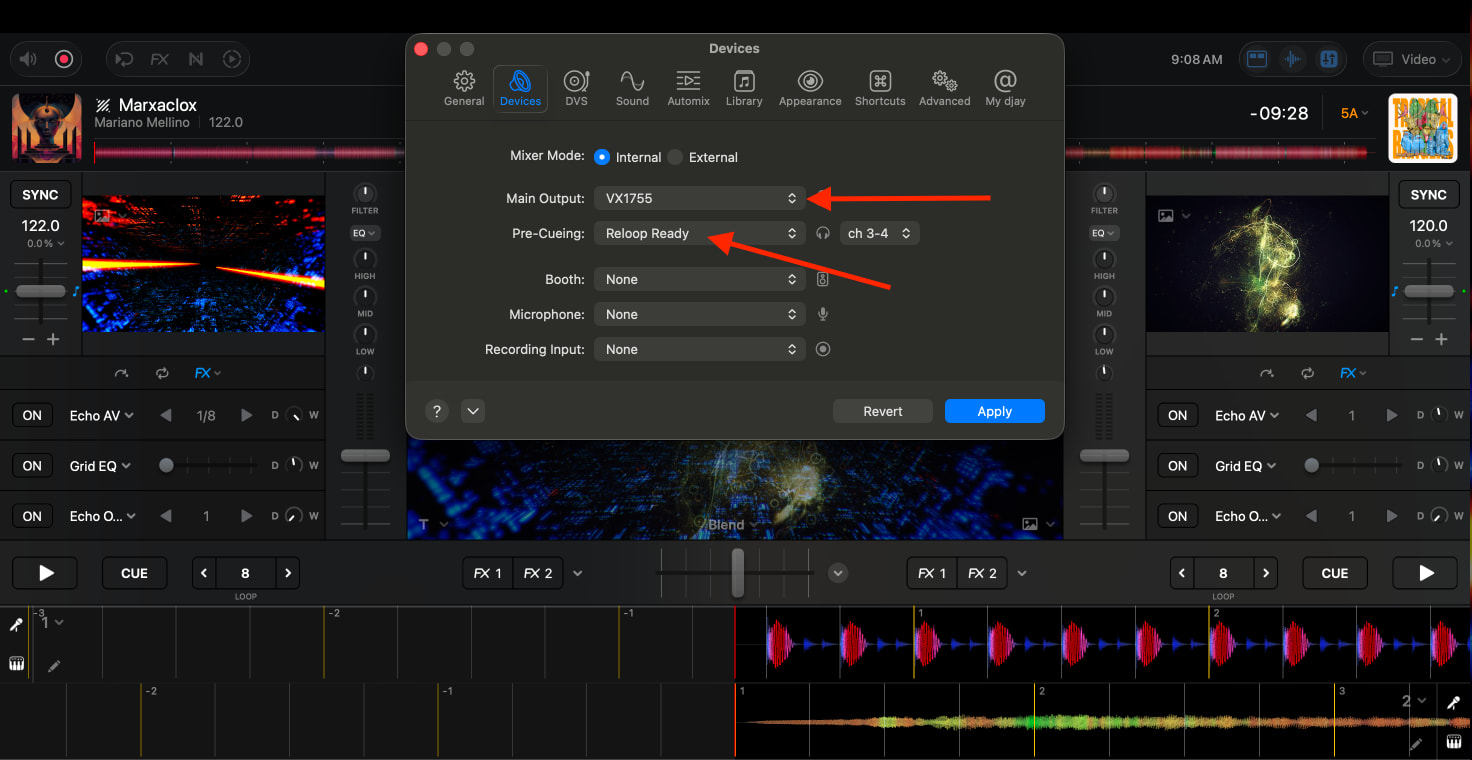
Hello I am a AV integrator and the DJ world is not my specialty. Looking for advice on how to solve our audio/video sync issue..
System Configuraton:
- The system setup is using a Mixon 8 pro with a Macbook(Djay Pro Installed) connected via USB type A to B Cable. The Macbook is also connected to a HDMI matrix system as an input using a USBc to HDMI cable to feed video from PC to the HDMI matrix system which then feeds TVs throughout the Bar.
- We are currently using the Main RCA output of the Mixon8 to Feed the audio system of the bar.
The ISSUE:
- When playing audio from the PC the audio is not in sync with the video.
Potential Fix:
- The fix to me seems to be to get the Video and audio fed into the audio system from one signal path and not multiple. As it is now audio is coming from the USB connection from the PC to Mixon8 and video is being sent via the usbc to hdmi cable.
- The Hdmi matrix system has the capability of stripping the audio from the HDMI signal via analog. I was thinking I could send this stripped audio back into one of the Mixon8 RCA inputs. And this is where I run into not knowing enough about the software nor the mixon8 capabilities.
Questions:
- If using one of the RCA inputs on the Mixon8 to feed the PCs video audio will the Main output from the mixon8 be sending both the RCA input and the signal coming from the PCs USBtype A to B connection at the same time or can this be configured to do only one at a time?
- Also if this is a possibility would this configuration Limit the DJs abilites to Mix/perform?
Again any advice would be greatly appreciated and sorry for the lack of knowledge I have in this space.