


Still to this day getting audio dropouts when enabling wifi. Streaming just seems to be unreliable with Djay Pro. This past weekend I tried leaving Wifi off, and had no issues. The second I go to turn on Wifi to grab some tracks I didn’t have downloaded, Djay immediately stopped playing the current track and I had to hit play again several times. This was when browsing and loading an Apple music track. I am not sure how to completely eliminate this issue other than keep Wifi off completely. I know the solution of “you just need good wifi, maybe the wifi signal is bad” but I have seen this problem consistently on great wifi and bad wifi. It seems like something within Djay is broken. Loading a streaming track while a non streaming track is playing, should NOT cause the non streaming track to stop completely stop playing. This has been going on for months and I can not seem to figure out why. I have constantly updated the app every time, I use a Chroma cable, I’ve tried a newer controller. I’ve turned off iCloud in the background. Everything that has been suggested, I have done. I am on an M4 Macbook Pro as well. Not sure what else to do at this point. I love Djay, but considering returning to Serato if nothing seems to fix this issue.
I can’t share your experience. I don’t have any of these problems with my old MacBook Pro from 2017. And I also stream via a hotspot from my cell phone from time to time. It seems to me that there is more of a problem with your system.
Or have you seen many people with this problem here in the forum?
In any case, I wouldn’t turn on Wi-Fi during a session. That can cause problems. I always have it on and also decide which network I’m going to use before a session.
Hi @djsunkisst, when creating new topics, please do not forget to answer the questions in our template with specific details about your setup not just “iPad” or “Latest Version”. This helps all of our community moderators to provide the most effective support to users with the utmost efficiency. Thanks!
Device Model (ex. 2020 iPad Air 4th Gen):
Version of operating system (ex. iOS 17.3.1):
Version of djay (ex. 5.1.3):
Hardware/controllers used (ex. Reloop Ready):
Hardware Firmware Version (ex. 2.7):
Since this sounds repeatable, can you please capture and share a short video of it? Thanks!
Hello! It’s been a week since my last reply. I’m going to consider this topic completed for now so I can focus on others. However, please feel free to respond and we can definitely revisit this. Thanks!
Hey sorry, forgot about this thread and the business got busy. I created a new post with a video demonstrating the issue. It does seem to only be an isolated issue with just me experiencing it sadly, but yeah no idea how to not have this issue. I have tried enabling a hotspot connection before running Djay Pro and still have the same drops 
- 2024 Macbook Pro M4
- Version of operating system 15.6.1
- Version of djay 5.4.3
- Hardware/controllers used DDJ SR 2
Hi! Back again with this issue…
When playing a song it randomly stops halfway through, almost as if it didn’t download fully. This forces the track to stop completely and it does not recover even after hitting play. I have had this issue happen before, and the track behaves in the same way but it would recover, and it would be more like a momentary stutter. Now it doesn’t even want to play past a certain point.
What could be going on here? I’ve brought this up many times over the last few months, and I thought it went away but it seems like this last update with the Spotify addition made this issue flare up again.
I’ve tried everything, even newer controllers. I’ve completely removed iCloud from this computer recently and I thought that solved it but seems not.
I’ve checked hardware and all the cables, and that doesn’t seem to do anything. I’ve plugged into the left side of the Macbook, as I know that is supposed to be the best port.
May be it is the way to file itself is being downloaded? I was on a hotspot connection, but the connection was strong, and several other songs loaded just fine. Also this was with a Beatsource track as well. I know I’ve mentioned that several times before in other posts. It seems like something is wrong with how the Beatsource connection works.
I even restarted Djay and tried it again and later on in the night, about 2 hours later I had the same issue where the track stopped. In the video you can see that when I let the track play it just comes to this one spot and just doesn’t go any further. Can’t use the jog wheel to push it past that either, it’s just like hitting a wall.
There has got to be a way to flag users if a track doesn’t load properly, if that’s what is truly going on here. They appear to be loading, and the entire waveform populates within seconds, which gives me the confidence that the song has successfully loaded. But if that isn’t the case I wish Djay Pro would alert me.
Lastly for context the audio playing in the video is from a different source I used to keep the music going while trying to troubleshoot.
Thanks for reading and I hope we can finally put this issue to rest soon.
Hi @djsunkisst, I’ve merged your new topic back with this existing one so we can keep all the information in one place. This almost sounds to me like you are playing preview versions of the Beatsource tracks. Can you please confirm that you have an active Beatsource streaming subscription and that you are properly logged into your Beatsource account within djay?
Nope. Active subscription, and properly logged with the app.
I’ve logged in and out as well to try to refresh the connection.
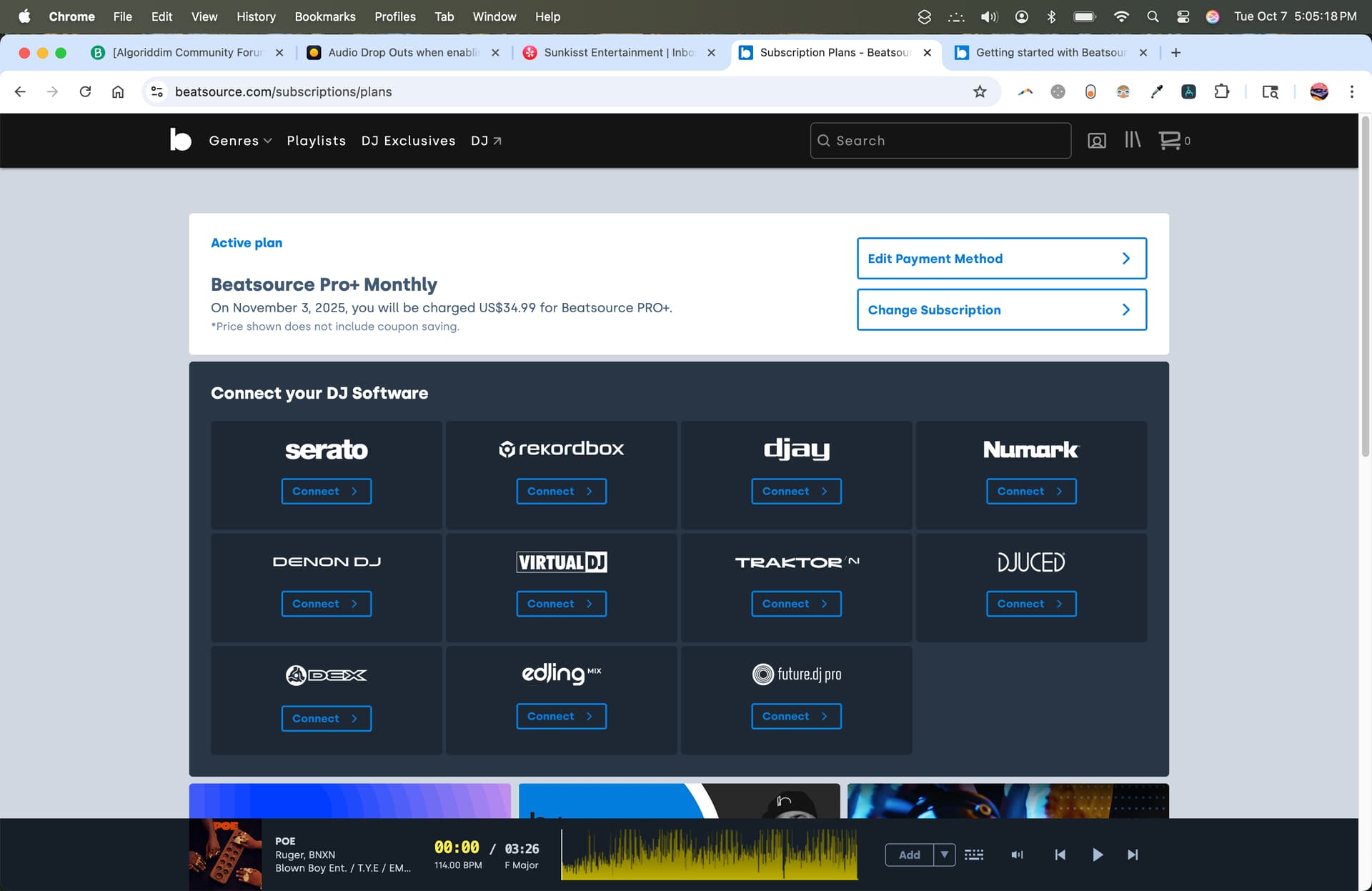
Thanks for confirming @djsunkisst, please refer to the linked FAQ below and let me know if that helps:
Also, if you have a Pro or Pro+ subscription, please try adding the songs to the Offline Locker to see if that helps. Thanks!
Thanks for the article. I guess I can try contacting Beatsource directly if there isn’t anything else the Djay team can do at this time. I’ve tried everything else on there, and the song in the above video was a track that was already in the offline locker.
One option I see for now is to turn off Wi-Fi when playing local tracks or pre-download all streaming tracks before mixing.
Hi @cooper.olivia, welcome to the Community! Thanks for the suggestion.
Yeah, that sounds super frustrating. You’re definitely not the only one who’s run into this with Djay Pro - the Wi-Fi/streaming audio bug has been showing up for a while. It seems to happen when the app starts pulling data for a streaming track and momentarily chokes the audio engine, even on solid Wi-Fi.
A few users said disabling “Pre-cue via streaming source” or turning offline cache on helps a bit, since it stops Djay from constantly hitting the Apple Music servers in the background. Also, try setting your audio buffer size a little higher in the preferences — it gives the engine a bit more headroom when Wi-Fi kicks in.
But honestly, if you’ve already done all the usual fixes (cables, controller, background apps off, latest version, etc.), it’s likely an issue in Djay itself. Some people on the Algoriddim forum said the devs are aware and working on a fix, but no solid ETA yet. For now, the safest bet when performing is still to keep Wi-Fi off and only connect when you absolutely have to pull a track. It’s annoying, but better than risking another dropout mid-set.
Hi @jacoblawson33 welcome to the Community! Thanks for the suggestions


