Hey there @Slak_Jaw ! Sorry to ping you here on what has been deemed a solved issue, but I’m experiencing precisely this exact same behavior - and given my context, I think it’s worth revisiting/troubleshooting further in case this can potentially be attributed to something other than an aloof/suspected hardware bottleneck.
Context: I’ve been using Djay Pro as my main gigging software for roughly 7+ years. Have used the software across multiple laptops with varying OSes, and mobile devices as well. The software is generally VERY stable, and I’m consistently astounded at all of the thought and innovation your team puts into each update and new feature. My mixing style is very harmonic in nature, which inherently makes me use (and value the ability to use) stems quite a lot.
This issue appears to have recently propped up, as I’d never encountered it until about a month ago (roughly around the 12/11 release of 5.6 for Windows, but no earlier than the 11/24 release of 5.5.2 for Windows).
The first time I encountered this issue I was using my old DDJ RX with the latest driver available (1.100) and firmware (1.04). The issue initially presented itself as a random click, followed by the dropping out of audio from one (sometimes both) tracks. The LEDs on my controller had not cycled, so it wasn’t a power issue. However, oddly enough, when this issue occurs, the affected deck’s output level meter freezes, and does not change dynamically even if the track associated with the affected deck is playing in the software. This issue occurred regardless of file type, location, and/or download status. I tested songs that were locally hosted on my computers internal SSD, files that were stored on my external SSD, and files that were exclusively streamed (via Tidal).
Naturally, this appeared to be either an issue with my hardware, or something had gone awry with the drivers or firmware for my controller.
I proceeded to uninstall and reinstall the drivers for my DDJ RX, and factory reset the controller in order to reinstall the firmware update - yet the issue still persisted. With the age of my DDJ RX, I honestly just figured there was something wrong internally, and I have no time to attempt fixing it myself or sending it out to repair, as I have a wedding to DJ on NYE. So, I went out and bought myself a new controller I’d been eyeballing for some time!
The new controller I picked up is a Rane Performer (most up-to-date drivers - 1.0.2 - and Firmware - 1.3.0.13). Started practicing after unboxing and updating everything, and the issue occurred on my brand new controller as well. I was doing pitch play with a vocal stem at the time this occurred on my new controller, which is when I started to piece together that this appears to be stem related (potentially solely occurring when just a vocal stem is being used, as @Niels_J_Johansen mentioned, but I can’t confirm this through all of my experiences with the issue).
I’m hard pressed to think this is an issue related to hardware incapabilities in my experience. While utilizing Djay Pro with one (sometimes up to three) separate Midi controllers involved, playing high quality WAV/AIFF files, and using stem separation and fx, my CPU usage has never gone above 35%, and my RAM usage is only at 40-45% at any given time using the software.
I’ll provide my detailed hardware info below.
Windows Version: Windows 11, version 25H2
DJay Pro Version: 5.6.5613.0
Processor: AMD Ryzen 7 7840HS
RAM: 32GB (5600MHz) DDR5
**DJ Controllers: ** DDJ RX, Rane Performer, and Reloop Mixtour PRO.
Troubleshooting Steps Taken: uninstalled/reinstalled associated device drivers, ensured Windows and DJay Pro are up-to-date, tried new cables, tried different USB ports, adjusted buffering size for audio drivers all the way to max as well as all the way down (this did not affect the frequency in which the issue occurred), closed background apps, ensured in-game overlays from Steam and NVIDIA are both disabled, ensured applications aren’t allowed to take exclusive control of any applicable audio devices involved in my setup (per your troubleshooting article), tested files from various internal and external drives, tested streaming files only, ensured device is in High Performance mode, ensured control panel doesn’t allow any USB ports to be put to sleep to save power, backed up DJay Pro data (as advised in your related help article) and uninstalled/reinstalled DJay Pro then proceeded to put backed up files back in place.
I’m a bit at a loss here on how to troubleshoot this any further without just attributing it to a bug that was recently introduced. I truly adore this software, and often tout it to my DJ friends in the field as often as I find myself able to. Unfortunately, with the way that I mix and rely on stems to do my transitions, this issue has terrified me on attempting to use DJay Pro live at gigs until the problem has been rectified. 
Any and all troubleshooting measures I haven’t tried yet would be greatly appreciated. Thanks in advance for your help!


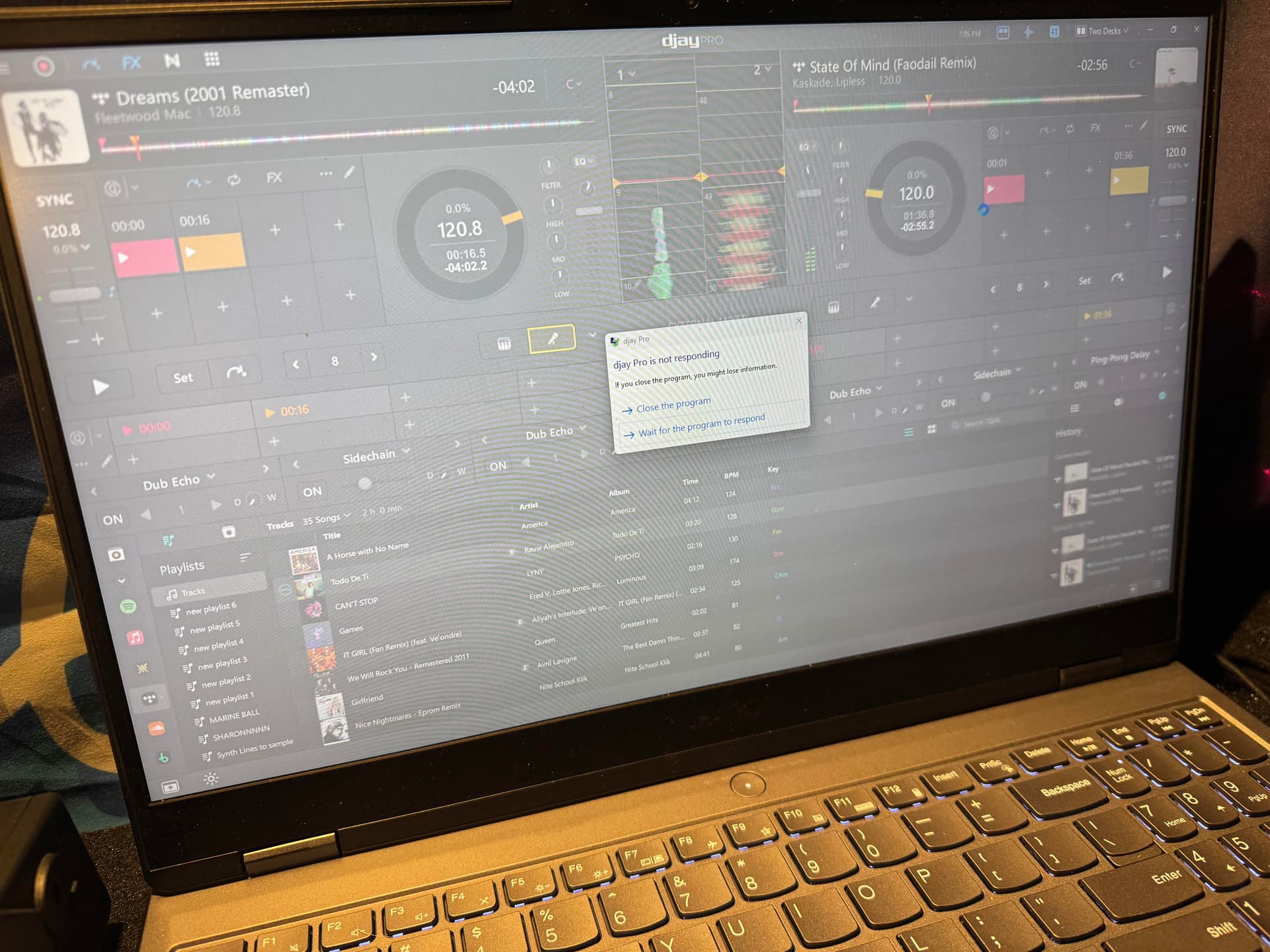
 If you have any workaround steps to these weird tertiary issues detailed here, feel free to let me know