NOTE: Please use the search function above before posting to avoid creating duplicate topics.
Device model Mac Book Air - iMac
Version of operating system macOS 14.8.5):
Version of djay 5.6.4
YOUR QUESTION:
I am using DjayPro for playlists I use in my indoor cycling classes. So I need all of my songs starting from beat 1 after fading from one deck to the other. I already reinstalled my MacOs on both devices and did the same with djaypro. Djaypro still cutting the first beat. Is it a bug or is there any setting in djaypro that is causing this?
Hi @Reiner_Vogt, welcome to the Community! Thanks for the details about the issue and your setup - this is very helpful. Can you please capture and share a short screen recording of the issue? Thanks!
Hello! It’s been a week since my last reply. I’m going to consider this topic completed for now so I can focus on others. However, please feel free to respond and we can definitely revisit this. Thanks!
NOTE: Please use the search function above before posting to avoid creating duplicate topics.
Device model Mac Book Air - iMac
Version of operating system macOS 14.8.5):
Version of djay 5.6.4
YOUR QUESTION:
I am using DjayPro for playlists I use in my indoor cycling classes. So I need all of my songs starting from beat 1 after fading from one deck to the other. I already reinstalled my MacOs on both devices and did the same with djaypro. Djaypro still cutting the first beat. Is it a bug or is there any setting in djaypro that is causing this?
I don’t think a Video is needed. So during automix, once the next track starts, I do have only 31 counts at the beginning instead of 32 and during tracks where up- and downbeat sound the same it’s hard to get the next “first count”. So for Group Fitness this is a mass …
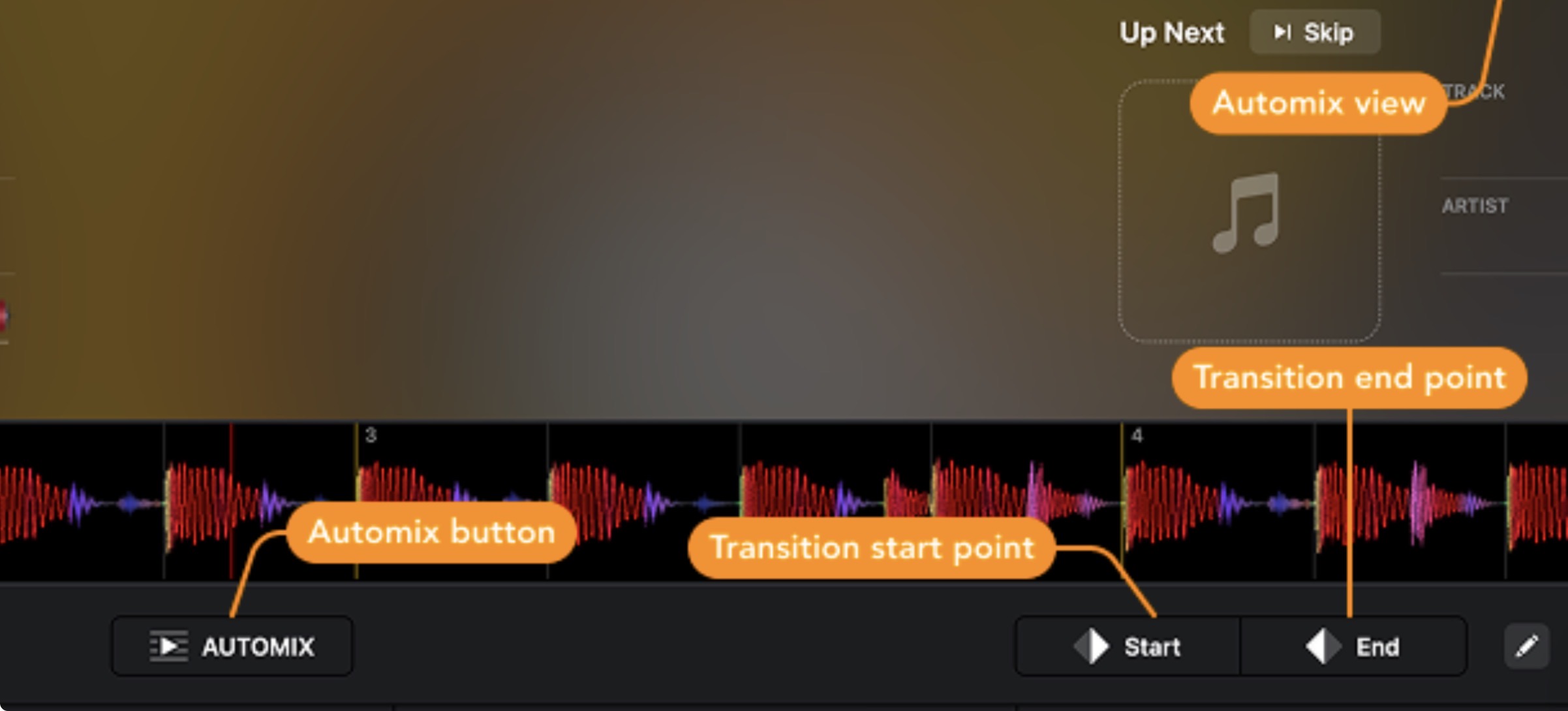
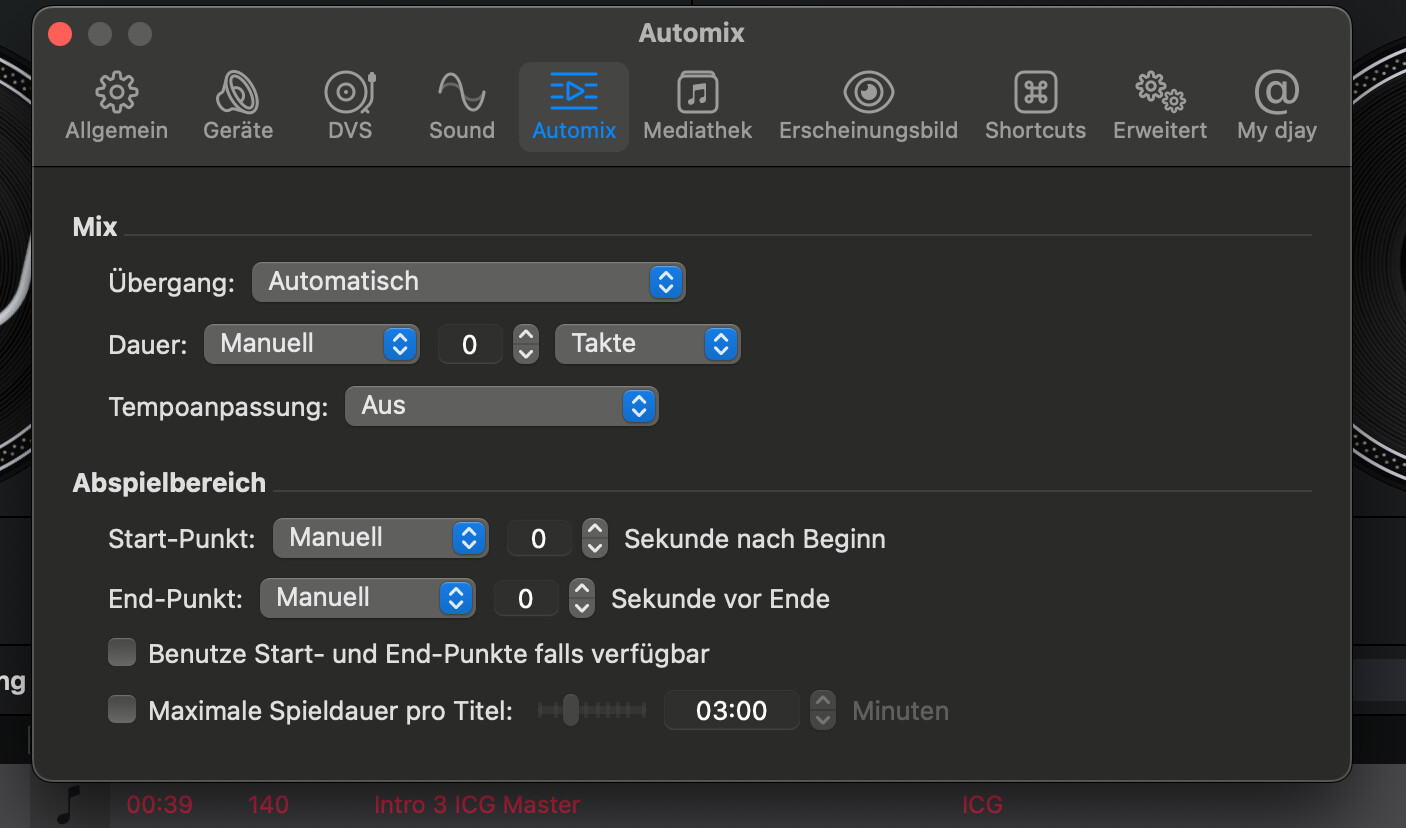
Hi again @Reiner_Vogt, I’ve merged your new topic with your original one. You could try using Automix Start and End points and setting the Automix Duration to a specific number of bars. This should provide more control over the Automix. If you share a screen recording to clarify exactly what is happening, I can try to provide more specific suggestions.
I am German so I’m suing the german version. Hope the places and settings do match with the english version. I need a plug and play setup for my playlists. It worked fine in the past. Since a couple of month I see this problem. I reinstalled my MAC and Mac Book OS and all the Apps including DJPRO. I haven#T been lucky so….
Your settings are technologically Extreme! Impossible to execute, even with the best AI. You want the mix duration to be 0 seconds and to begin at exactly 0 seconds and to end at the very end of the track (0 seconds to track end). Do you realise that in theory it makes sense, whereas in practice it doesn’t? Actually, in practice it is IMPOSSIBLE - in the sense that it is no longer a mix (as there is no blend).
You are better off, hitting NEXT button (drop-mix), because that’s essentially what you are asking djay to do.
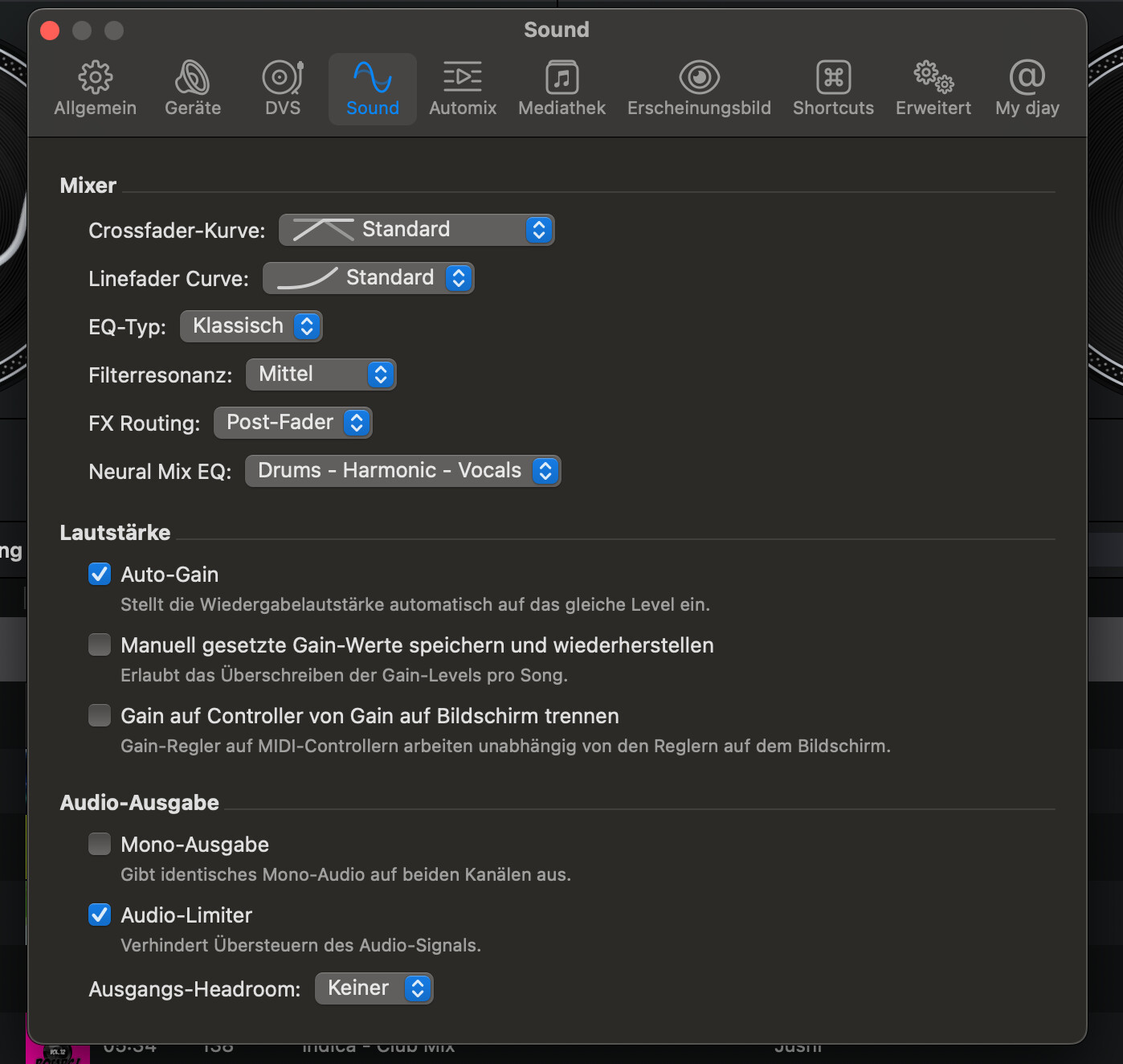
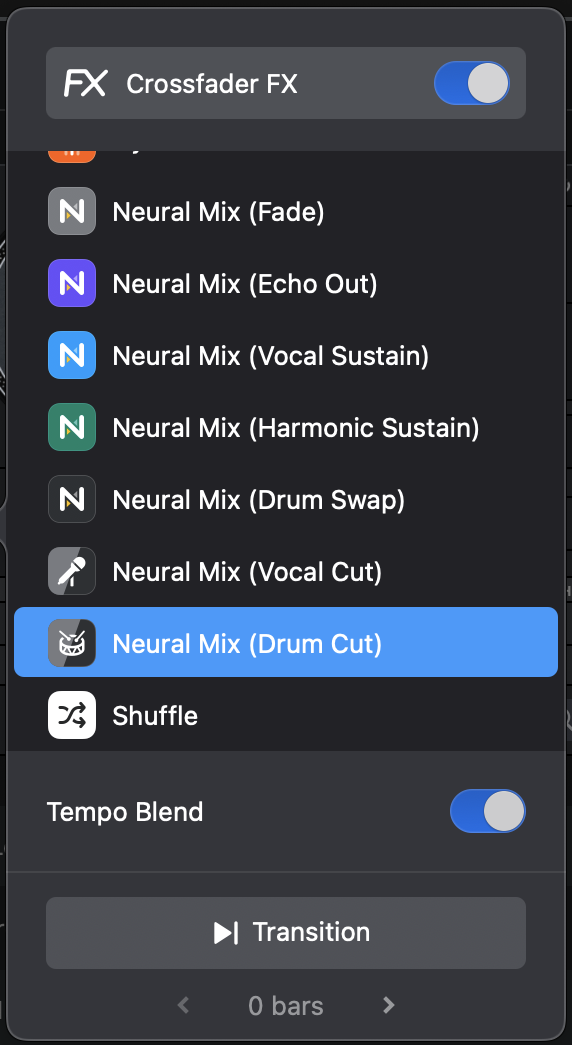
Instead try using the croosfader FX “DRUM CUT” and see what happens - the only setting that I think might support your workflow. I’m still skeptical though
Thanks for the additional info @Reiner_Vogt. Also, thank you @Armigo for the input.
Maybe try disabling Key Lock on both decks to reduce latency in your setup.
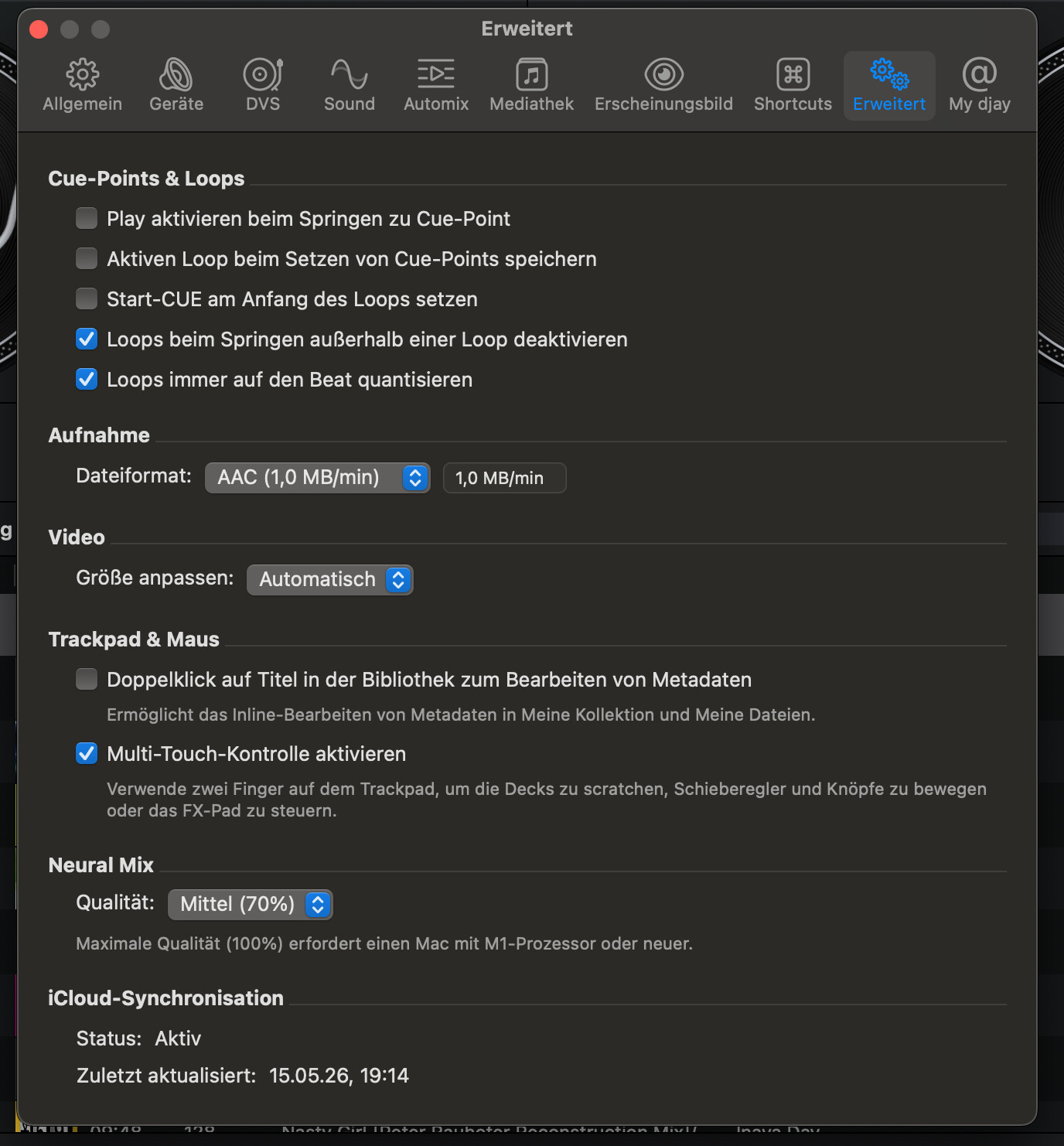
You may also get faster performance if you close all other apps and background services while using djay. In addition, latency should improve if you use local music and don’t use Neural Mix transition types.
Hello! It’s been a week since my last reply. I’m going to consider this topic completed for now so I can focus on others. However, please feel free to respond and we can definitely revisit this. Thanks!