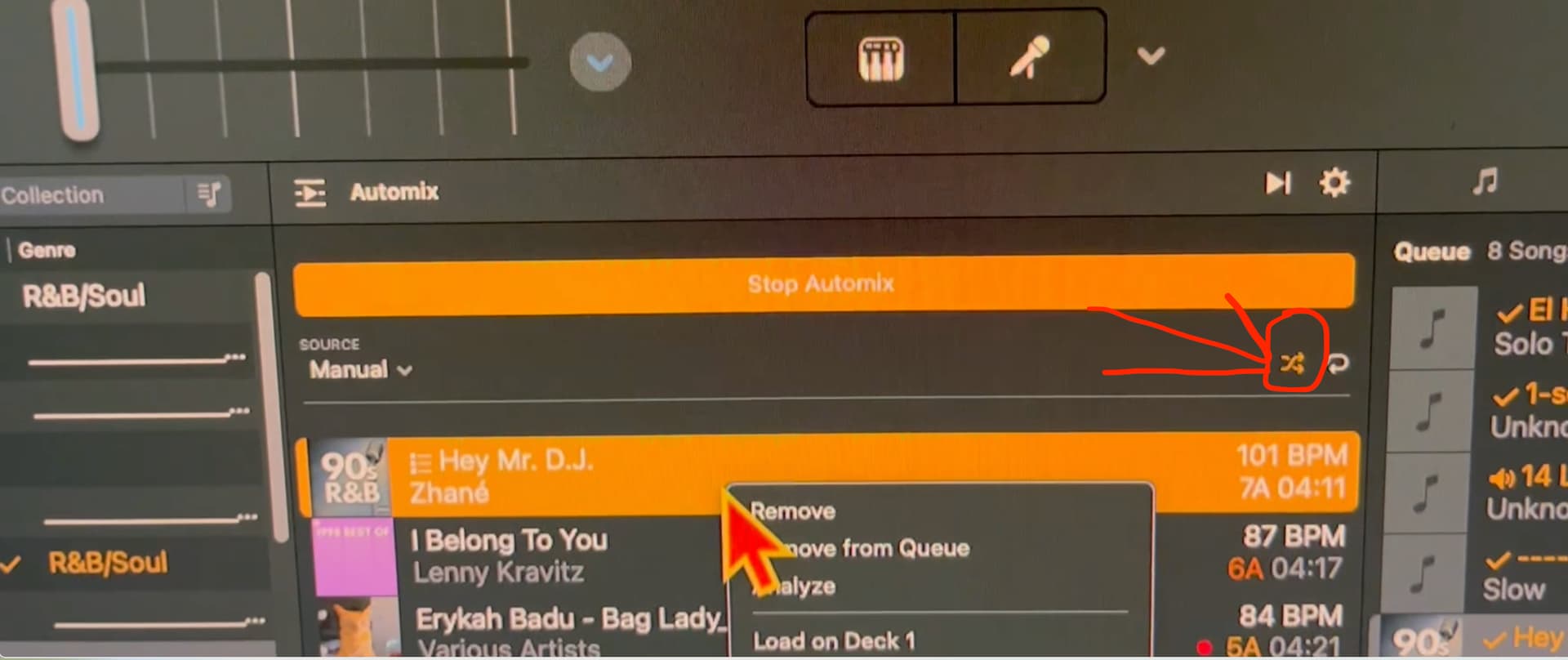
I brought this up a few months ago and I believe I was told a fix was implemented, or it could not be reproduced. But just wanted to say the Automix feature is still wonky. After running automix for a few more songs it starts to work correctly, but you can see in the video below, it made one of the songs completely disappear.
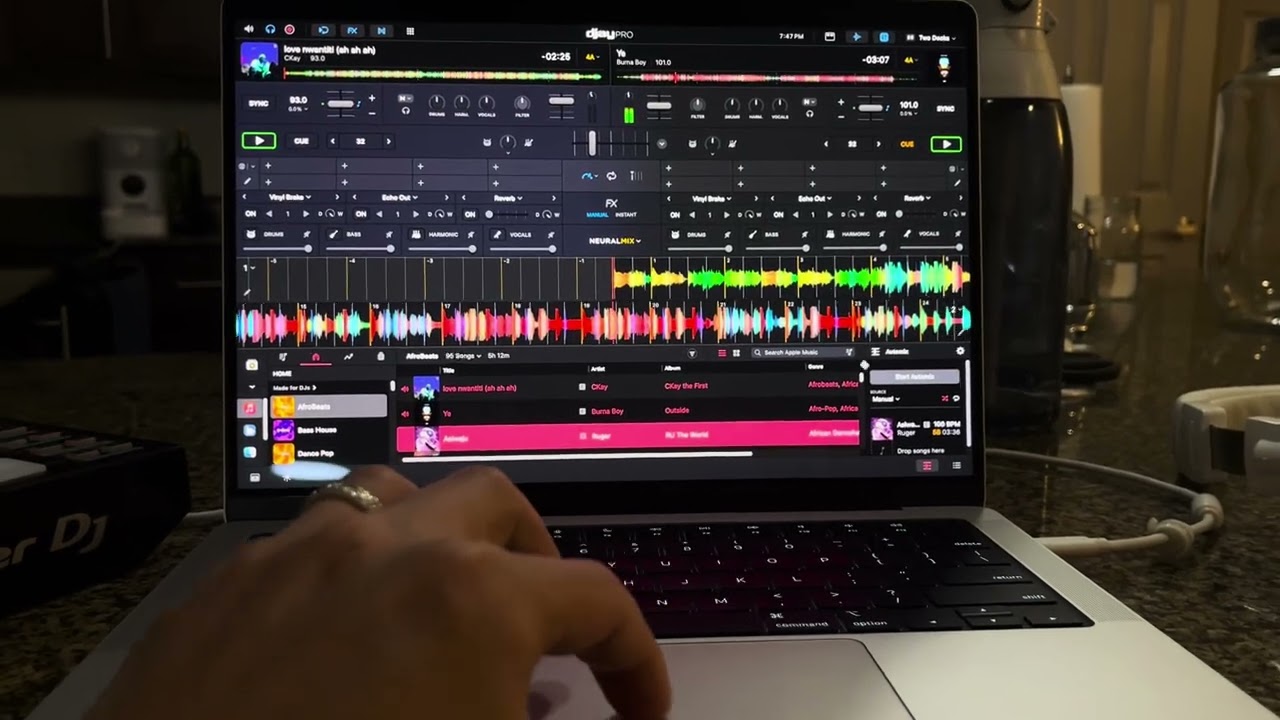
In this second video, you can see some more inconsistent behavior. Why does it kick out the first song..but from then on anytime you enable automix it won’t do that? Odd behavior. Does this every time I start automix for the first time during a session. (Sorry no audio on this one, copyright issues when uploading)
And here’s a third video of another random eject:
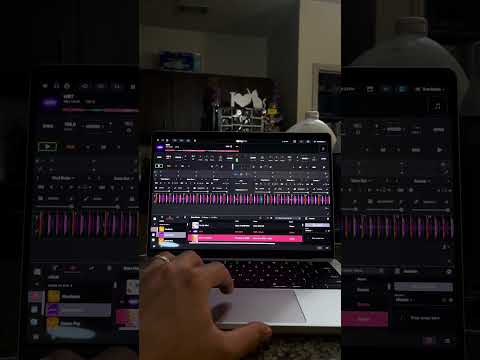
M4 Macbook Pro running the latest Djay version along with latest macOS.