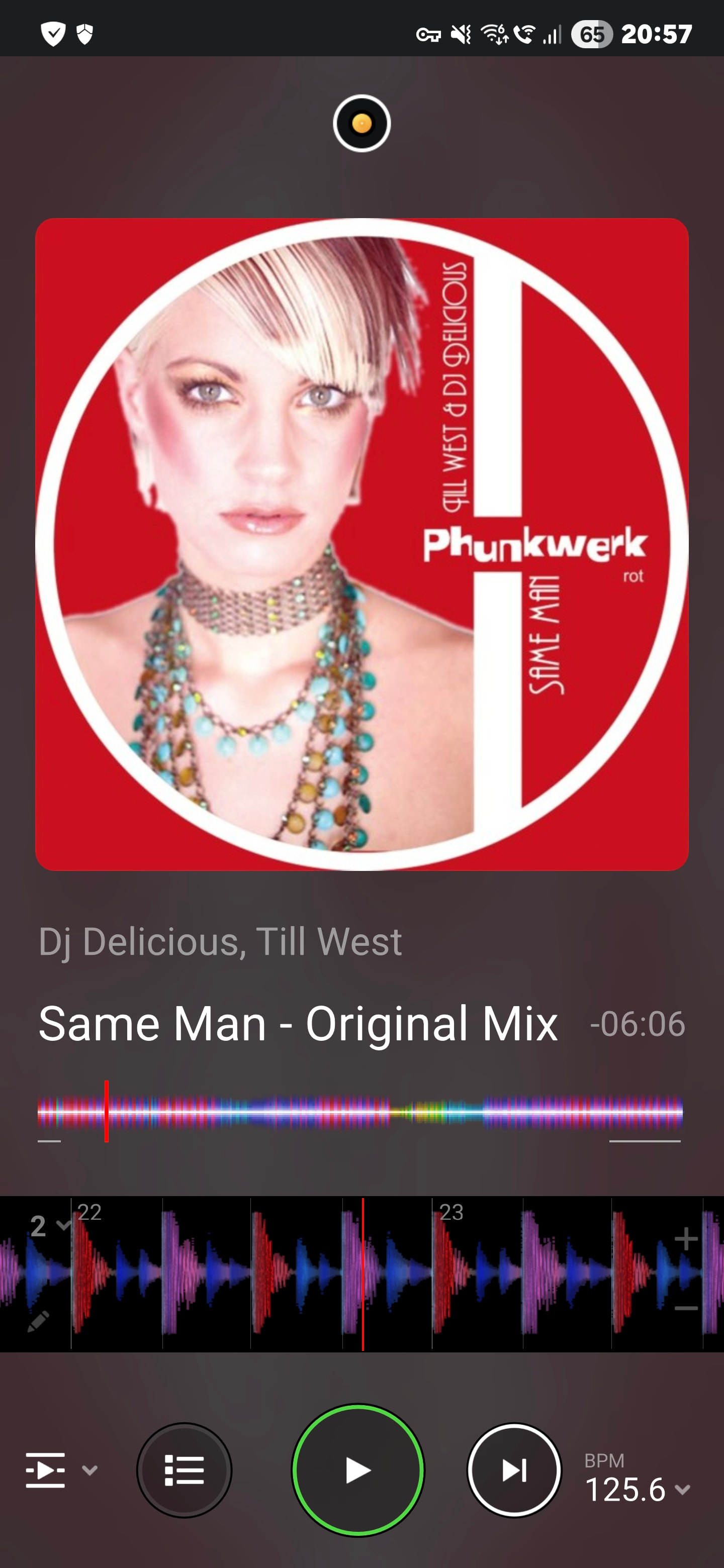
No, thank you !
Reset phone for this !
I whait to see if staff can fix this bug…
No, thank you !
Reset phone for this !
I whait to see if staff can fix this bug…
Restart, not reset @DJDANY
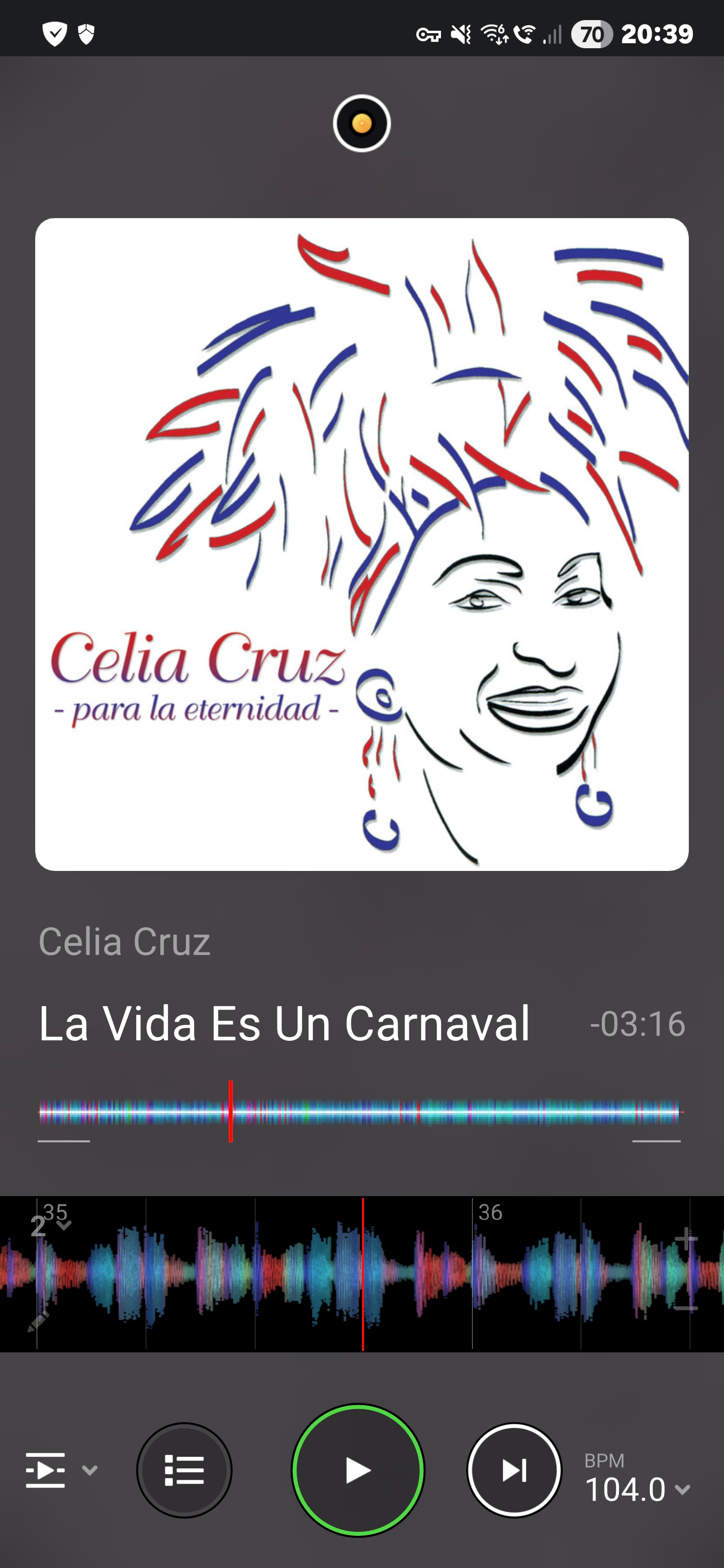
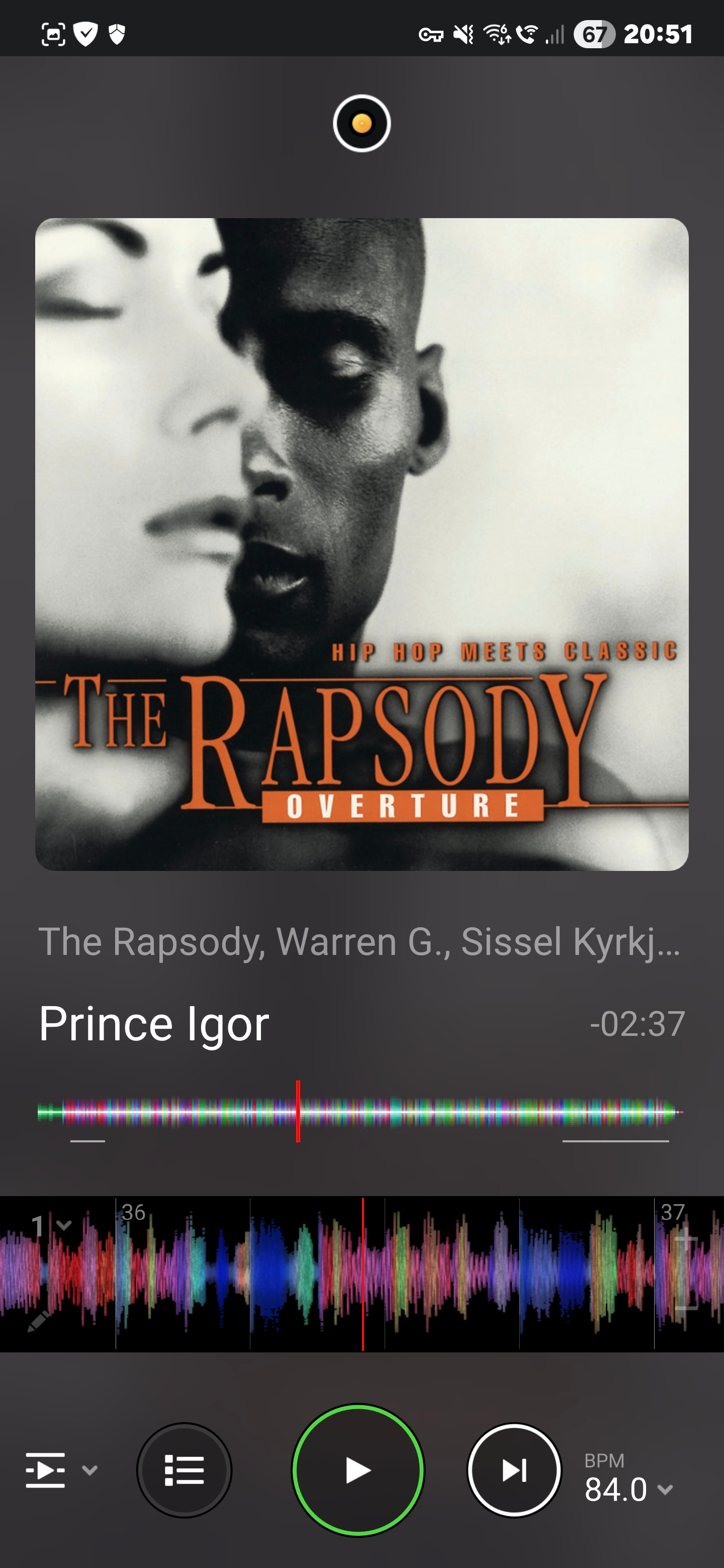
Hi again @DJDANY, we have not been able to reproduce this issue as you have described, so this does not appear to be a bug within djay. I’ve personally been running Automix on my Android device for over 2 hours now with no playback issues. Most likely this is an issue with your internet connection, Tidal account, your specific setup or an improper installation of djay. I recommend you try the following in order and report back if your issue persists.
I hope that helps!
Ok
I will tried…
Good idea @SamJam. Thanks for sharing.
After log out tidal and uninstall/reinstal i not have this bug, I’ll come back if I encounter this problem again, thanks.
Excellent! Thanks for the update. Glad to hear that worked for you.
The error occurred, something is wrong, I don’t know what else to do, that’s it, if it’s not resolved when the subscription expires, I won’t renew it, thank you
Sorry to hear you’re still experiencing this issue. Can you please confirm these points from earlier? Since we are unable to reproduce this issue on our end, it’s most likely an internet issue and not a bug with djay.
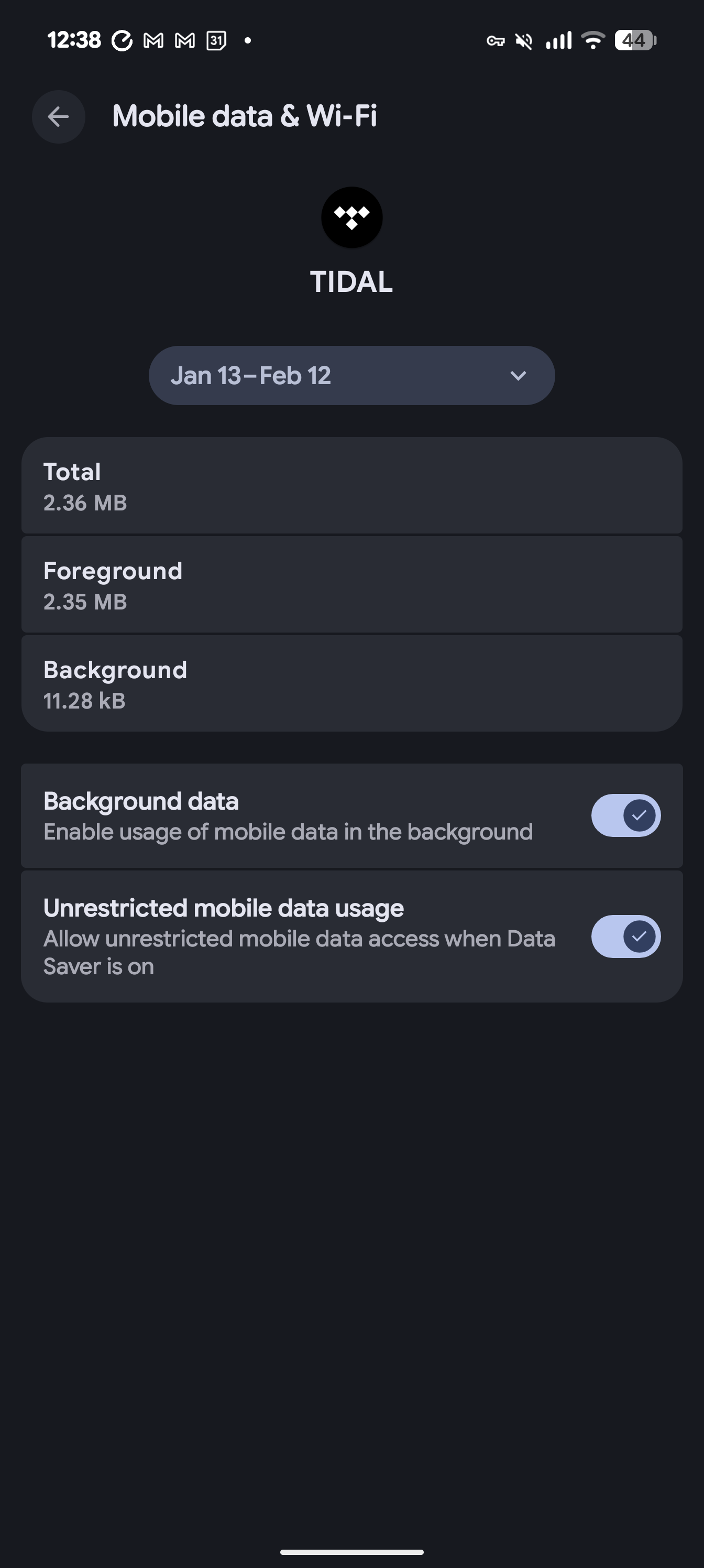
Speed it is ok, 980 mbps down,it is wi-fi
If i disable phone security is weak.
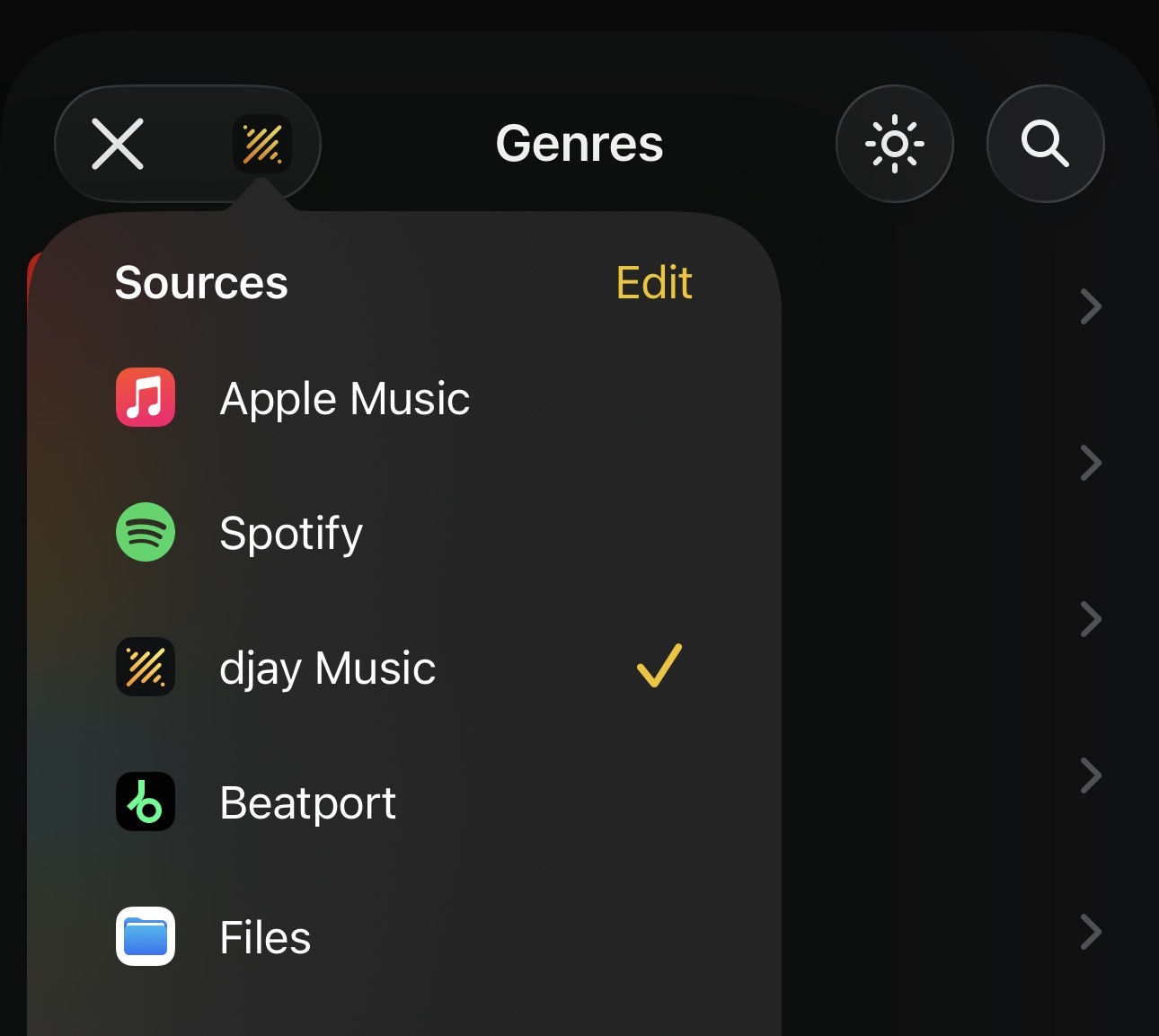
Hi @DJDANY, unfortunately, I can’t think of anything else to suggest to you except to try with a different streaming service. Can you please run some Automix tests using the included free djay Music streaming source? It would be good to determine if the issue is isolated to the Tidal source or not. Thanks!
I’ve now tried a total reset and will reinstall the application, I’ll come back if the error still appears, greetings from Romania!
I haven’t tried djay music yet, can I import playlists from tidal, youtube, spotify?
Okay, sounds good @DJDANY
Great! That’s good to hear. Thanks for the follow up @DJDANY
I’m thinking of ending my Tidal subscription, the error appeared again!
I use Beatsource. You could give that a go.
Ok, thanks 
Just out of curiosity, what platform will you change to? You can get other services on a short free trial to see what suits you best.