Device model (e.g. 2020 iPad Air 4th Gen): MacBook Air M3
Version of operating system (e.g. macOS 14.4.1): macOS 26.5.1
Version of djay (e.g. 5.1.2): 5.6.5
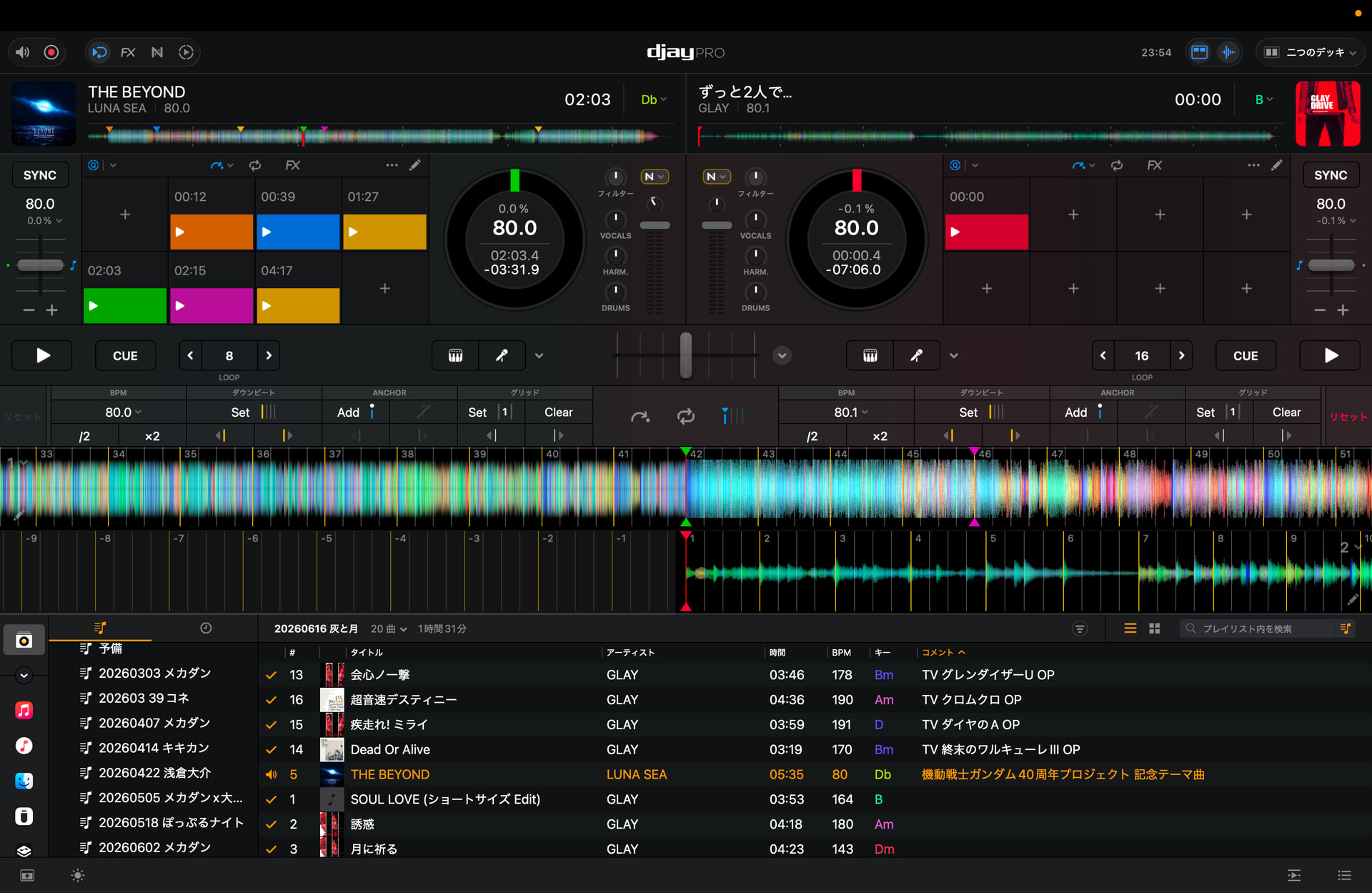
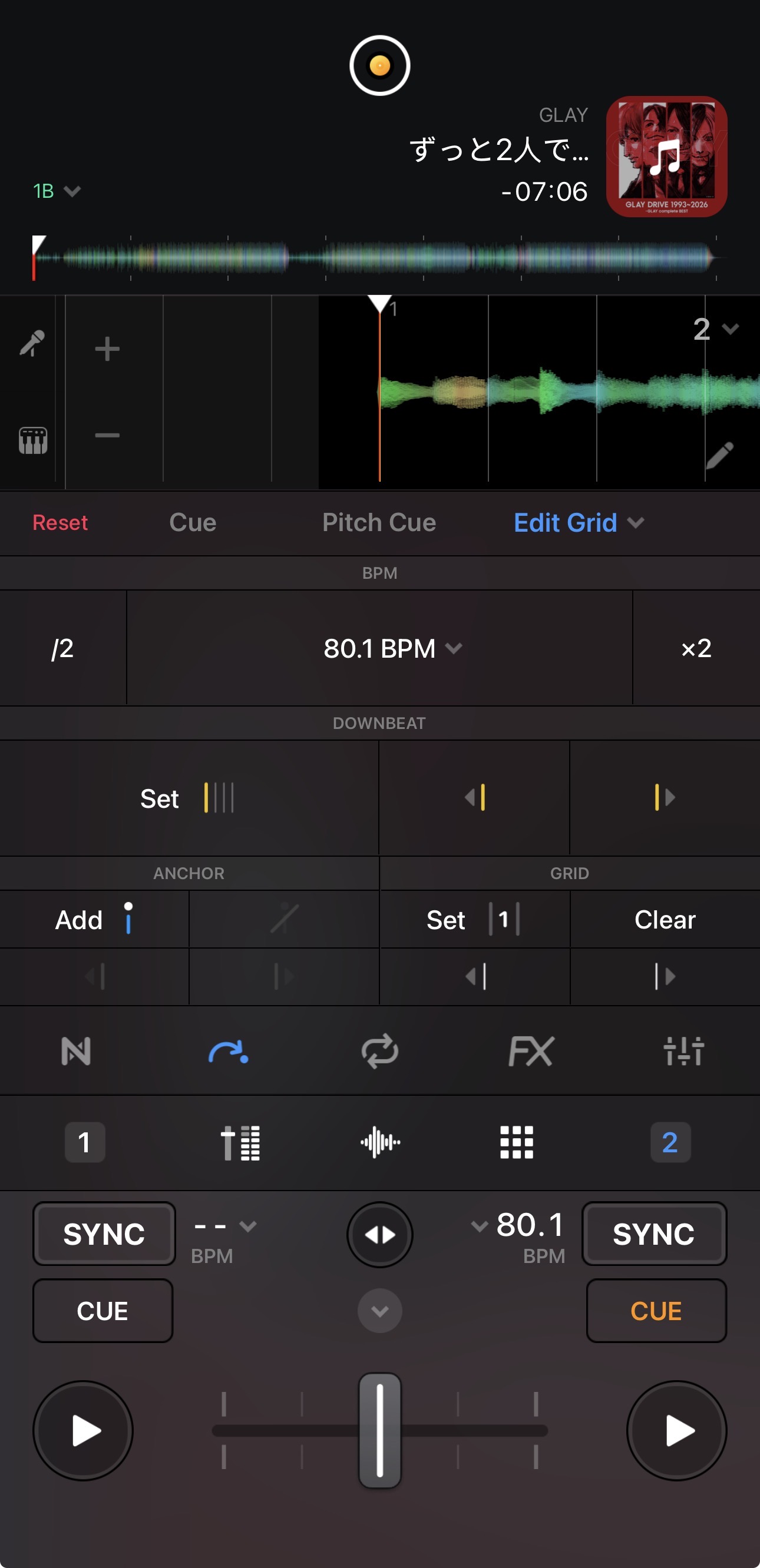
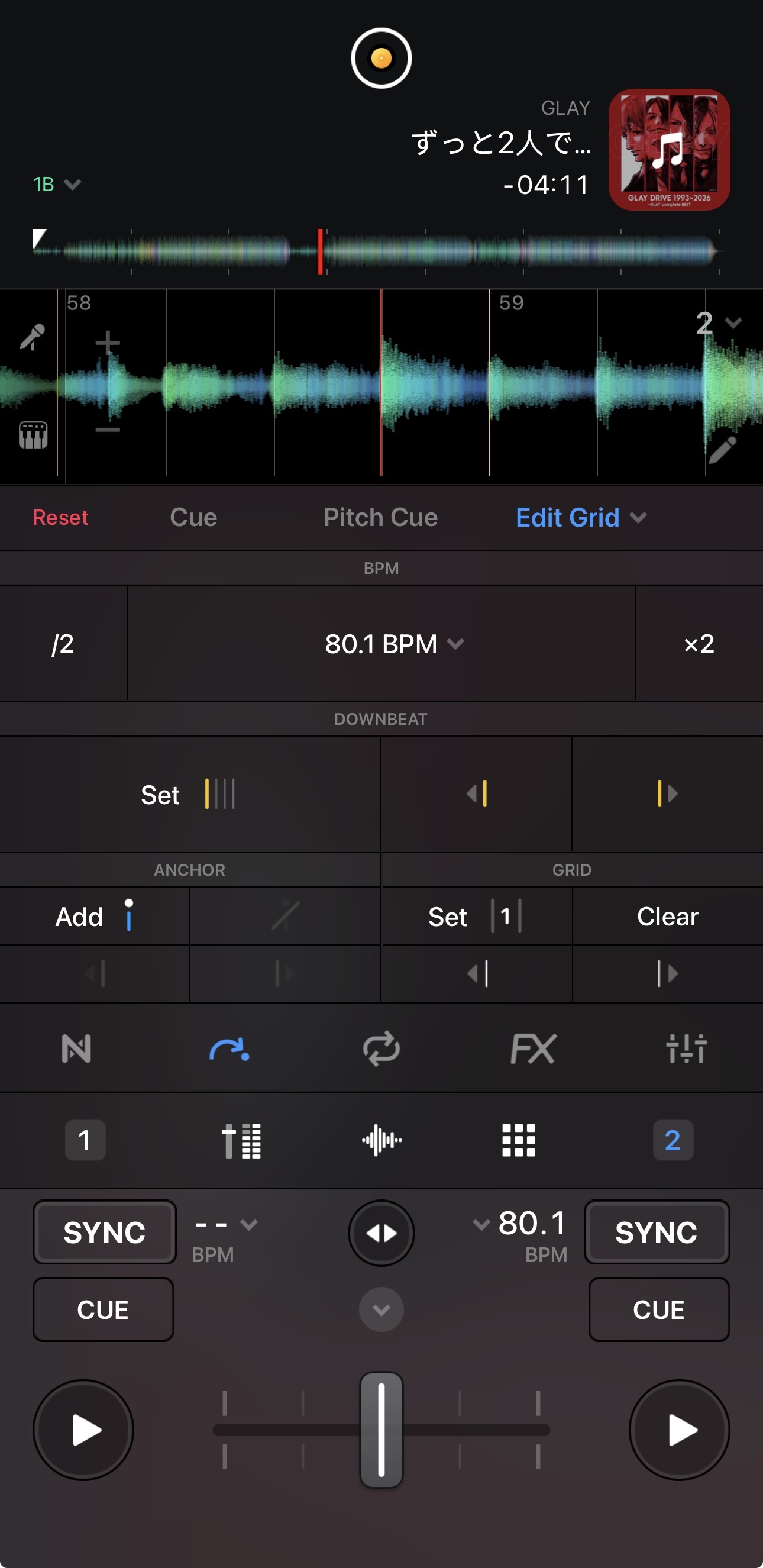
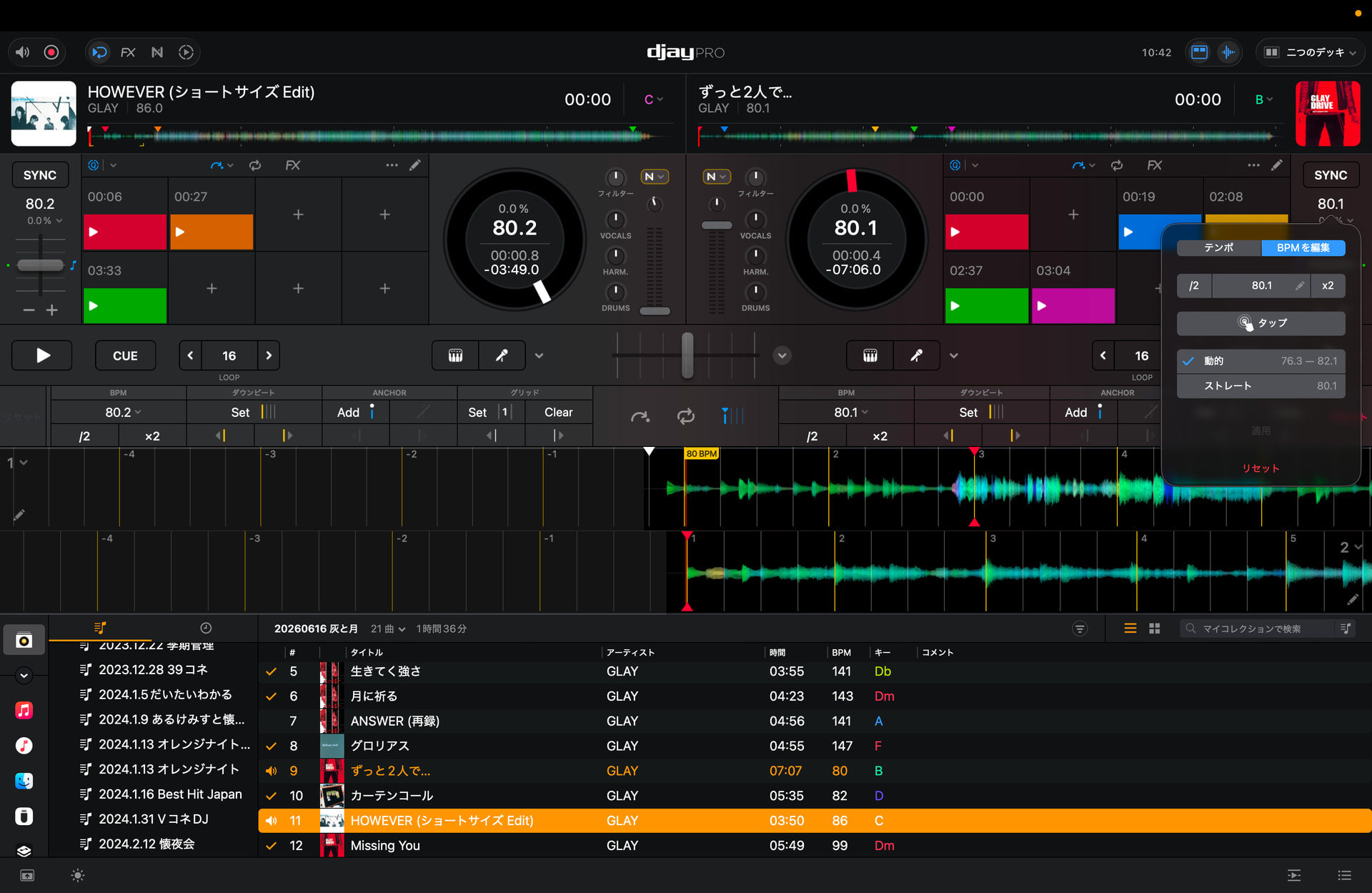
Two tracks playing at the same tempo show different beat grid positions on Deck 1 and Deck 2.
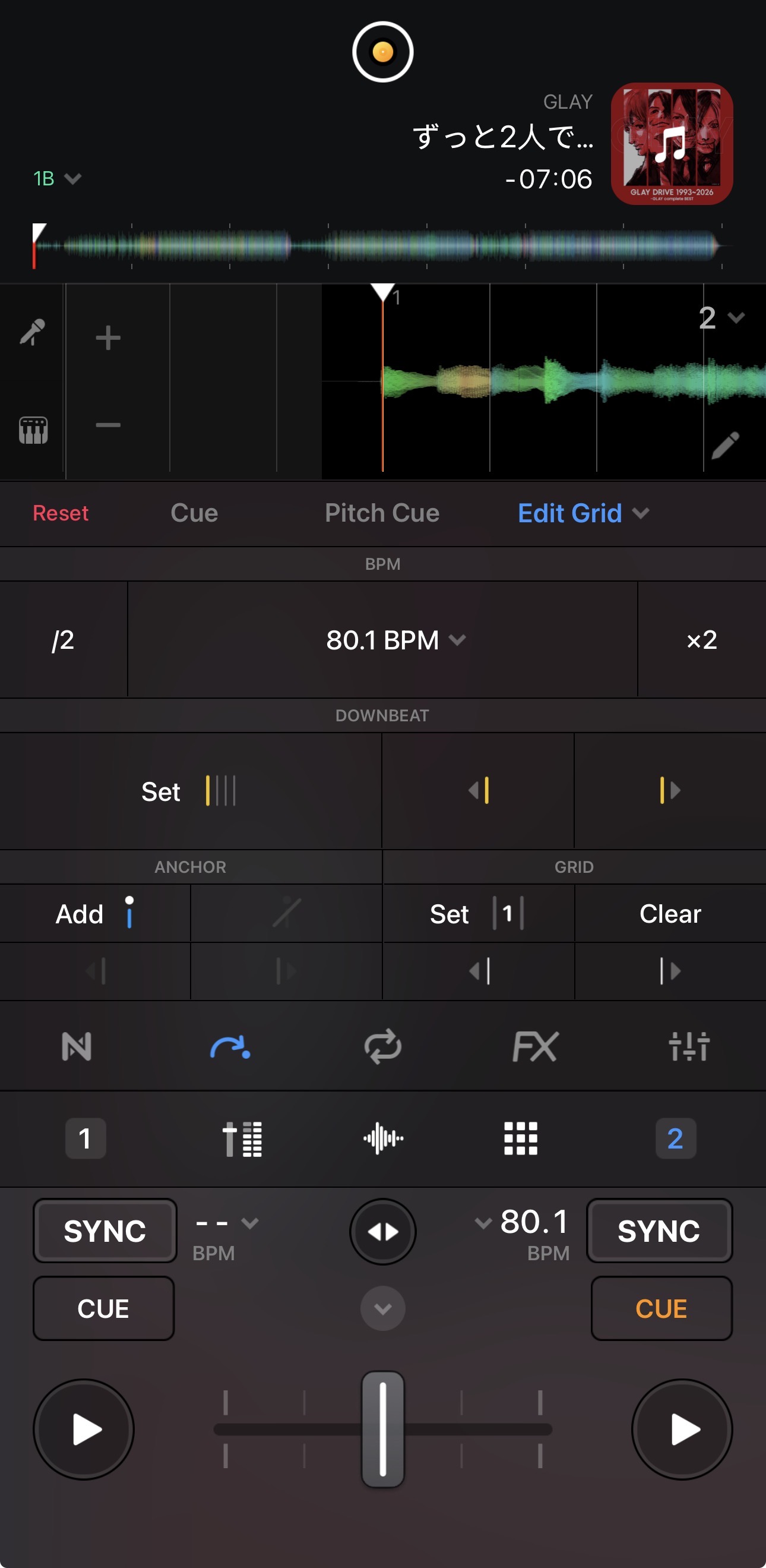
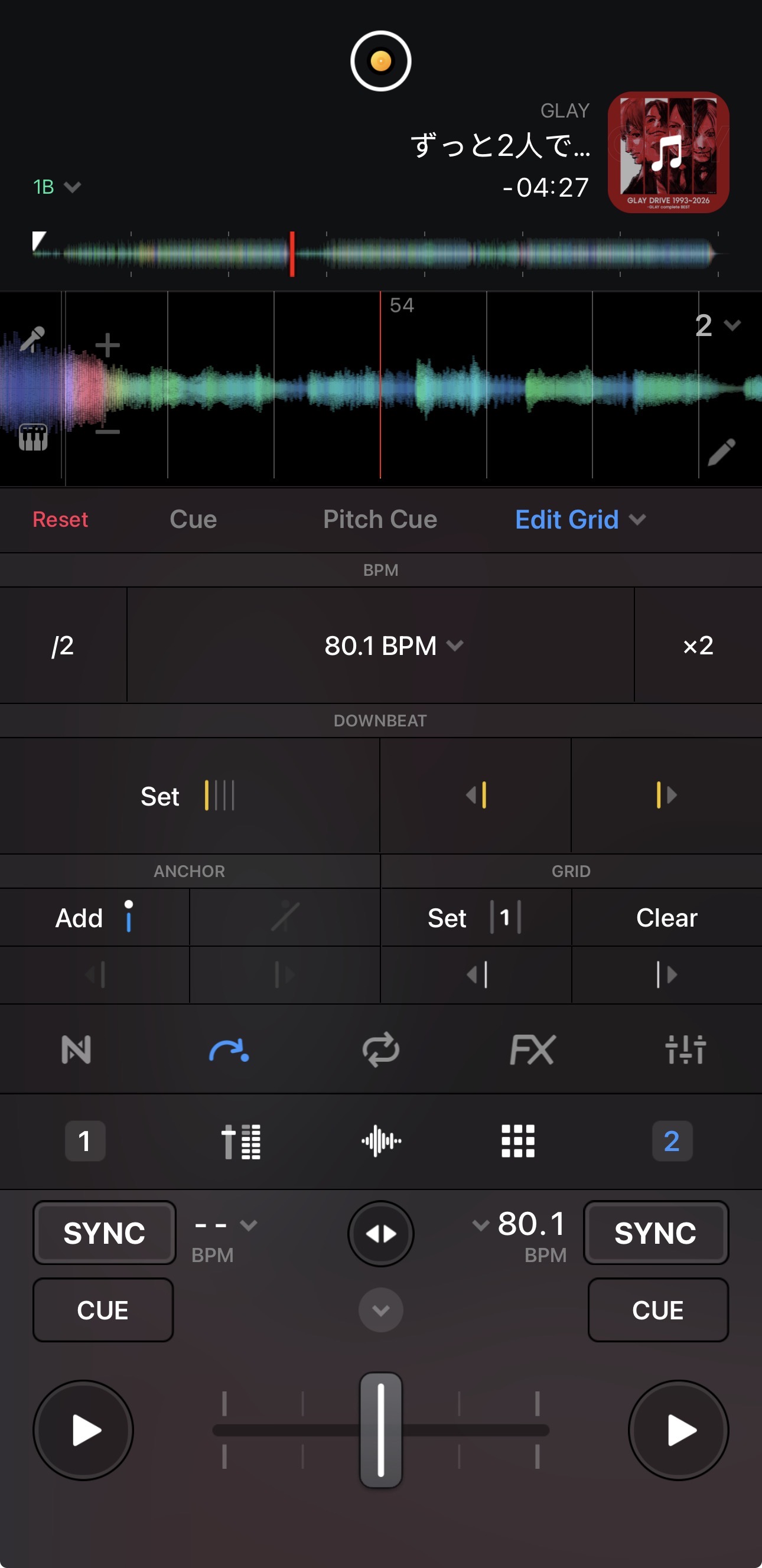
Example in the screenshot: 80.0 BPM vs 80.1 BPM, manually tempo-matched, but the grids are still offset. The audio is also out of sync, not just the grid display.
Can you please upload both of these song to your Dropbox/Google
Drive,enable sharing permissions, then send me a link to the songs in a DM? I’d like to test them on my setup.
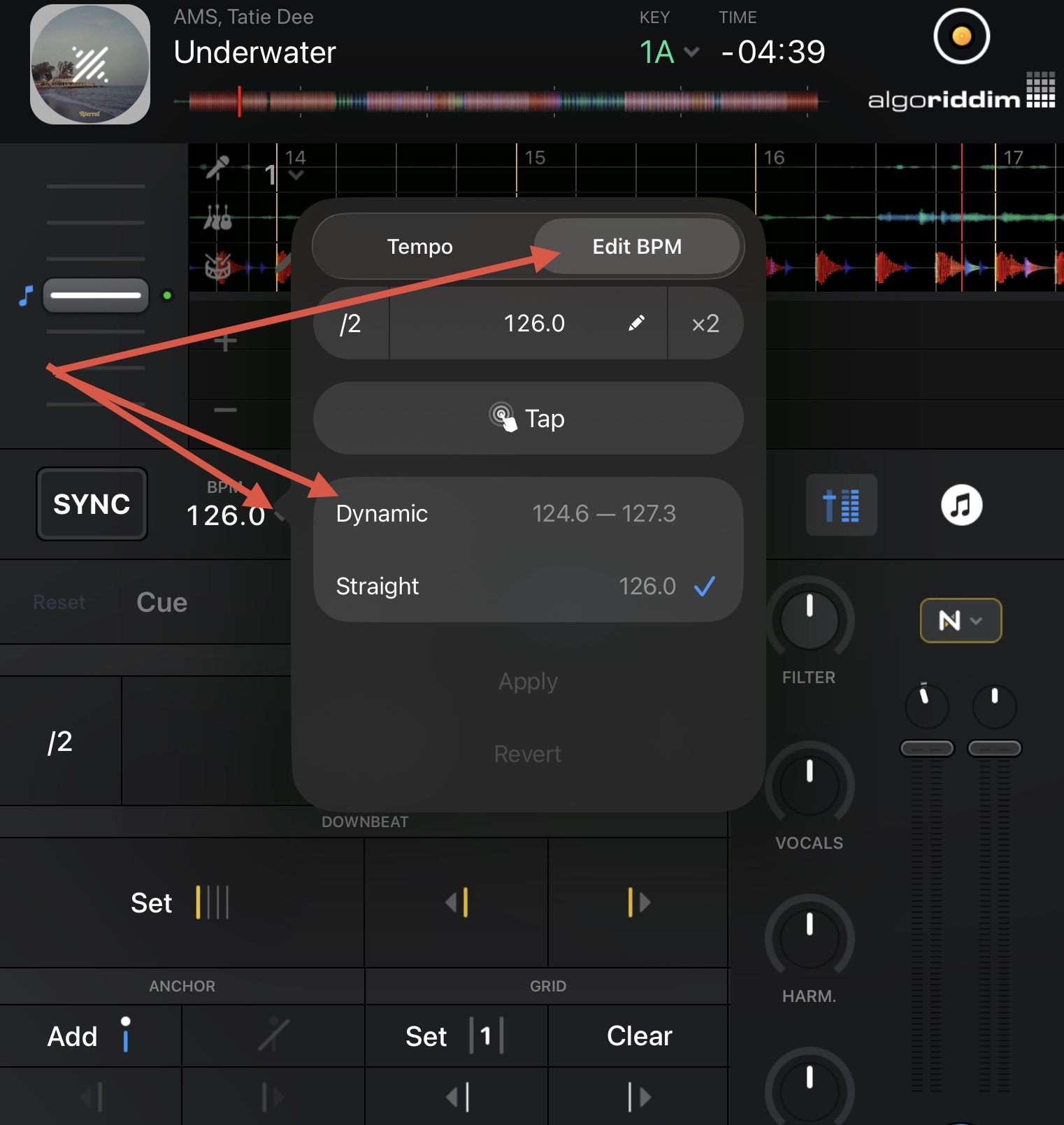
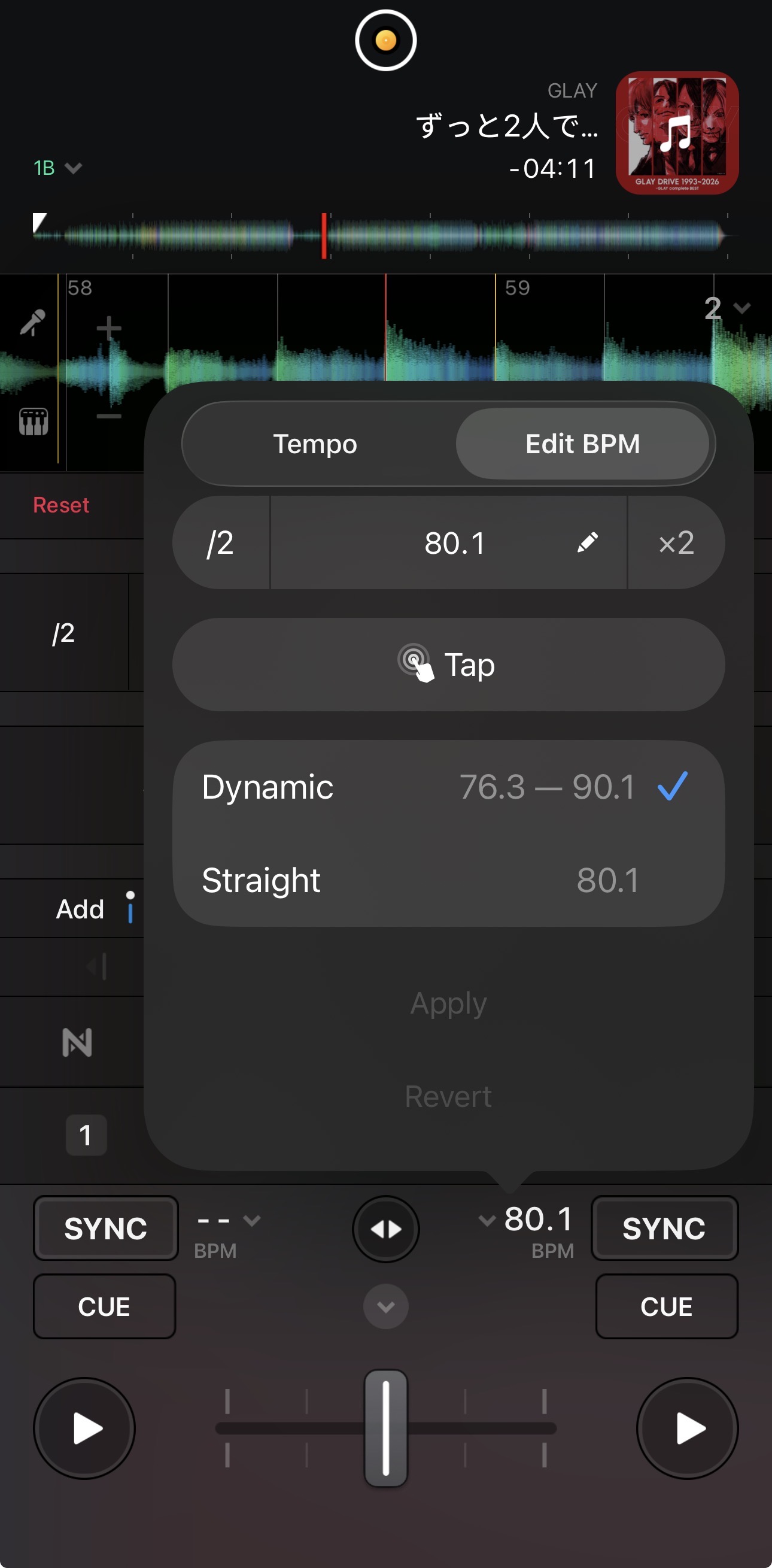
Hi @Akifumi_Konishi, thanks for the additional info and the track link. This song appears to have a Dynamic BPM. Please try changing it to Dynamic and retesting. Thanks!
Setting the BPM to Dynamic seems to be properly fitting the grid to the song. However, this song is rather challenging to see for sure due to the lack of really well defined drum beats.
A song like this with a variable BPM will require you to continuously beat match manually to keep it in time with a Straight BPM song. Alternatively, if you set it to Dynamic BPM and enable Sync, djay should be able to keep it alighted at the playhead position.
As a test, I changed it to Straight, and the grid aligned with the other deck. However, it was out of sync with the beat.
Does this mean that although the displayed BPM is 80.1, the grid is actually based on a different BPM?
Hi @Akifumi_Konishi, this means that the song does not have a constant BPM of 80.1. It varies between 76.3 and 90.1. 80.1 BPM is the “dominant” BPM. So a straight beatgrid cannot be applied to this track.
I assumed that if it was displayed as 80.1, the waveform would be stretched to match it and the beatgrid would be plotted accordingly. However, it’s a bit confusing that the actual beatgrid remains in its original BPM, completely different from what’s displayed. I thought songs with multiple BPMs would have their grids processed based on those different tempos.
There are 2 kinds of varriable BPM (just like there are 2 kinds of hearth arrythmias (Irregular heartbeats).
Sorry I am a doctor, so I am gonna use the heart rate comparision here:
In irregular heart rates we have;
(A) Regularly IRREGULAR heart rates
these ones have more than 1 regular value; for example, it can beat for 20seconds at a constant 90bpm, then jump to a constant 100BPM for the next 25seconds, before defaulting back to 95bpm for the last 15seconds to make a minute. The pulse is regular for a certain period, changes to another value and holds it regular, like that like that for infinity.
this type of varriable bpm track is the one that djay gets it right, syncs it right, AND even shows you a BPM change marker with the new BPM value written in (yellow?) on waveform
(B) Irregularly IRREGULAR heart rates
these ones have no single fixed rate (BPM) anywhere over the minute. It’s not regular even for just a split 10second period.
Call it a difficult track like in your case. Djay will not show you a BPM change marker but it will display a very wide BPM range in the grid editor. The average BPM (80.1) will be so erroneous that Djay will not sync it right (actually it might try to drag the grid forever but it will always be off-beat.