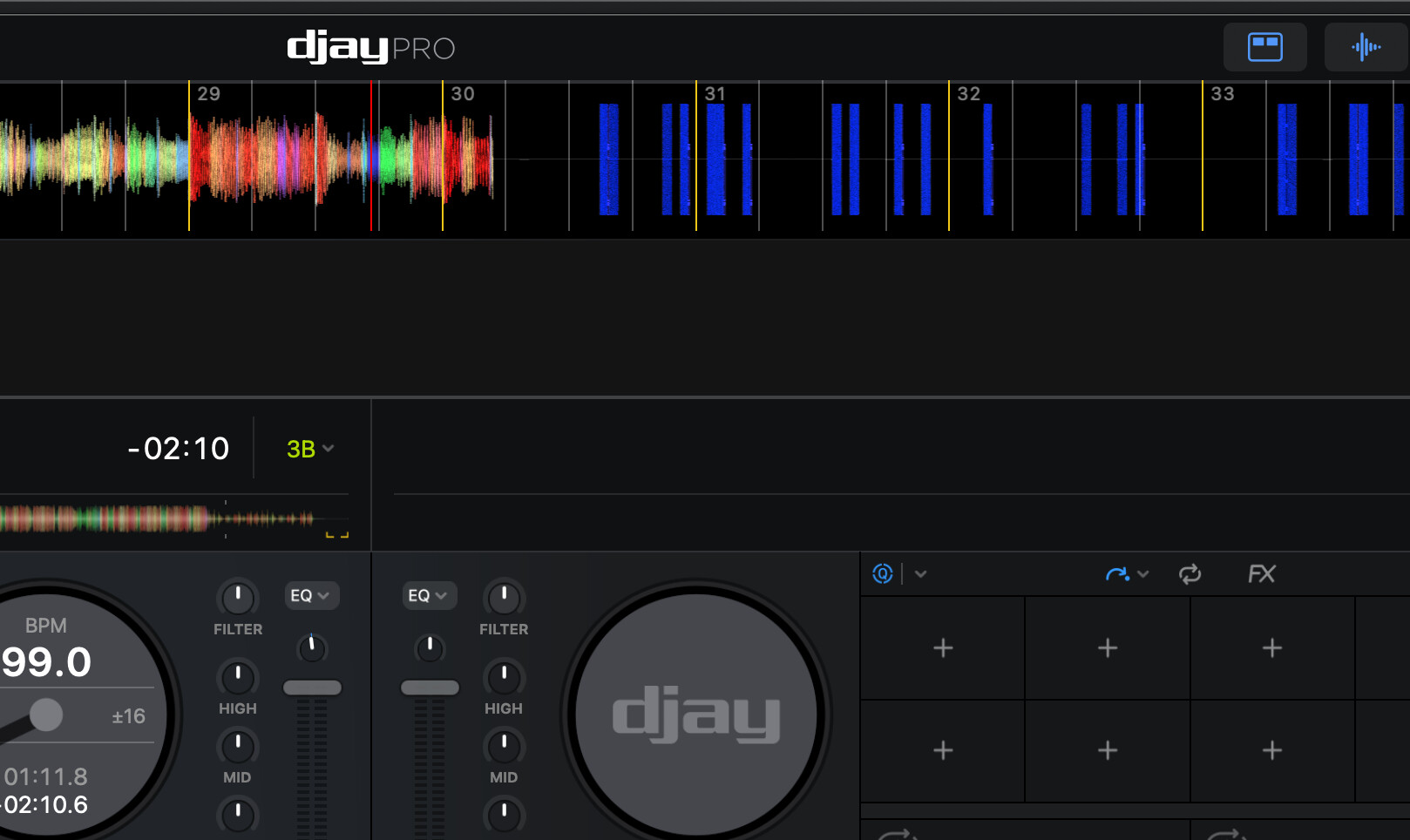
I also get those when I edit 2 metadata fields within djay while the track is playing on deck…or so i thought. ((Just tried it now and it refused!))
Has never happened on it’s own though. Is your drive not disconnecting?
I get similar behaviour when I edit the metadata of a track playing in a Deck. In my case, the audio waveform disappears; deck is still “playing” but the waveform is blank - so no sound. Re-loading the track resets everything.
It is a very inconsistent issue, difficult to repeat and trigger. Unfortunately, just when I think it is safe, BAM! - it happens.
Current Theory:
Seems to occur with local un-analyzed AAC files → right when I first add cues and metadata.
Analyzed files seem to be more bullet proof, but I am still trying to prove that it only happens to un-analyzed files.
This is local music on my main HD. It first happened when I was using iCloud Drive, so I ended up moving my collection to my main drive; however, the issues continues. It is random, and it can be days or even weeks between an incident, but often when it does happen, it happens several times during that DJ session. This has been happening for quite some time, so it’s not an issue with a recent release.
File format is Apple Lossless. Most of the files have been processed through Platinum Notes, and are 48kh m4a.
I’ll do try and get a screen recording the next time it happens. Sometimes it can be days, other times weeks until it does happen.
Oh, one other thing.
It does seem to happen more often when I hit the transport quite fast after loading a song. When it starts happening at a gig, If I let the songs load for longer before cueing or hitting play on the transport, the issue seems far less likely.
Hello @Wuli, @Armigo and @Michael_Wisniewski, so far we have not been able to replicate this on our hardware. In the djay Settings>Advanced, can you all please confirm if you have the following setting enabled or disable? Thanks!
Hi again @Wuli@Armigo@Michael_Wisniewski, we are still not able to reproduce this on our end. Since this issue seems to appear under different conditions for each of you, it would help us if we can identify what your setups/settings have in common. For example:
whether you pressed Play immediately after loading
whether the track was already analyzed
if “Double-click song in library to edit metadata” is enabled (this could be a contributing factor, though not conclusively)
any metadata or cue edits made while the track was playing
the file format used (ALAC / AAC)
If we can identify a consistent pattern of actions that lead to this behavior, we might be able to define clear steps to reproduce the issue on our side. The more specific the circumstances, the better our chances of narrowing this down. Thanks!
I do both: 1. press play immediately and then edit metadata 2. Edit metadata 1st, then press play. Error has occurs under both conditions.
Both: some tracks are already analyzed, some are newly imported. Error occurs under both conditions.
“Double-click song in library to edit metadata” is enabled.
Hot Cue editing works fine (no errors), it is only when metadata is edited. I have tried this with freshly imported tracks with no cues and then also added cues, in both cases editing the metadata triggered the waveform error.
@Michael_Wisniewski and @Wuli, can you please try to reproduce this issue with songs that you have not processed with any 3rd party software like Platinum Notes, Mixed in Key or MP3Tag?
@Armigo can you please confirm if you are also using any 3rd party software on your music files?
Yes, I ran my entire library in Mixed in Key 4years back (to generate 8 key points and energy levels), but i no longer use for for new imports anymore, however 70% of the library still has those cues and enery level tags