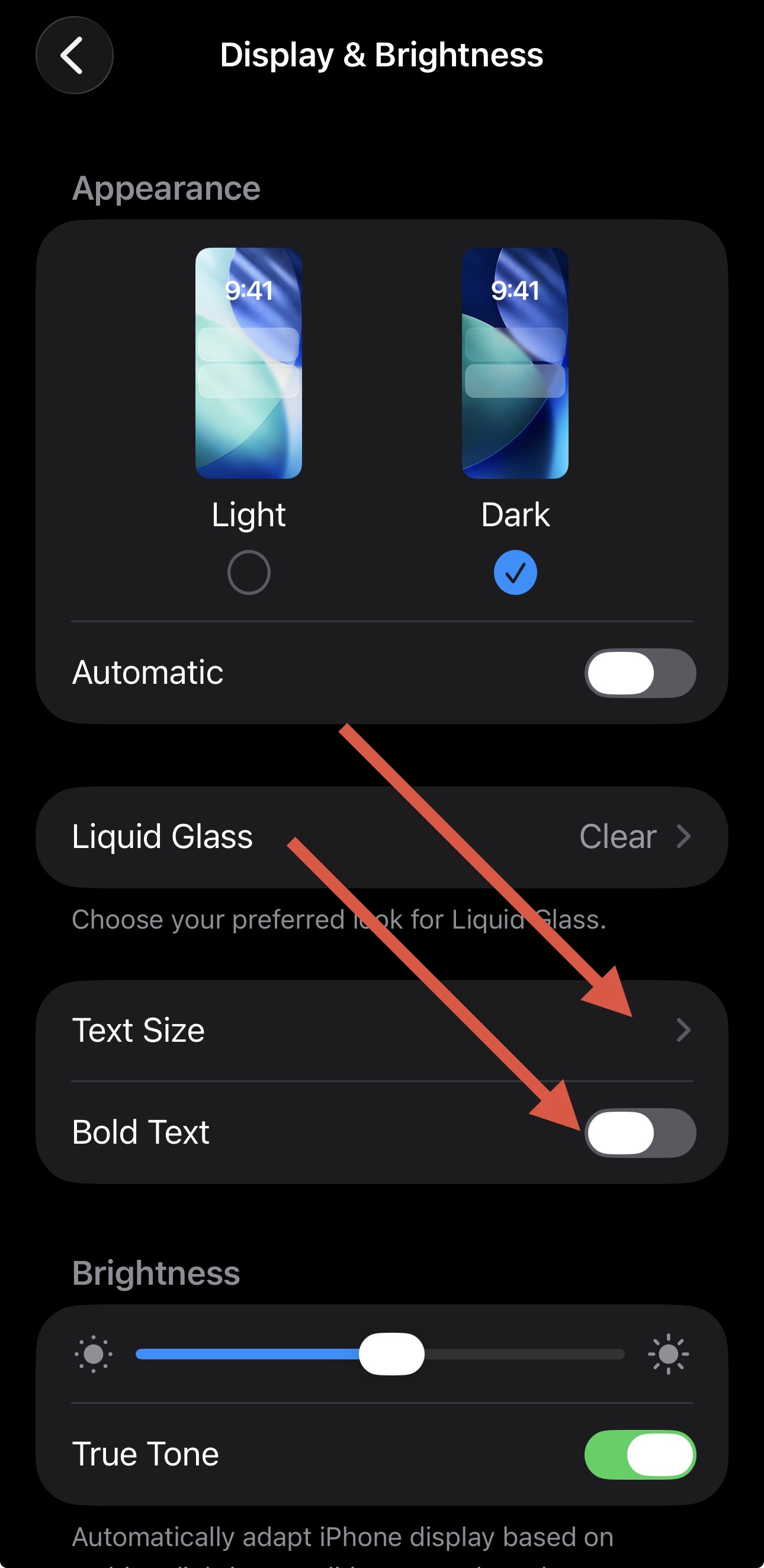
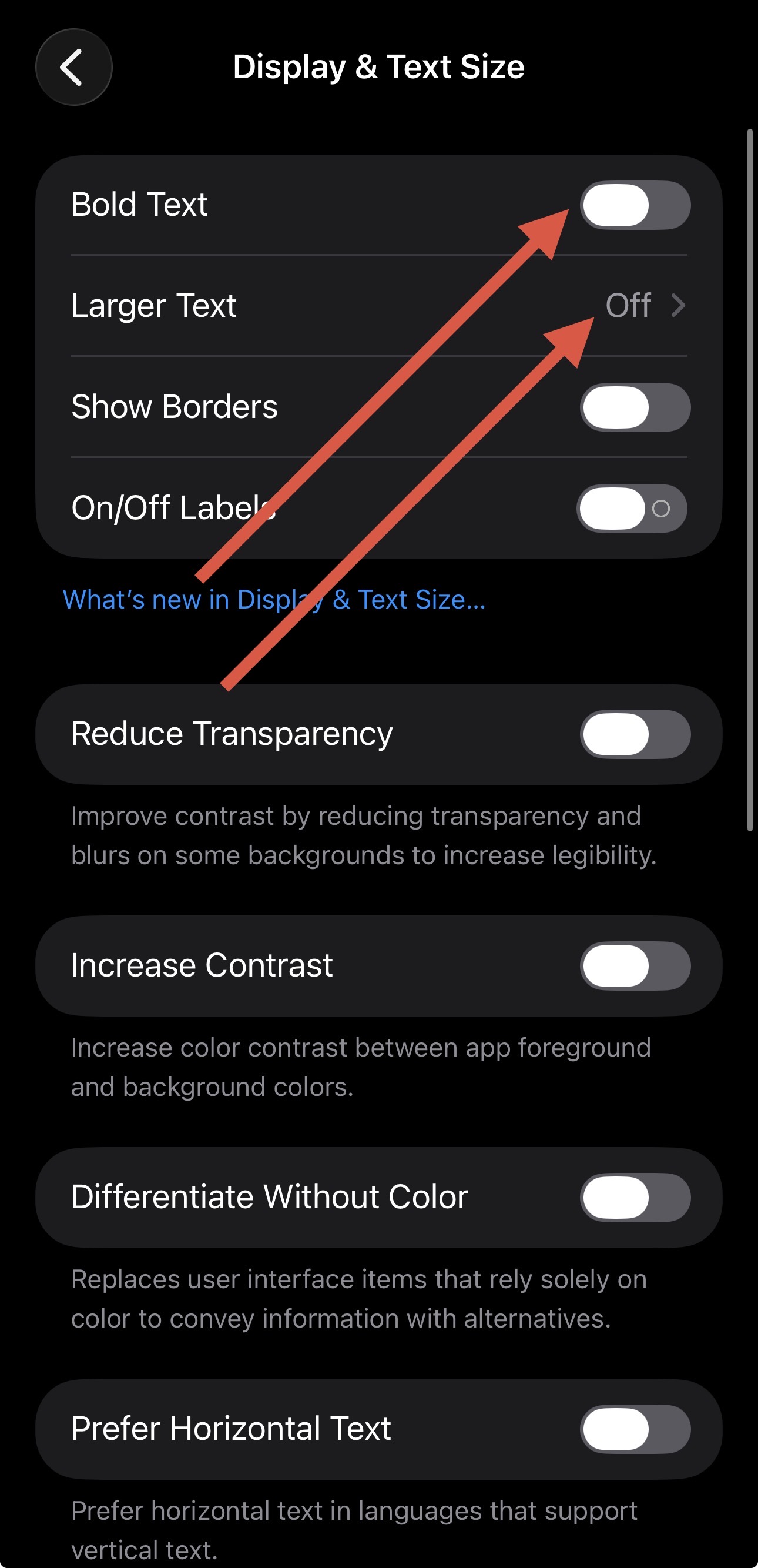
-
Device model: Ipad Pro 12.9, 5th Gen 512GB (M1)
-
Version of operating system: 26.5
-
Version of djay: 5.6.5
-
Hardware/controllers used: none or mixtour pro. still producing the same issue.
A) SUMMARY OF ISSUE:
-
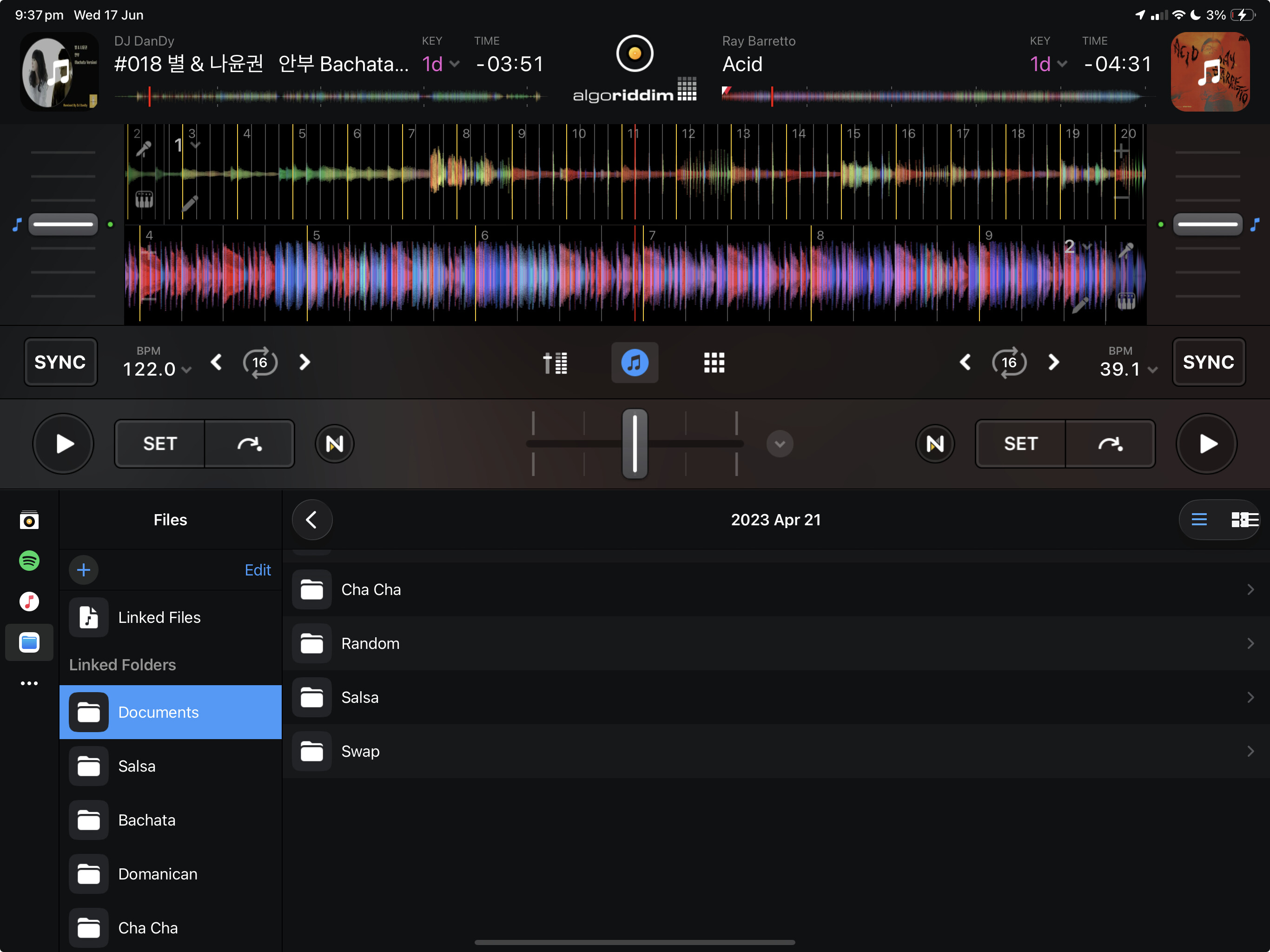
menu button on the far right below the play button is squashed.
-
the burger icon / tile display area.
-
This happens in Pro and Hardware modes.
B) DETAILED STEPS TO REPRODUCE:
-
Under Files (left)
-
have a folder within folders.
-
The first folder will display fine, but when you go to the folder after that it will squash.
-
Eg in this case i have documents > 2023 apr 21 > xxxx The moment i click “2023 apr 21” it already produce that error as shown in screenshot.