NOTE: Please use the search function above before posting to avoid creating duplicate topics.
- Device model: iPhone 14 Plus
- Version of operating system: iOS 26.0
- Version of djay: 5.4.3
- Hardware/controllers used (e.g. Reloop Mixon 8 Pro):
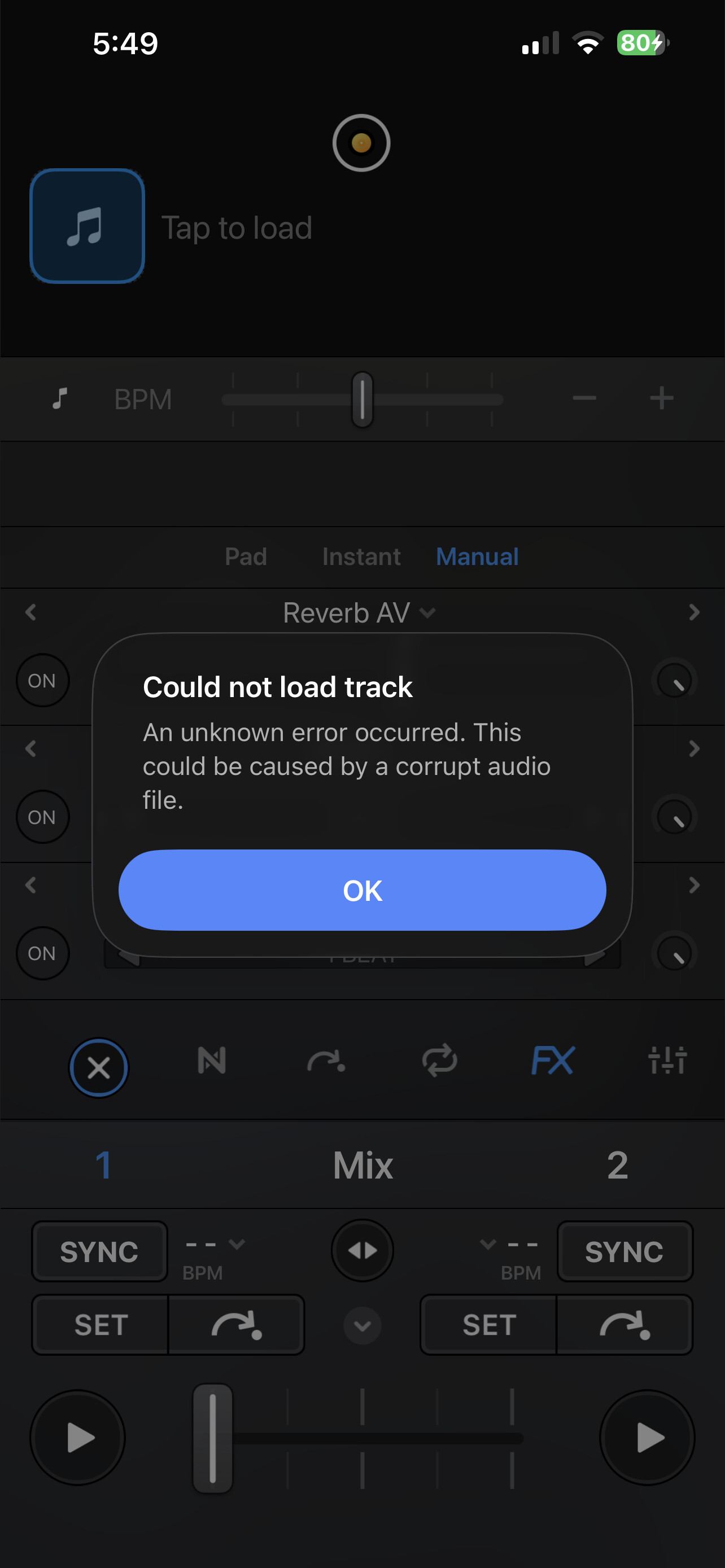
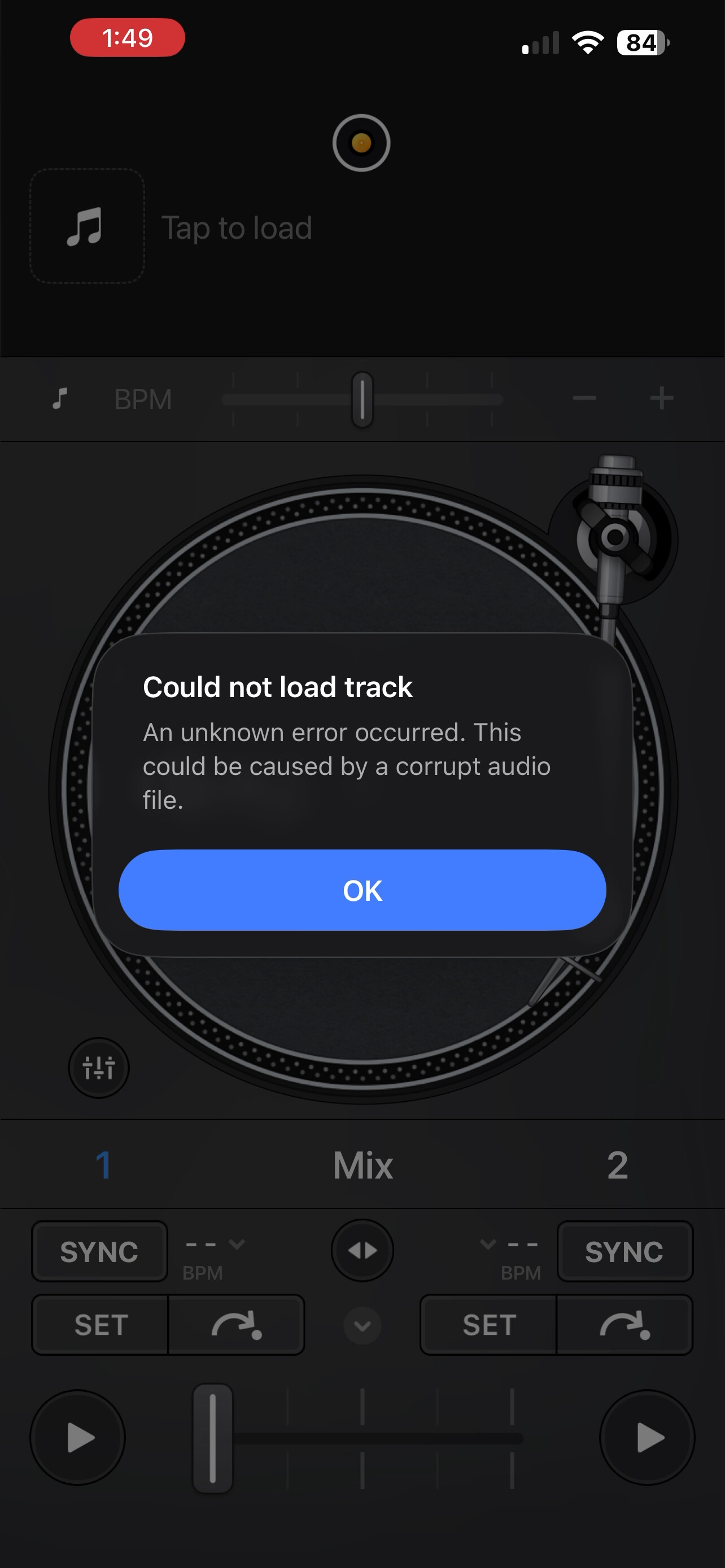
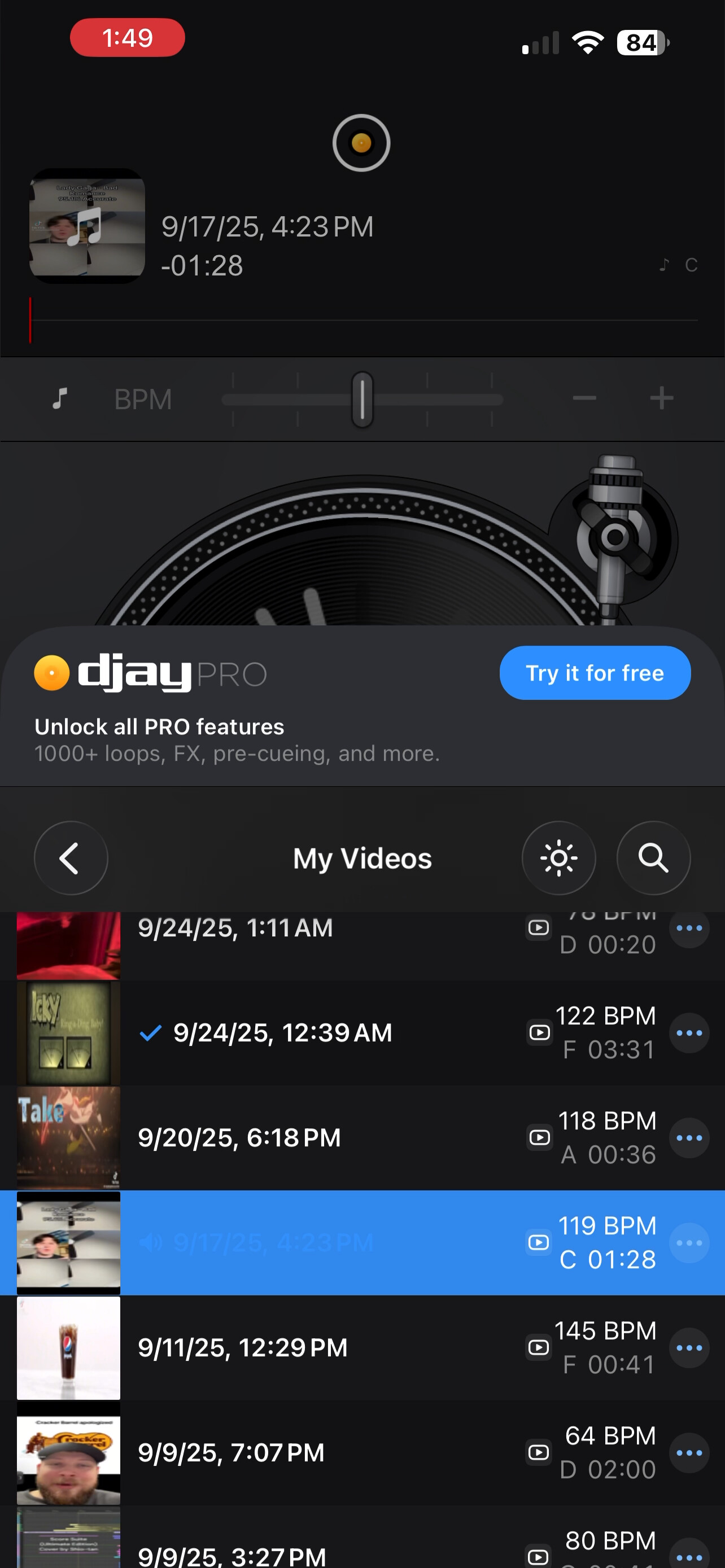
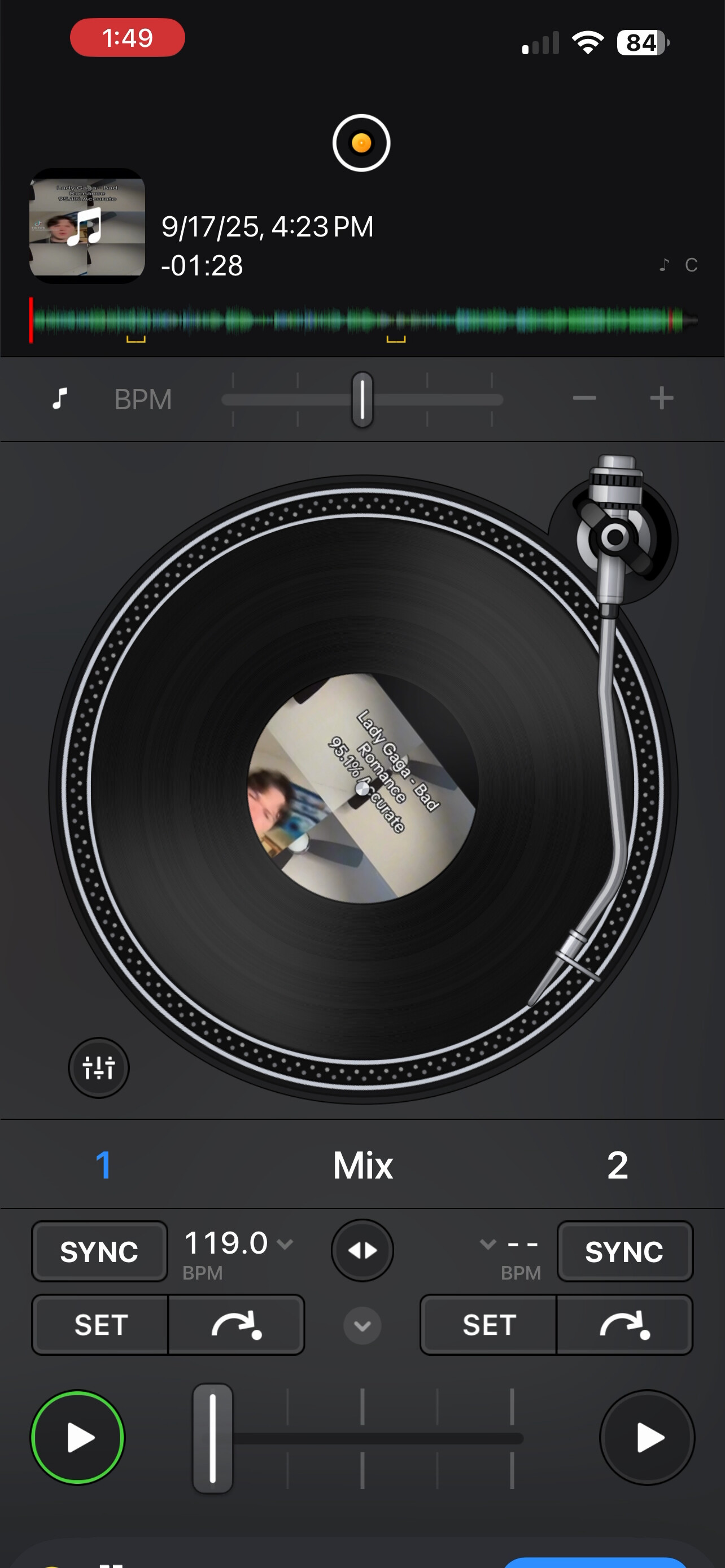
When I try to load a video I get an error pop up that says “Could not load Track” “An unknown error occurred. This could be caused by a corrupted audio file” but when I tap on the same video again it loads the track
I’ve tried everything from deleting and redownloading the app to restarting my phone and nothing has worked I only get this error when I try and load videos. I’ve already gone through and permanently deleted any videos that might be causing the problem but it continues even after I’ve gone through everything.
The only way I can load a video without getting this error is by pressing the three dots on a video and press “load track”. I haven’t had this issue before until a few days ago so this is new to me.
Hi @goldgoldiegirl, welcome to the Community! Sorry to hear you’re experiencing this issue. Thanks for the details about your setup and the issue - this is very helpful!
- Do you have an active djay pro subscription?
- What file format are your videos?
- What source are you using for your videos?
- Where are the videos saved?
Thanks!
1 Like
Hello, thank you for the welcome! As for your questions -
- Do you have an active djay pro subscription?
- What file format are your videos?
- What source are you using for your videos?
- Where are the videos
1.I do not have a djay pro subscription.
2.I believe the file format the videos that I’m using are HEVC (H.265) and MOV although I’m not to sure.
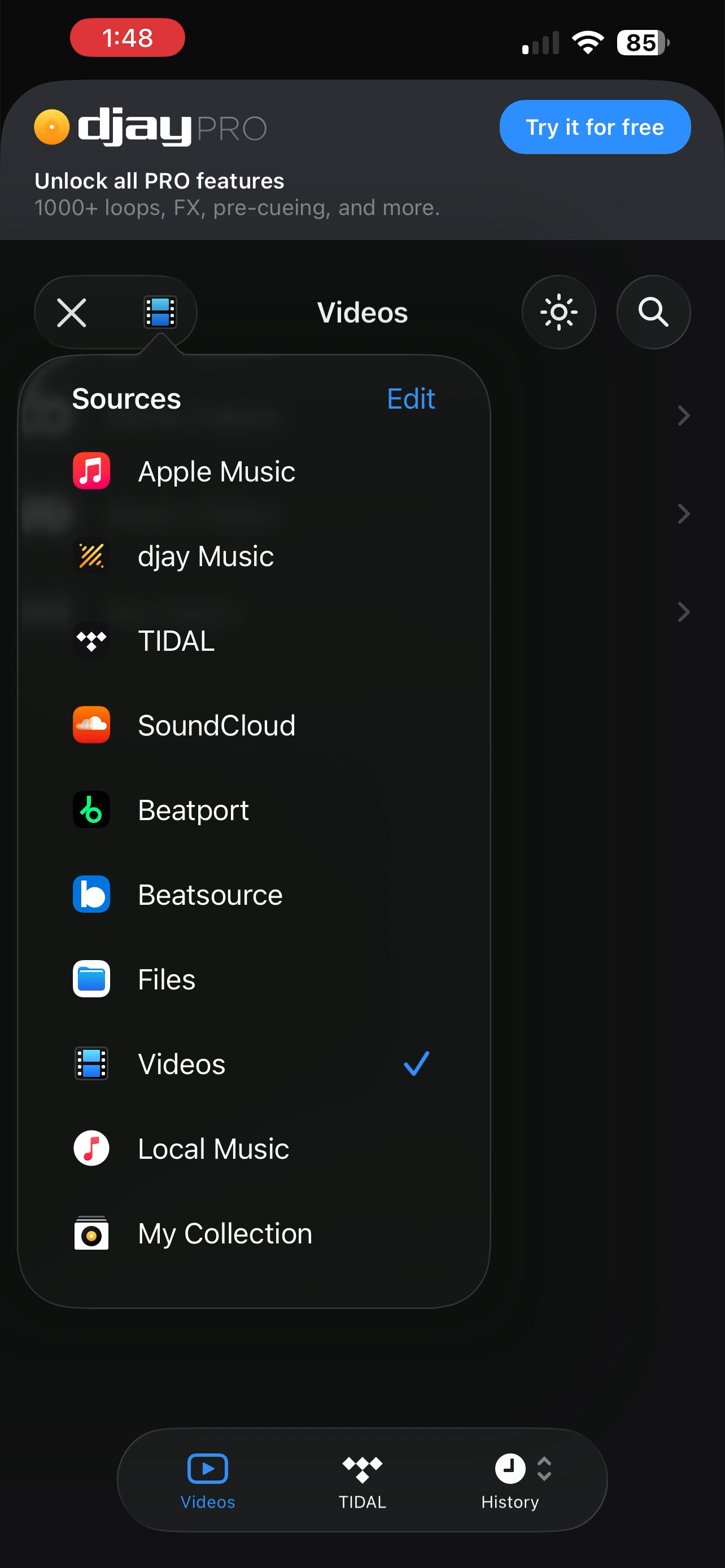
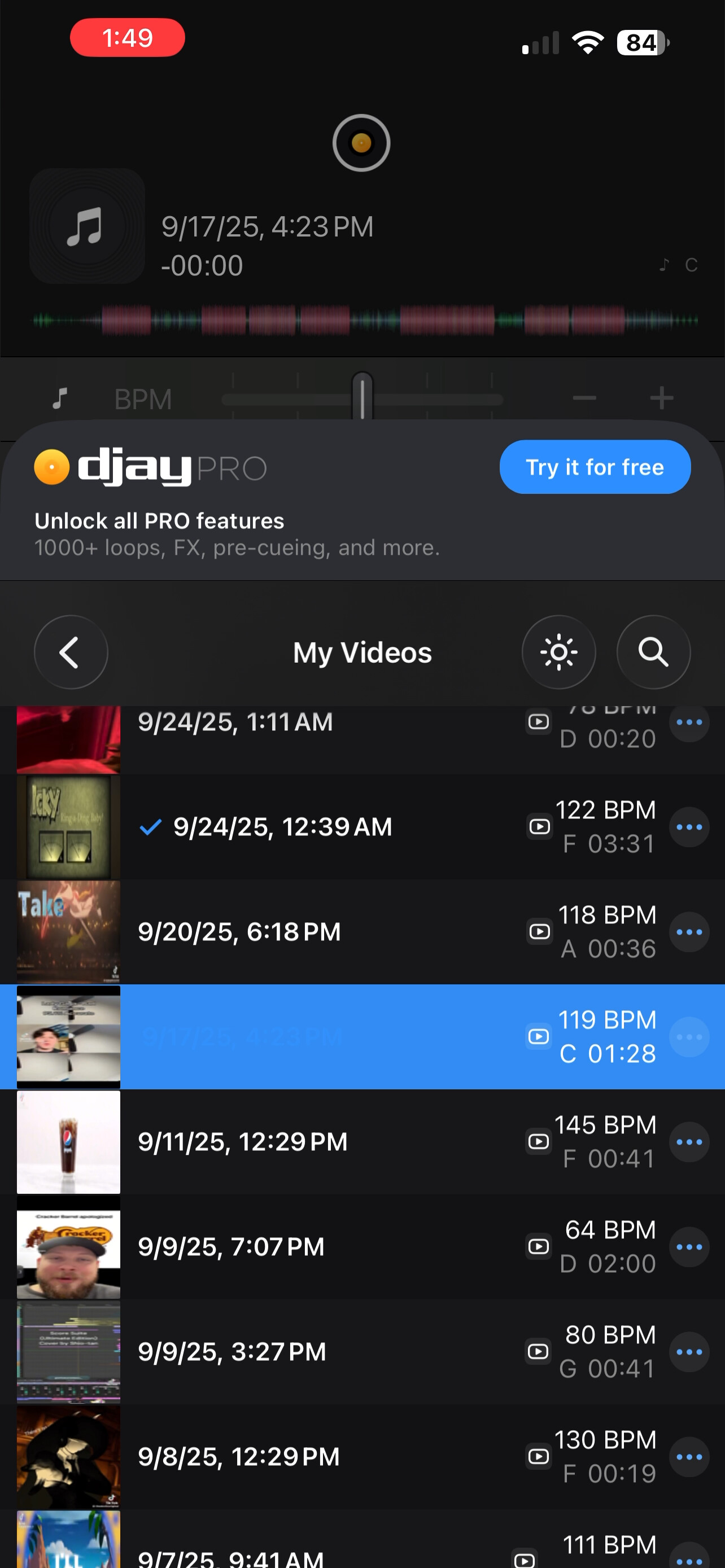
3.I’m using videos from The “My videos” tab under “Videos” when you’re selecting from “sources” and those are just pulling videos from my camera roll on my iPhone.
4.The videos are just in my default camera roll they aren’t under any special type of folder or anything.
Hi @goldgoldiegirl, you’re welcome. Thanks for the additional details. I was not able to replicate this on my setup so I’m going to pass this onto our engineering team to see if they can reproduce it. I’ll report back when I have news. Thanks!
1 Like
Thank you so much! If it helps I can try to screen record a video if that would help provide some information into this. Thank you again for looking into this I really appreciate it!
You’re welcome @goldgoldiegirl. A screen recording would be great. Thanks!
1 Like
Okay I took screenshots since it said new users can’t upload attachments
This is where I selected the videos
This is when I First selected a video and it failed to load
This is after I selected the same video in which it proceeded to load
And finally this is where it’s pulling the videos from
Like I said I apologize for not being able to provide a video but I hope this helps
Thanks for the screenshots @goldgoldiegirl - this is very helpful.
1 Like
Hi again @goldgoldiegirl, our team was able to replicate this and is working on a fix which should be included in an upcoming update (likely 5.4.4). Thanks!
1 Like
Awesome! Thank you so much for looking into this I really appreciate it you guys are awesome!
1 Like
You’re welcome! Thanks for the positive feedback.
1 Like
Hello @goldgoldiegirl, 5.4.4 was recently released and should address this issue. Thanks.
1 Like
Thanks for all the help I can confirm that it’s working now you guys are the best!! 
1 Like
You’re welcome @goldgoldiegirl. Thanks for the positive feedback!
1 Like