SYSTEM INFORMATION
Device: MacBook Air M2
Operating System: macOS Tahoe 26.3.1
djay Pro Version: 5.6.6 (latest)
Mixer Mode in djay: External
HARDWARE SETUP
Setup A – Allen & Heath Xone:24C with Phase Essential
MacBook Air M2 – Central host device
Allen & Heath Xone:24C – Connected to MacBook Air via USB-C (HOST port on mixer) – audio interface and MIDI only, no other cables
Phase Essential Receiver – Connected to MacBook Air via USB
Phase Essential Remotes (x2) – Wireless connection to Phase Essential Receiver (WIR/HID mode)
Turntables (x2) – Spinning with Phase Essential Remotes placed on platters – no audio or signal cables connected to mixer or Mac
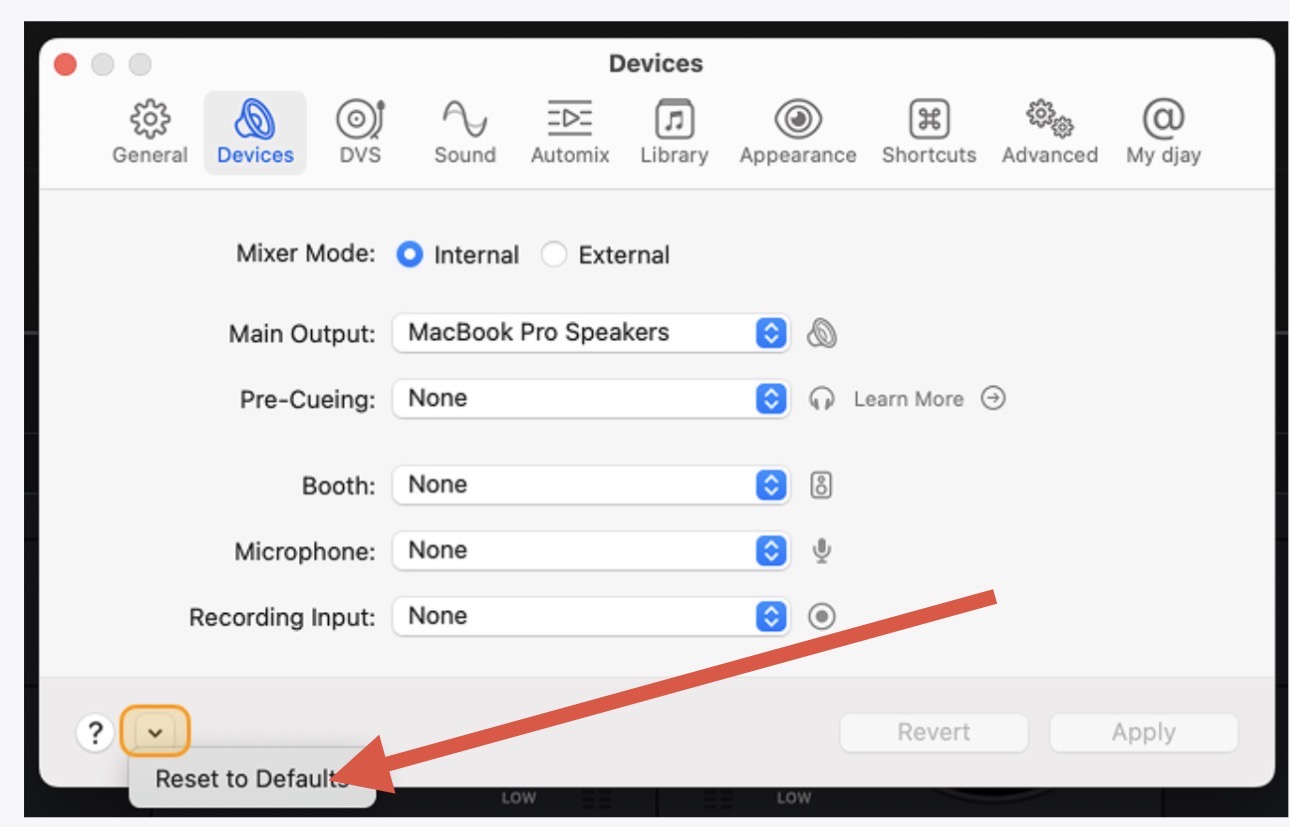
djay Devices Settings (Setup A):
- Mixer Mode: External
- Deck 1 → Xone:24C ch 1-2
- Deck 2 → Xone:24C ch 3-4
- Pre-Cueing (Kopfhörer) → None (Keine)
- Deck Control Mode: WIR (Wireless/HID via Phase Essential)
Xone:24C Configuration:
- USB Mode: DVS PRO Mode (Mode 2)
- Channel input selector switches (top panel): USB
- USB IN LN/PH switches (rear panel): LN
Setup B – Pioneer XDJ-RX3 (Software Mode)
MacBook Air M2 – Central host device
Pioneer XDJ-RX3 – Connected to MacBook Air via USB
djay Devices Settings (Setup B):
- Mixer Mode: External
- Deck 1 → XDJ-RX3 ch 1-2
- Deck 2 → XDJ-RX3 ch 3-4
- Pre-Cueing (Kopfhörer) → None (Keine)
STEPS TO REPRODUCE
The following steps reproduce the issue reliably in both Setup A and Setup B:
- Launch djay Pro with all hardware connected as described above.
- Confirm that Mixer Mode is set to External in Settings > Devices.
- Load a track onto Deck 1 and press Play. Verify that audio is audible and the channel level meter in djay shows a signal.
- Load a track onto Deck 2 and press Play. Verify that both decks play correctly and both channel faders on the hardware mixer control volume as expected.
- Wait until the track on Deck 2 finishes, or manually stop it.
- Load a new track onto Deck 2.
- Press Play on Deck 2.
The bug occurs at step 7.
OBSERVED BEHAVIOR (BUG)
After loading and playing the new track on Deck 2, the following symptoms appear simultaneously:
-
Channel level meter in djay shows no signal.
The software’s channel level meter for Deck 2 displays no activity – it remains flat at zero, as if no audio is being output on that channel. -
Audio is audible at a low, constant volume.
Despite the software meter showing no signal, a quiet version of the track is audible through the mixer’s master output. The volume level is constant and does not correspond to the expected full output level. -
The hardware channel fader does not mute the signal.
Moving the Deck 2 channel fader to the bottom (minimum position) does not silence the audio. The track remains audible at a low level regardless of fader position. -
The hardware channel fader controls volume from an incorrect baseline.
Moving the fader upward increases the volume beyond the constant low level. Moving it back down returns to the low level but does not reach silence. The fader appears to be controlling volume relative to an incorrect internal baseline, not from zero. -
The headphone CUE function for Deck 2 is non-functional.
Pressing the CUE button for Channel 2 on the hardware mixer produces no pre-fader signal in the headphones, or only the same low-level signal described above.
TEMPORARY WORKAROUND
In Setup A (Xone:24C), briefly switching the channel input selector on the mixer for Channel 2 from USB to LN or PH and immediately back to USB sometimes restores normal behavior. This suggests the issue involves the USB audio stream routing between djay and the mixer being incorrectly initialized after a track reload.
The workaround is unreliable and does not always resolve the issue. Restarting djay Pro fully resolves the issue until the next track reload on the affected deck.
EXPECTED BEHAVIOR
After loading and playing a new track on Deck 2:
- The channel level meter in djay should display the signal level of the playing track.
- The hardware channel fader should control the volume of Deck 2 from full silence (fader at minimum) to full volume (fader at maximum).
- The headphone CUE function should work as pre-fader listen, independent of fader position.
ADDITIONAL NOTES
- The issue occurs consistently after the first track reload on Deck 2. Deck 1 is not affected.
- The issue occurs in both tested hardware setups (Xone:24C with Phase Essential WIR/HID, and XDJ-RX3 in Software Mode), which suggests the root cause is within djay Pro’s audio routing logic for External Mixer Mode, specifically during the track-load event on a deck that has already played a track.
- The issue does not occur on the first track loaded after launching djay. Only subsequent track loads on the same deck trigger the bug.
- All settings have been confirmed correct and reset to defaults multiple times. The MIDI mapping in djay contains no custom entries for the channel faders.
- The Phase Manager application is closed before launching djay Pro, as per the recommended setup procedure.