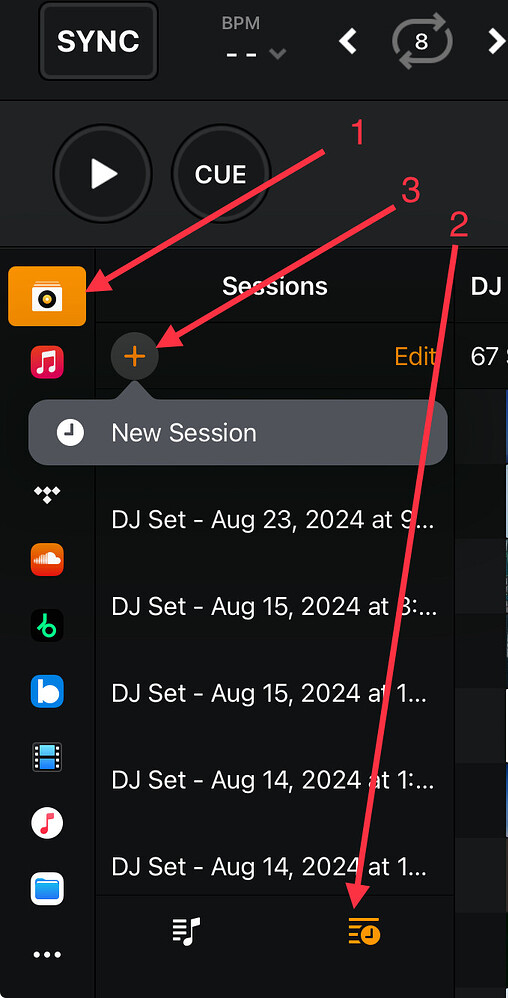
In my SoundCloud library, it will show songs that have been played in a set, indicated with a tick. This may be a stupid question but is it possible to clear the played songs cache so that all ticks and orange highlighted songs clear and it’s starting from scratch?
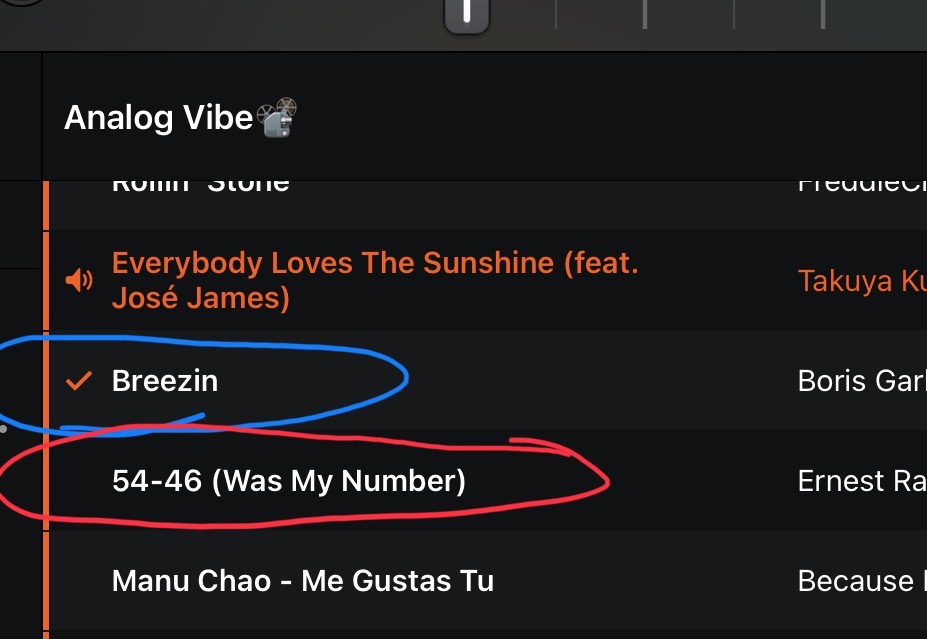
In my reference photo, basically I want to go from the blue circle to the red circle. Is there some sort of button or option to do so? Thanks very much.