As the topic mentions, how do you connect the Hercules DJControl Mix to the Quest 3?
I have tried a data cable and Bluetooth, but nothing works; the DJay Pro app cannot detect the Hercules DJControl Mix device.
I appreciate any help you can provide.
- Device model (e.g. 2020 iPad Air 4th Gen): Quest 3
- Hardware/controllers used (e.g. Reloop Mixon 8 Pro): Hercules DJControl Mix
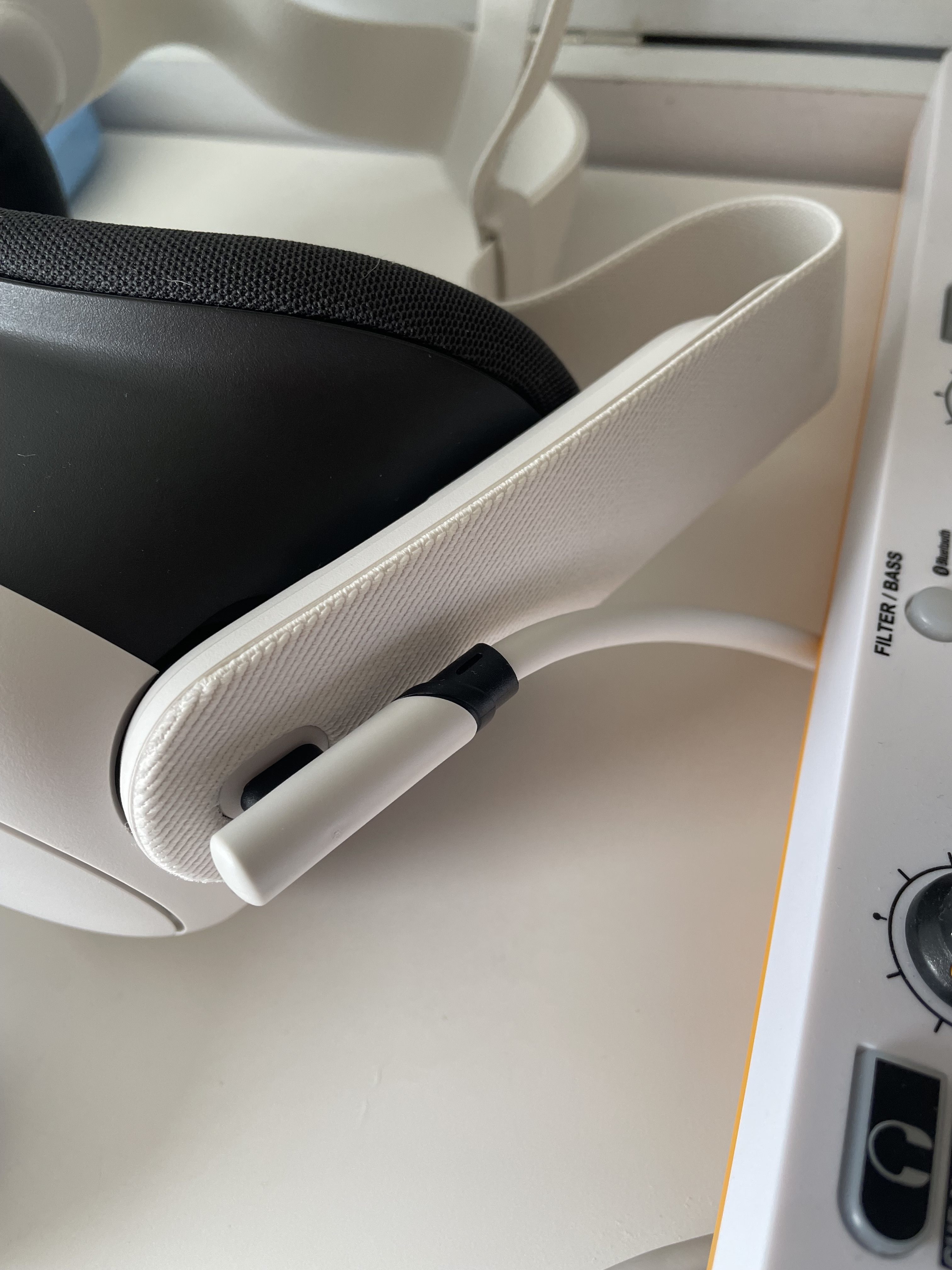
Hi @Joseph_Hsieh, you should be able to connect directly via USB cable. Have you tried using a different cable? Can you please capture and share a short video of your connection process?
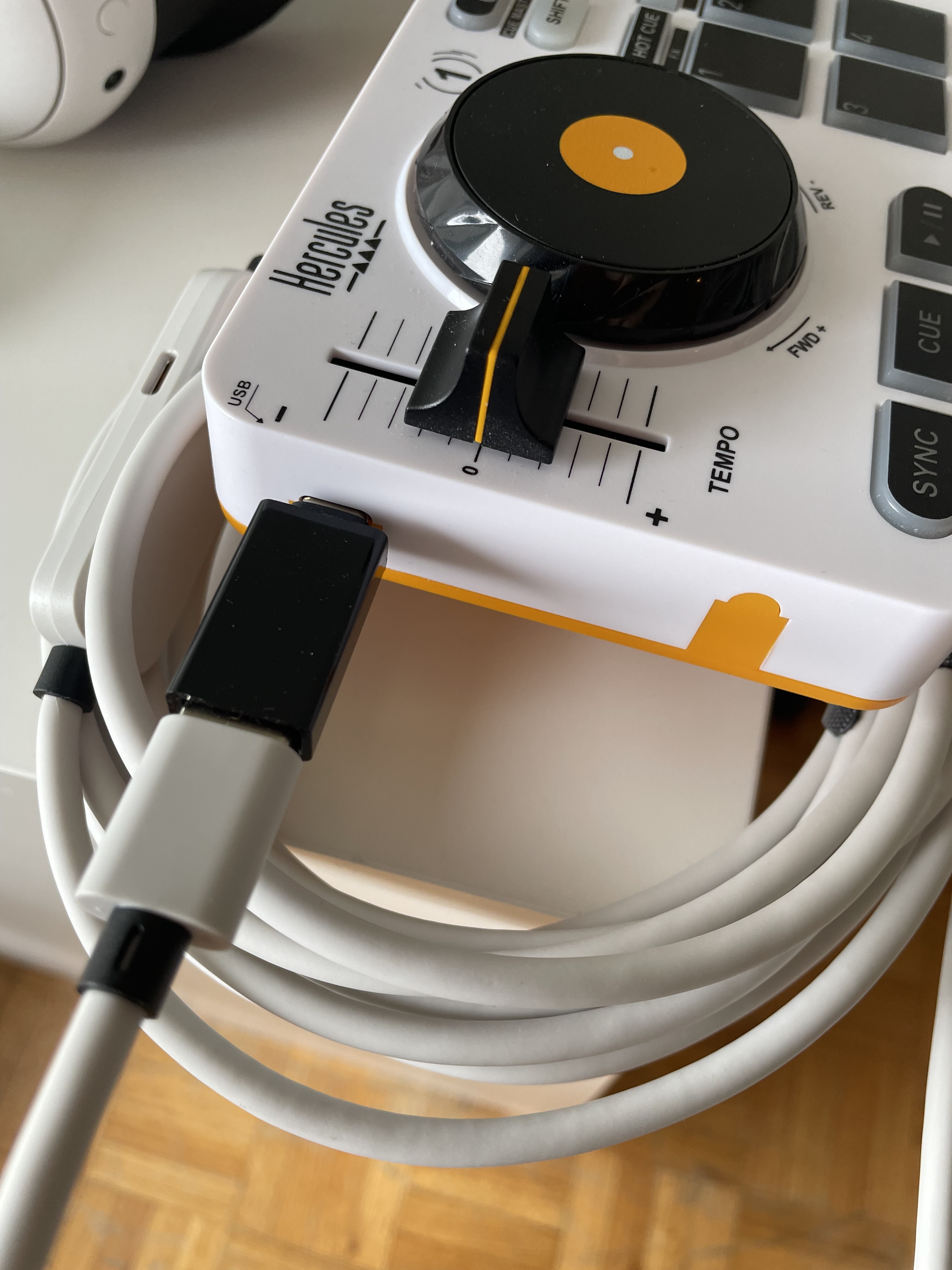
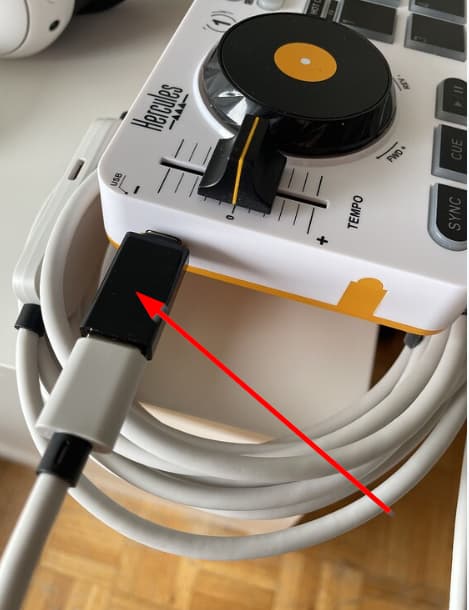
Hi @Joseph_Hsieh, thanks for the pics and additional details. I suspect the issue is that black USB adapter. These are often poorly made and can cause connection problems. Do you have a USB-C to C cable that you could try instead to eliminate the adapter? If not, perhaps you have a high quality USB-C hub/dock that you could try? I personally use the right angle USB-C to C Chroma Cables from DJ TechTools with my Quest (Chroma Cables: USB-C to C — DJ TechTools).
Thanks, the USB-C to USB-C cable works!
1 Like
You’re welcome @Joseph_Hsieh. Glad that worked.