Hi @Chris_Liddle, welcome to the Community! When creating new topics, please do not forget to answer the questions in our template with specific details about your setup not just “iPad” or “Latest Version”. This helps all of our community moderators to provide the most effective support to users with the utmost efficiency. Thanks!
Device Model (ex. 2020 iPad Air 4th Gen):
Version of operating system (ex. iOS 17.3.1):
Version of djay (ex. 5.1.3):
Hardware/controllers used (ex. Reloop Ready):
Hardware Firmware Version:
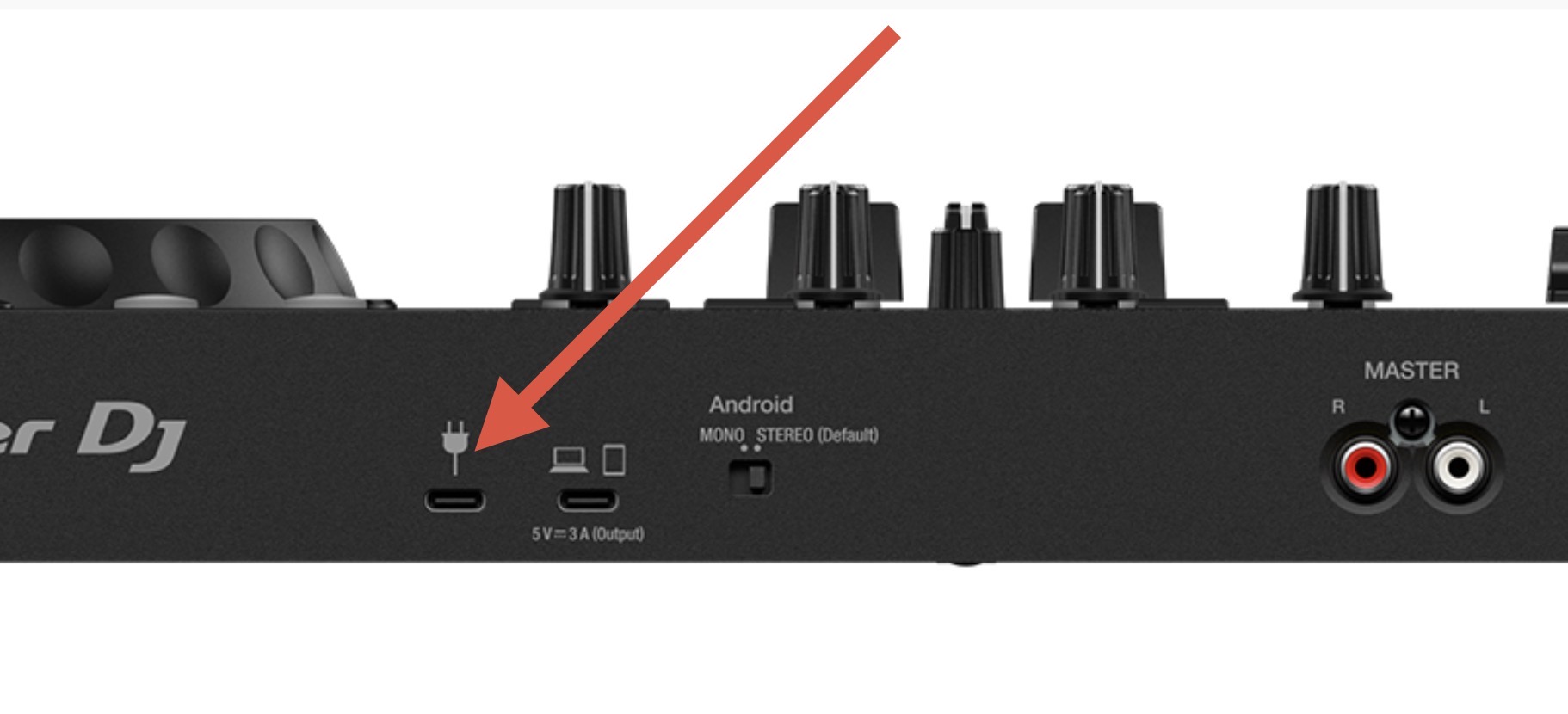
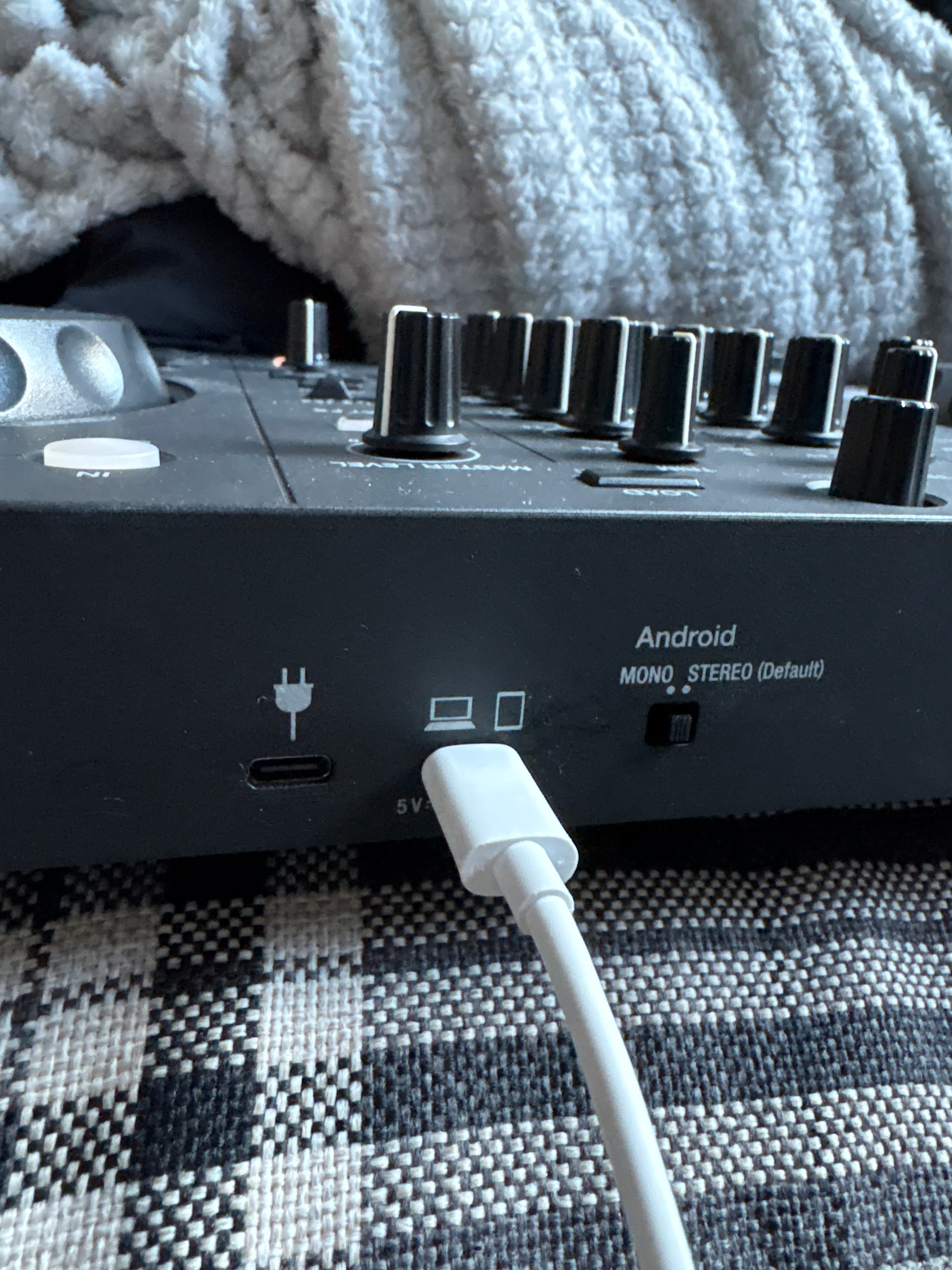
When connecting via Bluetooth to your device, please make sure the other USB-C socket is connected to a power source.
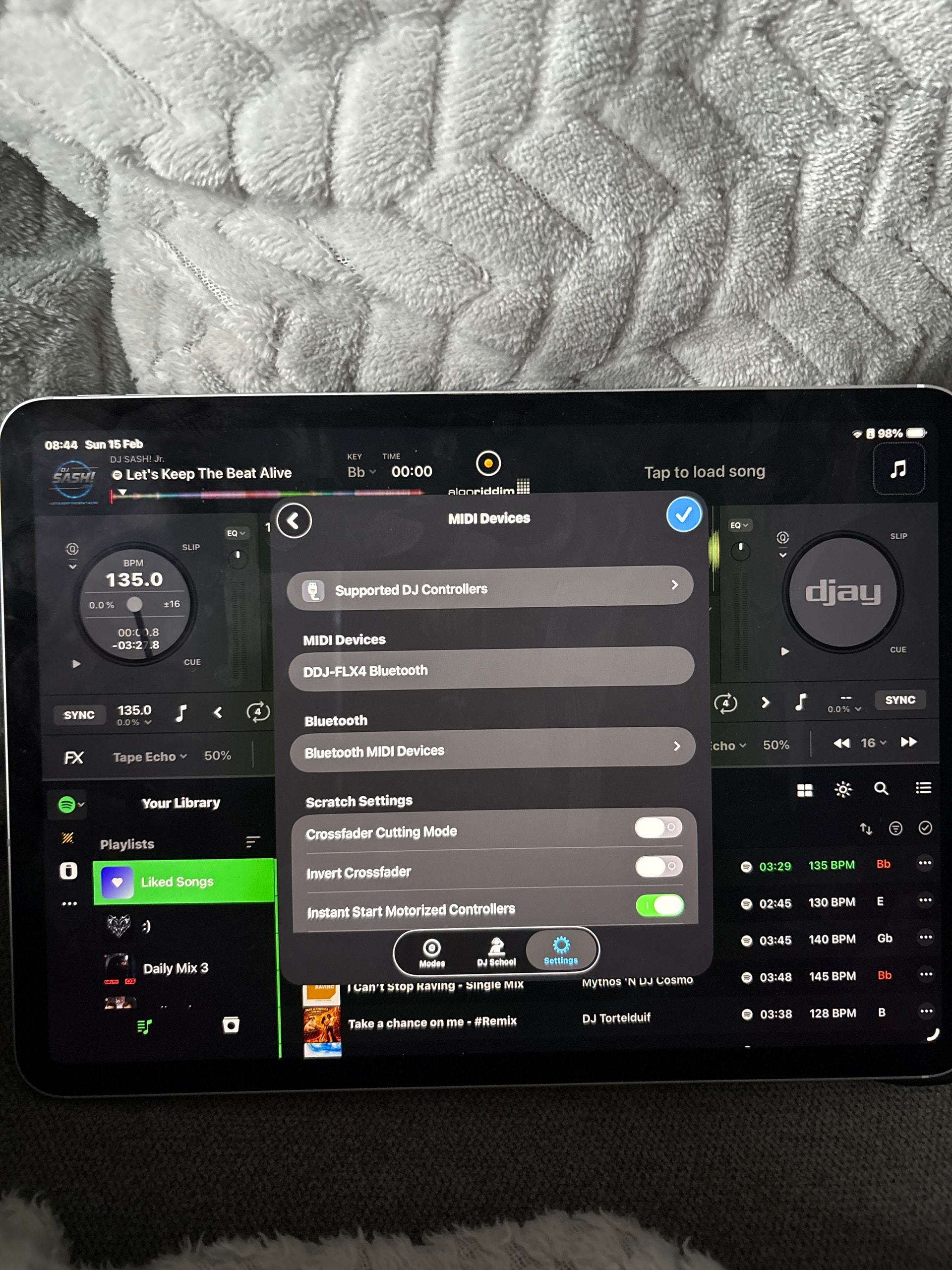
If the FLX4 is connected to power, but still doesn’t light up when connected to you device via Bluetooth, please share screenshots of your djay Settings>Audio Devices and Settings>MIDI Devices. Thanks!
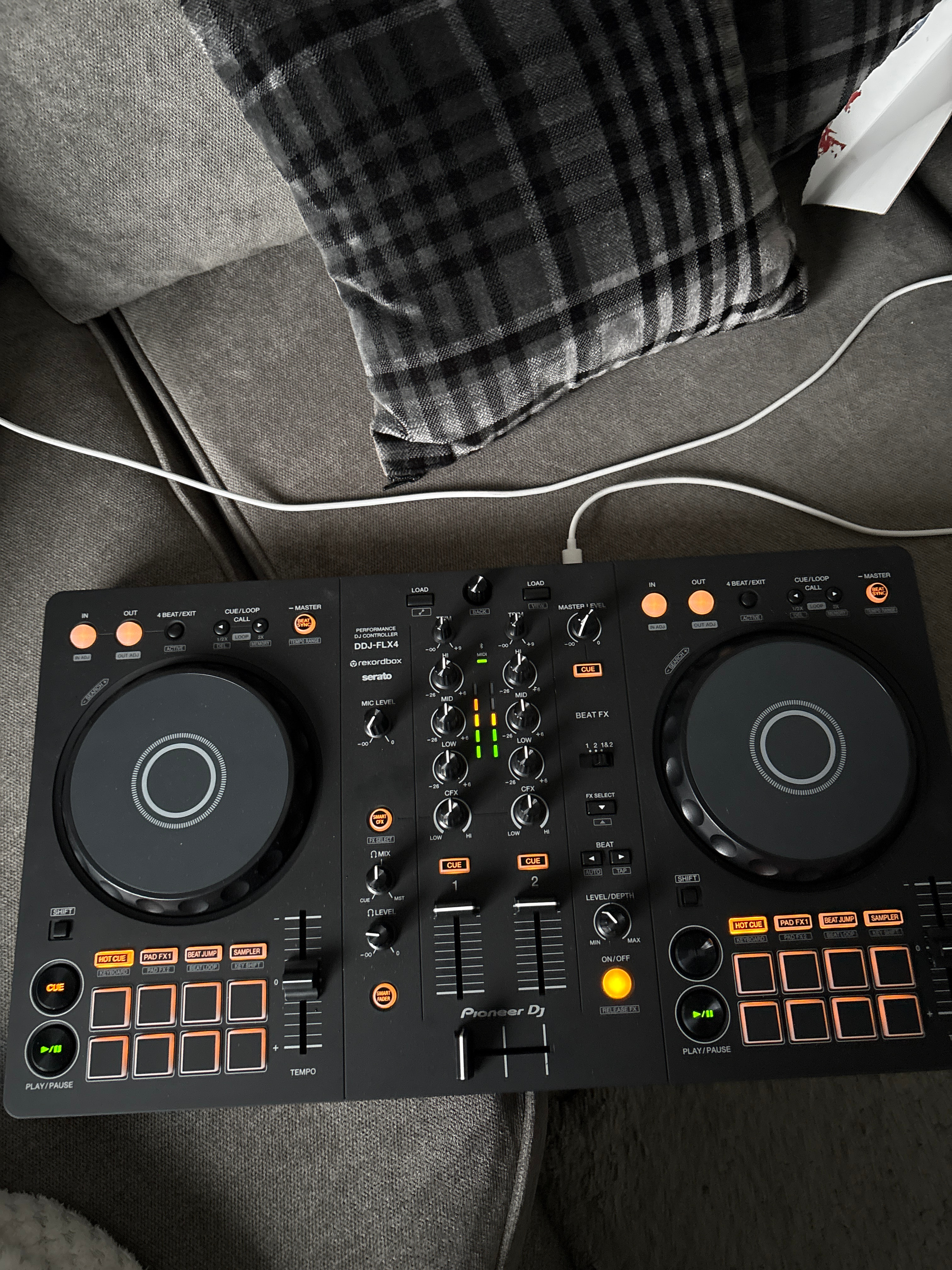
I have power to controller and is connected in settings in midi devies I still don’t have any lights on controller only in & out in top left corner flashing orange when load a track the play don’t flash or cue but do work also the meters in middle don’t move to the music also have noticed that the Bluetooth light just above the meters is not lighting up but like sed is connected and all controls work just not lighting up.
Hi @Chris_Liddle, I recommend you rerun the Bluetooth setup and pairing process by first selecting Forget this Device in the iOS Bluetooth settings. Then please close djay and follow the procedure below to perform a Forced Restart of your iOS device:
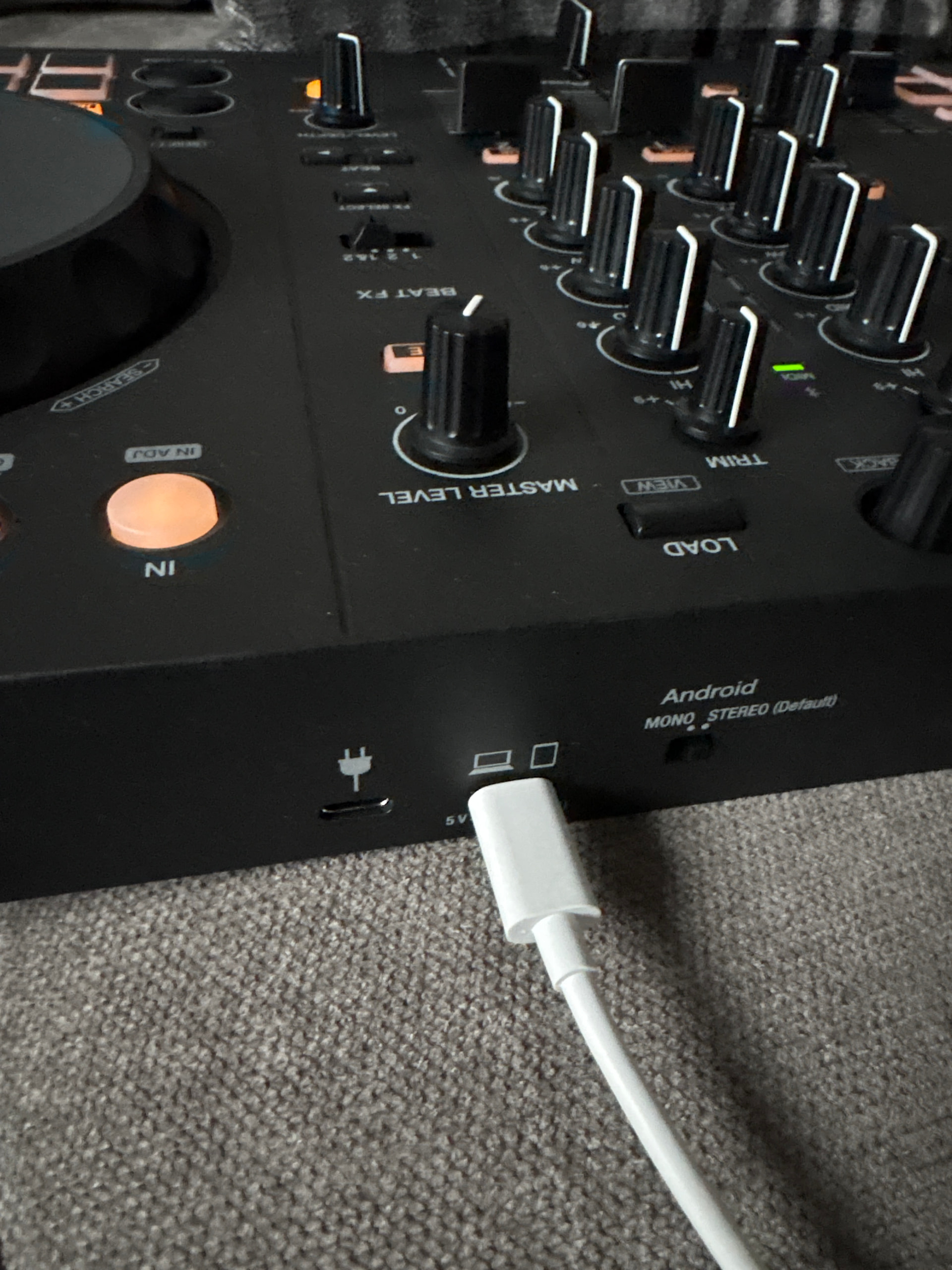
Only way get this controller to work fully with Bluetooth is connect power to the laptop or tablet or phone socket done everything else and nothing works until plug in that way.
Hello! It’s been a week since my last reply. I’m going to consider this topic completed for now so I can focus on others. However, please feel free to respond and we can definitely revisit this. Thanks!