Device model (e.g. 2020 iPad Air 4th Gen): MacBook Pro M1
Version of operating system (e.g. macOS 14.4.1): 15.6.1
Version of djay (e.g. 5.1.2): 5.4.4
Hardware/controllers used (e.g. Reloop Mixon 8 Pro): N/A
Hi everyone,
I’ve recently noticed that djay Pro crashes every time I tap on one of my local playlists, but only after adding a few songs (around 8) to the queue (“Next Up”).
It doesn’t seem to depend on the specific tracks — they are all local files stored on my device, not from streaming services. The crash happens as soon as I try to open or browse any playlist afterward.
Before adding songs to the queue, everything works normally.
After that, the app immediately closes without any error message.
I tried clearing the queue, but it still crashes — it happens whenever I go to the local playlists , no matter which one.
The worst part is that I didn’t make any changes before this started happening.
At first, I thought it was related to the queue, but it’s not… it crashes with any local playlist, whether or not there are tracks in the queue.
I’m still investigating — the crash doesn’t happen with all libraries, and it’s not related to the queued songs.
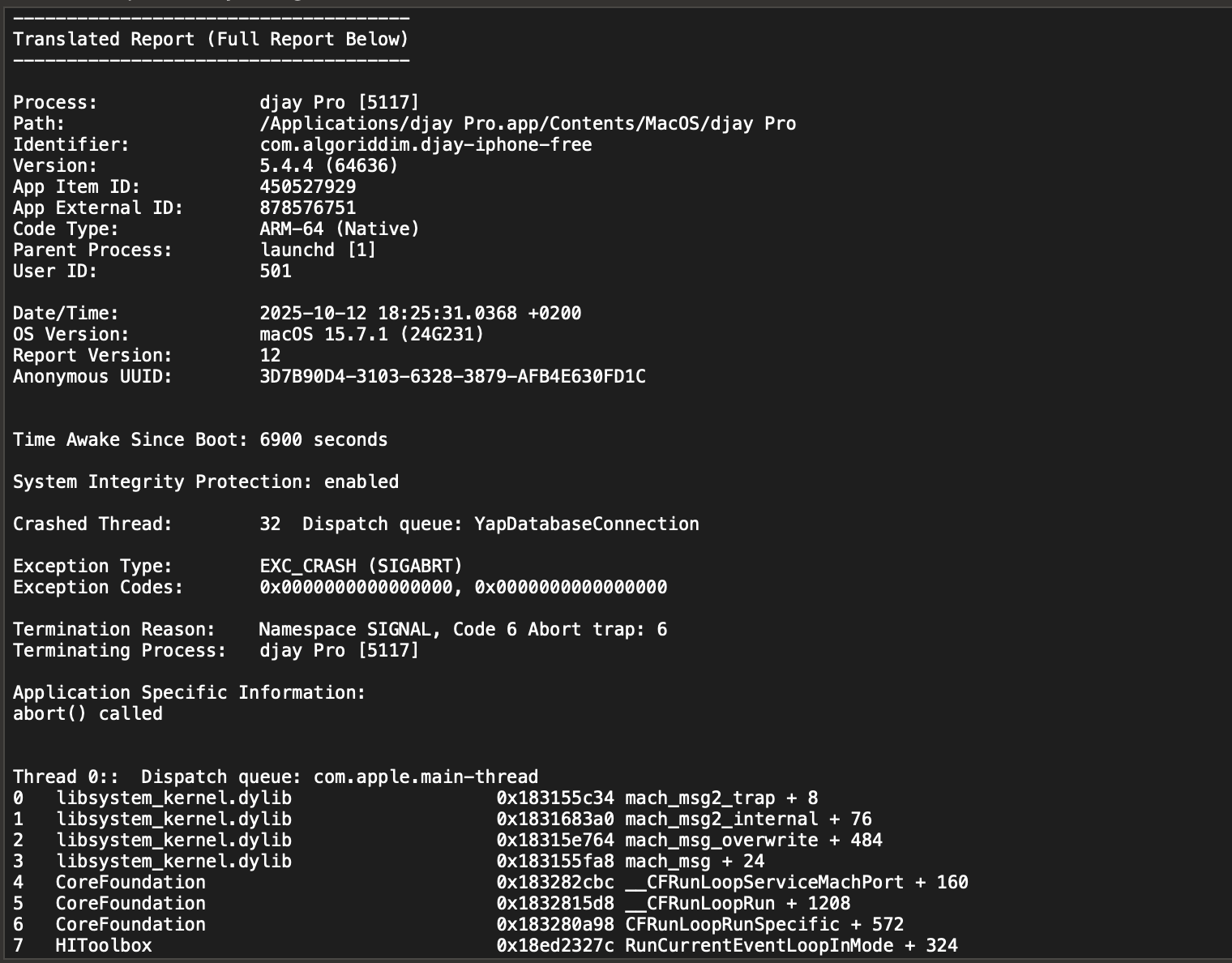
This time I’ve captured the full error message; it’s more extensive than before, so I’m attaching it here in case it helps identify the issue.
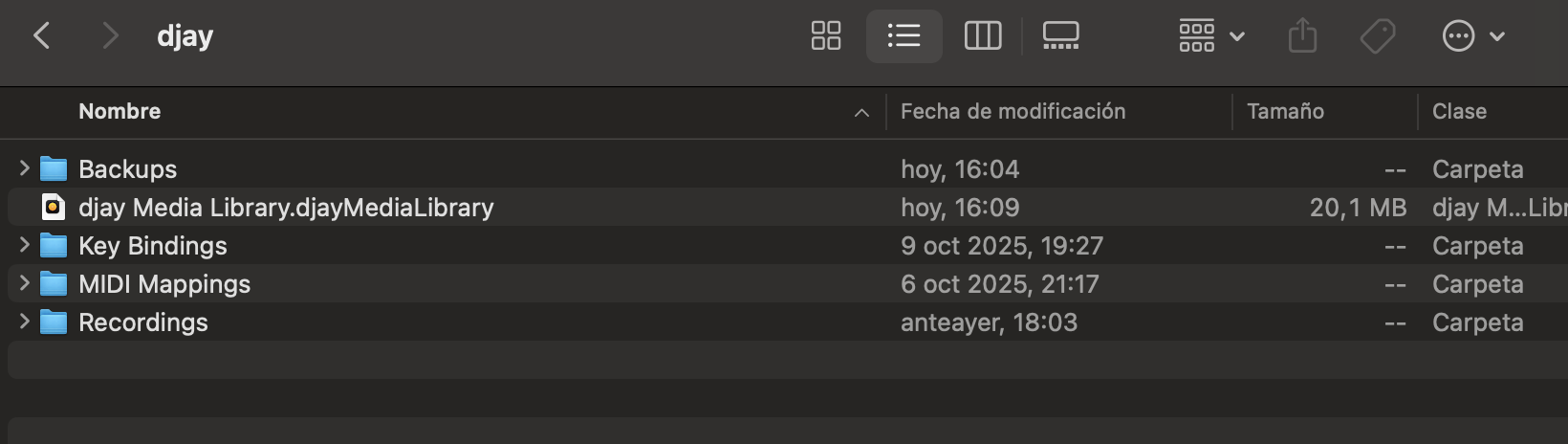
Okay, since this issue was driving me crazy, I kept digging. You gave me the idea that the problem might be in the database, and since after my last set —which worked perfectly— I only made a few changes to a couple of tracks, I checked those and even after deleting them the problem remained. Then I noticed there’s a database backup in the Djay folder, so I restored one from before the errors started, and now it works fine. So, the issue is definitely in the database…
I don’t mind working with a copy from two days ago —as I said, I didn’t make any major changes or I can easily redo them— but wow, what a hassle… and a scare!
I’m not marking it as solved because we should still find out what caused the library/database issue, for the sake of other users.
Also, I’m going to keep testing, but for now the smart playlist that was causing the crash (one of them) no longer does. I’ll keep providing feedback as I go.
I’ll summarize the actions I took in Djay before the error appeared: I reviewed the history of the music I had played in my set from the previous day. It included local tracks, as well as songs from Spotify and Apple Music. I made some color or tag changes to a couple of local tracks.
Then, I added the Apple Music or Spotify songs as local FLAC files (I didn’t have them locally at the time of the set, which is why I used the streaming services). Afterwards, I deleted the local copies I had just added — and that was all.
It’s possible that deleting those tracks from the streaming services (after replacing them with local files that had the same metadata) caused the issue. At first, I thought it had something to do with the queue, because if I remember correctly, the first crash happened when adding the 6th or 7th song to the queue… later it started happening with the smart playlists.
I already have a ticket open and I’ve referenced this post there, so I think the team now has all the information needed to identify the bug or tell me what I did wrong. I’ll keep testing for now — please don’t mark this topic as solved yet. Thanks!
I’ve been thoroughly testing the library, adding new files, and so far I haven’t encountered the error again. It seems that restoring a backup of the library is the solution. However, the issue appears to be caused by a Djay Pro bug, but I can’t analyze it any further, sorry.