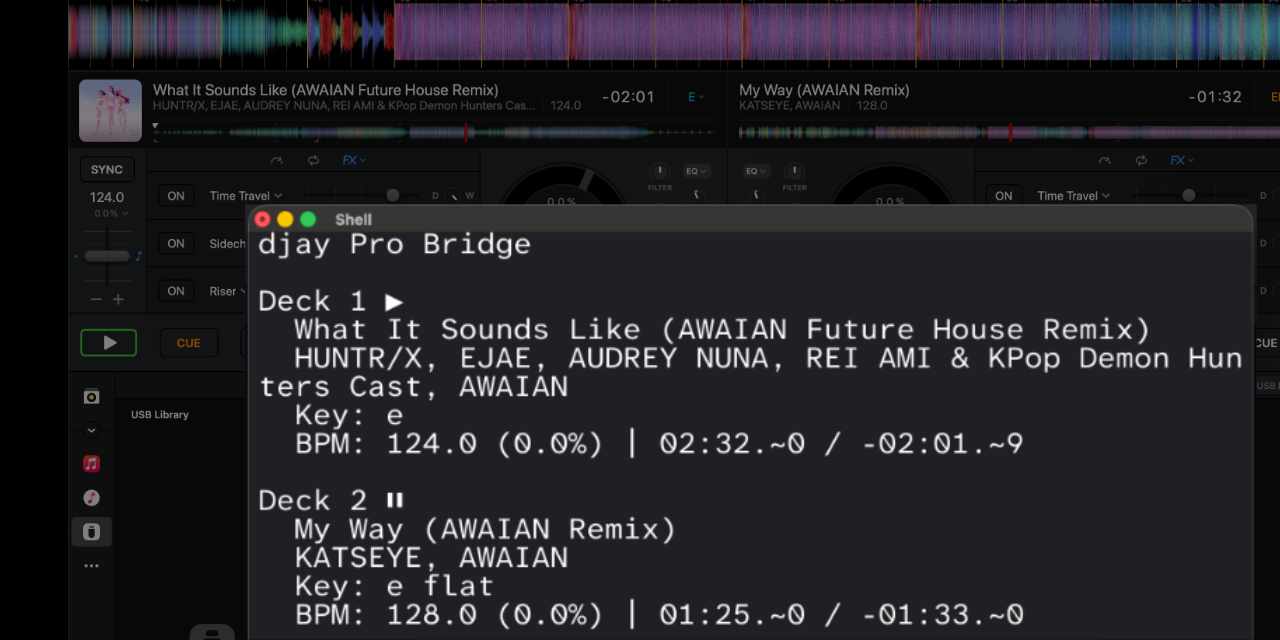
Created a ShowKontrol-like deck monitoring tool for djay on macOS

Hi all!

I just want to share my newest CLI tool that fetches real-time deck information from djay Pro’s macOS app. It fetches data that isn’t possible with regular MIDI mapping.

The CLI is written in Swift and requires no dangerous actions such as reading memory or disabling SIP. It all uses the Accessibility API since djay Pro has excellent accessibility support in their app for screen readers (thank you for the well-designed accessibility functionality!). The only privacy permission you need to allow on macOS is Accessibility access.

It’s on GitHub: GitHub - kyleawayan/djay-pro-bridge: A macOS tool that reads real-time deck state from Algoriddim djay Pro using the macOS Accessibility API. · GitHub. Note this is a command line tool, not a plug-and-play integration for lighting or visual software. This is more of a proof of concept, but this code can be extended to, for example, send OSC messages when a track changes — in my case, to my Ableton Push to change the key of the pads, so I can improv without having to change the key manually!

I also implemented time interpolation for milliseconds, as we’re only able to access minutes and seconds from djay’s accessibility API. This allows for timecode syncing to lighting or visuals (but it is not implemented yet in my code).

For any developers curious about getting Pro DJ Link/ShowKontrol like monitoring of the djay Pro decks, I recommend you check out my repo!

3 Likes

Would love seeing a video of how you utilize this.

1 Like

Very cool! Thanks for sharing @kyleawayan. I agree, a short video demo would be great.

DUDE.

Ive been dying for this! I’m CLI psuedo-knowlegdable too! I’ll mess with this and get you some feedback! Kudos!!

check your insta! :slight_smile:

this is genius, would love to see a demo video. seems like this is a half step away from being an MCP server which opens up a whole new world of possibilities

Yes, please share a video demo of this in use @kyleawayan

Hi all, sorry for the late reply! Been busy with work. Though now I have some free time, I’ll try to make a video!

1 Like

Thanks for the update @kyleawayan

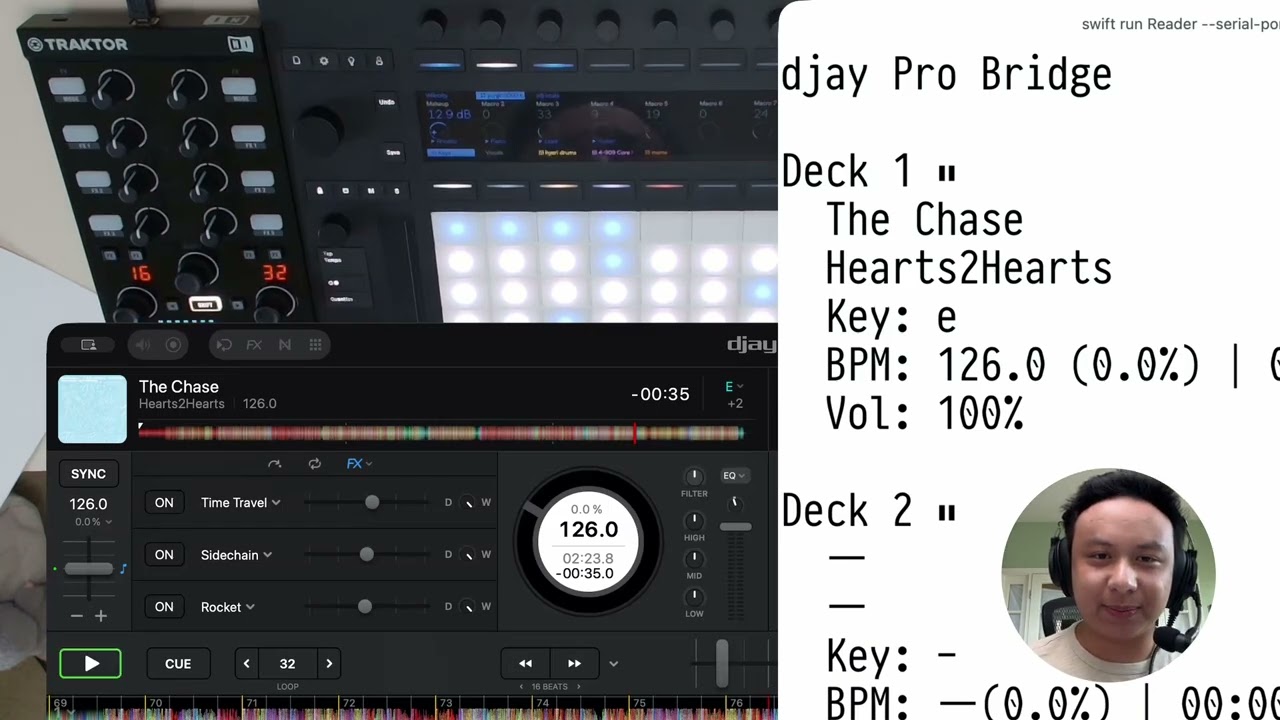
Sorry for the delay!! Here is the video! Showed some of the integrations I’ve built with the bridge. Hope this sparks some inspiration!!

5 Likes

Nice! Thanks for the video @kyleawayan

@kyleawayan very nice! well done

I guess this accesibility API is only for macOS - no windows support

How would you compare this work to what Traktor People made based on the D2 QML → websockets?

https://community.native-instruments.com/discussion/50450/traktor-udp-or-external-communication-possible#latest

Yep, Windows only. I am not familiar if Windows has accessibility features like macOS does.

And for the the Traktor ones, I’ve used solutions like those before (and also seen your cool maps, they look very awesome!)

If I understand it correctly, I would say the Traktor solutions are a bit more “native” and “stable”. As that is, so to speak, Traktor being “programmed/modded” to send data out. So that is definitely better than querying the macOS accessibility API every few milliseconds.

1 Like

WOW super impressive!!! especially being able to put displays on devices where there are none O_O. would love to see more people jump on this