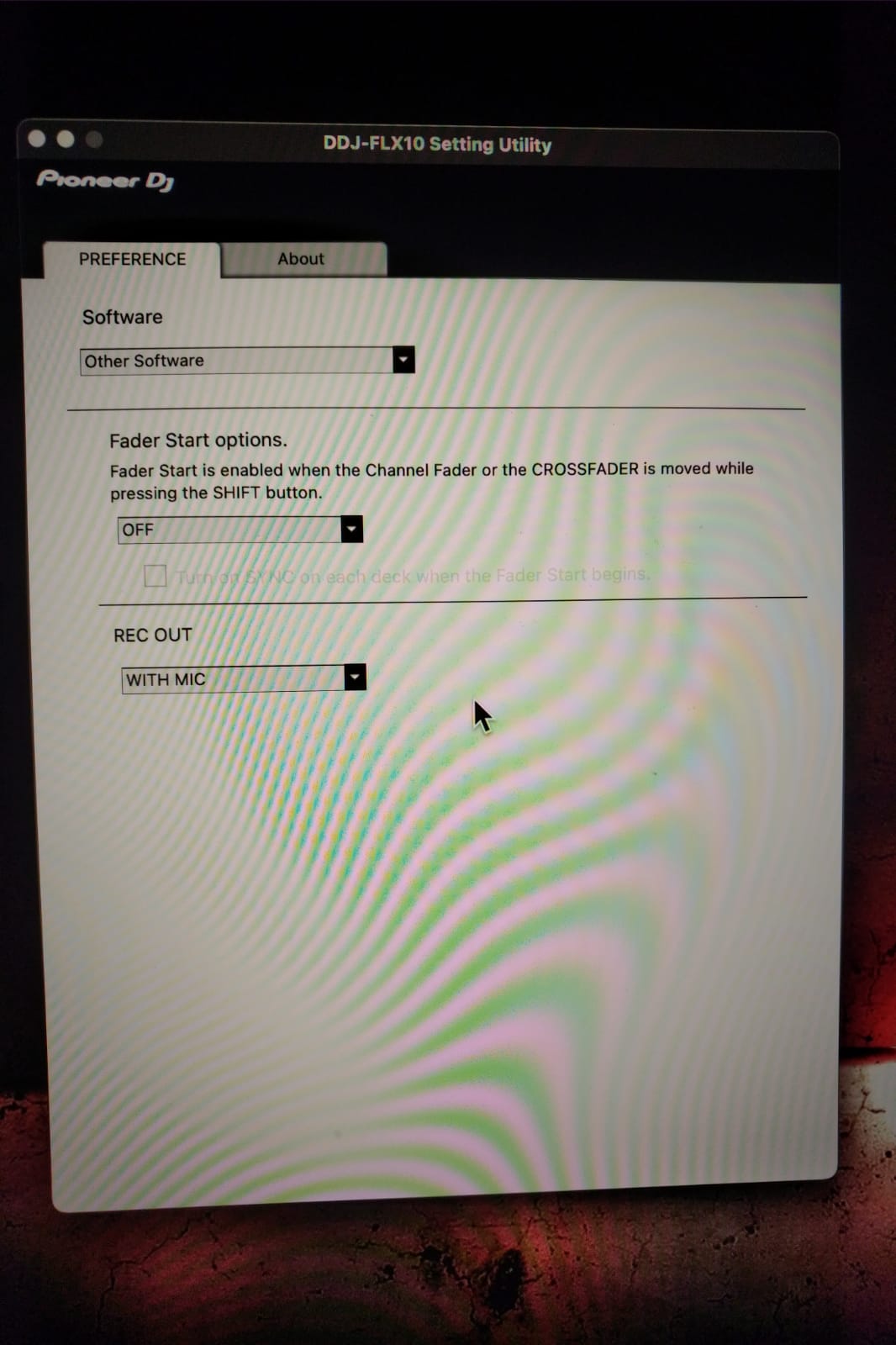
Just staring at my DDJ-FLX10’s lovely jog wheel screens that appear only as dummy screen savers during automix mode.
Any chance that they will be supported one day? I think it’s a shame to have them but not being able to use them due to missing software functionality
Hi @turbopussy, thanks for the question. Our team is aware of user demand for screen support for this hardware. We are working with manufacturers to try to have their screens unlocked so we can add support for them. However, we do not have any timelines to share at the moment.
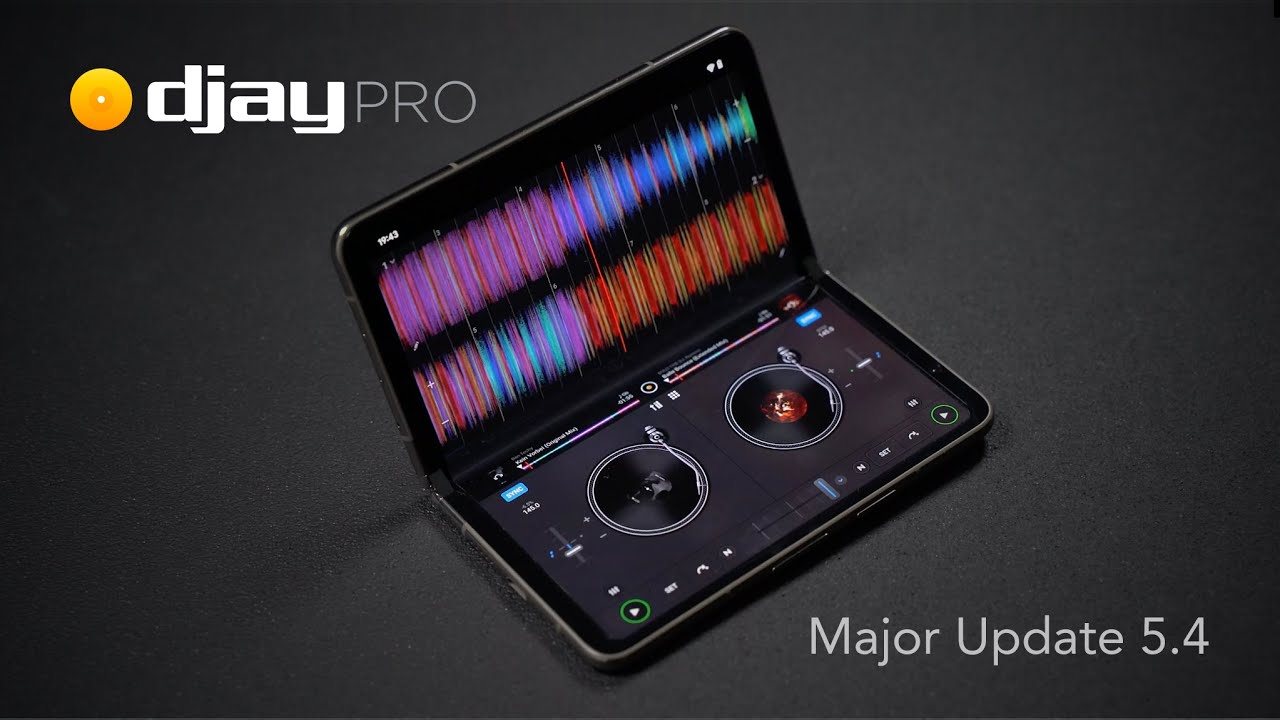
Hello everyone, we are happy to report that the 5.4 update for macOS and Windows brings jog wheel screen support.
Official support for the Pioneer DJ DDJ-FLX10 controller with full on-jog screen integration, developed in collaboration with AlphaTheta (macOS, Windows)
NOTE: I spoke with engineering, and unfortunately jog wheel screens cannot be supported on iOS devices because this implementation requires HID which is not supported on iOS.
Hi Slak_Jaw,
firstly thank you so much to you and the devs, v5.4 unlocked all flx10’s hardware knobs!
I can now midi map anything like i want.
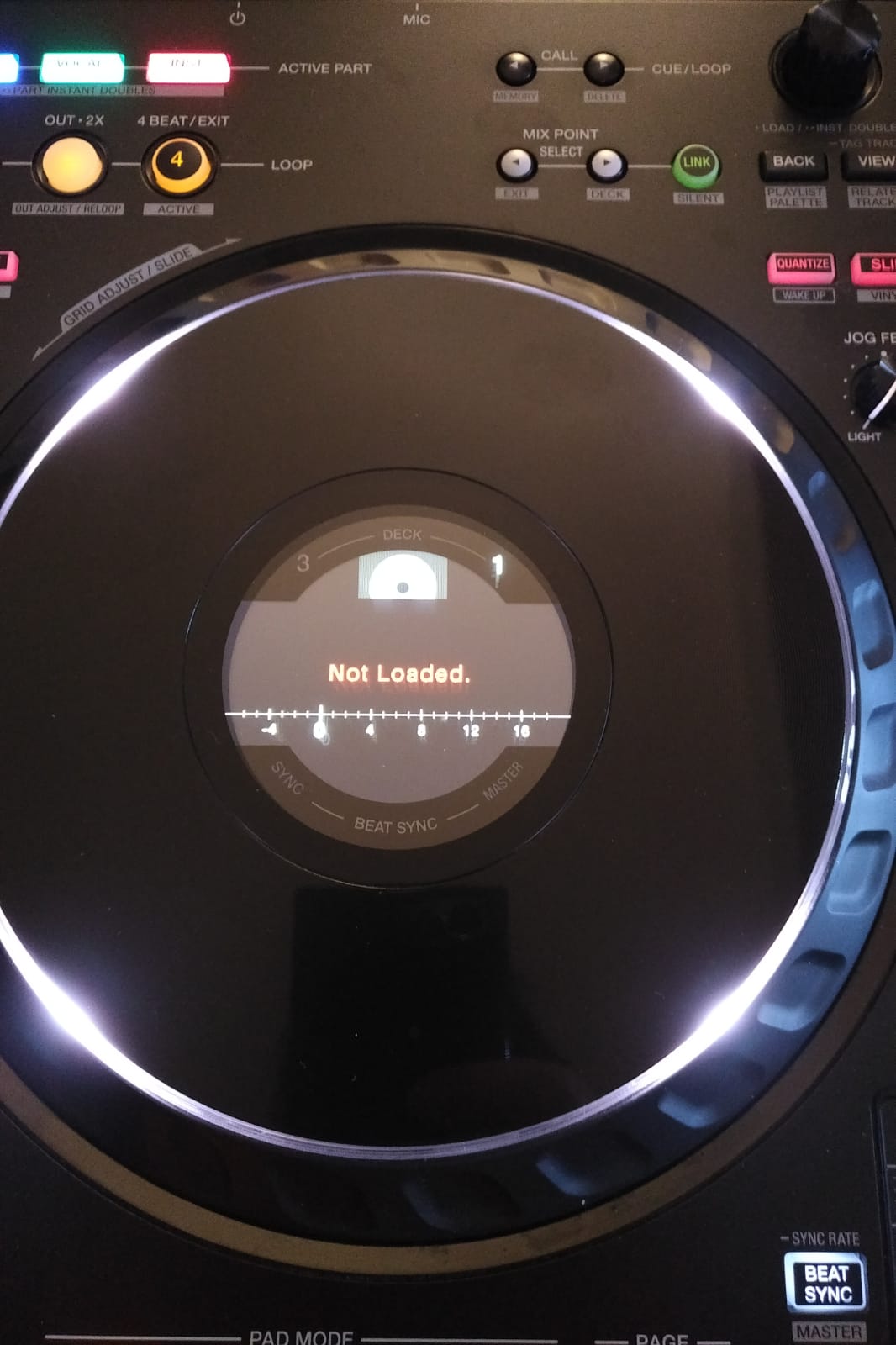
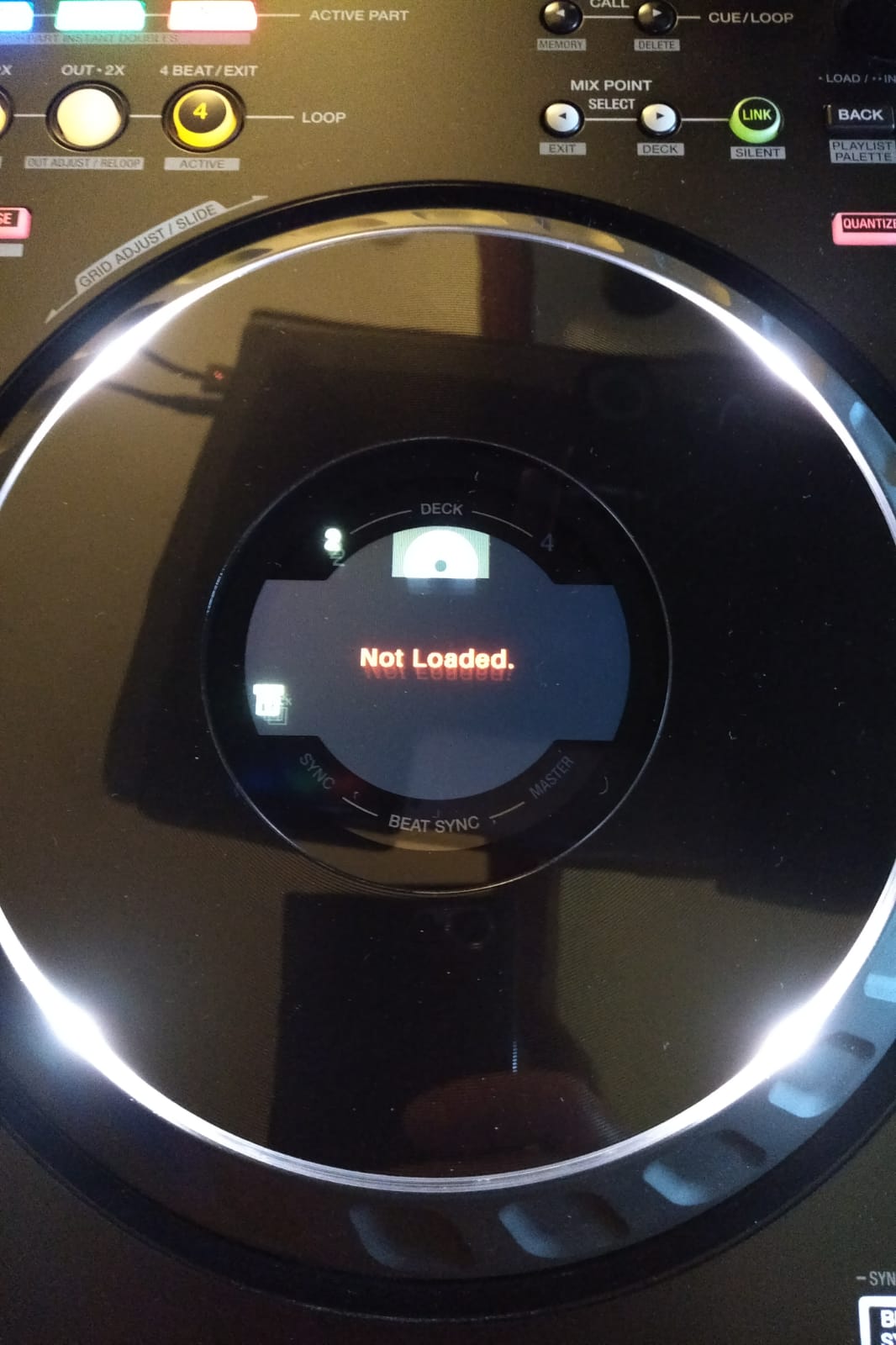
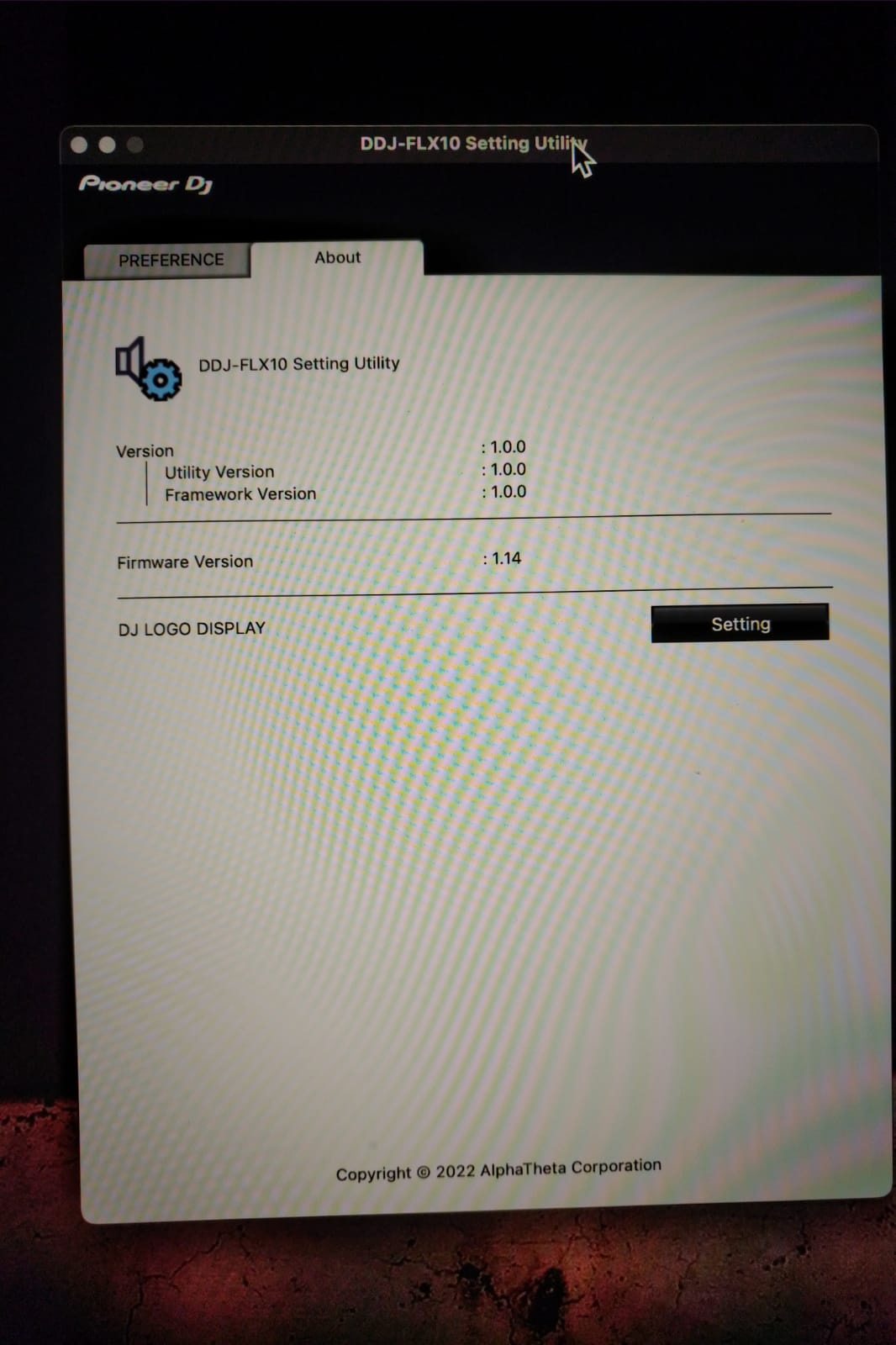
Although i did the firmware update of the Flx10 successfully (now v1.14) i’m getting my jogwheels with “Not Loaded” message on it even after few restart. (no waveform nothing..)
Have you heard of this issue (on MacOs Sequoia 15.5) with other users?
You’re welcome @Black. Thanks for the feedback. I haven’t heard of other users with this issue on macOS yet. I’ve passed this onto our hardware team for further analysis though.
Thanks for the screenshots and additional info @Black. I have passed these onto engineering to see if they can replicate this. Currently, you are still the only user that’s reported this issue.
i just did the pioneer two ways full reset of my Flx10 in hope to fix my Jog-wheels not showing anything but “Not Loaded” message : No Luck
Reading the manual.. some functionalities are working though, like Jogs are Flashing at the end of tracks as a warning..
Also if i Shift + Page several times, i can get the jogs to show art work covers..
Don’t know if that could draw some user error on my side..
I’m starting DJay Pro then Flx10 and vice versa with the same result.
Changed USB-C’s ports.
If you got any hint, that would be a nice add-on in comfort to get visual feedback on jogs
Thank you
Hi again @Black, sorry, I thought I had responded to this one already. August was very busy so I guess I missed this one. We were not able to replicate this on our setup and no other users have reported this issue.
Can you confirm that you are not running any other DJ applications at the same time as djay? At this point, this seems more like a hardware issue. Have you contacted Pioneer DJ/AlphaTheta support?
Did found the mistake i did, i should have remapped my custom parameters from scratch with the new build done in collaboration with Alphatheta
Now everything works as desired, very happy!
PS: hopefully one day, Djay will remember, on launch, correctly FX’s Settings ( e.g. : PingPong Delay 3/4 on FX3 )