Hello! It’s been a week since my last reply. I’m going to consider this topic completed for now so I can focus on others. However, please feel free to respond and we can definitely revisit this. Thanks!
Actually, rather of being a hardware issue, this seems to be a Windows 11 driver handoff issue.
The fact that your DDJ-FLX6 begins operating in djay Pro as soon as Serato is opened or closed indicates to me that Serato is correctly initializing the ASIO driver whereas Djay isn’t. Djay can seize the driver stack after Serato “wakes it up.”
Windows occasionally installs a generic audio driver over the Pioneer one after a fresh Windows 11 installation (26200 releases in particular).
What I would attempt:
Remove the Pioneer DDJ-FLX6 driver entirely.
restart
Install the most recent official FLX6 Windows driver and firmware 1.12 again.
Make that the Pioneer ASIO driver is being used, not a generic USB audio device, by going to Device Manager → Sound, Video, and Game Controllers.
Additionally, choose the FLX6 ASIO driver by hand under djay > Audio Devices. Don’t use Windows audio by default.
It’s 99% driver initialization order if Serato solves it each time. If you lock that down, it should no longer occur.
I’ve also seen that Acer laptops’ USB power management sometimes cause issues. Just in case, turn off USB selective suspend.
I’m having a similar issue. I’m using a lenovo thinkpad. My ddj flx6 is plugged in and all controls are responsive in the djay pro app but i’m getting no audio output in my main or cue
Hi @Gerik, welcome to the Community! Sorry to hear you’re experiencing this issue. Please provide complete details for your setup:
Device Model (ex. 2020 iPad Air 4th Gen):
Version of operating system (ex. iOS 17.3.1):
Version of djay (ex. 5.1.3):
Hardware/controllers used (ex. Reloop Ready):
Hardware Firmware Version:
Did you recently update to Windows 11 25H2?
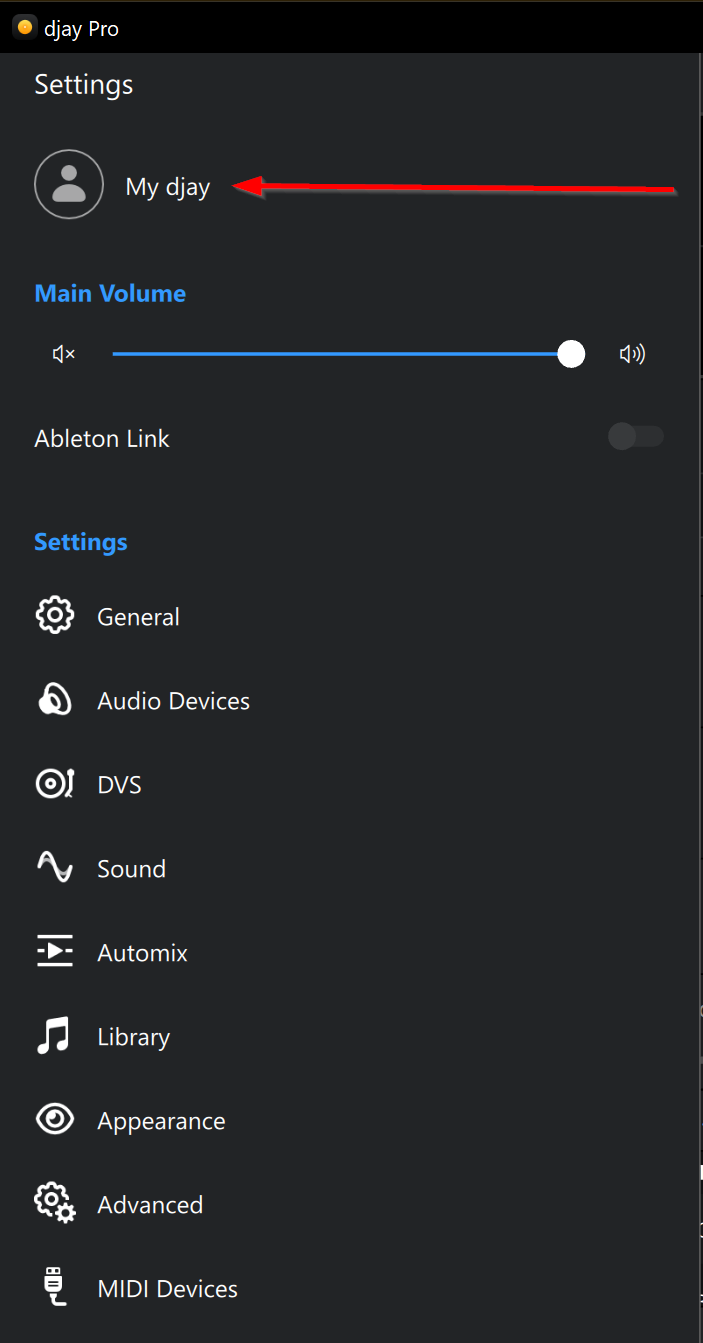
With the FLX6 connected to your laptop, can you please share screenshots of your djay Settings>Audio Devices and Settings>MIDI Devices?
Since this sounds repeatable, can you please capture and share a short screen recording of the issue to help clarify what’s happening? Thanks!