NOTE: Please use the search function above before posting to avoid creating duplicate topics.
Device model (e.g. 2020 iPad Air 4th Gen):
Version of operating system (e.g. macOS 14.4.1):
Version of djay (e.g. 5.1.2):
Hardware/controllers used (e.g. Reloop Mixon 8 Pro):
Your question/suggestion/feedback:
Hi,
I’m still dj-ing with my old Pioneer DDJ-SR, it is still doing what I want it to do, it is a solid controller…
Software: DjayPro (latest updates)
DDJ-SR: latest firmware 1.8
MacBook Air 2025 M4 16GB RAM
Issue:
after about an hour of dj-ing, a crackling sound comes up. The timing is inconsistent, it can also be after half an hour or shorter period. Solution is to restart the controller but that is not fun thing to do during the set.
I am using a solid USB-B to USB-C cable, no hub or adapter.
I know that it is an old controller but I’d love to keep working with it.
I think the issue might be that the controller needs to get his power via the USB cable, there is no seperate power input on the SR.
DjayPro doesn’t have an option to change the buffer size.
Would it be a solution to purchase a “better” usb cable? Or won’t there be any difference?
This one?
I was also considering purchasing a DDJ-SR2 cause it has a seperate power supply, but it is not for sale anymore.
Hi @Jan_Van_den_Bossche1, I definitely recommend you try one of the Chroma Cables. Also, try connecting to a different USB socket on your Mac. Finally, you could try using a high quality, powered USB hub like the ones from UGreen, Anker, Belkin or Baseus. I hope that helps!
After restarting controller, does it go away forever or comes back again in an hour or so?
I have the djtt chroma USB-B - USB-C cable - they’re good but, my problem is that of the 4 type C ports on my mac, nearly all are quite loose and disconnects extremely easily. I only have 1 trusted port of the 4. Sometimes a mere bass boom in the dj box is enough to disconnect my external SSD.
Using a Bose T4S as my soundcard yesterday, I had loads of audio breaks/dropout when using the cable. The dropout happens during heavy maneuvers such as an autotransition coupled with a song load in the opposite deck. I zeroed the issue to the wobbly left port of my MBP. Swapped port, went away. Sometimes the type c connector ends get widened overtime i think, because when i plug another brand new cable to the same wobbly port, it’s a tight fit with a click and the audio dropout doesn’t happen anymore.
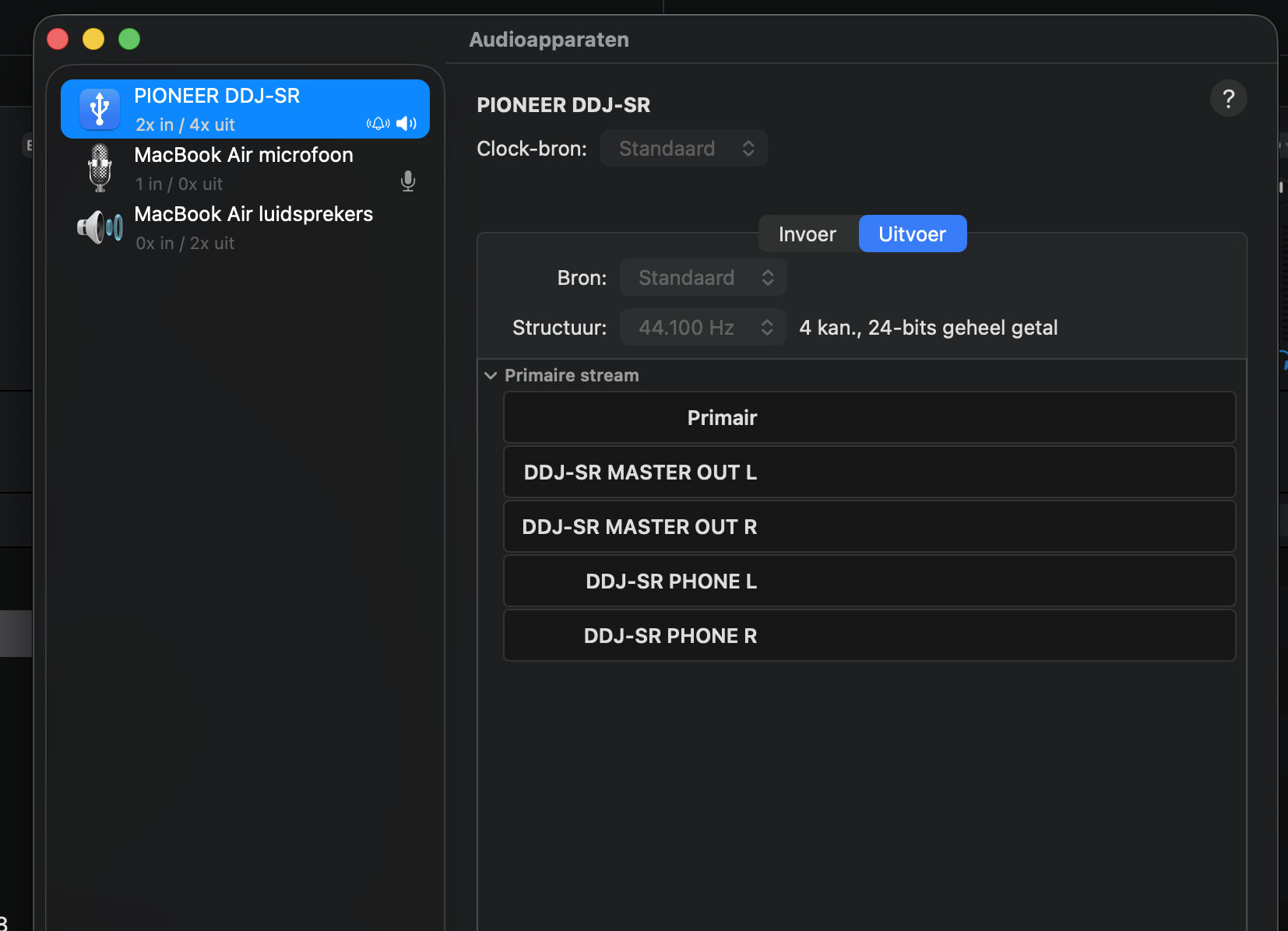
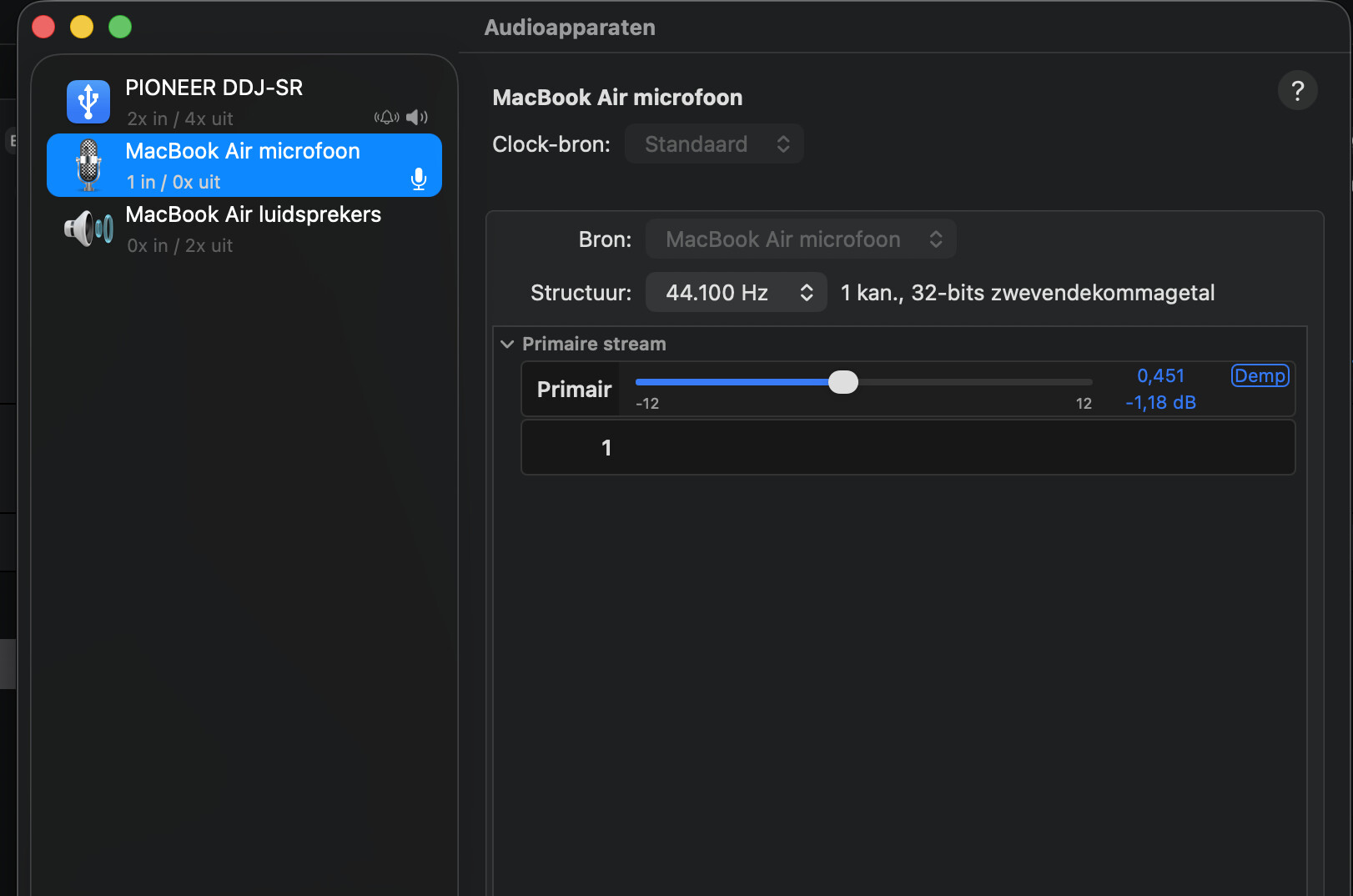
Thanks for confirming @Jan_Van_den_Bossche1. Are you using an aggregate audio setup by chance (using multiple audio devices - ex. the DDJ-SR and your Mac speakers at the same time)?
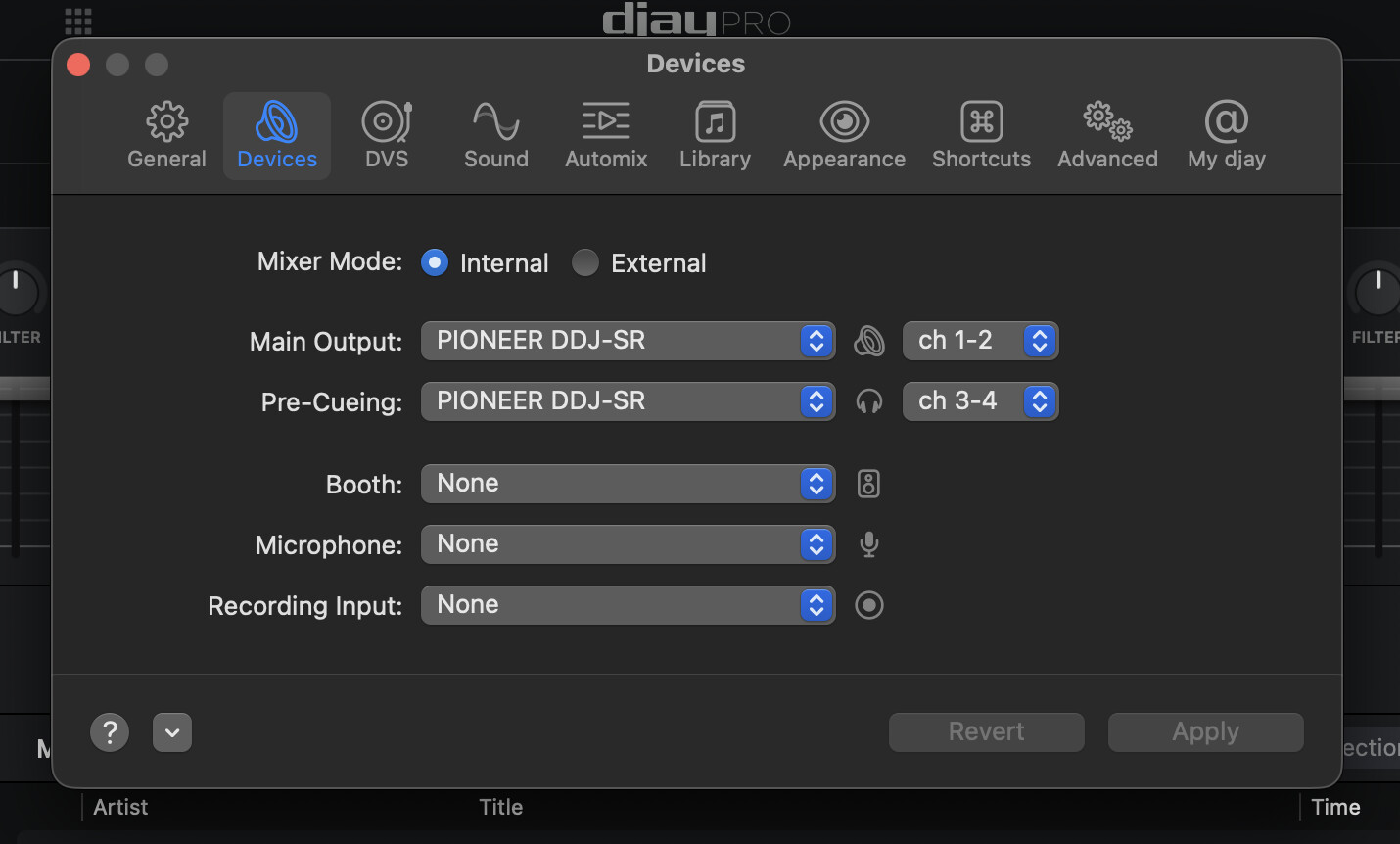
Thanks for the additional info @Jan_Van_den_Bossche1. Please share a screenshot of your djay Settings>Devices window.
Please also confirm that you are only using your DDJ-SR for headphone pre-cueing and main output (ie you have speakers connected to the DDJ-SR). If you are using your Mac speakers or headphone jack in addition to the outputs of DDJ-SR then you are likely using an aggregate audio device setup.
I also tested with same Djay Pro version on my older MacBook Pro with USB A connection, no issue there, nog distortion, even after 3 hours of playing music.
Hi @Jan_Van_den_Bossche1, I suggest that you backup your djay Media Library database and any custom MIDI mappings, then uninstall djay, reboot your device, and reinstall the latest version of djay. You can find the files above in the following locations:
iOS: using the Files App, navigate to Locations->On My iPhone/iPad->djay->User Data
Copy the files to a new location or external drive before uninstalling djay. After reinstallation, you can simply copy these files back to their original locations to maintain your Hot Cues, Saved Loops, My Collection Playlists, History and Queue.
Hello! It’s been a week since my last reply. I’m going to consider this topic completed for now so I can focus on others. However, please feel free to respond and we can definitely revisit this. Thanks!
Hi @Jan_Van_den_Bossche1. Did you found a Solution? I have the same Issue with a MacBook A5 and DDJ-SR. Exact the same effect after 20 to 60 Minutes. Only a restart of the Controller helps.
Hi @nikeug, welcome to the Community! Are you splitting the audio output between your Mac and your DJ controller? For example, pre-cueing via your controller and main output to your Mac speakers? If so, please see below:
Splitting the main output and pre-cueing across 2 devices creates an aggregate audio device setup. While aggregating audio devices usually works fine, some combinations of audio devices can be unreliable e.g. if they don’t support the same sample rates or if their clocks cannot be brought in sync.
That being said you can try adjusting the settings in the “Audio MIDI Setup” system app to see if that helps:
While djay is running and configured with an aggregate device, select the “Aggregate-Audio-Device” device in the “Audio Devices” window of Audio MIDI Setup.
Try disabling “Drift Correction” for one or both devices that are being aggregated.
Try adjusting the sample rate of the aggregate device.
Try changing the “clock source” of the aggregate device.
If that doesn’t solve your issue, I recommend that you send both the main and pre-cueing audio to the same device.