Iphone 11
Djay pro 5.4.3
Hardware pioneer ddj sx2
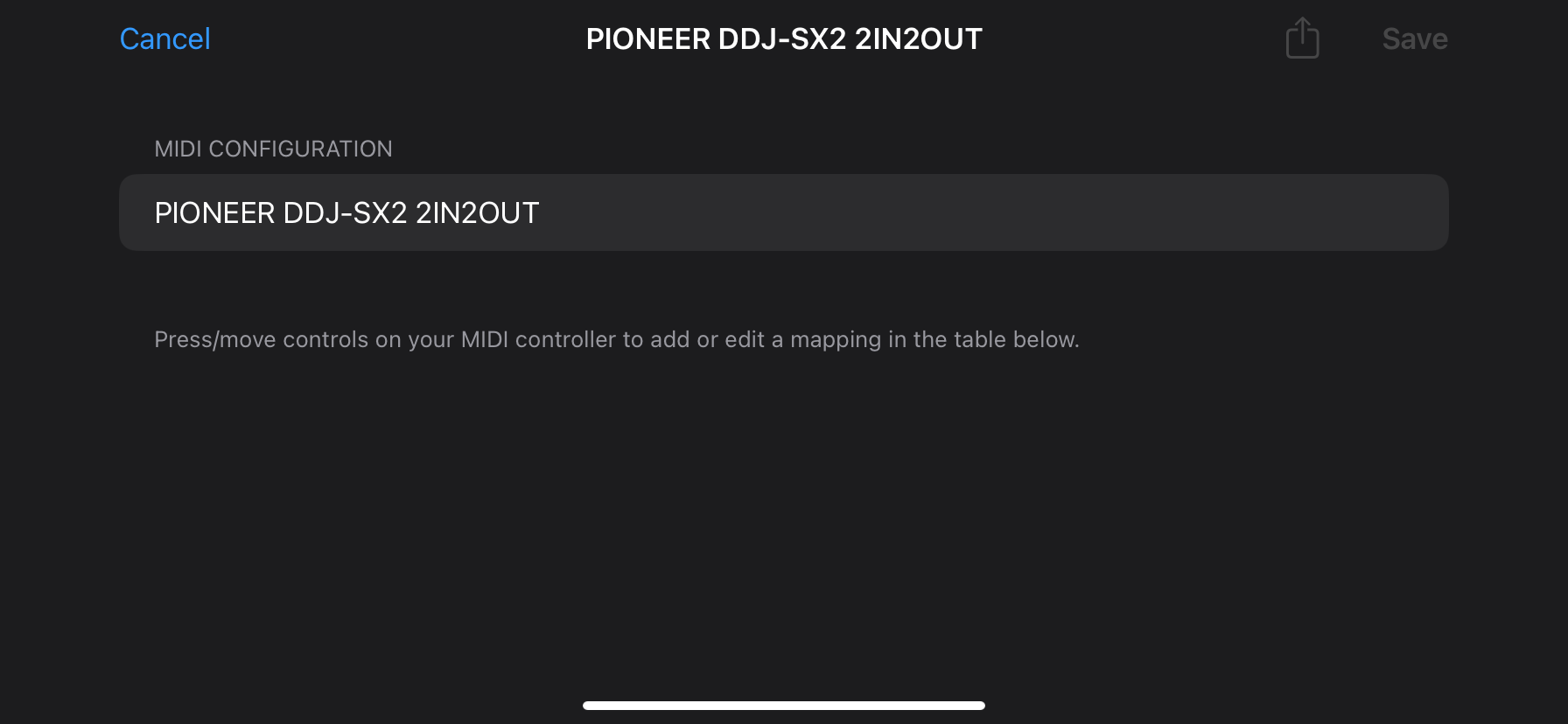
My sx2 is not automatically configured with my iphone do i have to map each button cos non of the button is automatically mapped please i need a help asap
Iphone 11
Djay pro 5.4.3
Hardware pioneer ddj sx2
My sx2 is not automatically configured with my iphone do i have to map each button cos non of the button is automatically mapped please i need a help asap
Not sure what’s going on but i recall. the first time ever i hooked my ipad pro on a hercules it didn’t work on first attempt, but eventually did. It is pre-mapped by default. No need to map. You might wonna quit/restart a kfew times both the app, iphone and power-cycle the SX2.
Update your djay to 5.4.4 too, and the sx2 firmware too. I believe the latest firmware is v1.06.
If all fail, then we have to fault your USB/dongle setup. Lightning usb dongles are always a hit or miss. Does your iphone dongle have a charging port and is connected to power? AND i believe most dongles require that you FIRST connect to a charger BEFORE hooking up your iphone and any USBs
I dont know why djay pro on iphone wont be mapped automatically on the ios device i can’t be mapping each button for the whole controller pls help
Hi @Brown_bkp,
You could try a fresh djay installation to see if that clears up the issue. I suggest that you backup your djay Media Library database and any custom MIDI mappings, then uninstall djay, reboot your device, and reinstall the latest version of djay.
You can find the files above in the following locations: iOS: using the Files App, navigate to Locations->On My iPhone/iPad->djay->User Data
macOS: https://help.algoriddim.com/hc/en-us/articles/360014912211-Where-does-djay-Pro-store-playlists-cue-points-and-other-data-on-my-Mac
Windows: https://help.algoriddim.com/hc/en-us/articles/360014912131-Where-does-djay-Pro-store-cue-points-and-other-metadata
Copy the files to a new location or external drive before uninstalling djay. After reinstallation, you can simply copy these files back to their original locations to maintain your Hot Cues, Saved Loops, My Collection Playlists, History and Queue.
If that doesn’t work, I would try connecting with a different USB cable.
I will try that and i will give you a response to it
This does not work using my iPhone 11 with Pinoneer ddjsx2 its not automatically mapped
How exactly are you connecting your iPhone 11 to the DJ controller? Please share some photos of all cables and adapters.
Im connecting my iphone 11 with ddjsx2 with an iphone lighting camera adapter which it work fine one flx10 but when connected to ddjsx2 it shows connected but not a single button moves except if i can map all buttons manually
Im not able to get a second phone to take a picture at same time connecting the phone with ddjsx2
Just disconnect your phone and take photos of everything else please @Brown_bkp
I am trying to get my ios djay app to recognize my pioneer ddjsx2 but i cant get it right. I have used it with another controller sx2 but i cant make it work anymore.
Any ideas?
Thank u
Hi @Brown_bkp and @DJChambinhoBH, please try the following:
Hello! It’s been more than a week since my last reply. I’m going to consider this topic completed for now so I can focus on others. However, please feel free to respond and we can definitely revisit this. Thanks!