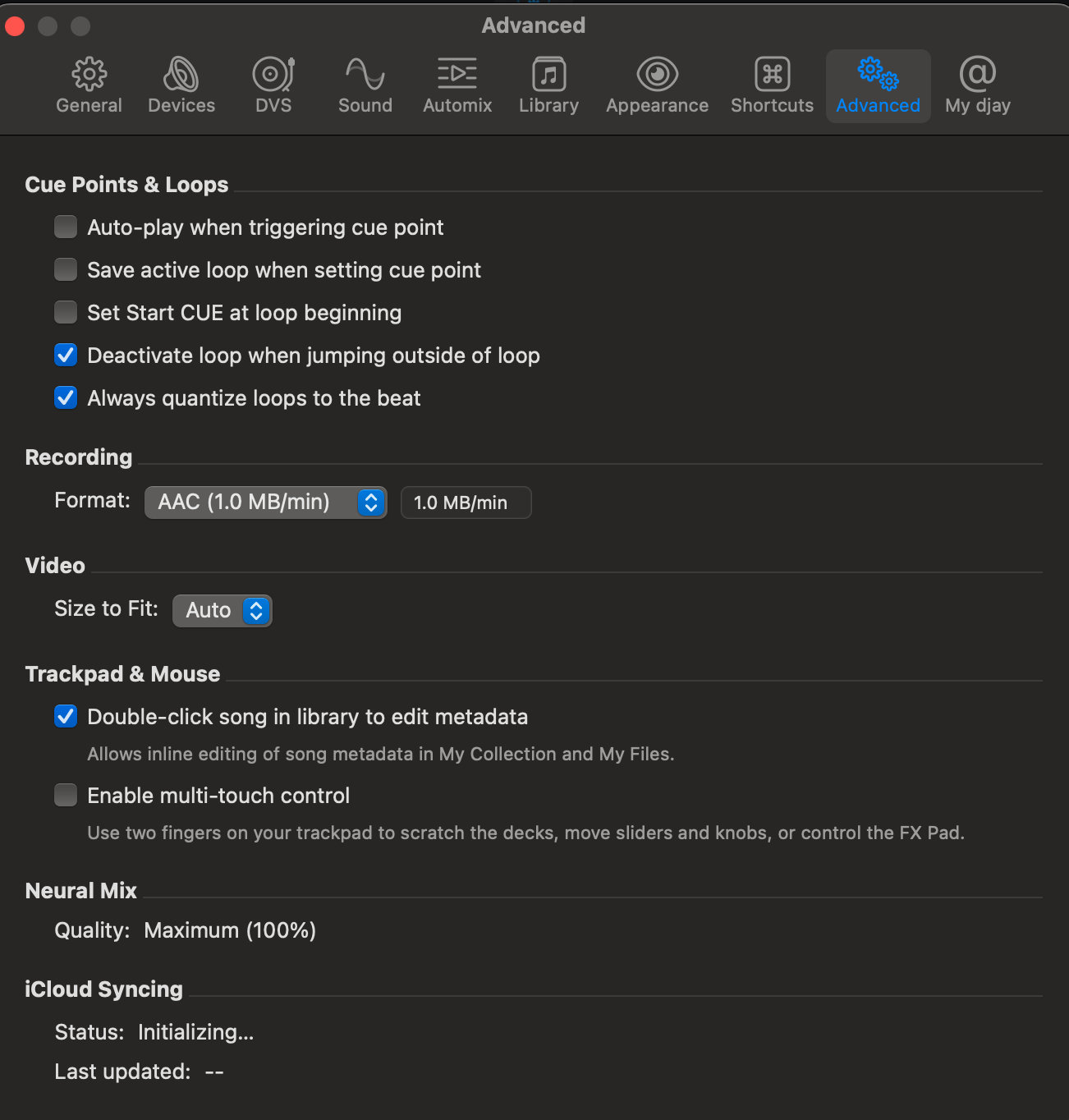
Might be overlooking something simple here, but is there a way to delete/remove songs from “My Collection” without having to manually scroll down through the entire list to find the track?
Example - I’ve got a few tracks that I’ve added to My Collection and they are in the main “Music” playlist along with 20k of my other songs.
I want to delete them from My Collection, so I type in the search box and locate them, but there is then no way of deleting them from within that search window.
The only way I can see to remove them is to go into the playlist and manually scroll down to find the track, which is incredibly time consuming scrolling down through 20k+ tracks every time.
I’m experimenting with moving from Apple Music integration to the DJay internal “My Collection” playlist management and it was easy to search and delete tracks within Apple Music, but not so much in DJay.
Am I missing something, or is there a simpler way to clear out tracks from My Collection.
Hey, thanks for that, unfortunately it doesn’t remove the tracks from the My Collection “Music” main playlist, it just deletes the songs from that “items to delete” playlist, which I assume is expected behaviour.
Exploring DJay and amazed it’s so hard to delete tracks from your collection/library. When they are in a playlist you can only delete them from the playlist itself, but not the library.
Amazing 2025 and something so basic… Sounds like an oversight.
Yes please fam, I also want to be able to delete tracks at the folder level, or even just search them up and delete them straight from the hard drive and the app.
I’ve got tunes sitting in folder playlists made for specific venues, but when I try to clean them up I can’t delete anything from there, only from inside an actual playlist it can be annoying when i have about 15 playlists in that folder. Can we please add this to the next update
Hi Michael, I´m trying to clean my collection without deleting the files. Amazing how something so easy is not possible with a click!
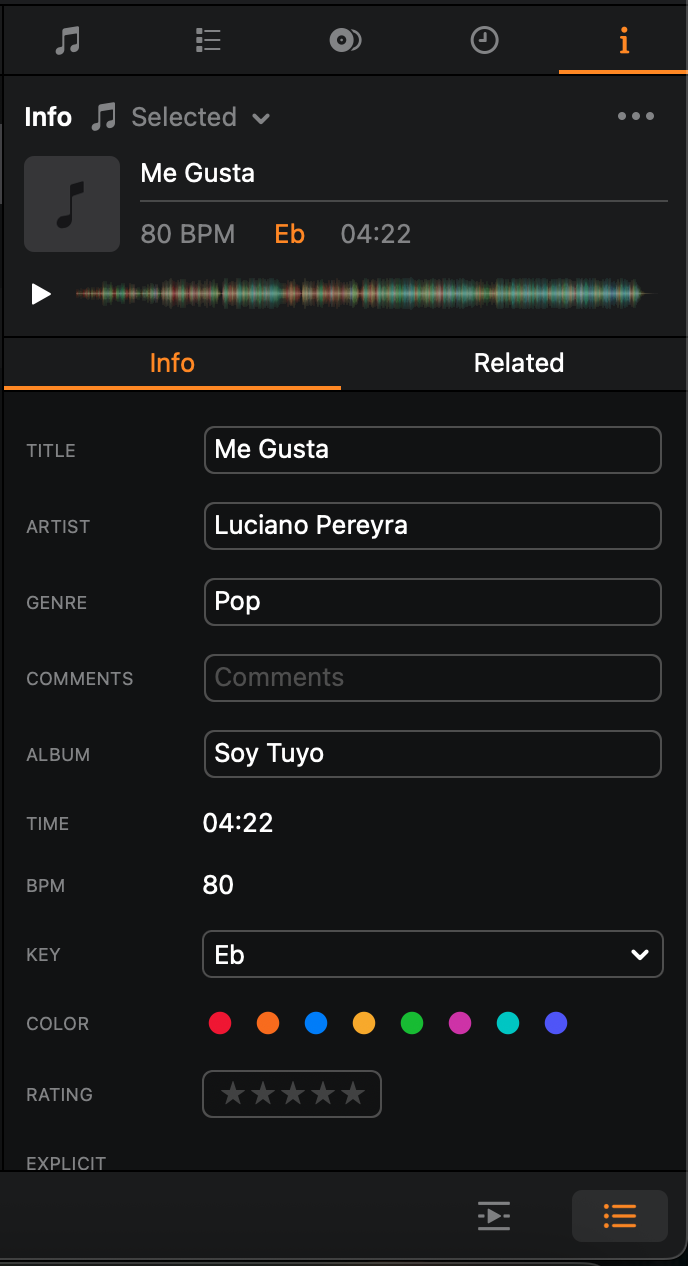
Anyway, trying your way, but I don´t understand when you say 2. Mark files for deletion, for example, I set the Grouping column to “DELETE”.
I can see the grouping column, but no idea how to set to “Delete”
Must be easy, but I´m missing it:
Can you help? Been stuck here for a while
I also have another suggestion that keeps coming to mind: When playlists from streaming services are imported into “My Collection,” it would be nice if this list were automatically synced whenever something changes in the playlist on the streaming service.
Of course, you can also use the playlist directly from there, but unfortunately, any folder structure you might have created there isn’t carried over to Djay. This often makes things confusing when you have a lot of playlists.