


I did, nothing came up
No problem @David_Bielby
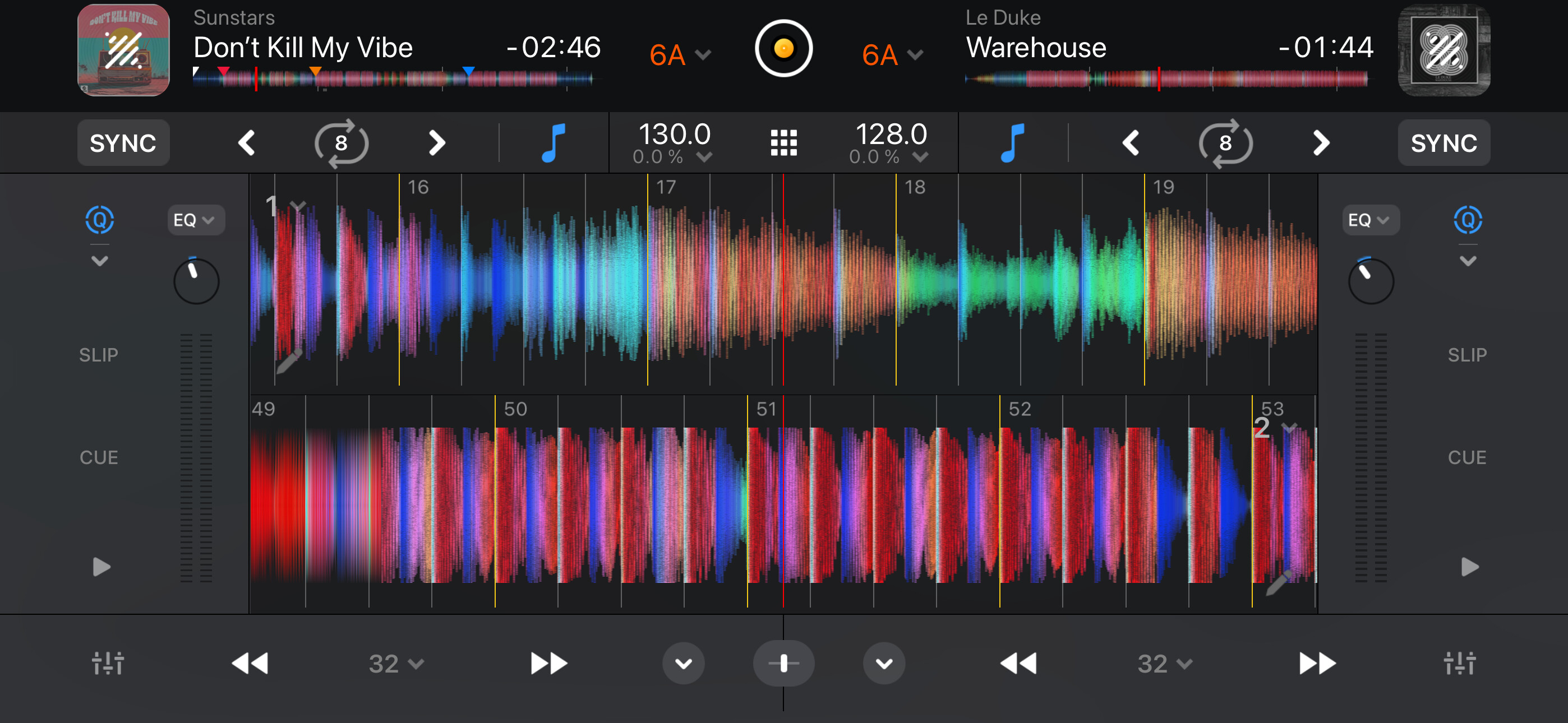
I don’t know if this should be in the same topic but aside from the hardware mapping, the crossfader takes up quite some space in the UI and I really never use it so for me it’s 100% wasted space.
NOTE: Please use the search function above before posting to avoid creating duplicate topics.
- iPad Pro
- djay pro 5.6
- flx10
can I completely disable the crossfader ? I already have the thru selected on channel 1 and 2. I must be missing something. FYI, the app did asking to restore crossfader, which I dont understand what that meant.
Hi @Nubium, please use search before creating new topics. I have merged your new topic with this existing one. Thanks.
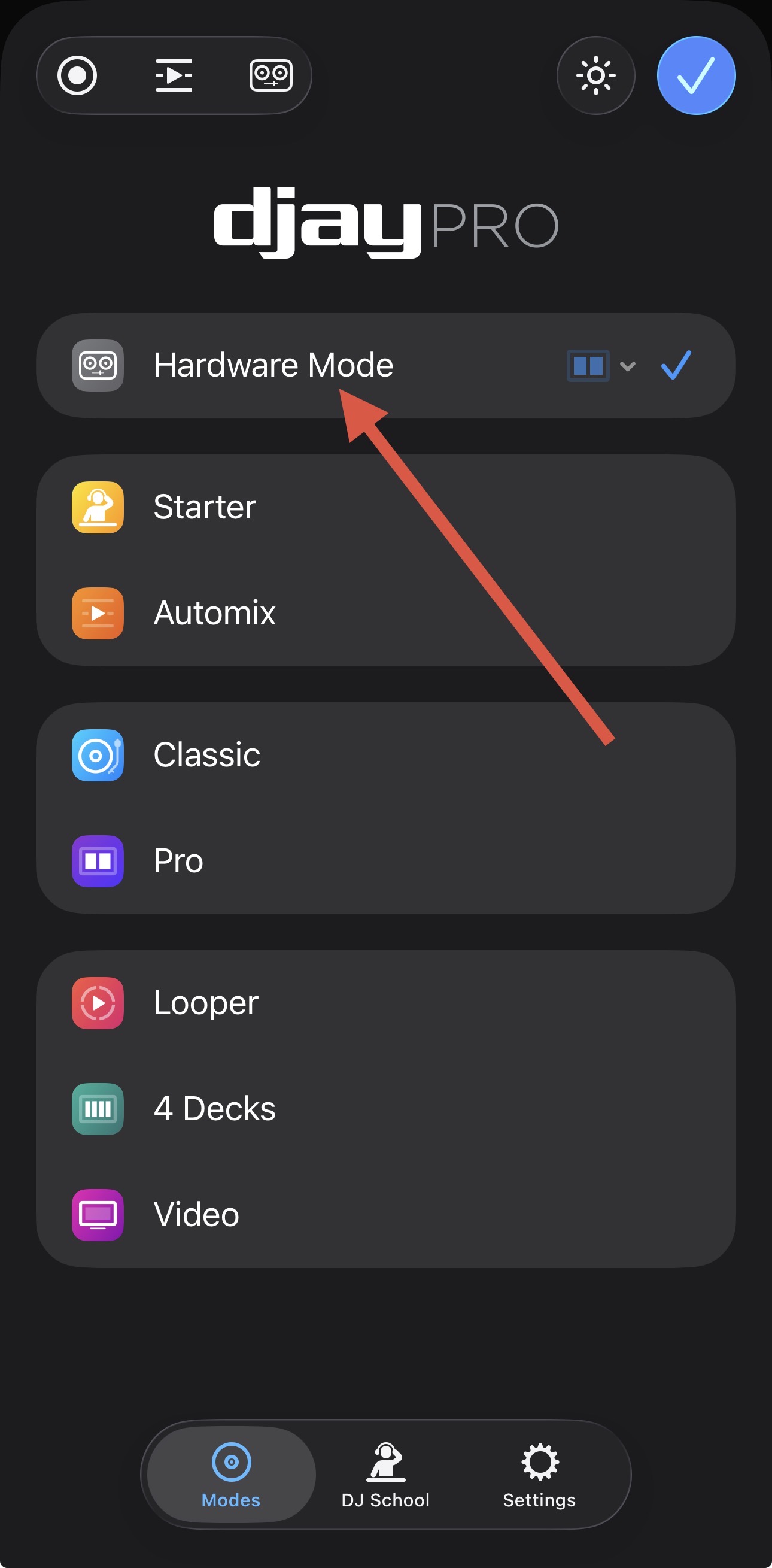
If you don’t use Hardware Mode or Crossfader FX, you could modify your MIDI mapping and delete the Crossfader MIDI command.
I did do a search, but couldn’t find anything. I think I just called it turning Crossfade off instead of disabling. I am using Hardware mode when my controller is connected. I don’t quite understand the part where it says something about restoring Crossfader And a warning triangle what’s that all about?
@Nubium, please set it to Thru on Deck 1, 2, 3 and 4. If you get a message to restore the Crossfader, cancel/ignore it.
1 Like
Do you mean on my controller which is what I do have it set to or within the app on my iPad
Experiment with both and see what you prefer. You’ll probably prefer to do it via the hardware.
voted
it is quite bizarre to force the crossfader on people (+workarounds)
Thanks for the feedback and vote
+1.
Preferred in a way that does not need an additional midi control, e.g., a simple UI on-off option. the need to use it occasionally is still there. I therefor cannot de-map it.
Crossfaders were invented in 1971. Especially now, having good stem separation, DJ’ing can, by choice, look more like a production workflow with stems iso instrument groups, same principle. Using the crossfader is not a matter of fact and even a source of mistakes when unintentionally touched.
Thanks for the additional feedback @Brainbox
I’ve used this to disable it. Thing is… it resets on every launch of the app.
Nice! Not exactly a settings toggle, but does the job!
1 Like
You’re welcome @skymakai
1 Like


