NOTE: Please use the search function above before posting to avoid creating duplicate topics.
- Device model (e.g. 2020 iPad Air 4th Gen):
- Version of operating system (e.g. macOS 14.4.1):
- Version of djay (e.g. 5.1.2):
- Hardware/controllers used (e.g. Reloop Mixon 8 Pro):
- Hardware firmware version (e.g. 1.0.1):
- Please consider sharing a short video or screenshots to help clarify your question/suggestion/feedback
YOUR QUESTION / SUGGESTION / FEEDBACK:
- Hi All, I have the Pioneer DJMS11 & the Pioneer PLXCRSS12. I have updated all firmware and am still having a bugger of a time trying to get it all to work. Has anyone else got this set up and what’s the catch to getting it all to work together? Thank you in advance.
Hi @Overdose, welcome to the Community! When creating new topics, please do not forget to answer the questions in our template with specific details about your setup not just “iPad” or “Latest Version”. This helps all of our community moderators to provide the most effective support to users with the utmost efficiency.
Device Model (ex. 2020 iPad Air 4th Gen):
Version of operating system (ex. iOS 17.3.1):
Version of djay (ex. 5.1.3):
Hardware/controllers used (ex. Reloop Ready):
Hardware Firmware Version:
- Please confirm if you are using Windows 11 25H2
- Can you provide more detail on specifically what is not working - maybe share a video?
- How exactly are you connecting everything to your laptop (USB Hubs, adapters, etc.)
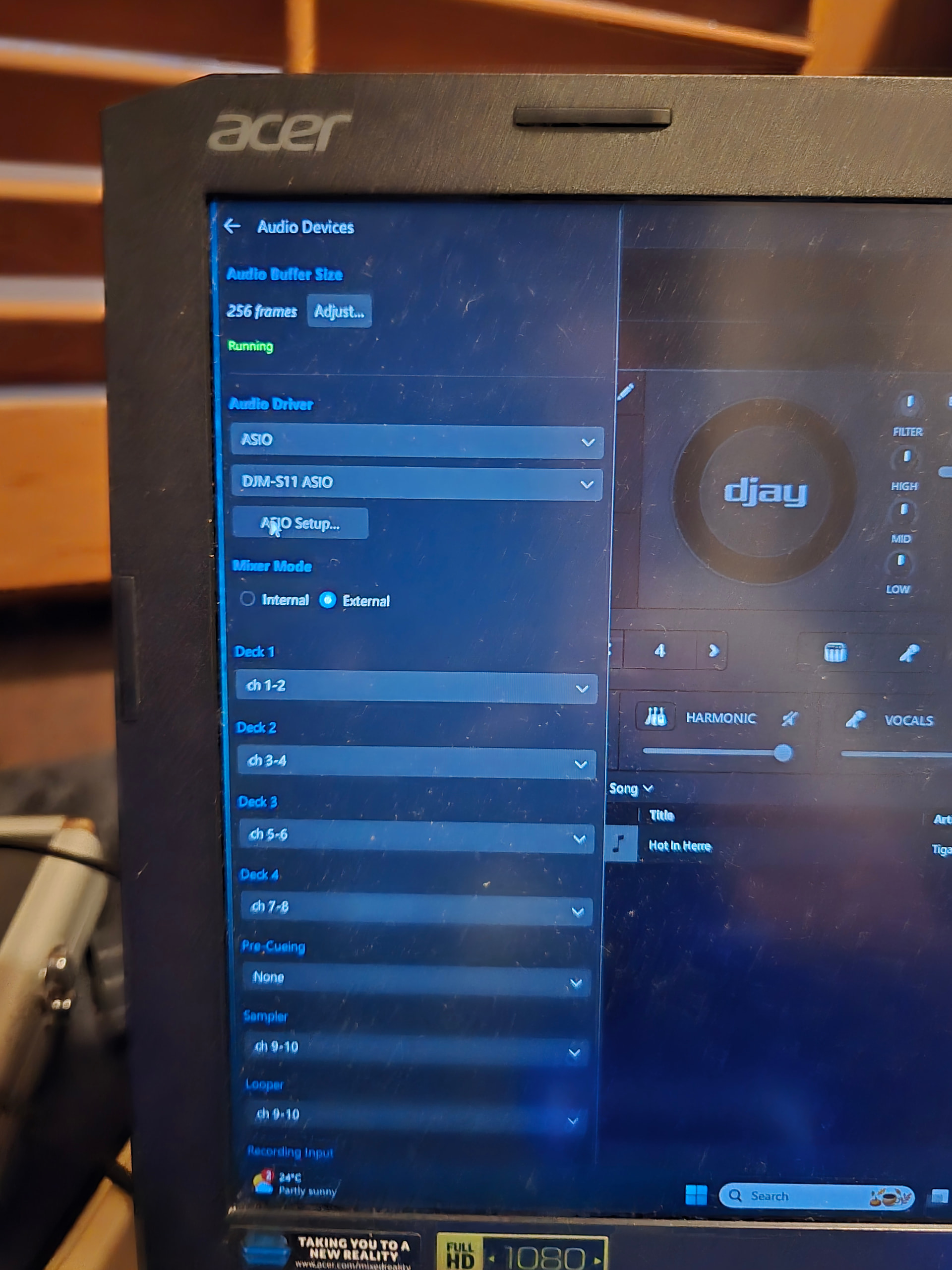
- Please share screenshots of your djay Settings>Audio Devices and Settings>MIDI Devices. Thanks!
Acer Predator Helios 500 - Windows 11 Version 24H2
Pioneer DJMS11 - Version 1.05
Pioneer CRSS12 - Version 1.10
DJAY Pro Version 5.6.2
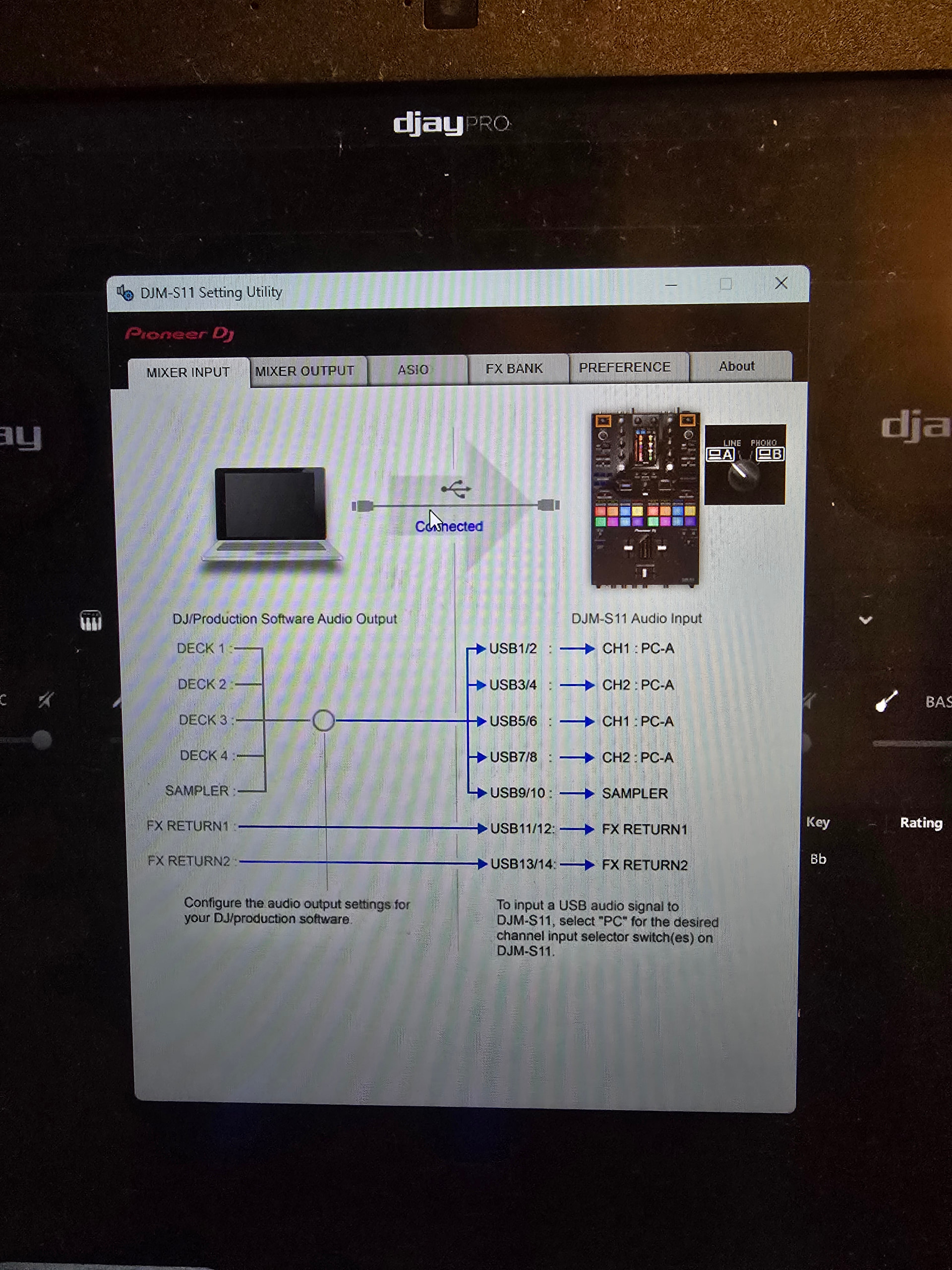
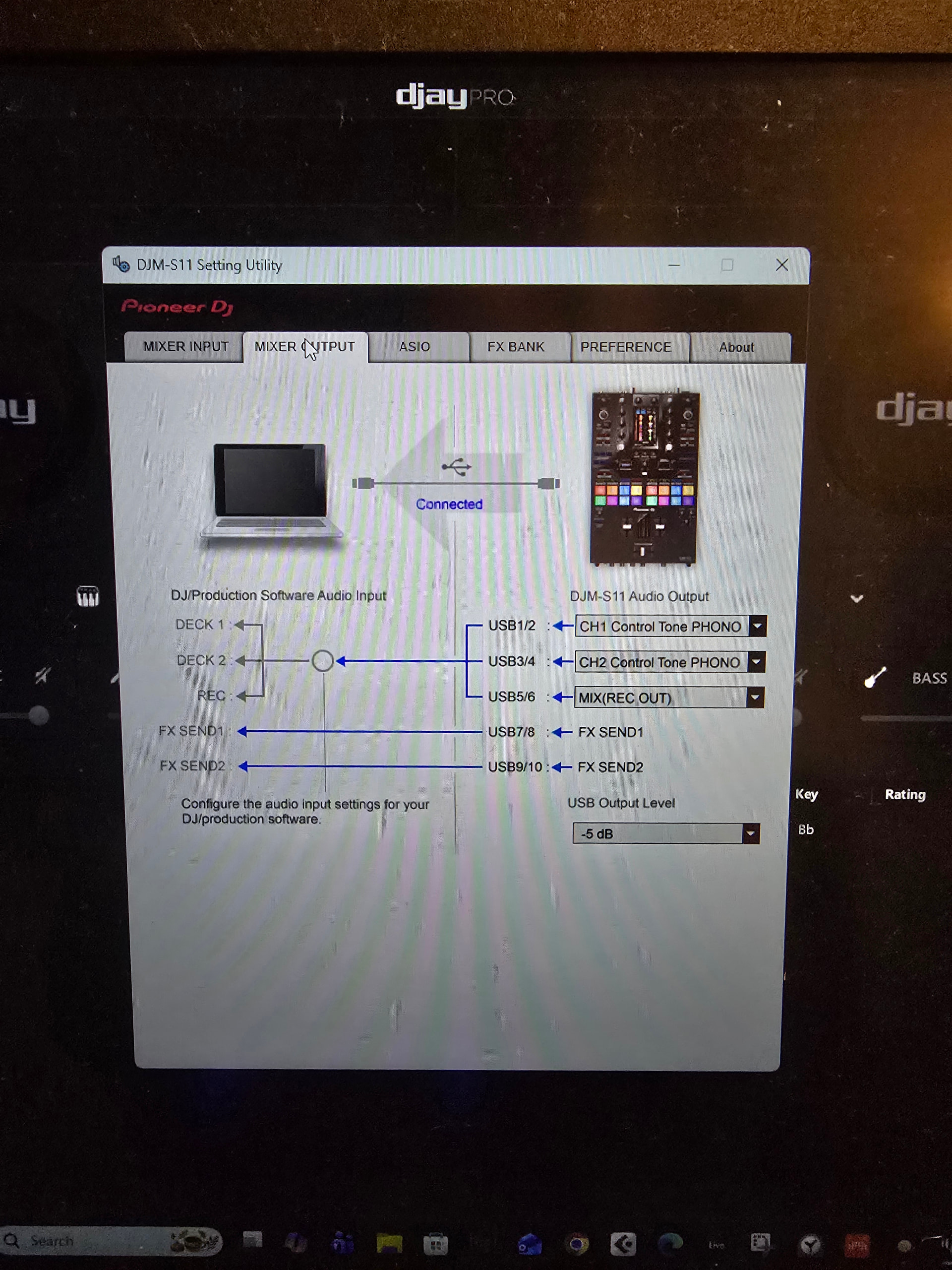
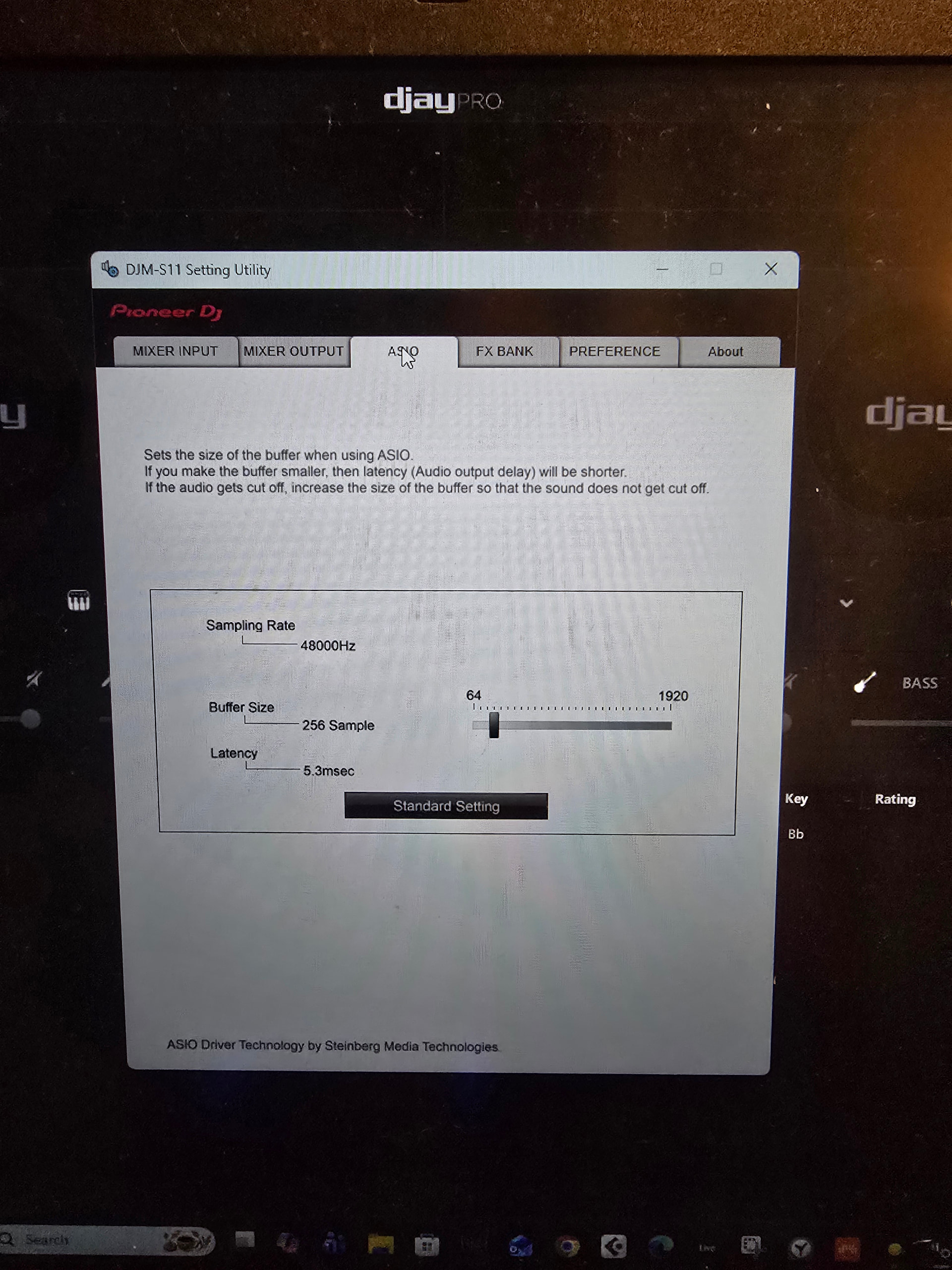
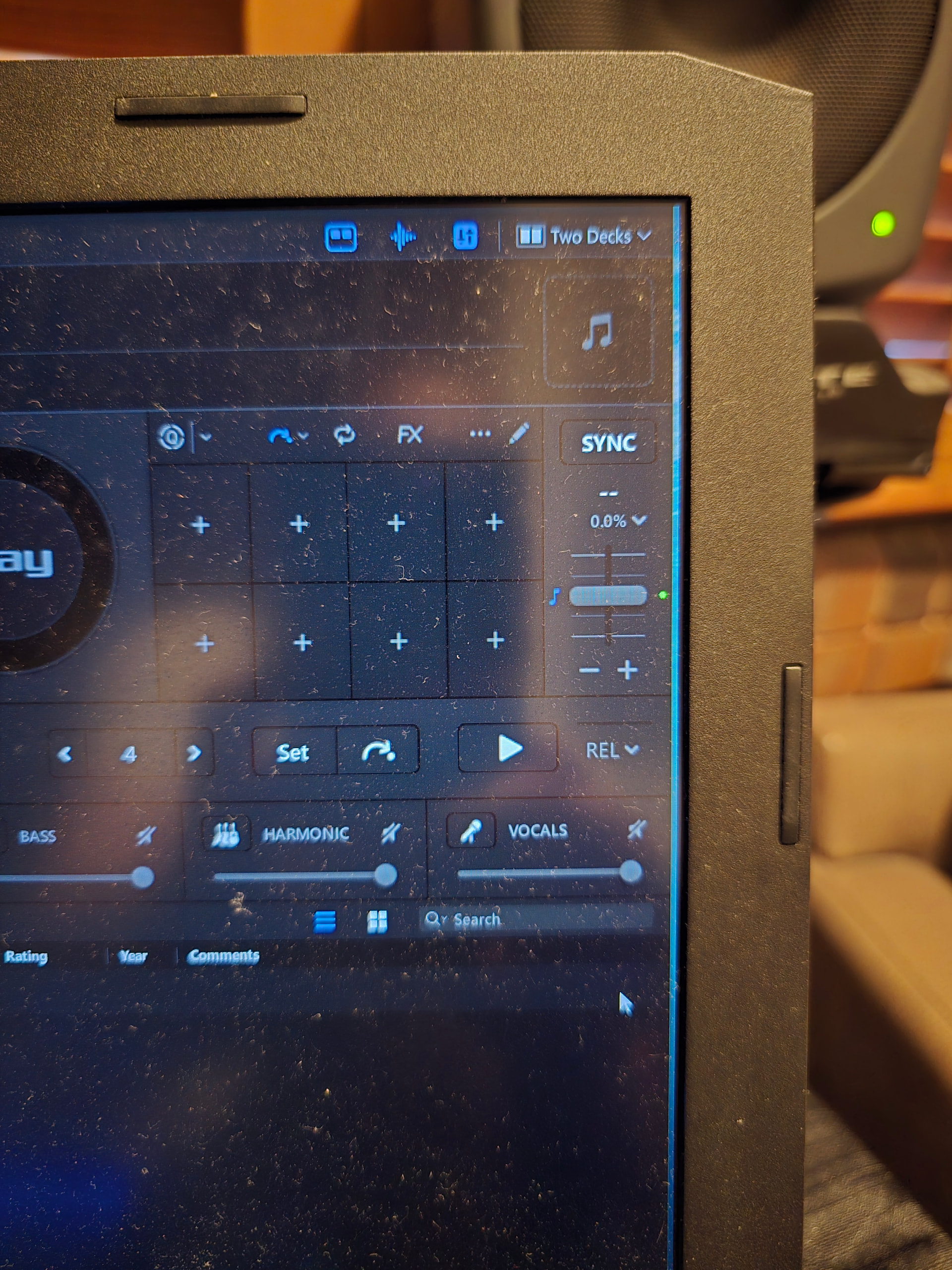
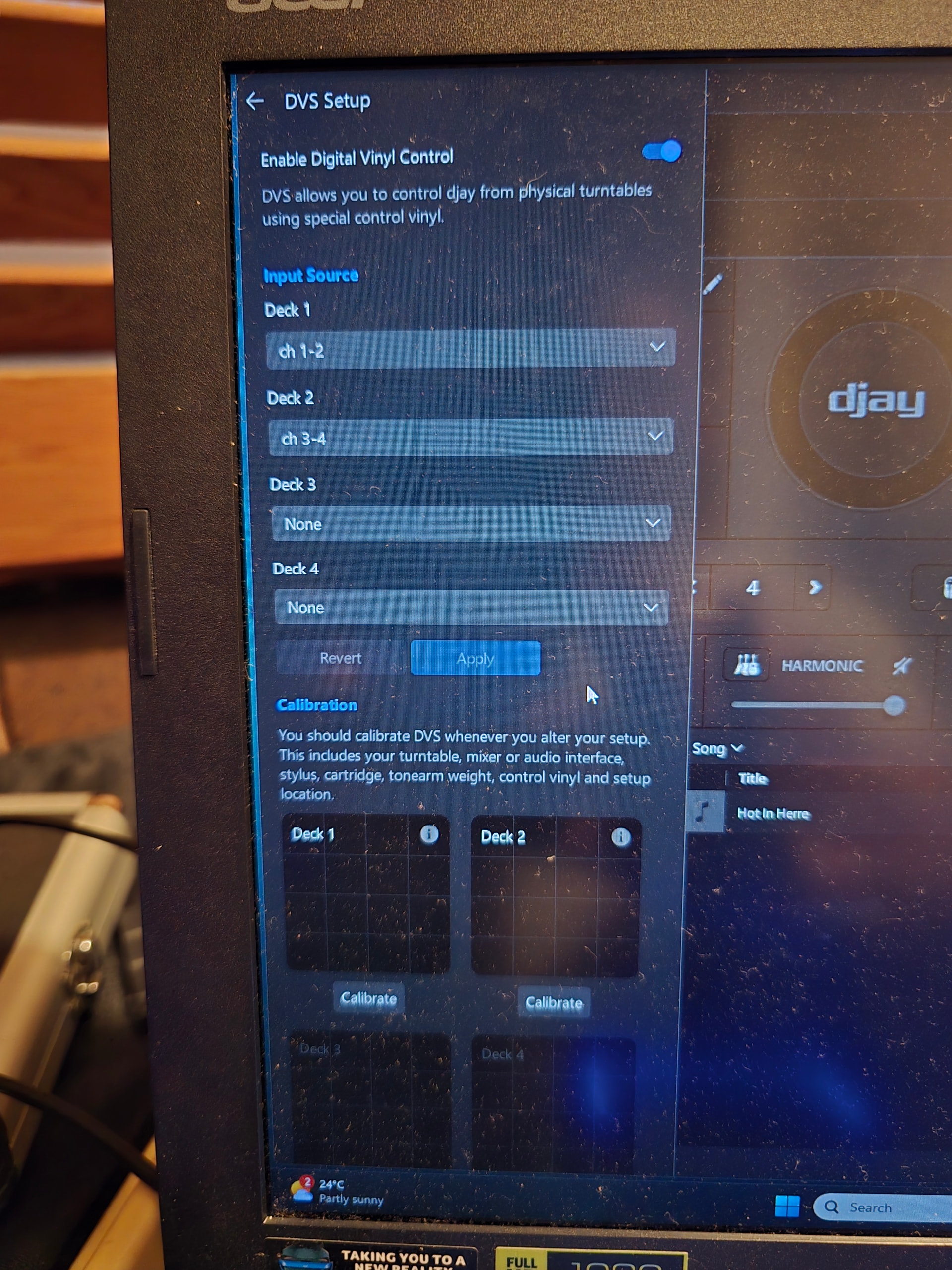
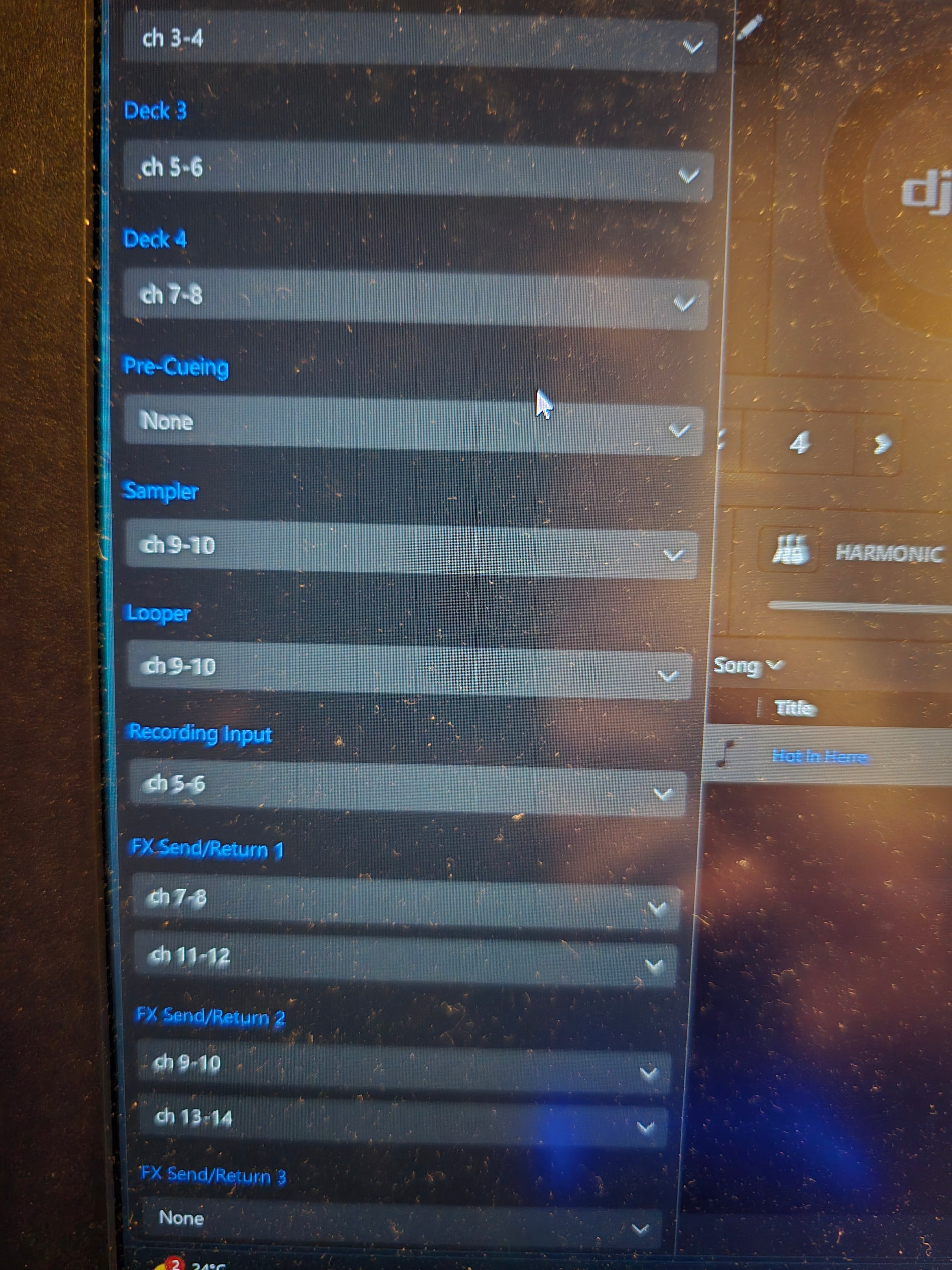
I have the DVS working now. It does stop every now and then but of course I can’t get it on camera. I’ll keep trying. I am also getting white noise bursts randomly. I’ll attach a video and photos.
Thank you for your help. I am currently trialling your program and really hope it works successfully with my equipment, so I can confidently use it.
Is also love to figure out how to record my vinyl into the program so I can play it digitally afterwards.
How can I set the level etc?
Thank you.
Thanks for the additional info @Overdose.
- How exactly are you physically connecting everything to your laptop?
- Are you using any USB hubs or any USB adapters?
- Have you tried a different, high-quality, properly shielded USB cable with dual ferrites?
- Have you tried connecting to a different USB socket on your laptop?
ok - So I have changed laptops and it appears thus far that everything is solved. You were correct. It was the usbs on the other computer. thank you for all your time and patience. Much appreciated.
Is there a way to monitor the input level of recording vinyl into Djay Pro?
Hi @Overdose, glad to hear that solved you issue! You’re very welcome. There is no way to monitor or adjust the input level in djay while recording vinyl.