NOTE: Please use the search function above before posting to avoid creating duplicate topics.
Device model : IPHONE 17 PRO
Version of operating system : latest IOS 17
Version of djay : 5.6.8
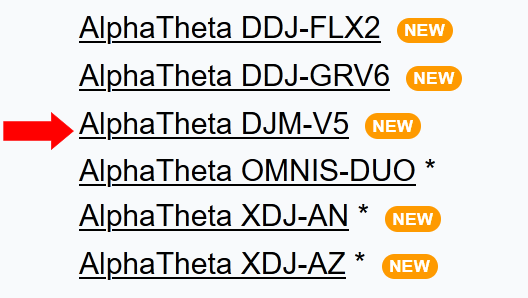
MIXER: Alpha Theta DJM-V5
Hardware firmware version : 1.10
YOUR QUESTION / SUGGESTION / FEEDBACK:
djay pro connected to iphone via a djm v5 mixer via usb c direct to rear panel. all mixer channels on djm v5 are set to pc. i connect in external mode it does recognise usb channels , it does recognise device. I am choosing tracks from my Apple Music Playlists , waveforms are shown and it analyses tracks ready to play. However playback button is unresponsive. How do I proceed. I have tried the reset to defaults and unplugging and resetting options with no joy
I tried top panel USB C connection option also direct to iPhone and it that case playback button was responsive but no channels were assigned to specific usb audio channels and it assigned all music to one playback channel at full distorted volume even if fader was down , sound was stuttered and distorted with no control over volume, tone, effects or option to assign individual tracks to individual channels.
The Alpha Theta Djm-v5 is listed as compatible on the list and indeed its latest firmware on the DJM-v5 (v1.1o) was for that very purpose . It should not need bespoke mapping over and above . I use in external mode so just routing audio into dj mixer channels via usb. Anyone else know the solution
Hi @freeform, welcome to the Community! Sorry for the delayed reply - I was out of the office for 2 weeks. Thanks for the clear write-up and details - this helps a lot.
For your second setup, please note that the DJM-V5’s top-panel USB-C is the MULTI I/O port, intended for DJM-REC, RMX-1000 for iPad and RMX-IGNITE — not the multi-channel DJ software connection. That’s why everything landed on one channel with no routing. The rear USB-C is the correct port for djay and the DJM-V5 has been officially supported since djay 5.6.6.
I have some follow up questions to help narrow things down:
Can you please confirm your iOS version number as iOS 17 is quite old so I suspect this is a typo?
Do you have an active djay Pro subscription or are you using the free/demo version?
How exactly are you connecting your iPhone to the mixer?
Any USB adapters or Hubs?
What type of USB-C cable (ex. original Apple iPhone cable)?
Have you tried a different cable?
Is the iPhone charging when connected to the mixer?
When you say the playback button is unresponsive, I assume you mean the onscreen play button on your iPhone?
What exactly does “unresponsive” mean? Does the play button visually change state (highlight/toggle to pause) with the playhead not moving, or does nothing at all happen on tap? Does the deck respond to other transport controls (cue, scratch on the waveform, jump)?
Does the onscreen play button work when not connected to the mixer?
With your iPhone connected to the USB-C port on the back of the mixer and djay running, please share screenshots of the djay Settings>Audio Devices and Settings>MIDI Devices.
Are you using the (built-in) MIDI mapping for the V5 or a custom edit?
Can you please try to capture a short video of the behaviour to help clarify what’s happening?
Is the issue source-specific? Can you please test with Local Music files, the free djay Music source or a second streaming music source?
Is it version-specific? Did this same setup ever work on an earlier djay version, or is this the first attempt with this mixer?
Has you ever connected the DJM-V5 to a Mac or PC and changed the Mixer Audio Output routing or USB Output Level in the Setting Utility? If yes, what settings are currently saved on the unit?
a. What cable is best for using iPhone pro with the DJM V5 mixer?
b. When I use 2 deck mode it assigns deck correctly to channel 1 for left deck & channel 2 for right deck. When I try 4 deck mode to utilise the 3 decks it assigns channels in a non linear fashion. Deck 3 (channel 3 on mixer) is on far left. Next to it going right is Deck 1 (channel 1 on mixer) , Next to that going right is Deck 2 (channel 2 on mixer). Next to that on far right is Deck 4 (redundant on my mixer). Is it possible to order these from 1 to 3 going left to right in linear order to follow mixer?
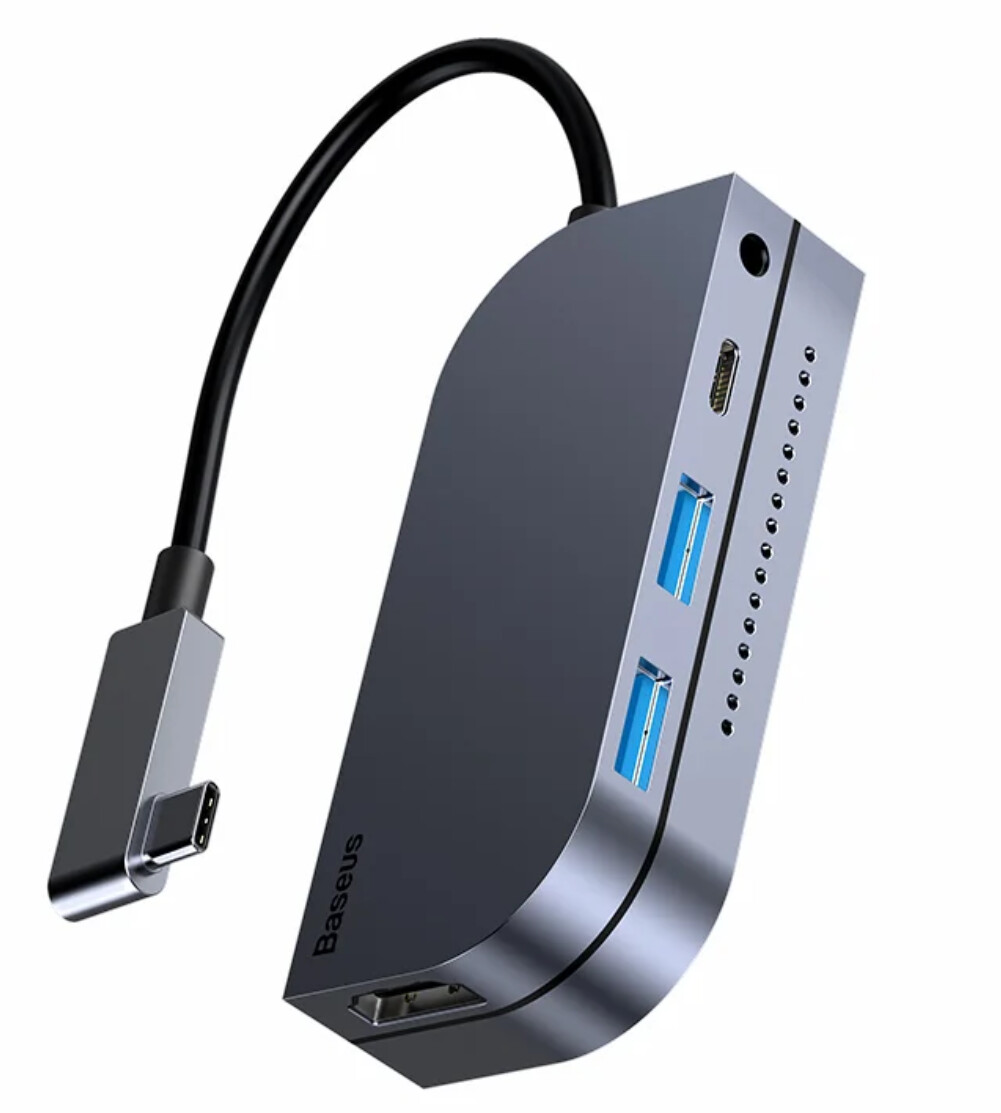
c. What is best way to keep phone charged whilst using iPhone pro and DJM V5 mixer. is it preferable to use a hub, if so what type works in the field?
The problem with USB C cables is that they come in all sorts of hidden specs - no single manufacturer respects the spec and properly labels them. I once bought a UK “brand” type C cable (2m long!) that failed on arrival. Avoid long cables
Some are charging-only (no data), among which some support PD upto a certain watts only.
Others support PD plus data, but only upto a certain bandwidth (speed). Among these, some are built poorly, so they start to fail with time (could affect charging or both).
Others are thunderbolt (and has the thunderbolt logo on them, so can support PD, data and video display (I normally go with these, but yet again, i have met one that fails to provide the full 100WPD my mac wants, so fails to charge my mac sometimes)
In summary get branded cables (Ugreen rarely disappoints - all my type C braided cables and dongles come from them).
“Standard” deck arrangement on ALL 4 channel setups/controllers is 3124! Decks 1&2 are always the inner 2 channel faders, whereas decks 3&4 are the outer two faders. All dj softwares respect that - i think pioneerdj were the guys who got us into this silly setup.
Get branded HUB if V5 ain’t charging your iphone via type c cable - Ugreen, Lention, Baseus have excellent track records
My all-time favourite (bought since 2020)
Many thanks for your comprehensive reply . I feel I am on the right track now. Will try a thunderbolt cable to see if that provides a charge whilst handling the data at same time , if not I will try a hub. Furthermore I may investigate connecting an iPad direct now I know the DJM V5 works with iOS . Any preferred IPad models?
Tried a thunderbolt cable . It did the data ok but did not provide power . Is a powered usb hub the only option here for power delivery or can anyone suggest a cable that works
Hi @freeform, glad to hear that the different cable solved your issue.
I usually recommend a DJ specific USB cable like the Chroma Cables from DJ TechTools or the original Apple USB cable.
I suspect that the V5 does not provide Power Delivery for charging. If you want to charge your iPhone while connected, you will need to use a good quality USB-C hub with pass-through power delivery (PD) from a reputable brand like UGreen, Belkin, Anker or Baseus. I personally use the UGreen Revodok 7 in 1. However, we cannot guarantee that any of the USB hubs will work with the DJM-V5 so you may have to revert to a direct USB-C to C cable connection and no charging.
It’s currently not possible to reorder the Deck layout in djay. However, there is an existing suggestion topic for this if you’d like to upvote it: Customize Deck Order 1-2-3-4 and more zoom out
Regarding iPad models, personally I would chose one that at least supports 100% Neural Mix Quality. However, my general personal recommendation is to set yourself a budget and buy the highest spec’d device that fits within that budget rather than one that only meets minimal requirements. This will allow you to extend the amount of time before you need to upgrade. I also recommend that you get and iPad that has a USB-C port instead of a Lightning port so you have more options with power delivery hubs as discussed above.