


Yes i tried that, it reimport the music from my phone, but the greyed out music is still there, it became double (from phone + greyed out music)
Okay.
- Please close djay on your iPhone and Mac.
- Delete the djayMediaLibrary database in the djay folder on your iPhone.
- Then copy the djayMediaLibrary database from your Mac to your iPhone and Replace the one on iPhone if prompted.
- Launch djay on your iPhone and check My Collection
- If the songs are greyed out, navigated to main Music folder in the Local Music Source and use the Add All to Playlist method described above to add them to the main Music folder in My Collection
I tried that, it doesnt replace the greyed out music, it doubles them, the greyed out music is still on my main collectiion
Do you also have an Apple Music Streaming subscription?
I dio, but i remove the sync library option on my phone and mac
Okay. In the standalone Music App on your iPhone, in the Library tab, are all of your local files fully downloaded?
Yes it does, i transfer all via cable not cloud
To be honest at this point i gave up LOL, i slept like 3 hours today figuring this out and im 1 hour before my gig, my next plan will be just not store any music locally and use one library usb plug into a hub when i wanna use my ipad, i never use them before , hopefully atleast there is ability to search
I manage to get the cdj to work with my iphone using timecode, but im not ready to fully go iphone yet because some venue use unsupported for mobile mixers, i was hoping to sync my mac to my iphone
This was the reason for all this, this was imported via usb saved to my phone, any cues and loops i make doesnt sync
1 Like
Okay. So, I think I know what your problem likely is. On your Mac, you originally added your songs to My Collection from the a folder in Finder not the Local Music source. Normally, you would add these songs to My Collection from the Local Music source. Then when you sync your iPhone using the iTunes/Music App, djay can find the files in Local Music automatically.
I wouldn’t recommend trying this until you are rested and have more time. To make this all work properly, you will probably need to delete the songs in the main Music folder in My Collection on your Mac. Then add the files to My Collection from Local Music on your Mac. The songs in your playlists will likely be greyed out, but you can use the Relink Missing Files tool on Mac. Once this is all cleaned up, the process I shared for your iPhone should work as expected. Either way, I would do a full system backup of your Mac and also backup your djayMediaLibrary before trying so you can revert back to what you currently have.
Also, I’ve moved our discussion to its own topic as this has completely hijacked the original topic. This way we can keep this discussion focused and don’t confuse users in the other one.
So i need to import the music to the apple music app by the option copy files, delete the folder where my music lives, re link and try again is that what you mean?
No.
- In djay on your Mac you need to delete all of the songs in the main Music folder in My Collection.
- Then open the Local Music Source in djay,
- Select the main Music folder,
- Then the dropdown menu and Add All to Playlist,
- Choose the main Music folder in My Collection
- After this, the songs in your My Collection playlists will likely be greyed out and you will need to Relink them
- Tracking and relinking files | Algoriddim Support
- Once everything is relinked and now referencing your Local Music source instead of the folder in Finder, I would run the iTunes/Music syncing process again with your iPhone via a wired connection.
- Finally, you will need to copy the djayMediaLibrary database from your Mac to your iPhone again.
- If your My Collection playlists on iPhone still show greyed out songs, then you can do the Add All to Playlist method from the Local Music Source to the My Collection Source as before on your iPhone.
- I highly recommend you do a full system backup of your Mac via TimeMachine or iCloud Drive backup before trying this so you can revert to your current state if things don’t work as expected.
Yeap i tried that, doesnt work, i spent hours relinking files, hence why im now reverting from my main backup and reanalyzing my files
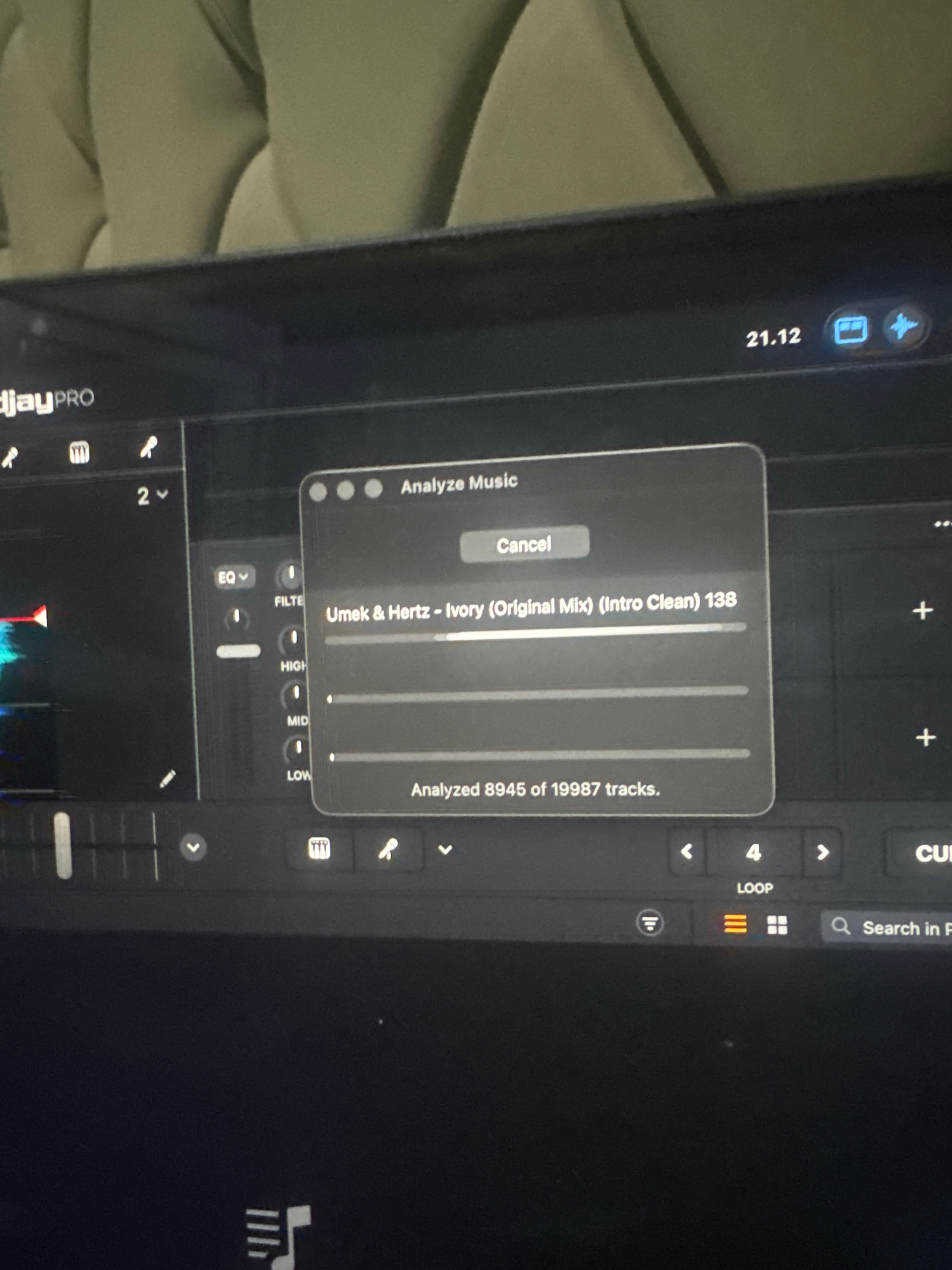
Its 40 minutes before my gig hahahahahaha
1 Like


