Hi Algoriddim Support Team,
I am writing to report a persistent issue regarding the EQ behavior in djay Pro for Windows while using my Denon SC Live controller.
The Issue
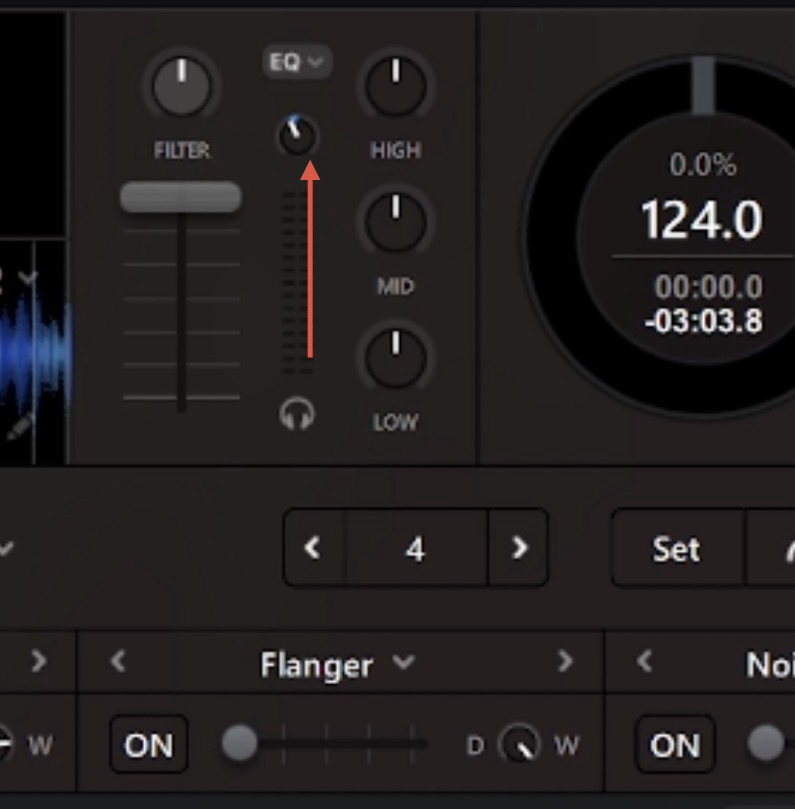
Every time I load a new track onto a deck, the EQ settings automatically reset to zero (neutral) in the software. This happens even though I have specific transition settings disabled.
Troubleshooting Already Performed
-
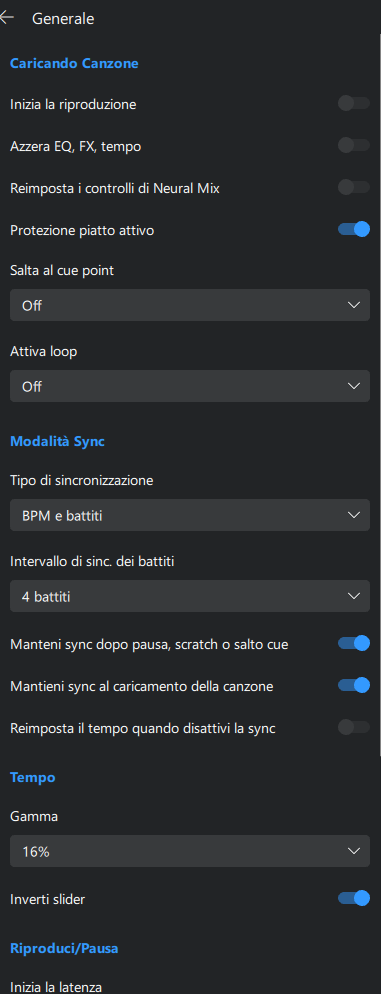
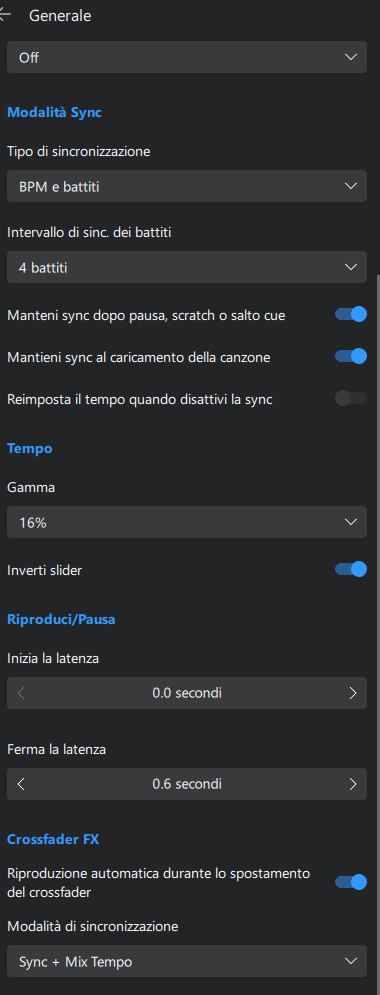
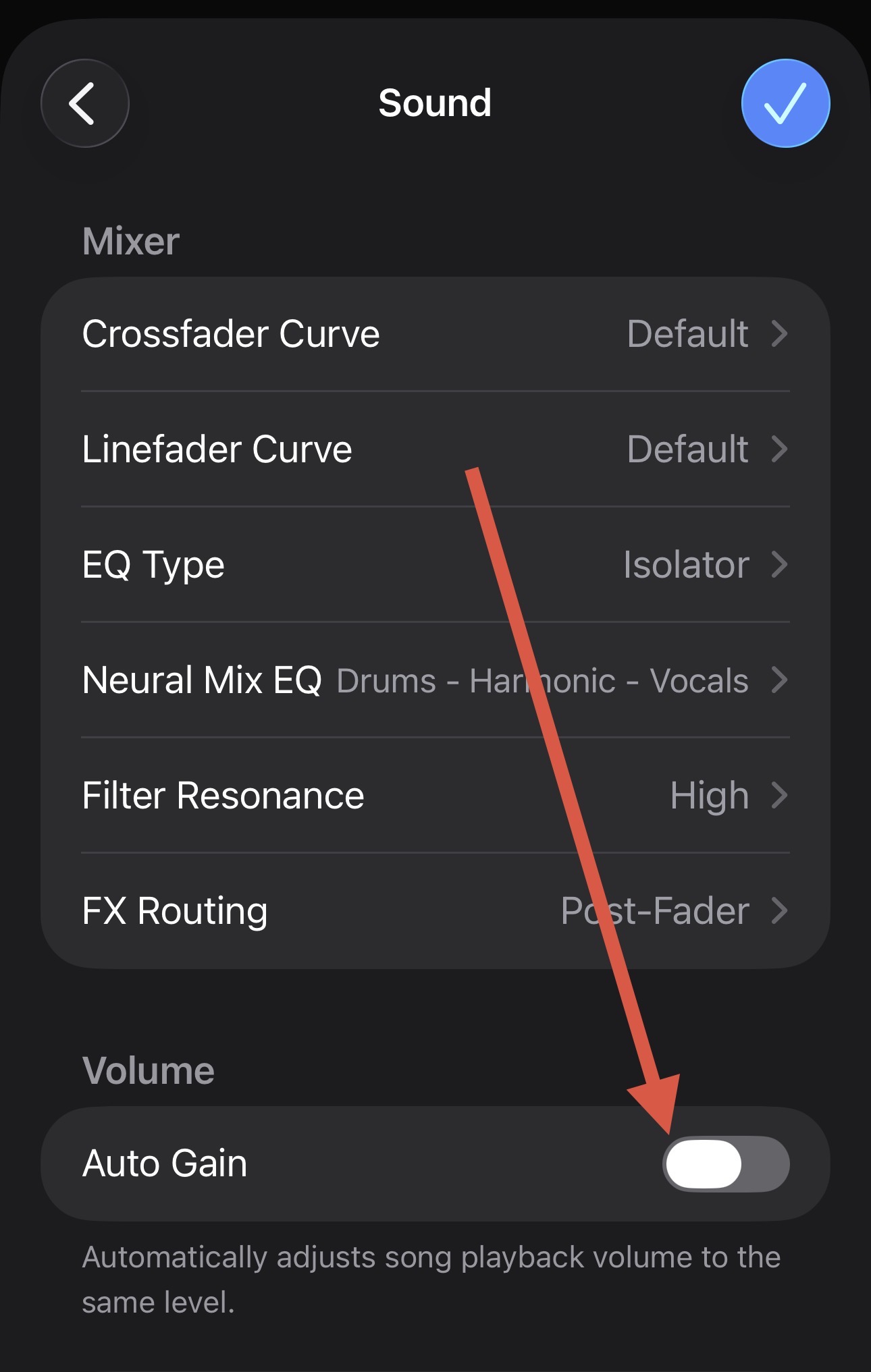
Settings Check: I have already gone into the settings and disabled/unchecked the option “Reset EQ, effects, and controls on track load.” Despite this, the EQ continues to reset.
-
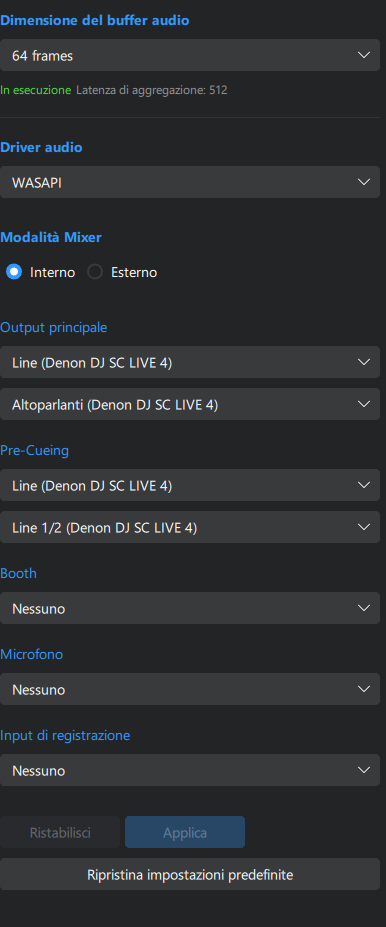
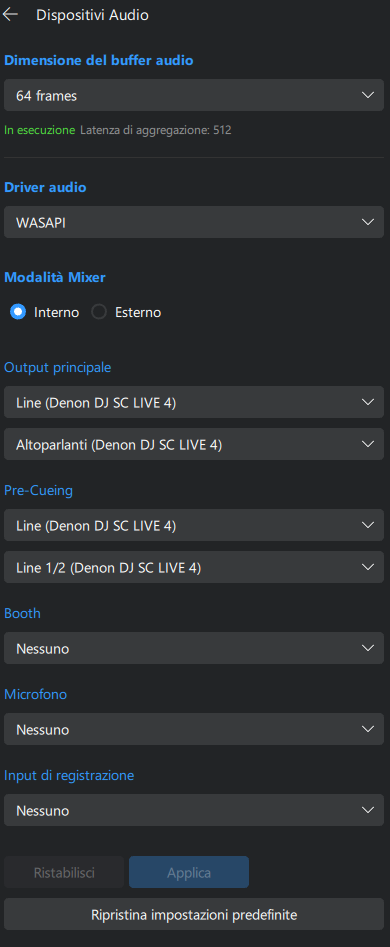
Mixer Mode: I have attempted to switch between Internal and External Mixer modes. Even in External Mixer mode, the software EQ visualizers and processing seem to reset upon loading a new file.
-
Hardware Sync: I have ensured my Denon SC Live is running the latest firmware, but the software behavior remains inconsistent with my physical knob positions.
Environment
-
Device: Denon SC Live
-
OS: Windows 11
-
Software: djay Pro (latest version)
This issue makes it very difficult to perform seamless transitions, as the audio profile jumps back to neutral as soon as a new track is loaded, regardless of where the physical hardware knobs are positioned.
Could you please let me know if this is a known bug with the Denon SC Live MIDI mapping on Windows, or if there is a specific configuration I should change to ensure the EQ “stays put” or follows the hardware’s physical position?
Looking forward to your help.