Just want to document this somewhere. Hope someone finds this message eventually and doesn’t end up wasting ridiculous amounts of time like I did.
When transferring a large music library from Windows to iPad, I kept hitting this error:
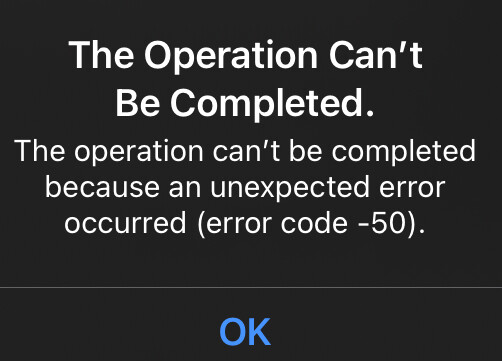
“The operation can’t be completed because an unexpected error occurred (error code -50).”
Apple error codes are a nightmare – poorly documented and cryptic as hell. After finding nothing on the Internet, I resorted to copying folders and then individual files one by one until I found the culprit: a file with diacritic characters in its name. Removing the diacritics fixed it immediately.
Filename: Galatée - Le Calme Avant La Tempête.flac
Base64 encoded version (raw bytes): R2FsYXRlzIFlIC0gTGUgQ2FsbWUgQXZhbnQgTGEgVGVtcMOqdGUuZmxhYw==
Only the first diacritic – the “é” in “Galatée” – caused the error. The second one – the “ê” in “Tempête” – didn’t cause any issues.
Bottom line: normalize filenames if you want them to work across platforms.
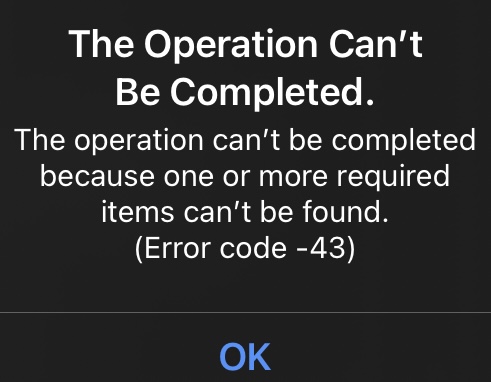
Weird. This happened probably a year ago, and the only screenshot I have from that time shows error -50. Now when I try to copy the same file, I get a different error.
“The operation can’t be completed because one or more required items can’t be found (Error code -43)”.
It’s totally possible my memory’s playing tricks on me and it was actually -43 the whole time. Or maybe the behavior changed in newer iPadOS versions. Either way, I can’t say for sure right now.