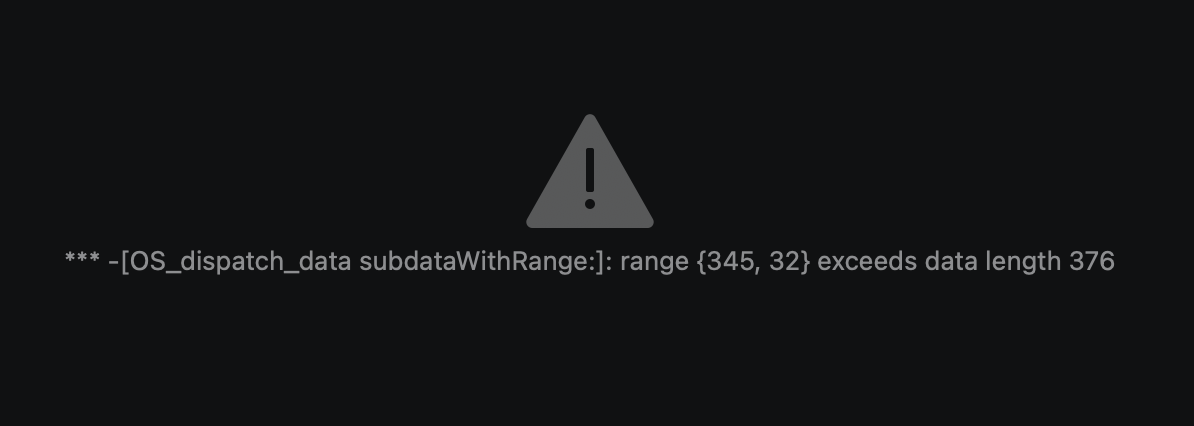
Hi @DeanCharles, welcome to the Community! Sorry to hear you’re experiencing this issue. Thanks for the details about the issue and your setup - this is very helpful. We’ve had a few user reports of issues with macOS 15.7.7. Can you please try rolling back to 15.7.1 or updating to macOS 26 Tahoe? Thanks!
Hi @DeanCharles, sorry for the delayed reply. Thanks for updating and confirming that this didn’t resolve your issue. This appears to be a low-level read error. djay seems to be getting stuck on one specific block of performance data (ex. a cue/beatgrid chunk) in the Serato library it’s scanning — not the whole library.
Since it’s a single small block, this is almost certainly one track whose cue/grid data got written by Lexicon in a shape djay’s Serato reader miscalculates. The most reliable fix is to skip Serato altogether: in Lexicon, use its Sync > djay Pro target instead of exporting to Serato — that avoids the Serato-reading code path that’s failing here. Lexicon’s djay sync is stable as of 1.11 (you’re on 1.11.8); just make sure the tracks already exist in djay via a normal add (e.g. dragged in) before you sync.
It still doesn’t seem to be working. The Serato.app info is where the issue is after exporting from Lexicon. The original folders are OK, but of course I can’t see the place lists. The thing I need the most, is to be able to scan files and export the grid information. Can that be done on the original folders and imported into LexiconDJ to be exported to other platforms?
Hi again @DeanCharles, yes that’s actually the cleaner route and could sidestep the error entirely. The “exceeds data length” message is djay getting stuck on the Serato crate database Lexicon wrote to, so dropping Serato from the chain and going djay>Lexicon directly could work:
In djay, analyze your original tracks so BPM/beatgrids/cues are written into djay’s own library — select the tracks/folders>right-click>Analyze.
In Lexicon, import from djay Pro as the source, not Serato. Lexicon should read djay’s library (playlists, cues and beatgrids) directly.
From Lexicon, Sync out to whichever platform you need (Rekordbox, Engine, etc.).
Then remove the Serato/SR Crates source so djay stops scanning it on load: sidebar External apps icon > ⋯ menu.
Please note that djay uses the Fluid Beatgrid system that might not be supported by Lexicon, so spot-check a few grids after converting.
Hello! It’s been a week since my last reply. I’m going to consider this topic completed for now so I can focus on others. However, please feel free to respond and we can definitely revisit this. Thanks!
Hi Slak Jaw, sorry for the late reply. I’ve been tied up with a few things.
I’m still not getting any joy. I’m unsure if the music files and folders in Djay Pro are connected correctly. Nothing is exporting to Lexicon DJ. So I tried exporting using Mixo with Djay Pro as the source to Serato DJ and nothing is exporting in that direction either.
I also used the DJ Conversion Utility from ATGR and it was unable to find any tracks to export from DJay Pro and had a pop that said to ensure all tunes were in iTunes??
So, I’m completely bamboozled now as to what is happening??
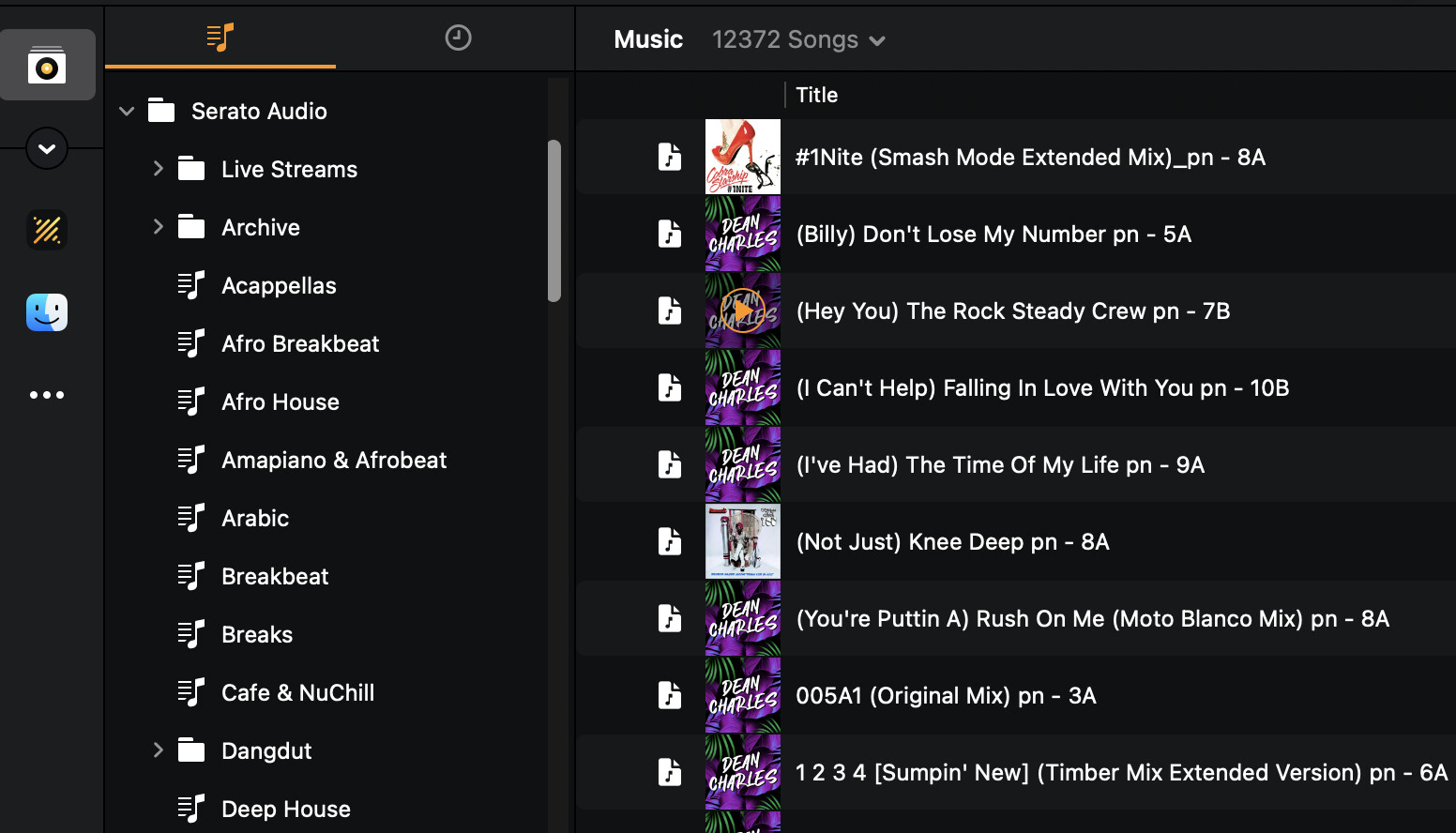
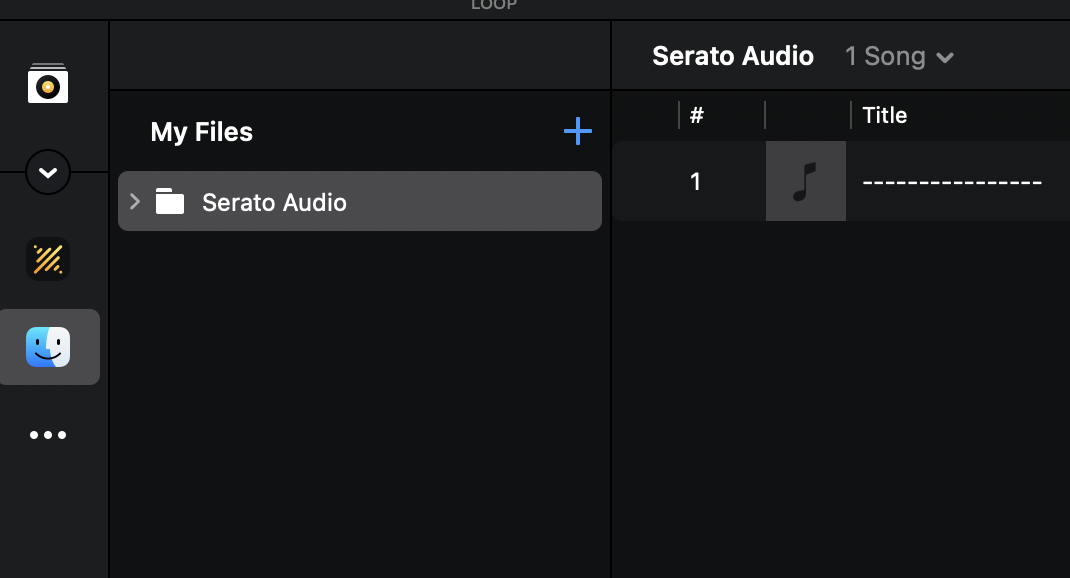
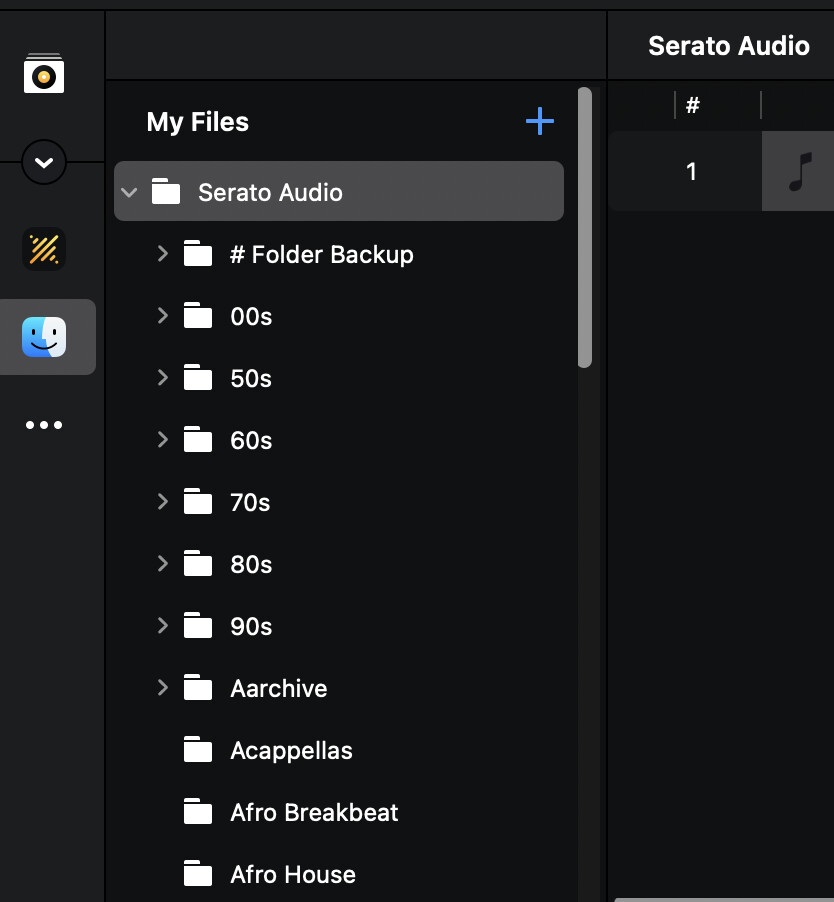
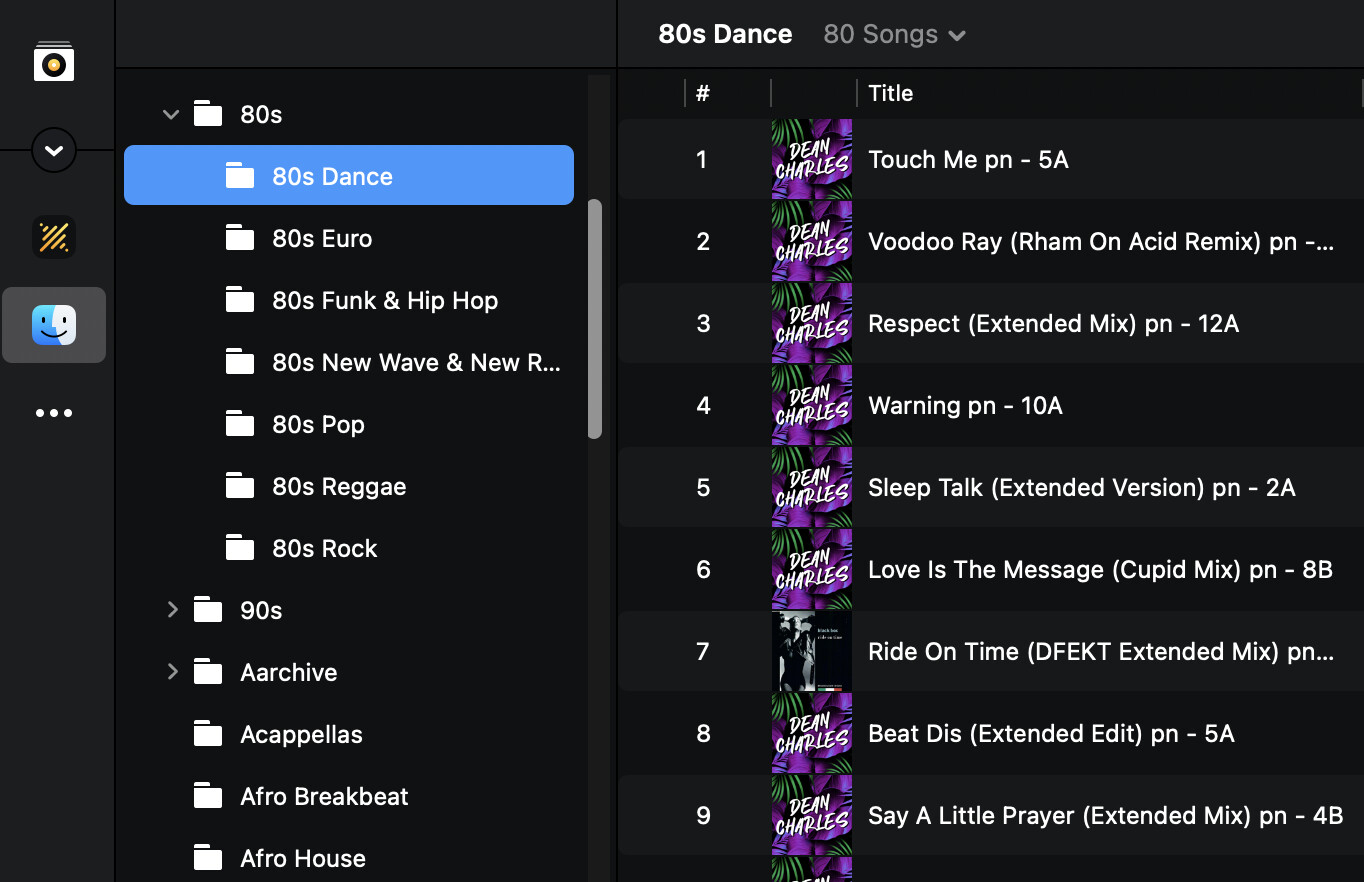
Here are some images of what I can see in DJay Pro for reference.
Open QuickTime player >File >Start New Screen Recording
Open Djay and try to do your serato crate importation so we can all see your workflow and the resulting error in realtime.
Stop recording, Quit Quicktime and share that screen recording here. Something could be amiss with your library or procedure
Hi @DeanCharles, no problem, and thanks for the screenshots. They point at the likely cause: everything you’ve shown is in My Files. Tracks there aren’t part of djay’s library, so Lexicon, Mixo and the ATGR utility have nothing to read. Can you post a screenshot of what My Collection shows right now? If it’s empty, that’s your answer.
To get them into the library:
Click My Collection in the sidebar.
Drag the Serato Audio folder (or individual subfolders) from My Files into My Collection.
Select the folder, click the drop-down next to the song counter, and choose Analyze Songs.
Quit djay fully before running the Lexicon import — Lexicon can’t read the database while djay is open.
All good from my end. I think most of the issues are coming from LexiconDj. I did find this on their Discord which may help other users:
Here’s what works well today with Lexicon and djay Pro:
Use Lexicon as your master library. Do your organizing, tags, cue points, playlists, smartlists, duplicate cleanup, etc. in Lexicon.
Export from Lexicon to djay Pro when you want to play. Use the Sync screen to send tracks/playlists to djay. Treat this as one-way: Lexicon → djay.
Do NOT rely on bringing analysis back from djay. djay’s fluid beatgrids can’t be imported into Lexicon, and OneLibrary exports aren’t supported. If you need solid drifting-track grids, analyze in a supported app (Traktor is excellent) and import only the Beatgrid back into Lexicon using “Specific fields” for Beatgrid, then export to djay.
Lock in grids/cues in Lexicon. If a track needs correction, fix the beatgrid in Lexicon (load the track, use “Edit grid”), then export again. This keeps all DJ apps consistent.
Keep effects timing in mind. Since djay’s fluid grids won’t come back, rely on Lexicon’s or another app’s analysis for consistent quantized effects across your ecosystem.
Bottom line: organize and maintain in Lexicon, export to djay for performance, and if you care about high-quality beatgrids on drifting audio, analyze in Traktor (or your preferred supported app) and import only the grids into Lexicon before exporting to djay.
In addition, there is a beta out from ATGR for DJCU 2 which is exporting the fluid beat grids from DJay pro. This looks like the option I will go with unless Lexicon DJ can get their’s working.