


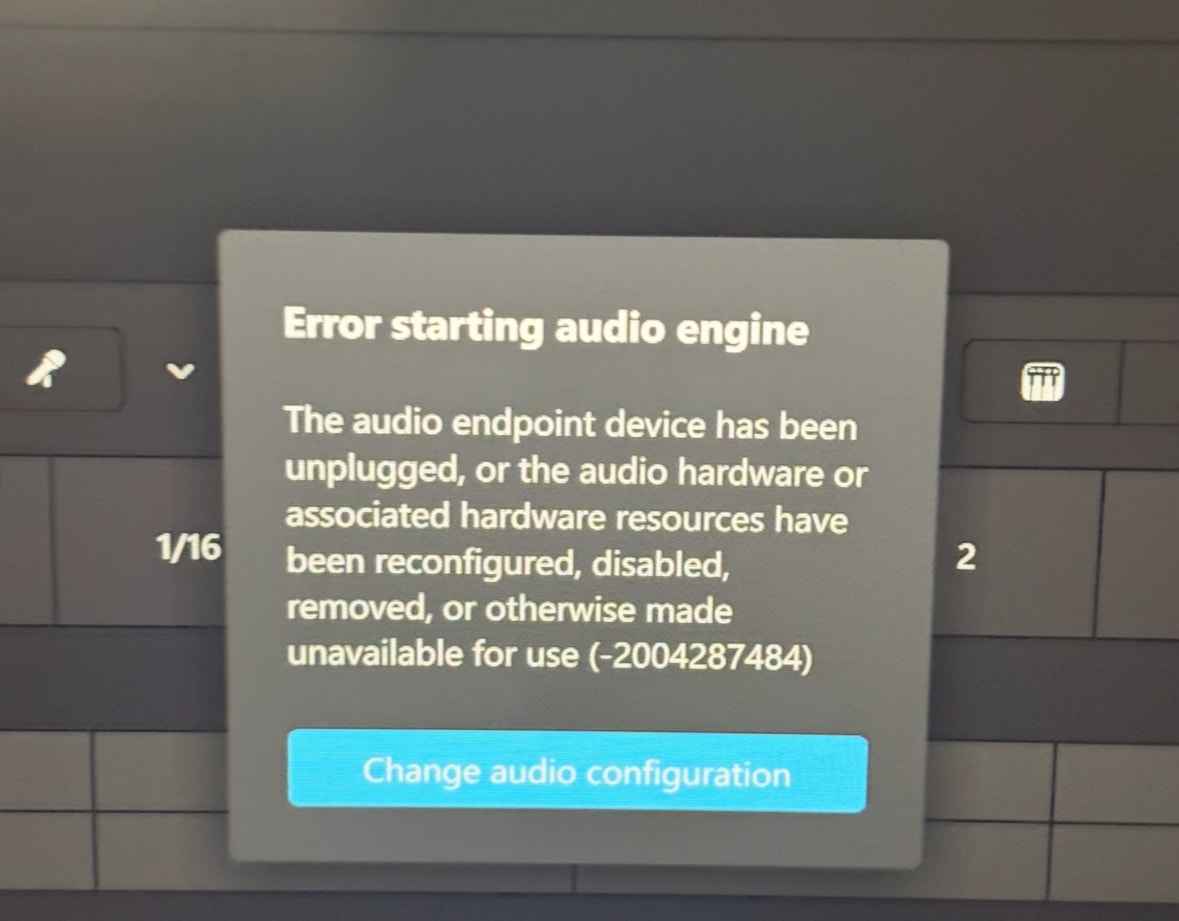
Hi, I am on Windows 11 and using a Hercules DJ Controller RMX. This prompt has appeared even though in the past my DJ controller had workedd perfectly. I have followed all instructions on other forums and online and I have also re installed all drivers. Please may I have help to resolve this issue
Hi @DylanPhull, welcome to the Community! Please try a different USB cable and different USB port of your laptop.
I have tried this and the same error unfortunately appears.
I have already tried the following:
Re installing drivers
Change of usb port
Changed USB cable
Updated all software
Thanks for the follow up. The only other thing I can think to suggest is a fresh installation of djay.
I suggest that you backup your djay Media Library database and any custom MIDI mappings, then uninstall djay, reboot your device, and reinstall the latest version of djay. You can find the files above in the following location: How to find your djay data and move it to a new device | Algoriddim Support
Copy the files to a new location or external drive before uninstalling djay. After reinstallation, you can simply copy these files back to their original locations to maintain your Hot Cues, Saved Loops, My Collection Playlists, History and Queue.
Would this mean I have to re purchase djay pro when I re install it or if I don’t then do I just have to re log in or ?
Just make sure you have a My djay Account and active subscription. Then you can simply log back in after installing the latest version from the Official Microsoft Store.
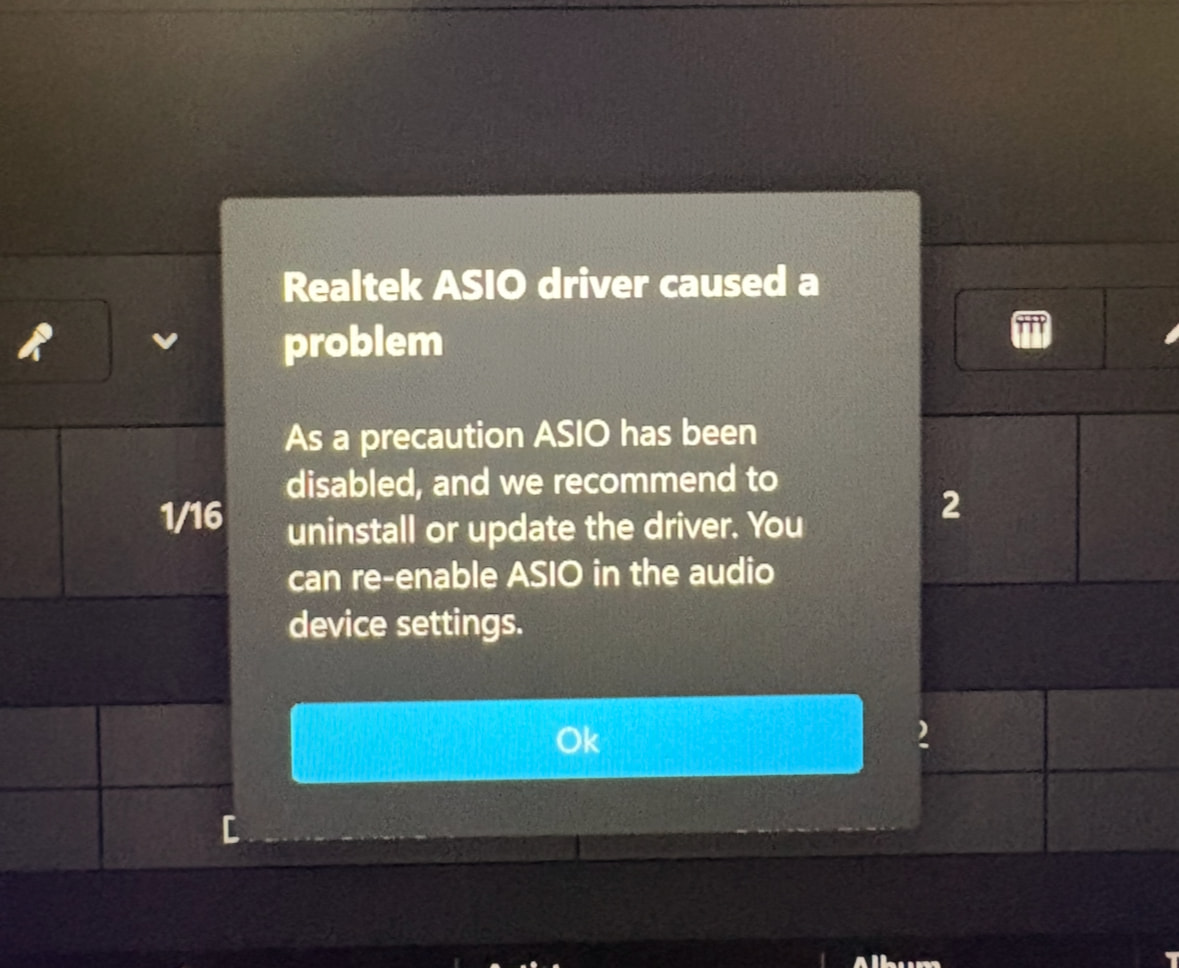
It has come up with the same “error starting buffer”prompt again. These are my settings if it helps. It says that the midi device cannot be found even though it is connected.
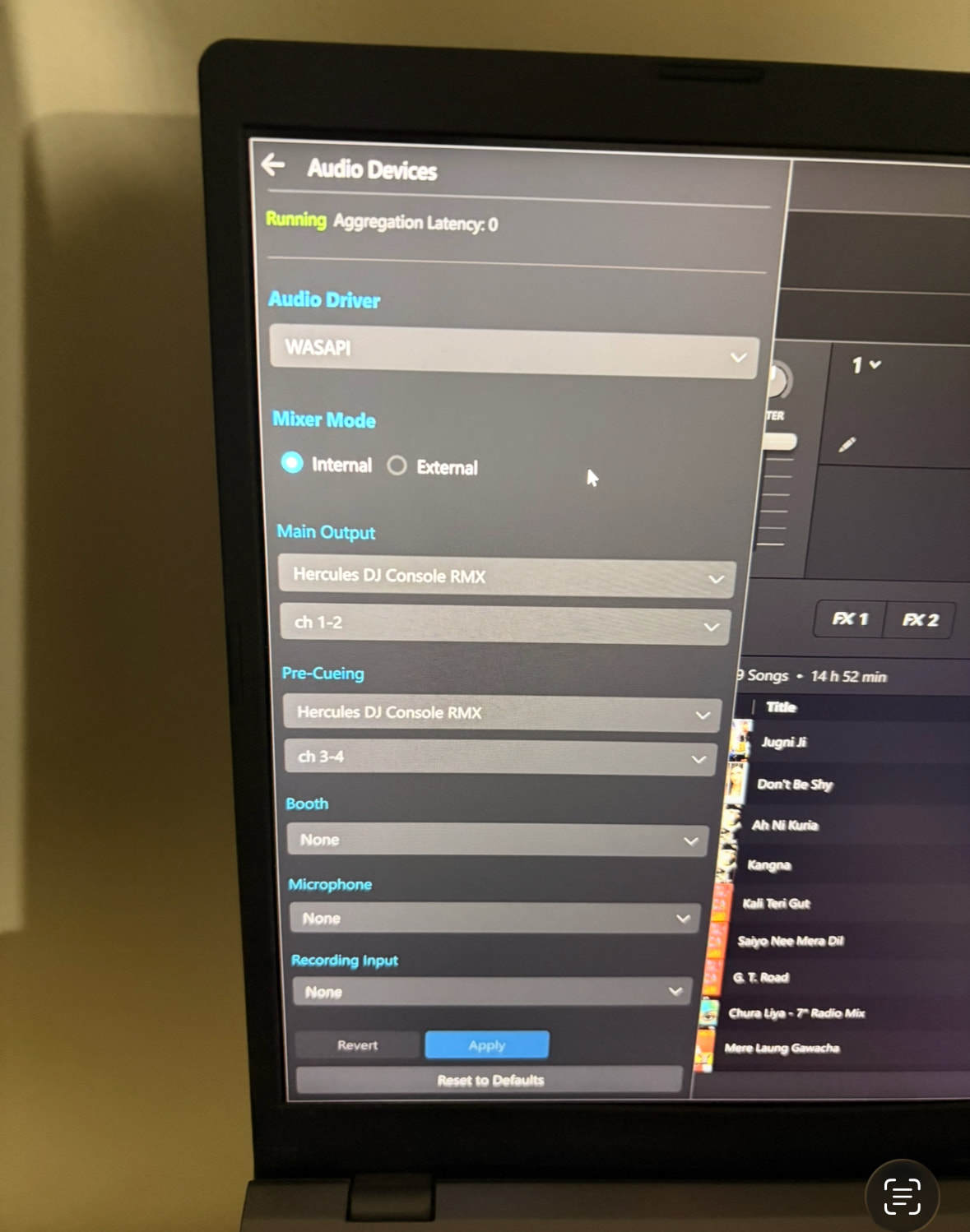
I recommend you download and reinstall the latest ASIO drivers from Hercules for your controller.
Hello! It’s been a week since my last reply. I’m going to consider this topic completed for now so I can focus on others. However, please feel free to respond and we can definitely revisit this. Thanks!


