


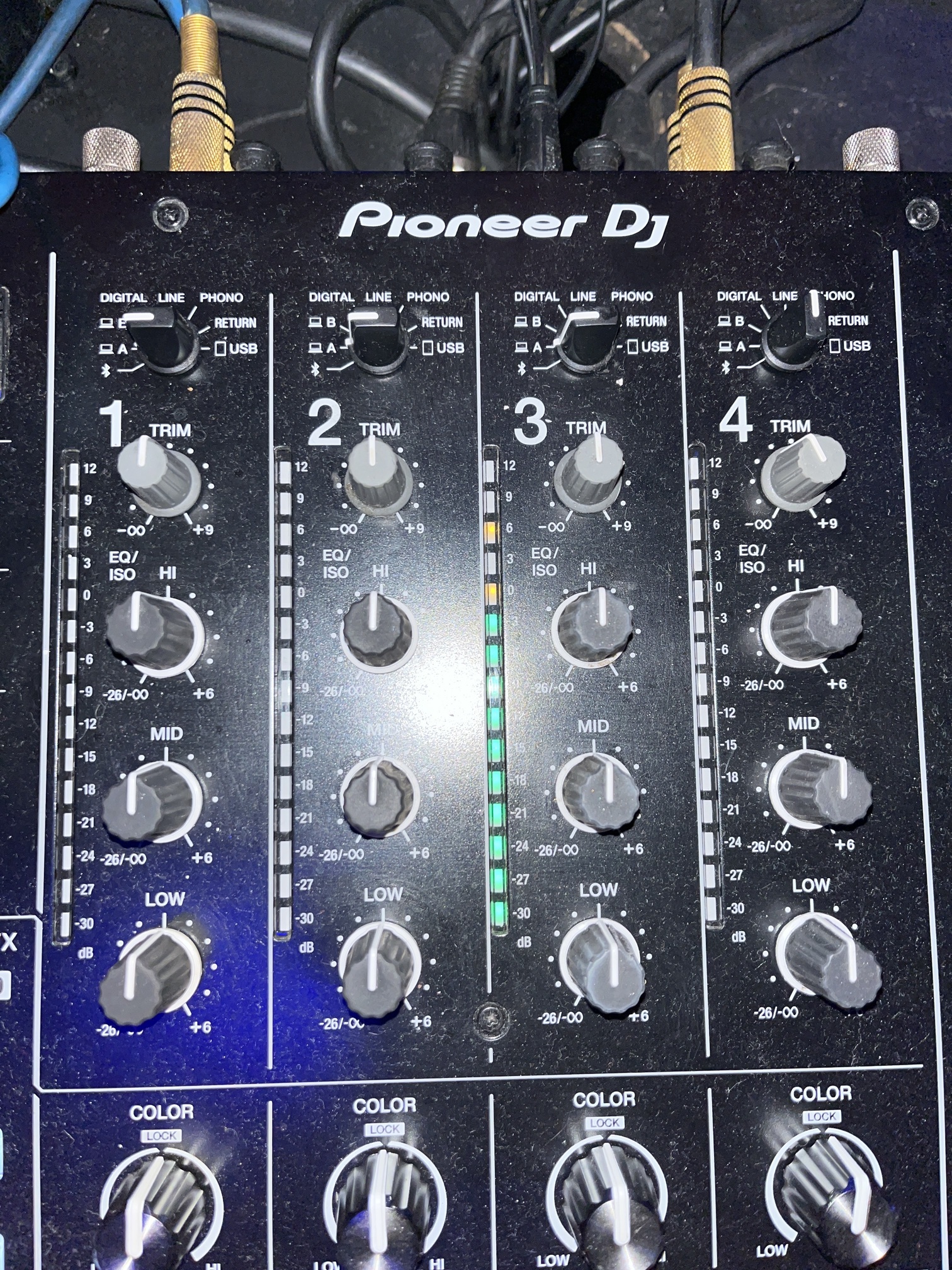
Your mapping for djm a9, does not follow the djm a9 channel marking.
Djm A9 = 1,2,3,4
Djay pro mapping for A9 = 3,1,2,4
Very interesting! Thanks for the additional info @ytmusic. I’ll pass this onto engineering.
1 Like
Another feedback, don’t mind me writing so much.
DJM A9, last night. Everything was great, as it turns out physical channels 2 & 3 correspond to Djay Pro’s channels 1 & 2. Everything works great.
Here’s a ittle hack for unsupported mixers when using beat and beats sync :
Before starting a dj set on a midi capable mixer witha sound interface. For example DJM 850. Turn on midi on, on a mixer. Midi map physical faders to djay pro software faders. Turn both down. Load song in any deck. Push the fader up to the end. That is now master deck. Load song in other deck, mix it. After that song is played, you can turn off the midi on from the mixer.
1 Like
Thanks for the additional info and feedback @ytmusic
Hi again @ytmusic, sorry for the delayed reply. Our engineering team just tested this on an A9,
Here’s some additional info:
- To properly use Sync, djay needs to know what tracks are audible. If it has incorrect information, it has no way to determine which song is the tempo master and which is the tempo slave.
- On officially supported mixers we have MIDI mapped the faders, but if you alter the output channels this will cause a mismatch between the hardware and software.
- So, if you are using an officially supported external mixer and are having sync issues, please make sure you are using the (built-in) MIDI mapping for the mixer and press the Reset to Defaults button at the bottom of the Audio Devices settings window. This will order the audio channels as 3-1-2-4.
- On unsupported mixers or hardware soundcards (Denon DS-1), we don’t know where the fader positions are, so sync will not function as expected.
- If you want make an unsupported external mixer work natively with the line faders, you need to MIDI map the mixer’s external line volume to those faders.
- If you want to reorder your channels on a supported mixer, you will also need to re-order those external line fader MIDI mappings
- The Crossfader is difficult because of the assignment switches, so we can’t help here if you’re using an unsupported device.
- I hope that helps!
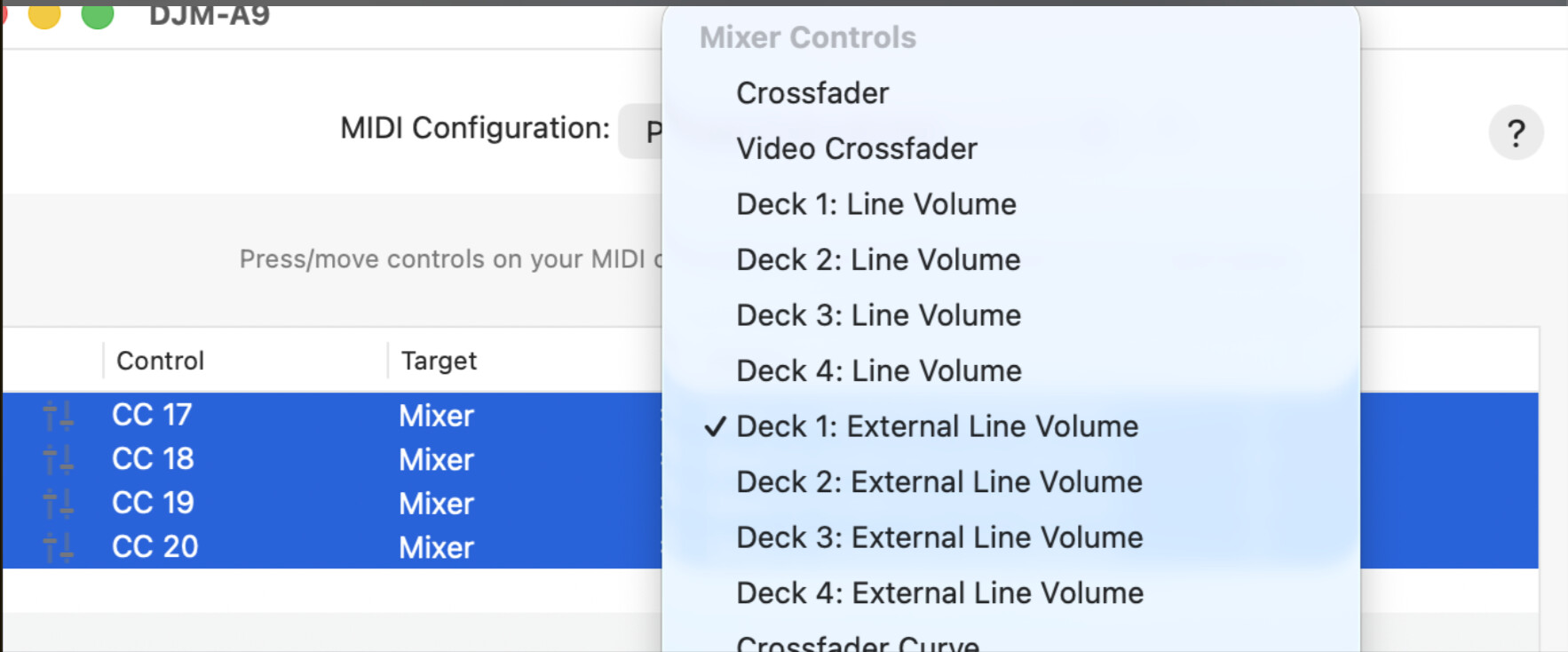
Yes, this is the definite solution! I can confirm it works with DJM 750 MK2.
Is there any chance in near future to include instructional pdf for each piece of supported gear, like the one on Serato page?
I could not figure out why DJM A9 was doing weird stuff with sync, untill i saw the midi map.
Hi @ytmusic, glad that helped. I will forward your pdf suggestion to the team for consideration in the future.
1 Like


