NOTE: Please use the search function above before posting to avoid creating duplicate topics.
- Device model (MacBook Air M2 & iPad Air 5):
- Version of operating system (e.g. macOS 26.2/iOS 26.2):
- Version of djay (e.g. 5.6.1):
- Hardware/controllers used (e.g. Denon MC6000MK2):
- Hardware firmware version (the last one):
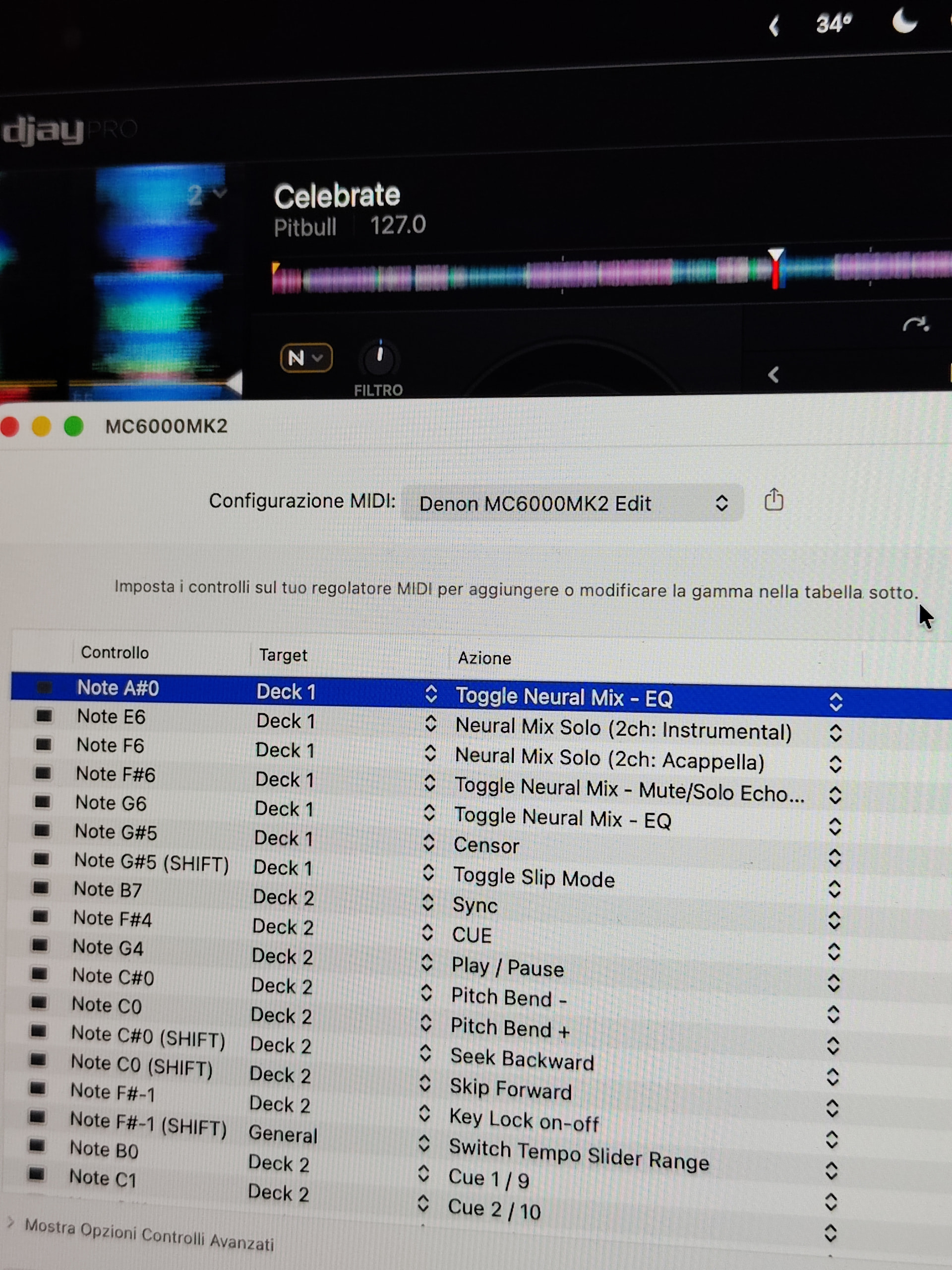
- Please consider sharing a short video or screenshots to help clarify your question
YOUR QUESTION:
Could someone help me set these two Filter knobs to work like they do with Serato?
Currently, this is how they work with the basic mapping without any modifications on both Mac and iPad. It almost seems like it’s not making contact, and often, for the left knob, I’m forced to first do a bit of LPF to activate it and then go to HPF (see attached videos). 
I’d simply like them to work like they do with Serato, so the button activates and deactivates the Filter and the knobs adjust the LPF/HPF filter.
Thanks!
PS: I tested the console with Serato DJ Lite, and the knobs work perfectly, so a malfunction can be ruled out.