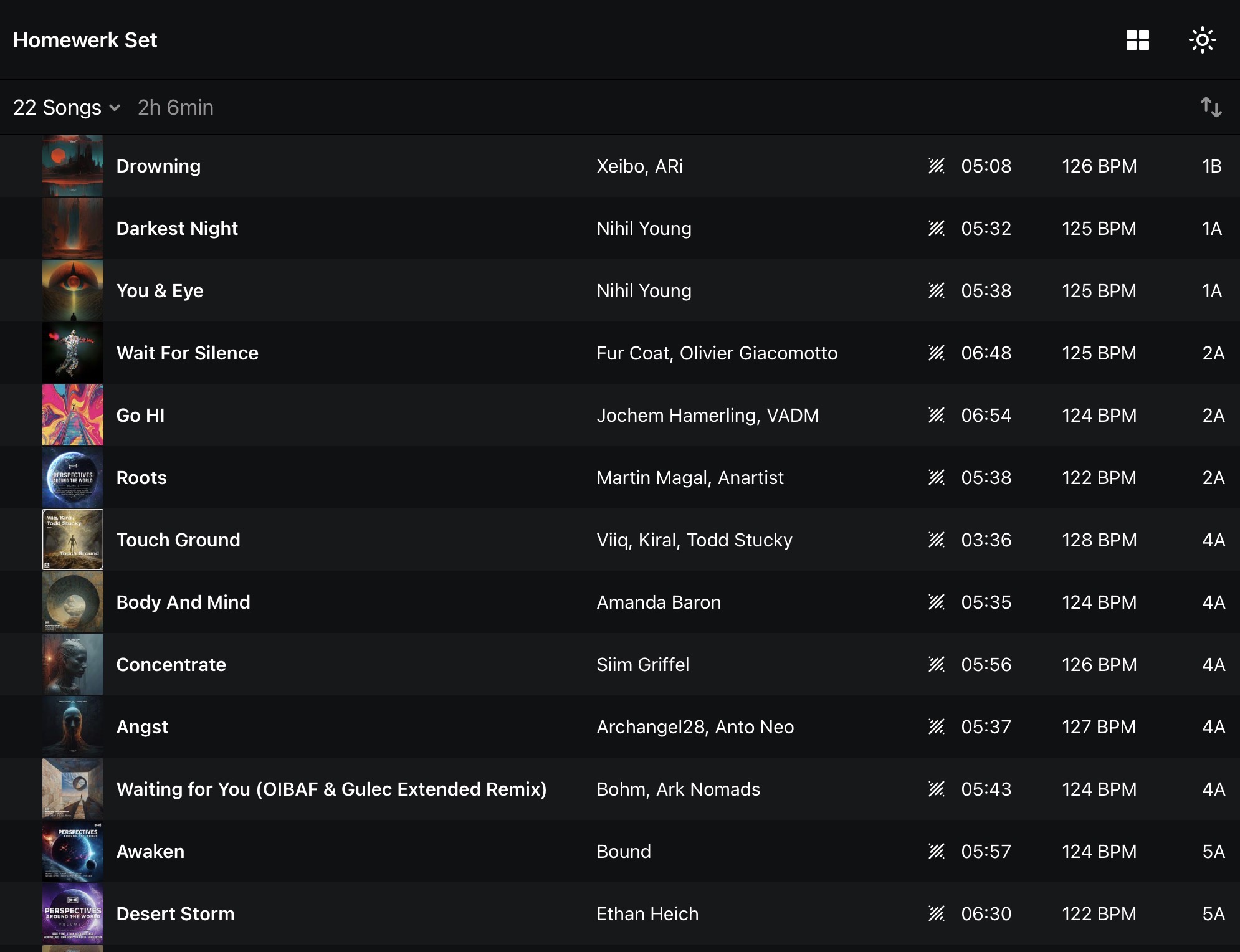
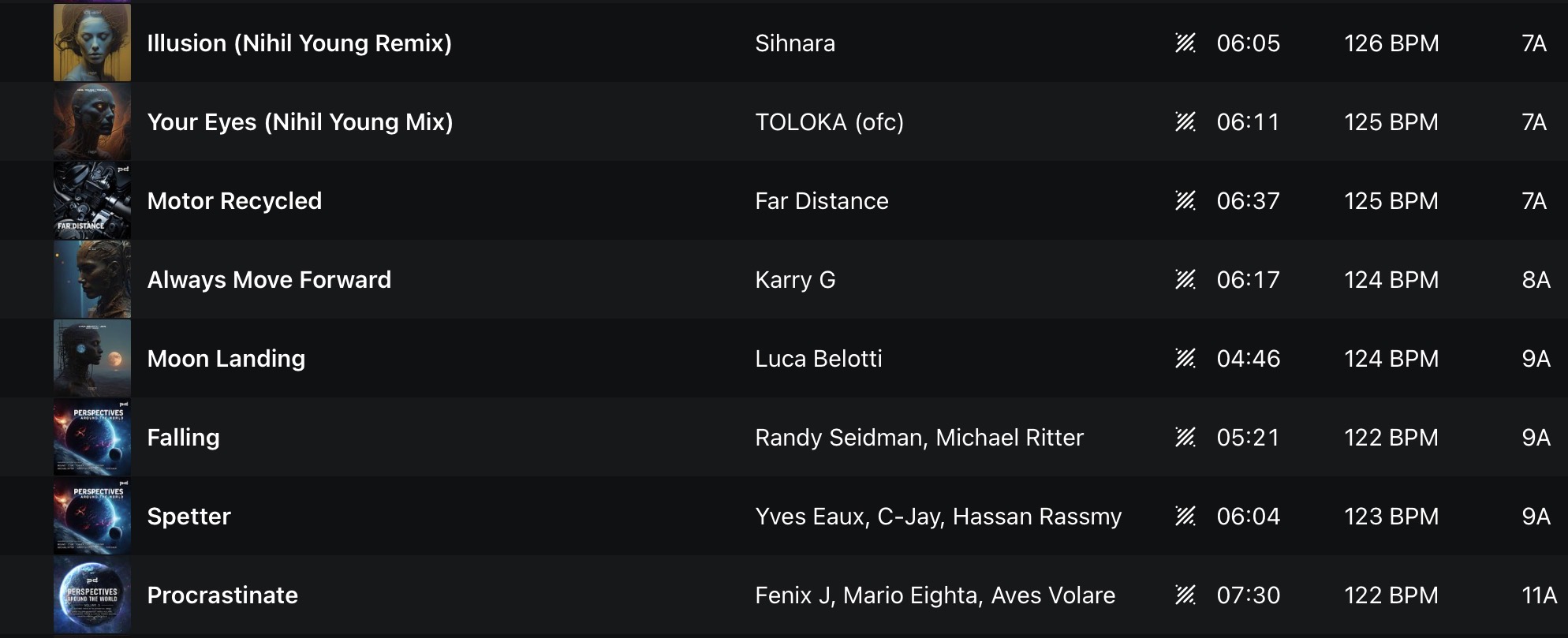
Hey everyone! Our entire support team recently participated in a fun djay mixing challenge. Personally, I really enjoyed the process. So, I thought it would be fun to share it here for you to have a go at as well. I’ll post the guidelines we used below, but please feel free to suggest other interesting ideas like incorporating the Looper, Sampler, 3 Decks, etc.. I hope you enjoy this as much as I did!
Record at least a 30 minute mix in djay, using a variety of features / FX.
Remember this is supposed to be fun, so don’t worry about making a perfect mix. I recorded mine in one go and there are definitely some mistakes in there. The important thing is to use some new features, do some crate digging in the djay Music Collection, and simply record and share something.
Here are the user manuals to look up any features you’re not familiar with yet:
- macOS: djay Pro for Mac | Algoriddim Support
- iOS: djay for iOS | Algoriddim Support
- Windows: djay Pro for Windows | Algoriddim Support
 Music Sources
 Mix tracks from your Local Music library as well as tracks from the included djay Music Collection (yes you can record when using djay Music!).
 Neural Mix
-
Use Neural Mix on at least one track
-
Perform at least one live vocal, drum, or instrument isolation (fade, mute, or EQ)
-
Transition between tracks using Neural Mix elements (e.g. vocals over incoming track)
 Mixing & Transitions
-
Perform at least one manual beatmatch.
-
Use Sync for at least one transition
-
Use regular EQ mixing (not just crossfader-only transitions)
-
Perform one long blend (30+ seconds)
 FX & Sound Shaping
-
Use at least two different FX (e.g. Echo, Reverb, Filter)
-
Apply FX in time with the beat
-
Use FX routing on a Neural Mix stem (vocals, drums, or instruments)
-
Perform one FX-based transition using the Crossfader FX
 Performance Tools
-
Use Loops at least once
-
Use Pad / Bounce loops at least once
-
Use Reverse at least once (this Instant FX is named “Twist” in djay)
Happy mixing! Looking forward to hearing everyone’s submission