


Thanks for the boost +3 and +6dB on outputs! I struggle with being able to hear the headphones in many settings - I’m maxed out and I guess my controller just hasn’t got the power. Having this boost for the headphones would also be useful.
Hi @djandrewmarston, here are some things to check:
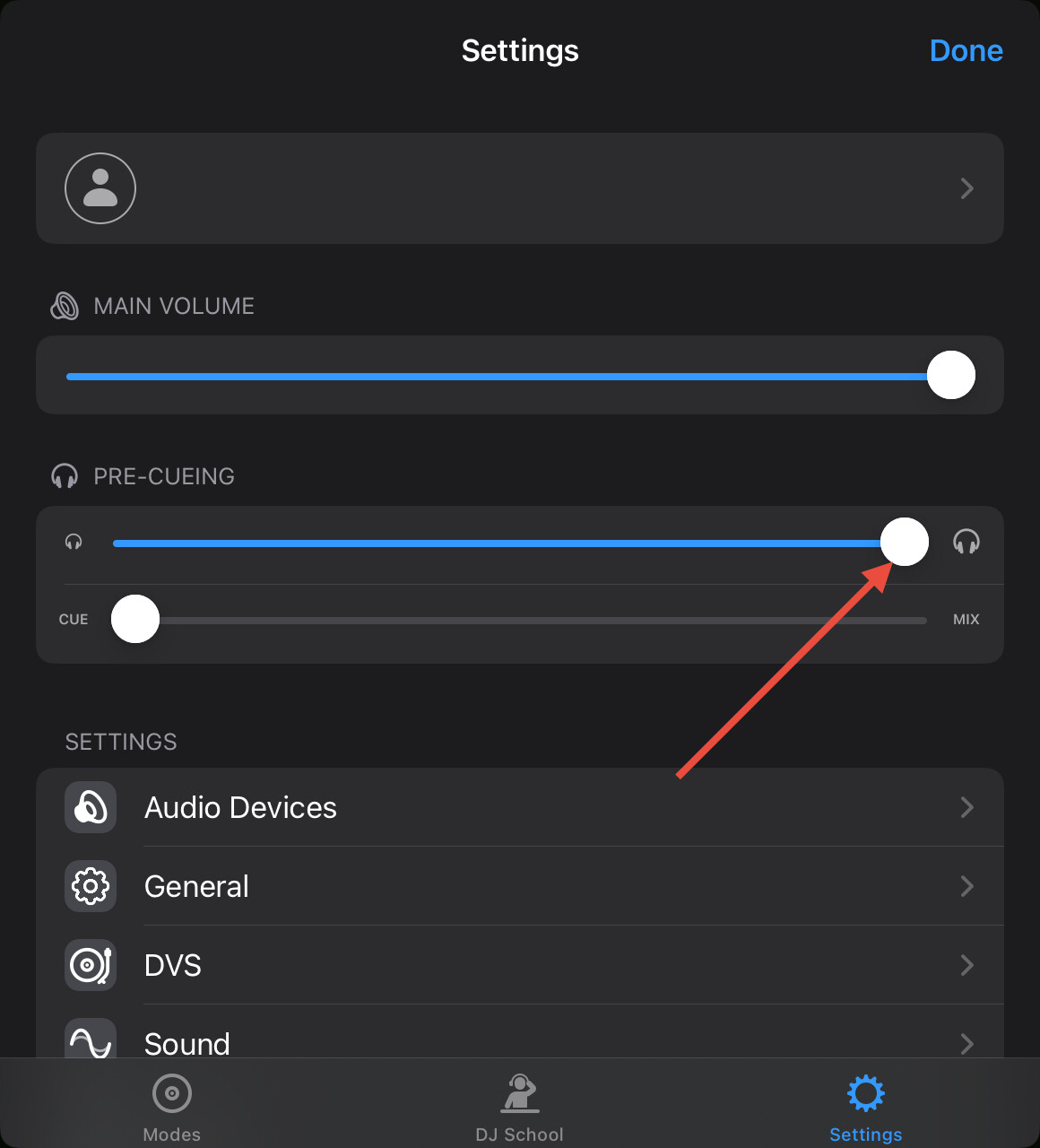
- Make sure the headphone slider is maximized when your DJ controller is connected to your iOS device (see below).
- If your DJ controller has it’s own power supply, make sure to connect it so you aren’t relying entirely on USB bus power from your iOS device.
- If your controller doesn’t have it’s own power supply, make sure you use a powered hub/adapter for your iOS device and use a power brick that can supply enough power for your iOS device and DJ controller.
- If none of this helps, you could try some different headphones.
Thank you.
- Yes, at max - and on the controller (both do the same thing - move the one, it moves the other)
- It’s the MixTrack Pro, so doesn’t support it. But I do have a powered USB hub which helps power that and my iPad.
- As above, it’s 65W
- I’ve tried three pairs, but they’re all Sony. So I may need to go looking at other brands.
You’re welcome @djandrewmarston. Could be a limitation of your Mixtrack Pro then. I remember years ago I had a NI controller with pretty low headphone output. When I switch to a different controller with the same headphones the maximum output was way higher. Have you tested your headphones with any different controllers?
I did a quick search online and found some other Mixtrack Pro users complaining about low headphone output volume.
I think it’s a combination of both. They’re not as loud as other branded headphones, but equally - can be cranked very high on other outputs.
Hence the idea of a 6dB boost for headphones; even if it pushes it into the red for those club gigs where some level of distortion on the kick doesn’t matter as it isn’t public-facing.
1 Like


