Hi @djtom, welcome to the Community! Sorry to hear you’re experiencing this issue. Thanks for the details about the issue and your setup - this is very helpful. If possible, can you please capture and share a video of this? It sounds like you might be trying to split the audio between the Quest 3 built in speakers and the T7 main output. I want to make sure I fully understand what’s happening. Thanks!
No I want to split the audio between the T7 main output and headphone output just like in the desktop version. I dont want to hear anything through the Quest speakers.
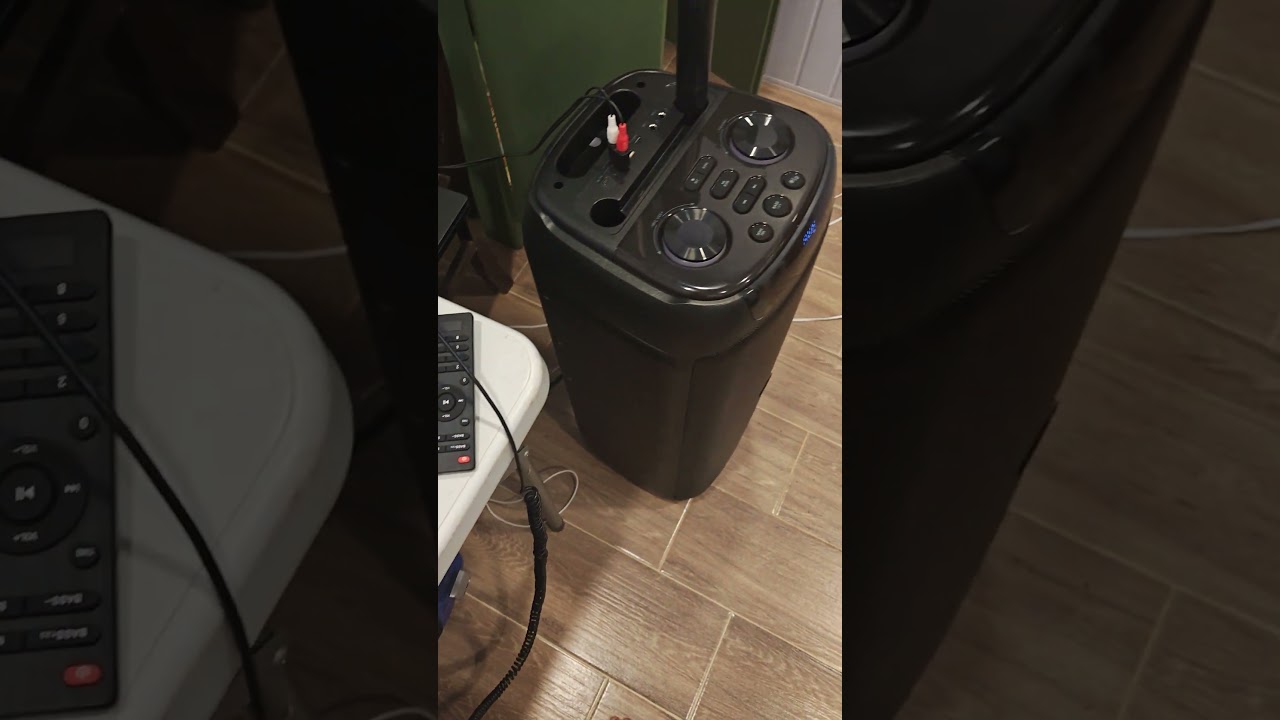
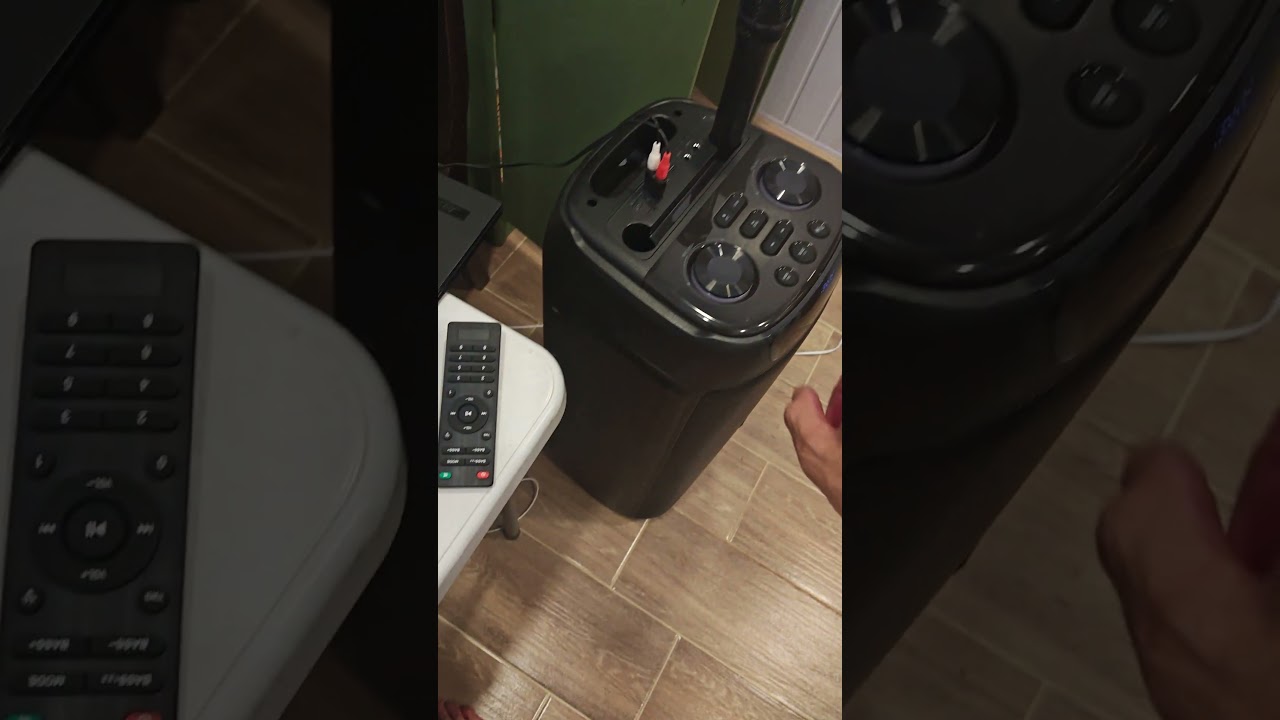
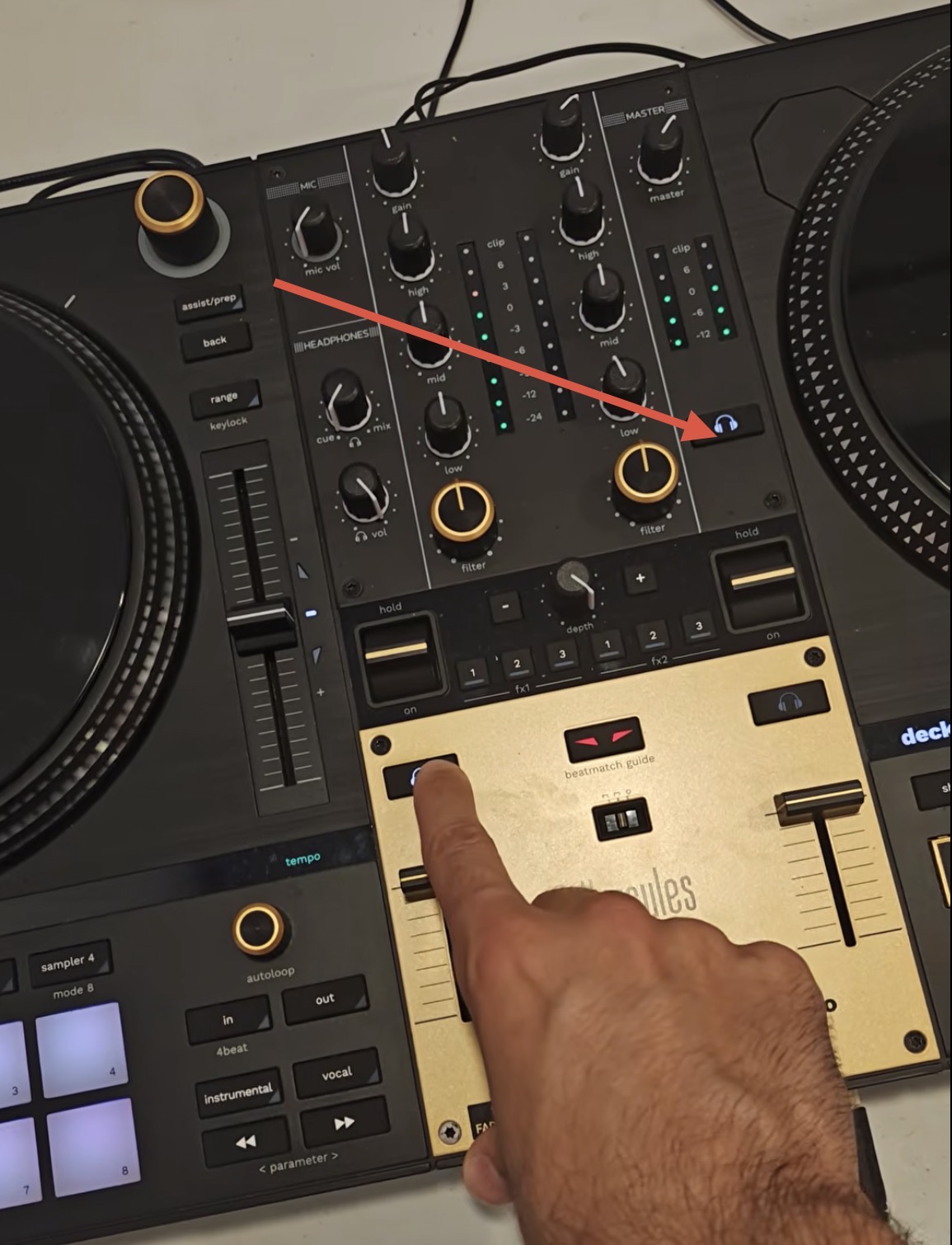
Here is a video of the issue, hope it’s clear enough (sorry about my English)
Additionally there is another issue where the headphones only play if the cue/mix potentiometer is set to “mix”. In “cue” nothing goes out of the headphones. Not sure if its related to the other issue but just in case.
Do you have another USB-B to C cable you can test with?
If you launch djay on the Quest 3 without the T7 connected then connect the T7 via direct USB cable,l after djay is running, what audio options do you get?
I don’t have more cables, but I think if already with 2 different cables the issue is the same, it should not be the cable?
When I launch Djay and then connect T7, I get the pop up to choose between Headset audio or Controller audio. Curiously enough, it doesn’t matter which one I choose, the audio always goes through the controller (and with the same problem as shown in the videos). Even if choosing Headset audio, there is no audio coming out of the headset, only through the controller.
If I disconnect the cable then the audio goes out through the headset as expected.
A correction about this - if I disable the Master Headphone Cue, then I never hear anything out of the headphones, no matter if the potentiometer is in Cue or Mix. But the pre-listen audio still comes out through the main channel out of the AUX speaker.
Thanks for the additional info @djtom. USB-A to C adapters can be pretty unreliable so I wouldn’t really count your other cable setup. If you don’t have another high-quality USB-B to C cable to test, then you could try uninstalling djay, reboot the Quest 3 and reinstall djay. In the meantime, I’ll share this with our hardware team to see if they can reproduce the issue on the same setup.
Thanks for sharing @djtom. You are correct. It looks like a recent Horizon OS update has introduced an audio issue when connecting MIDI controllers to the headset. This does not appear to be hardware device specific or app specific. I’ll see if I can get more information from our dev team. Thanks!
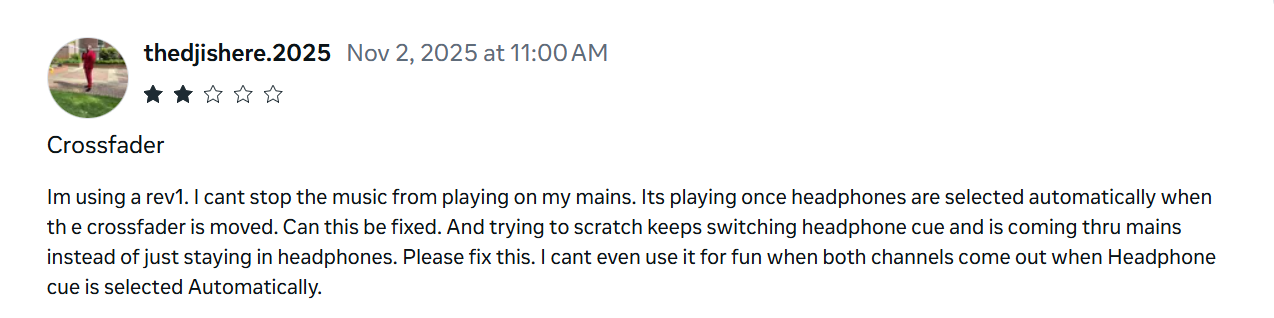
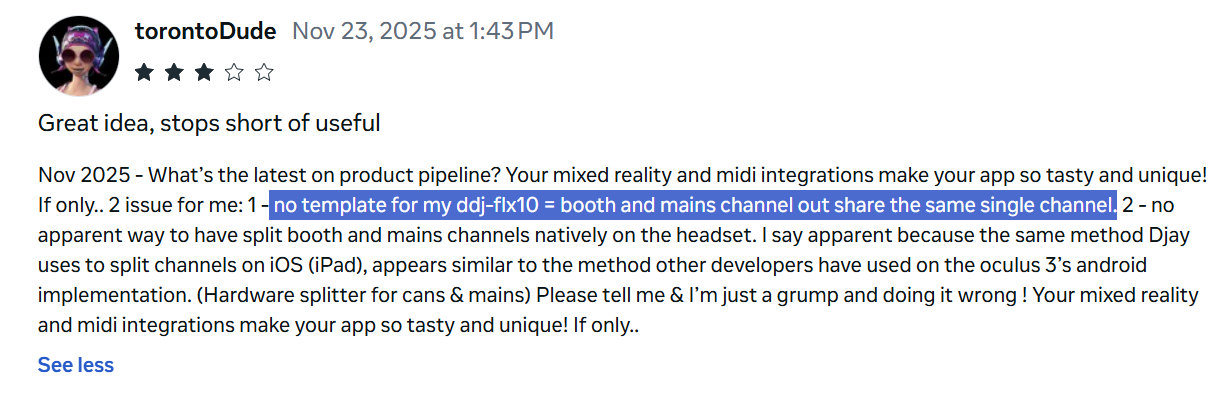
Hello again @djtom. I did some more digging. It looks like multi-channel audio support has been dropped in Horizon OS. Our development team is working on some options to at least disable pre-cueing so it doesn’t blend with the main output. I will share more news here when I have it. Thanks!
Sorry to hear that you were unable to rollback the OS. Unfortunately, this seems to be the case unless Horizon OS brings back multi-channel audio support via the USB-C connector. As I said, our team is looking into options, but we don’t have any timelines to share right now.
Perhaps it would it be possible to have headphone audio come out the Quest headset, with main audio coming out of the DJ console? That might be enough as the Quest has a jack output for headphones that could be used in that way.
I made a test Quest app to try this approach, and these are my findings:
These 3 devices CAN play audio in parallel independently:
Quest in-built speakers
Bluetooth headset
DJ Console (USB soundcard)
So I could play a different sound through each of them at the same time independently.
These devices could NOT play audio at the same time:
Quest headphone JACK output - When connecting a headphone through the 3.5mm jack, all audio gets routed through it, including DJ Console audio (no audio plays through the DJ Console anymore)
Different channels of the DJ Console (4 channels are detected but all the channels play through the main output)
So it seems the only feasible way is to use a low-latency Bluetooth headphones for pre-listening, as the Quest in-built headphones are not really loud enough to be useful in a club setting.
I can share the test app with your engineers if that would be useful.
Thanks for the detailed troubleshooting and additional info @djtom. This is very helpful. I’ll share this with our engineering team and let you know if they’d like a copy of your test app. Thanks again!