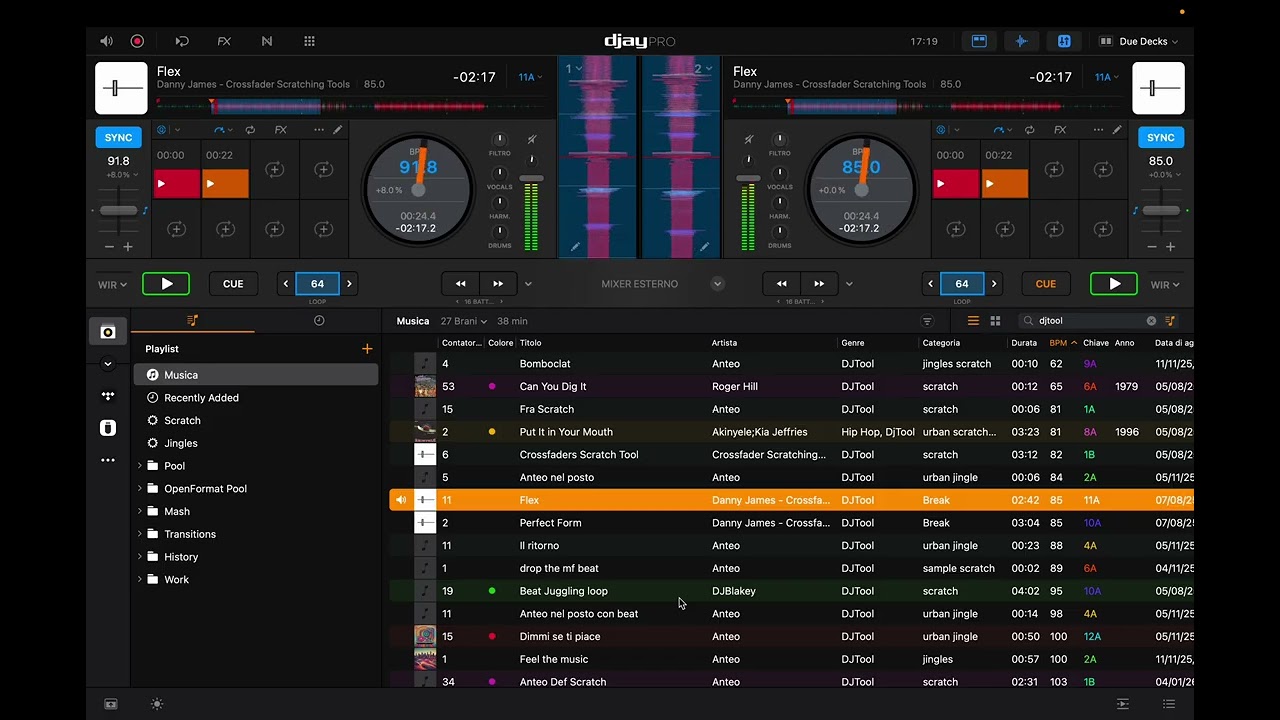
Here is also the video you asked me. Firmware version 1.06, Djay 5.6.2, Standard Midi Map.
Deck 2 was playing, I loaded deck 1 as instant doubles, put the crossfader in the middle, pressed sync on deck1, assigned master tempo to deck 1, then started to lower and raise the tempo with the tempo slider on platter 1.
Making this video I understand now a big difference, which can be obvious for a lot of people but for me it wasnt, even if I start to play a song on a deck, if at some point I hold the vynil to manipulate, scratch or drop it when I need it, and the fader is still on the other deck, with DVS and HID DJayPro can’t understand the master tempo. This can’t be seen on a controller cause if you hold the jog you still send an event when you press the play button so DJay knows what is playing or not.
I still want to dig deeper as I believe this is not the bottom of it but as far as I know now I have to say that the master tempo can be considered working fine.
I don’t understand how midi mapping and firmware could affect this kind of test but since you asked I know you know better and I complied, I still believe it’s happening the same in the other conditions. The difference I believe is that I made the test to adhere perfectly to your directions. Anyway this is really not important, I’d like to understand everything in the world but I have to take this as it is.
Besides from that Sync still has some issues as you can observe by yourself in the video, even tho I admit this was a pretty extreme scenario you can see happening a lot of weird situations.
Also by the end of the video, you will see that I switched the master tempo back again on deck 2 that’s why you’ll see a different behavior.
Last question, is there some log that we should extract to provide better directions when rootcausing an issue? In case I’d add the log to the next video when I find other stuff.