I’m using Djay Pro with a Pioneer DDJ-REV7, Phase DJ, and two Technics 1200MK2 turntables. I managed to configure all four decks with the REV7, but I noticed that HID with Phase DJ on decks 3 and 4 isn’t working; it only works on decks 1 and 2. I have both turntables connected with Phase DJ on decks 3 and 4, and I’d like to use them wirelessly.
I am using the Windows PC platform
Hi @djcanitamix, when creating new topics, please do not forget to answer the questions in our template with specific details about your setup not just “iPad” or “Latest Version”. This helps all of our community moderators to provide the most effective support to users with the utmost efficiency. Thanks!
Device Model (ex. 2020 iPad Air 4th Gen):
Version of operating system (ex. iOS 17.3.1):
Version of djay (ex. 5.1.3):
Hardware/controllers used (ex. Reloop Ready):
Hardware Firmware Version (ex. 2.7):
Since this sounds repeatable, can you please capture and share a short video of the issue to help clarify what’s happening? Thanks!
Excuse me.
I have a question.
Is there a way to ask a question without having to create a new thread?
Because creating a thread requires too many prerequisites. If you read my message carefully, I describe the hardwares and platform I’m using. I omitted the Djay Pro version because it’s assumed that one is always working with the latest version.
Another thing, regarding my question: I’m referring to the latest version of Djay Pro for Windows. I see there’s a big difference between the PC and Mac versions, something I still don’t understand. I’ve been working with DAW programs for a long time, and everything I find on PC is also available on Mac. Please excuse my English, as I’m Latin American and using a translator. At least on PC, Phase DJ Essentials with the latest firmware only works wirelessly with decks 1 and 2. The wireless option isn’t enabled for decks 3 and 4.
Hi again @djcanitamix,
- If you want your questions answered as quickly as possible, it’s best to simply fill out all of the requested information in the topic template. If you don’t provide this in the beginning we will ask you for it and this makes the whole process slower.
- Please note that not all users are running the “latest version” of their software or firmware, so we cannot simply assume this is the case.
- In most cases we need to know exactly what version numbers you are using for your OS, djay software and firmware so that we can try to reproduce your issue on similar setups. Very often, issues/questions are related to a specific OS, or certain djay version, or a particular firmware version. Providing this information at the start makes it easier and more efficient for our Support and Engineering teams to help you.
So, please share this information along with a short video as requested. Thanks!
Please note that while we’re aiming for cross-platform future parity, the djay apps on different platforms (macOS, iOS, Windows, Windows ARM, Android, Meta Quest, VisionOS) are developed individually and therefore offer different features. We appreciate your feedback and I will pass it onto the dev team.
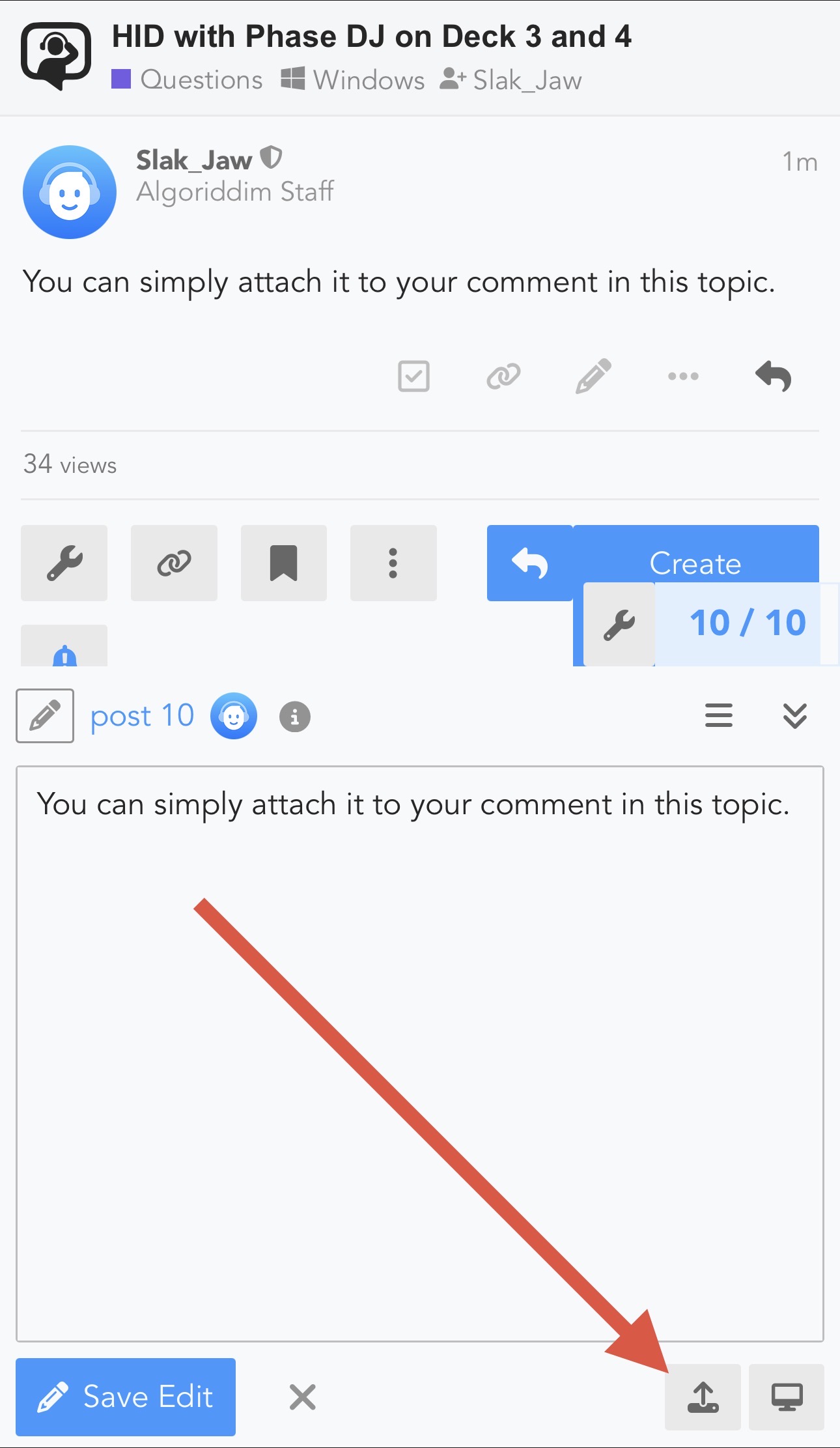
Hello again, how can I send you the short video?