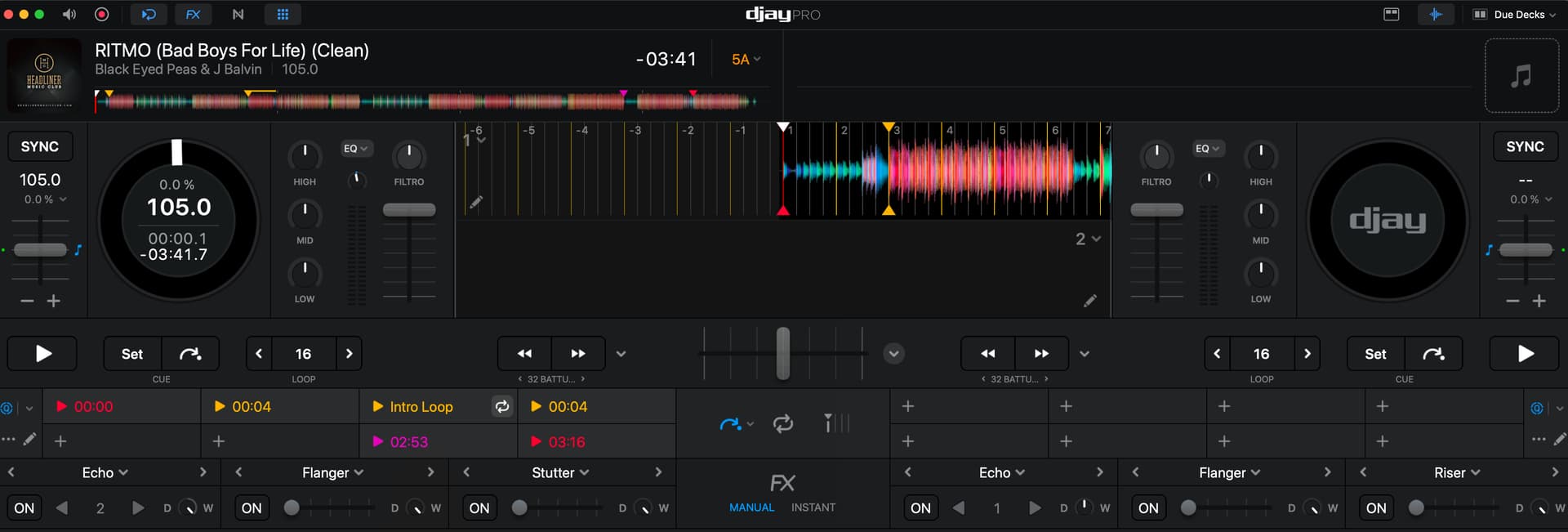
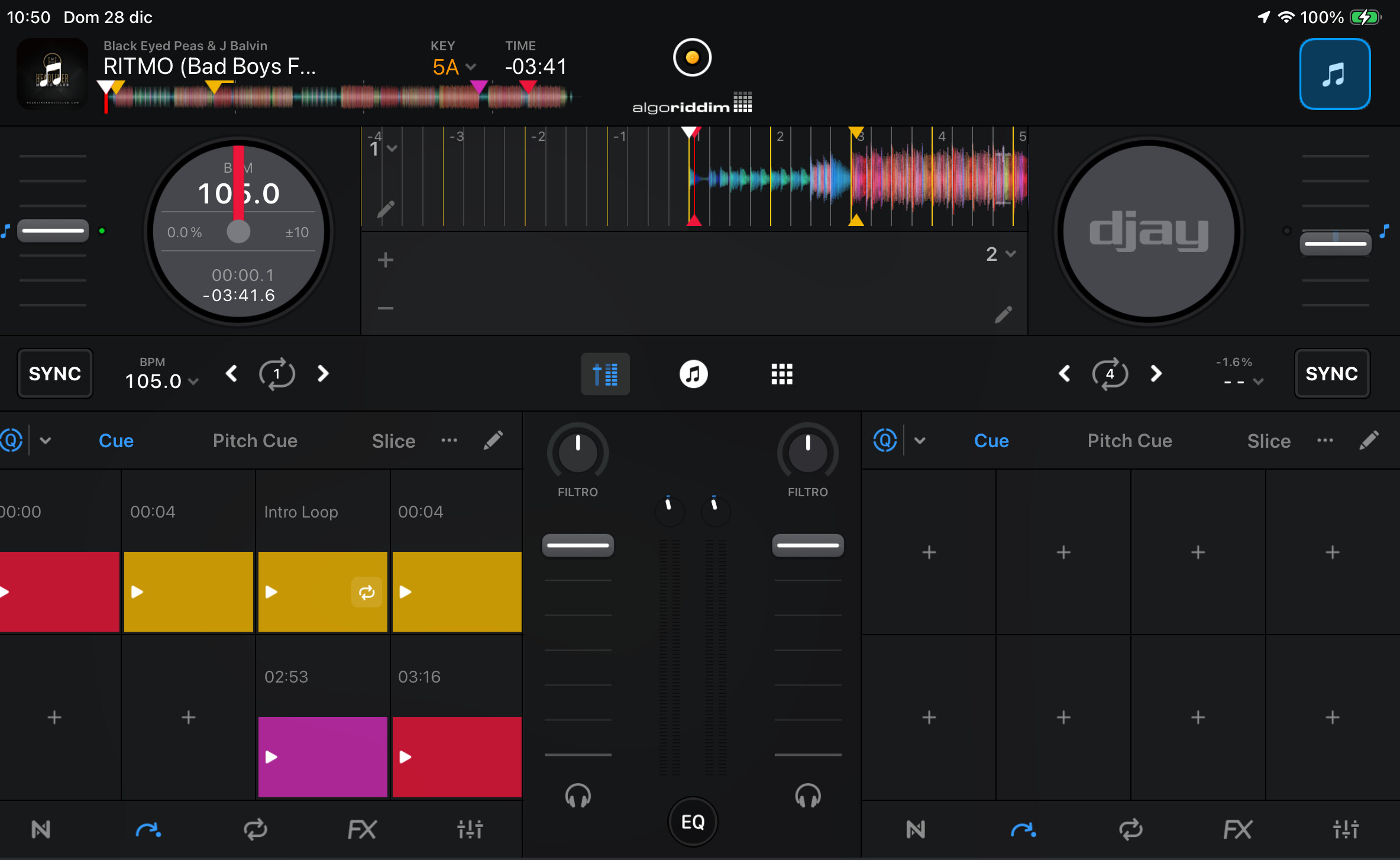
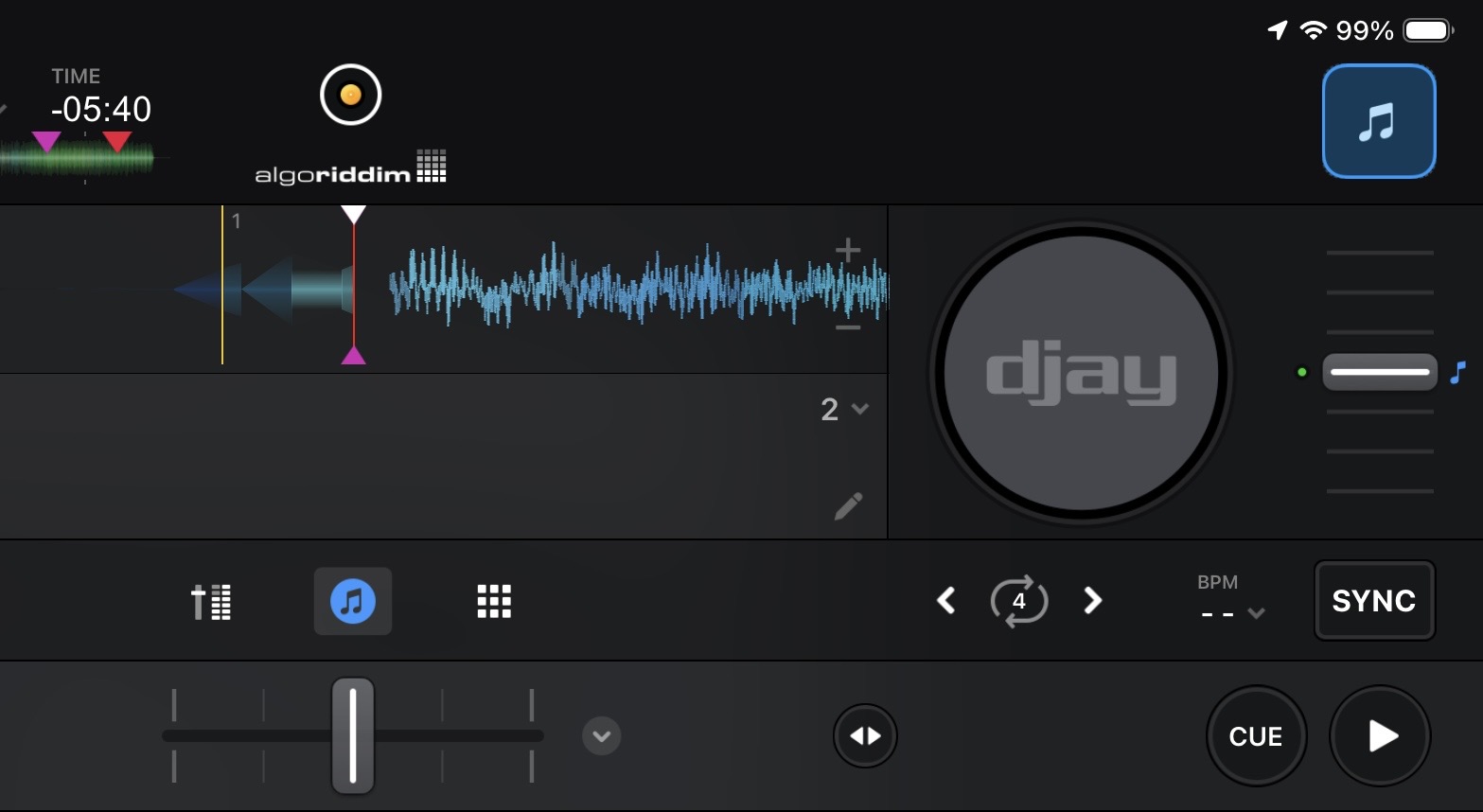
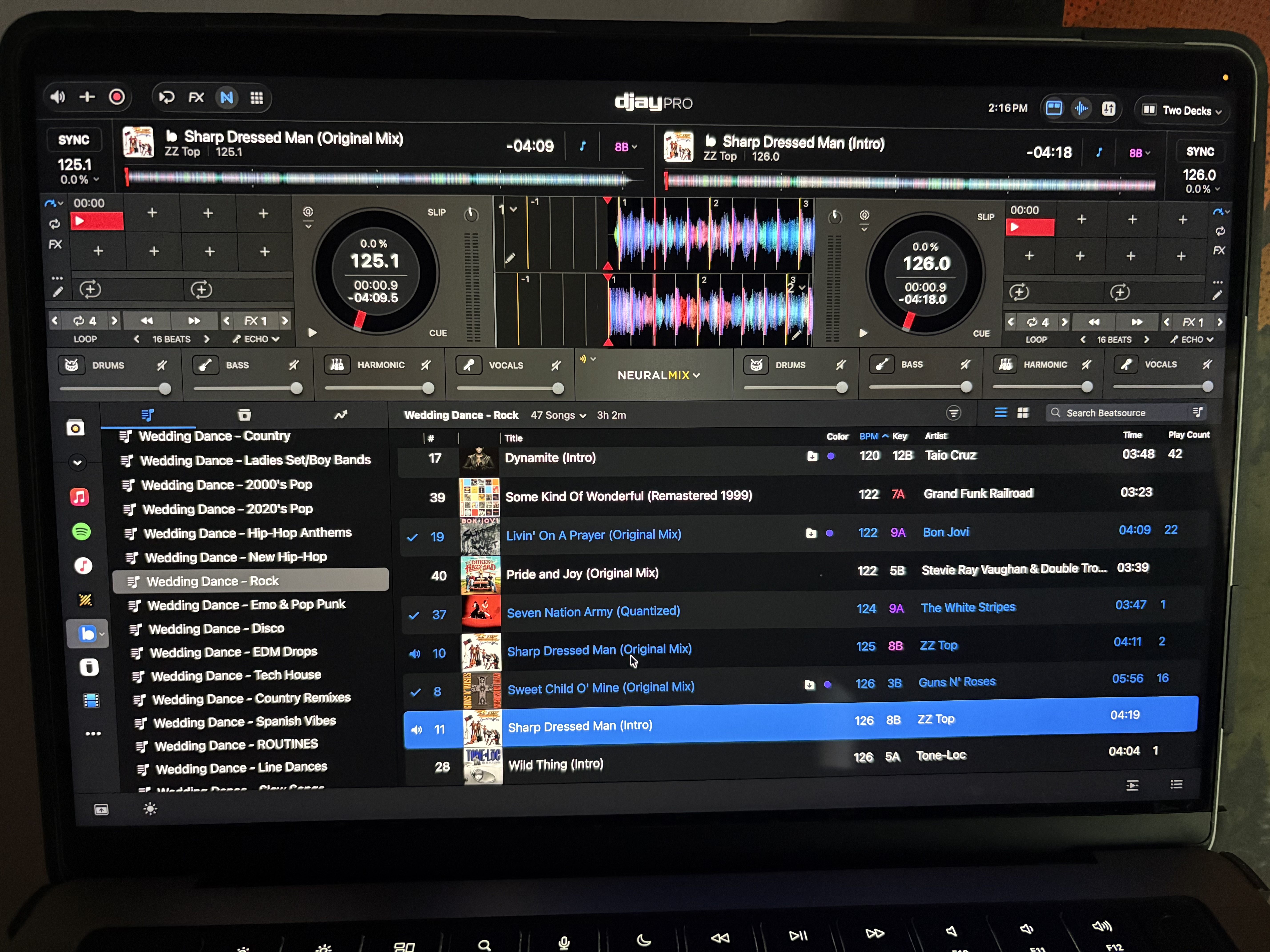
Hello, I’m having a problem with hot cues saved on my Mac, which aren’t accurate on my iPad. It seems that iCloud Sync does not works properly. Note that quantize is enabled on both, and it only does it on some songs, not all of them. I’m using Apple music Streaming.
Hi @Bassbara, welcome to the Community! Are you also on macOS 26.2 and djay 5.6.1 on your Mac?
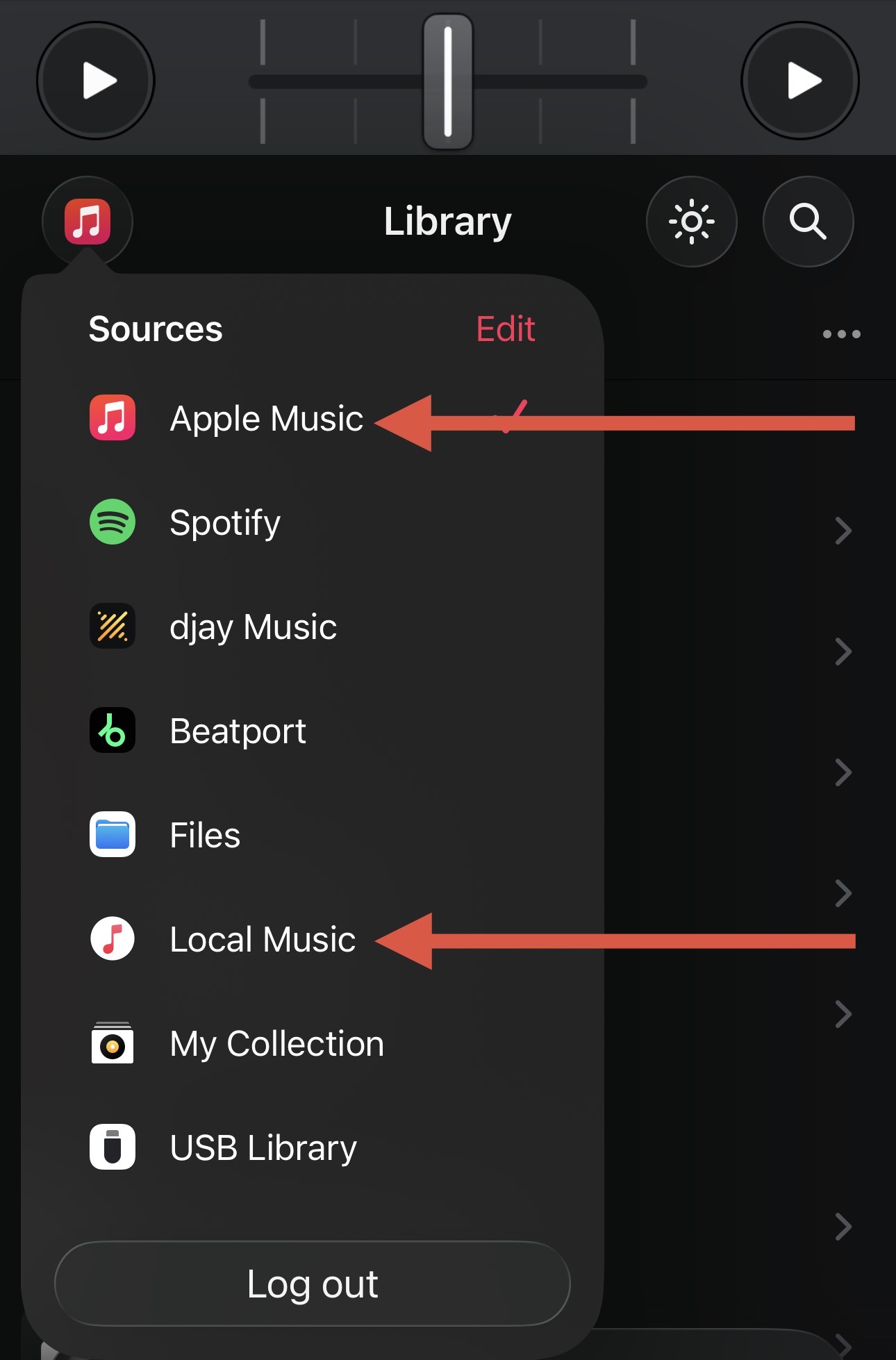
Please confirm that you are only using the Apple Music Streaming source both on your Mac and iPad and not Local Music on your Mac. I suspect you actually have some Local Music versions of some of your songs on macOS. If you add your Hot Cues to the Local Music versions instead of the Apple Music Streaming versions this can result in the offset you are observing due to differences in encoding.
Hi Slack_Jaw and tnx for yor answer.
On my Mac I’m on the same version of Djay Pro.
For using my local music also on iPad, without transferring songs physically, I’ve activated the “Sharing Apple Music” service (once called iTunes match) then i’ve copied the media library from Mac to iPad, to have My Collection Playlists on both devices, in this way i can prepare my music on Mac ready to use on iPad.
Something may not have been properly set up probably because I started preparing my music on local and only after a bit I decided to use the Sharing Apple Music service??
I tried your advice, at the beginning it works but after a bit songs on iPad again get the problem…
Thanks
You’re welcome @Bassbara. Thanks for the additional clarification on your workflow. Unfortunately, what you are experiencing is somewhat expected behaviour. One of the features of djay, is it will attempt to match your save hot cues and loops between different sources of the same song if they are a close match. However, if these songs are not identical (exact same length, same encoding, same audio quality, etc.), there can be small mismatches in where the hot cues are placed. The best way to avoid this, is to strictly stick with one music source only between your two devices and to never change the streaming quality settings.
In my experience, as long as you are using Quantize settings of 1/2 or 1 beat, having your hot cues slightly off the beatgrid doesn’t usually cause issues during performance. For the songs where this is an issue, I’ve found that it’s pretty quick to simply clear then re-set the hot cues. I hope that helps!
Thanks
I use the same source, and on both my Mac and iPad I’m playing the exact same song from Apple Music…
The streaming quality settings are identical on both Mac and iPad.
The quantization is set to 1 beat, but on a couple of songs the hot cues are misaligned.
Thanks for the additional info @Bassbara. I will share all of this with our engineering team when they return from holidays to see if they have any further recommendations. Thanks!
You’re welcome. In general, I would not recommend using the “Sharing Apple Music”/“iTunes Match” feature and I suspect this is the main cause of your issue. This is most likely resulting in some mismatches between the actual Local Music song file on your Mac and the file on your iPad.
That could be the cause, but most songs work fine.
I noticed that one of the problematic songs has a vocal that starts a few milliseconds before the first beat. Maybe that’s causing the conflict?
the song is identical, because it’s a particular remix that i’ve uploaded using Sharing Apple Music and the vocal that starts milliseconds before it’s on both mac and iPad
Yes, I think the problem lies in the milliseconds before the first beat, because I noticed that in another song where there’s sound before the first beat, the same problem occurs, shifting the hotcues by precisely those milliseconds, while in songs that start properly on 1beat it doesn’t
this “distance” replicate in every hot cues, the same distance along all the song.
I’m attaching a photo to show you.
It doesn’t do this on the Mac, but the problem occurs only on the iPad.
This is an interesting observation and very helpful @Bassbara. I will share this with our engineering team as well. Can you please confirm if this is the case will all songs that have the misaligned Hot Cue on iOS? Thanks!
I’ve analized some songs and I may say yes, all songs with misaligned hot cues have a sound before the first transient and the cue is not where it should be.
It happens only using streaming. I tried to copy a song phisically on ipad and the hot cues are correct
This happens with Beatsource too. I’d say it’s 90% accurate, and to me that’s still amazing. I used serato for 10+ years and I would have killed for my cue points to transfer from one laptop to another.
With that being said, I still can’t figure out why djay pro cannot differentiate the metadata between intro edits and radio edits on most tracks. You can either have accurate cue points on an intro edit or the radio edit of a song, and for me I have different uses for both types of tracks. I’m probably never go back to my old software but for every place djay excels, I wish they could straighten this out.